Wild Flame for Home Assistant
Bring a Wild Flame smart fireplace into Home Assistant: local control with no cloud — power, flame level, fuel, and child lock, plus a safety-first design.
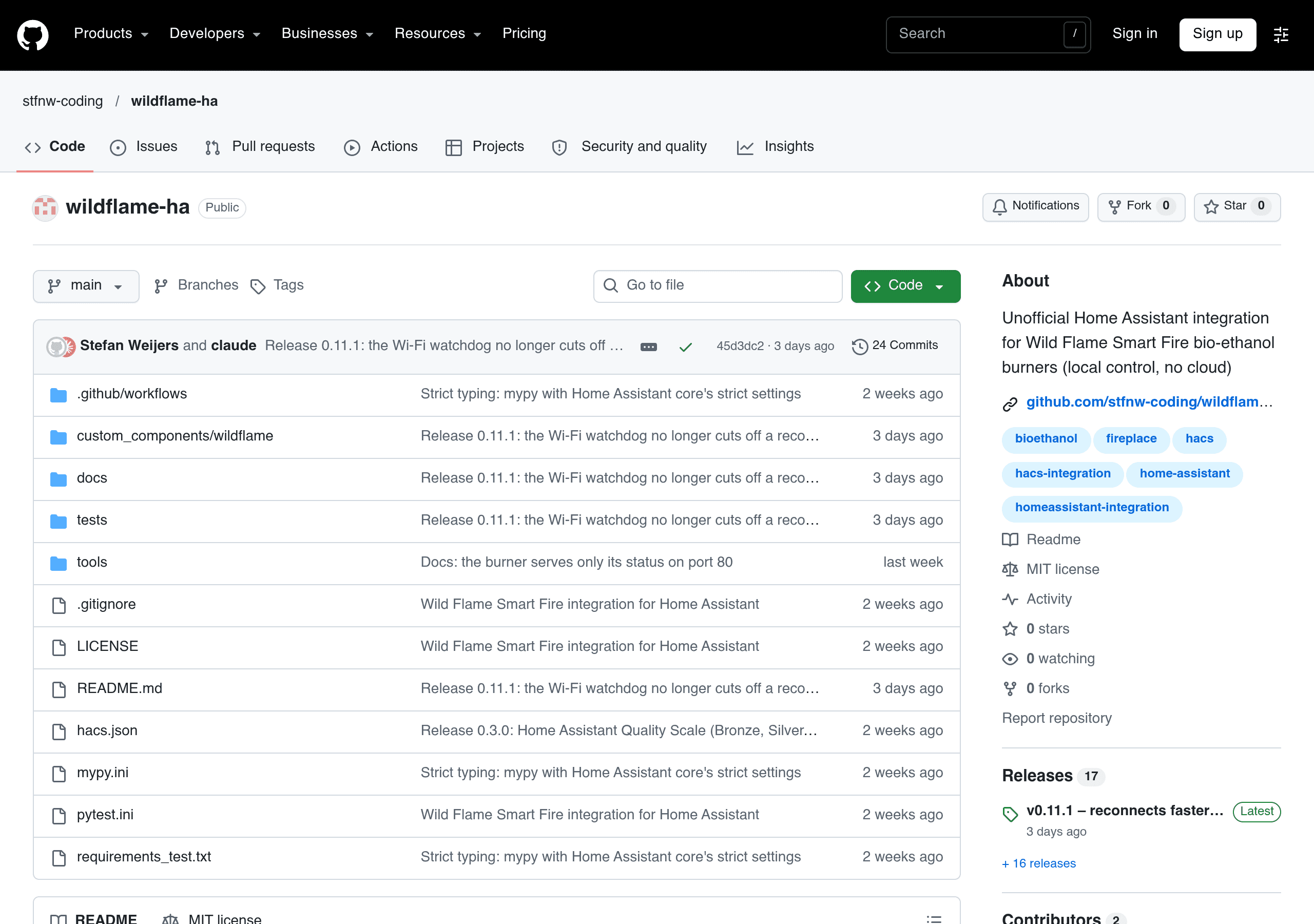
Wild Flame for Home Assistant is a Home Assistant integration for people with a Wild Flame smart bio-ethanol fireplace: no cloud involved — Home Assistant talks straight to the fireplace's own Wi-Fi, so you can switch it on and off from your phone, set flame level from 1 to 10, and check status, fuel, room temperature, and humidity. The author isn't a programmer himself, and he tested it on his own 80 cm Smart Fire A6 at home: power, flame level, and child lock all work from Home Assistant, and you can set auto shut-off — for example, turn itself off after 4 hours on; a reminder pops up when fuel drops below 10%. Status refreshes every 5 seconds, so anything changed on the fireplace itself or in the official app shows up in your home system within seconds. Because this controls a real flame, safety is done the most cautious way: the fireplace only accepts a “toggle power” command, so the integration reads the current state before every action, to avoid mistaking on for off; while cooling down, out of fuel, with the child lock on, or when the fireplace reports a status code the integration doesn't recognize, it refuses to start; and it never sends a second command within 30 seconds of the first, so a fire just lit doesn't get switched straight back off. Two things to be clear about upfront: first, this is an unofficial integration with no connection to Wild Flame, and the manufacturer won't support it; second, the fireplace doesn't join your home Wi-Fi — it opens its own hotspot, so the Home Assistant host needs a second way online (for example, a Raspberry Pi wired to your home network using its built-in Wi-Fi for the fireplace). Also, so far it's only been tested on the Smart Fire A6; the author says other models “probably work” but hasn't tested them.
 @潘亦舟