开发工具claude-code
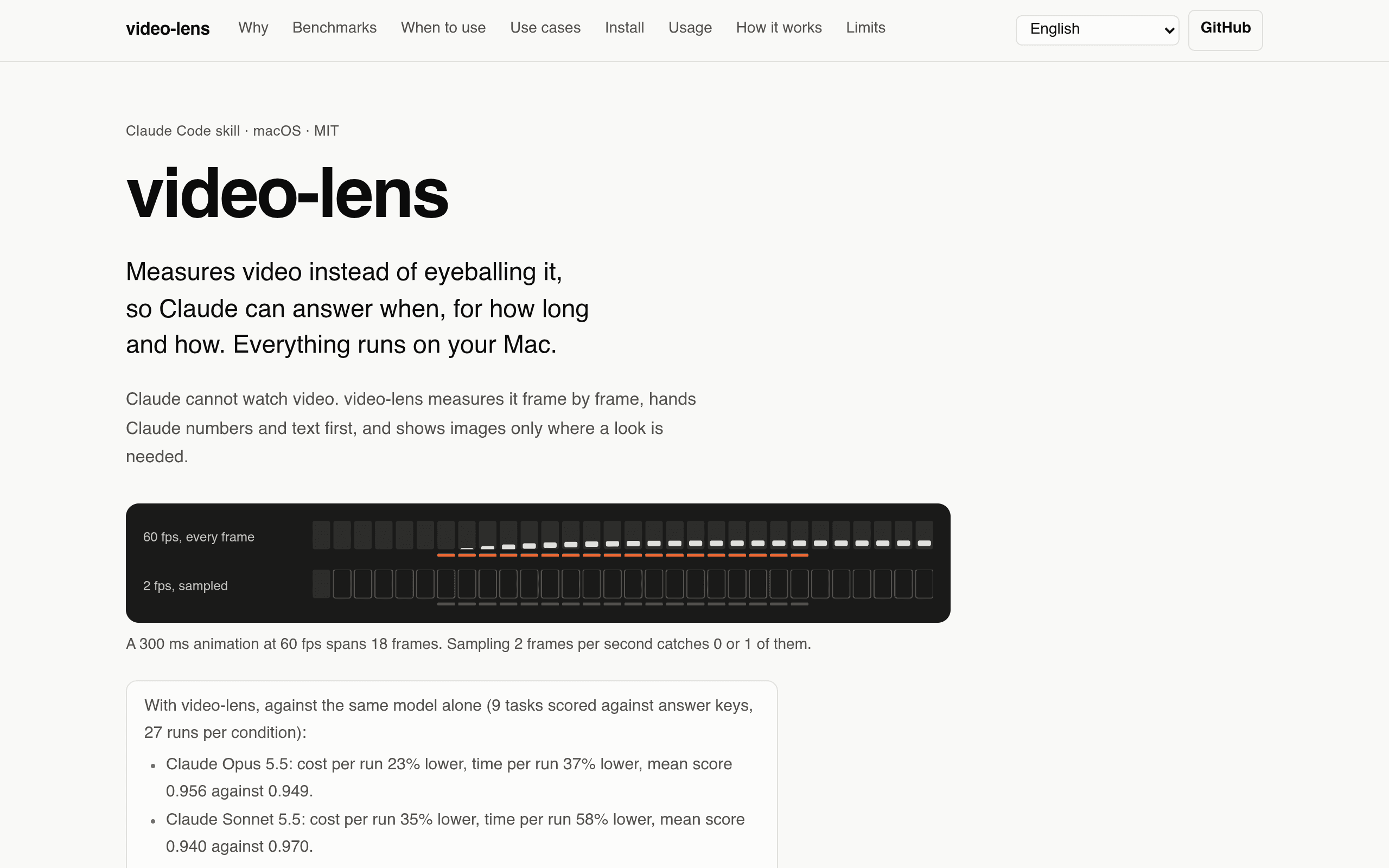
A Claude Code skill that measures video frame-by-frame on your Mac — animation timing as CSS, scene cuts, transcripts — nothing uploaded.
Claude cannot watch video. That single limitation spawns a whole category of hacks — sampling frames, uploading to transcription APIs, eyeballing timestamps. video-lens takes the opposite approach: it measures the video on your Mac, frame by frame, and hands Claude numbers and text first, images only where a look is actually needed. Ask it to analyze a screen recording and you get UI motion as data: start time, duration, easing curve (named or cubic-bezier), stagger and travel of each animated element — measured to the frame and written out as CSS you can paste. Ask about a talk and you get scene cuts, keyframes, Korean and English on-screen text via macOS Vision, and a speech transcript with audio/video sync, all timestamped. Everything runs locally — ffmpeg, OpenCV, Apple on-device speech, whisper.cpp — nothing is uploaded, which also makes it the right tool for private meetings. What elevates this above a weekend script is the author's testing discipline: 9 tasks scored against answer keys, 27 runs per condition, published with raw data. A 300 ms toast animation rendered from real CSS measured 298 ms with the exact cubic-bezier curve. Against the model alone, Claude Opus 5.5 runs cost 23% less and finished 37% faster; Sonnet 5.5 saved 35% cost and 58% time. And the build story is the site's thesis in miniature — spec, Python analysis, Swift helpers, 60 synthetic test clips and the whole benchmark harness written with Claude Code on Opus 5.5, the human choosing what to track and verifying against answer keys. Install is two commands in Claude Code (/plugin marketplace add Junhan2/video-lens), macOS only, MIT licensed, with a nine-language docs site carrying interactive benchmark charts. Note: This project is curated by the VibeFix editors from public sources. All rights belong to the original creator. ---