Bubble's Adoption Story: Agent 2, MCP, and Universal Import Bring Vibe Apps into the Visual Editor
Bubble's October AMA ties three threads together: the rebuilt Agent 2, the Bubble MCP (beta) that works inside Claude and ChatGPT, and universal import turning Lovable, v0, and Replit apps into Bubble apps you can keep editing visually. Who maintains version one finally has a third answer.

In one sentence: a vibe app's second life now has an official doorway
On October 26, 2026, Bubble co-founder Emmanuel Straschnov used October's founder AMA and product demos to connect three things that had landed over the previous weeks into a single thread: the fully rebuilt Bubble AI Agent (Agent 2), the Bubble MCP (beta) that lets Claude and ChatGPT operate a Bubble app, and universal import — turning an app built with Lovable, v0, Replit, or similar tools into a Bubble app you can keep changing visually in the editor. In the AMA demo, an app a teammate had built with Base44 was imported with its workflows intact, ready to keep editing.
The significance of that thread is not one more doorway into "AI generates an app." It is an answer to a question that has long been dodged: what happens to a first version after it exists? The old answers were usually "keep changing it in code (which you may not be able to read), or start over." Bubble's third path is adoption: bring an existing vibe app into a visual platform so that someone who does not write code can keep changing it. For anyone who built a first version with Lovable, v0, or Replit and then got stuck on version two, this is a shift worth examining closely — with one warning attached: import is not magic, and workflows coming across does not mean data, permissions, and external services need no review.
What happened: three things, one AMA thread
First, the timeline. Bubble's Agent 2 launch post introduced Agent 2, the Bubble MCP (beta), and AI credits pricing; shortly afterward, in the October AMA, Straschnov demoed the rebuilt Agent, the MCP working inside Claude and ChatGPT, and the flow for importing apps built with other AI tools, then took community questions and announced the Launch Lab Buildathon winners. The AMA post is dated October 26, 2026 (the page records 2026-10-26T18:29:45Z), and this article's facts rest on those two official Bubble posts.
Agent 2 is the foundation of the change. Bubble describes it as a full rebuild of the Bubble AI Agent, covering both the interface and the AI behind it, now available to all users on all apps — including existing apps. The AMA demo focused on the two kinds of request that used to be hardest: adding a whole page or feature to a large, established app, and starting from a vague prompt. Agent 2's approach is to ask questions first, draft a plan, and have you approve each step — an experience Bubble itself compares to tools like Claude Code. That "clarify before building" order targets exactly the most common weakness of first-generation AI builders: they were too eager to produce a result, and translated a vague request directly into the wrong thing.
The performance figures need their source label up front. Bubble's launch post says that, compared with the Agent from three months earlier, Agent 2 is 1.5 times better at building exactly what the user asked and 2 times better at ensuring the result is fully functional, attributing part of that gain to the Agent running and learning from the issue checker in the background as it builds. These are the vendor's internal evaluation claims, not third-party benchmarks, and should be read with a discount — but the direction is credible: reliability on complex edits is the most testable claim Agent 2 makes over its predecessor.
Preview inside the editor: the Agent stays put instead of coming and going
The second change is small, but its effect on daily use may be the largest. The preview button used to open your app in a separate tab; now preview is its own tab inside the editor, with the Agent pinned on every tab. More importantly, you can preview as any user in your test database, seeing the app from different users' perspectives without switching accounts or fabricating data.
The practical meaning is a shorter edit loop. Before, it was "change in the design tab, switch to a new tab to see the result, come back and change again." Now it is "change while looking at the result, click an element, a workflow step, or a data field, and focus the Agent on exactly that piece." The AMA notes that Agent adoption has risen fairly dramatically since this change — again a vendor claim, but one whose logic holds: when the feedback loop goes from "jump across tabs" to "change what you see in place," people hand more edits to the Agent.
There is a learning benefit for newcomers, too. Straschnov's advice to new users in the AMA was: get your app up with the Agent, then click around to see what it actually built, and ask the Agent to explain it — including by clicking a workflow or a button in the editor and asking about that exact piece. That turns "learning Bubble" from "read the docs first, then build" into "have something that runs first, then understand it backwards." For builders who did not come from engineering, that order is friendlier, and it matches how vibe coding is actually used.
The Bubble MCP (beta): bringing Bubble into the agent you already use
The third piece is the Bubble MCP (beta). The idea: add Bubble to Claude, ChatGPT, or your own agentic environment, and operate your Bubble app without leaving those tools — ask about your app, or have it create pages and elements, with changes happening live in your Bubble app. The AMA showed the MCP working inside both Claude and ChatGPT; the launch post adds the target audience: the MCP beta is for experienced Bubble builders who want to edit and grow apps they already have, from their own agentic environment, and Bubble recommends trying Agent 2 first.
The MCP's boundaries need stating first, because they decide what it is and is not for. First, this version cannot read logs, merge branches, or deploy — so it fits "changing the app," not "shipping and operating it end to end." Second, using the MCP does not draw on your plan's AI credits, because it runs your own agent rather than Bubble's; you may still hit rate limits from whichever AI provider you use. Third, Bubble explicitly recommends giving your agent explicit building instructions and documentation — even installing a skill with Bubble building instructions in your own agent — for best results.
The best early use case mentioned in the AMA is revealing. Inside Bubble, the team had a product tracker built outside Bubble, showing projects, roadmaps, and timelines. A teammate who is not an engineer used the MCP to rebuild it on Bubble, and the team now uses the Bubble version. The example matters not because of its scale, but because it names the MCP's real user: not "someone who wants to generate an app from zero," but "someone who already has something and wants it to live on as a Bubble app."
The other MCP examples sketch the same cross-tool workflow: pull a Linear or Jira ticket and get the feature built in your Bubble app; take a Figma or Claude Design mockup and get working Bubble pages; extract a user's support ticket to find what went wrong and get it fixed; and import apps created on other platforms. That last item leads directly into universal import.
Universal import: what does an "adopted" vibe app actually bring with it?
Universal import is the AMA section most worth unpacking. Straschnov's point was plain: AI coding tools are great for getting a first version, but if you are not a software engineer, you are left with code you cannot easily change. Universal import is the other way in. You can upload an app built with a tool like Lovable, v0, or Replit as a zip file, or bring it in through the Bubble MCP, and Bubble generates a Bubble app from it that you can change visually in the editor. The demo showed a finished example — an app a teammate built with Base44 and then imported — with its workflows in place.
The phrase "workflows in place" is the key, and the one that needs the most careful reading. It means the import carries not only static pages and styling but also the app's behavior — and that is the difference between adoption and a screenshot-style migration. If only pages came across and logic was lost, the result would merely be a new place to redraw an interface. If workflows genuinely come across and remain visually editable, then the app's life, not just its appearance, has been transferred. The AMA demo supports the latter reading — but it was one internally chosen success case, and it cannot be generalized to "every app, at every complexity, imports equally completely."
My judgment is that universal import's real value is not "time saved by not rewriting," but a change in who owns the app. An app that exists only as code is effectively owned by whoever can read and change that code — and for a non-engineer founder, that person is often not themselves. An app adopted into Bubble is owned by whoever can change it in the visual editor — which is the founder. That is why the AMA keeps stressing "you can change it visually in the editor": visual editing is not a style choice, it is where control lives.
That is also why an import deserves a checklist. After importing, verify item by item: whether the database structure and privacy rules came across as intended; whether login, permissions, and data visibility were loosened in transit; whether external API calls, secrets, and webhooks still point at the right services; whether payment, email, and notification flows run end to end in a test environment; and whether the original app is backed up — import is not overwrite, and if the result disappoints, the original must still exist. Only after that checklist is an import truly "adopted," rather than merely "looking adopted."
The Agent checks its own work: issue checker and screenshot comparison
One more AMA improvement is easy to miss: the Agent is now better at reviewing what it builds. It uses the issue checker to look for errors its changes might have introduced, and takes screenshots to see whether the result matches what you asked for. Straschnov's claim is that this cuts down on how much you need to double-check.
The improvement is real, but its limits should be named. The issue checker is good at structural errors — a missing field, a wrong type, a broken workflow. Screenshot comparison is good at visual drift — a misaligned layout, a missing element, a wrong color. Neither is good at catching problems that are logically coherent but commercially wrong: a discount rule computed incorrectly, a permission quietly widened, a metric defined differently. Agent self-checking can remove a large amount of low-level re-verification, but it cannot replace your final sign-off on business logic. Where money, user data, or outbound notifications are involved, human acceptance after import or generation remains mandatory.
What is next: workflow branching, version control, and native LLM calls
The AMA's roadmap is worth recording too, because it decides how far an adopted app can grow. Branching and loops in workflows are in alpha now, with a beta planned for later in November. The Agent will be able to work with version control — comparing and managing branches — and to access live data if you give it permission, which Straschnov expects within a couple of weeks. A native way for Bubble apps to call LLMs is also in progress, without needing a plugin or the API Connector, with usage monitoring planned, but no timeline given. The redesigned data tab, with a new grid and inline editing replacing today's pop-up, is expected in the next two to three weeks.
The direction of that roadmap is clear: Bubble wants an adopted app to be more than an editable static result — it wants it to be an engineering asset that keeps growing. Branching and loops raise the ceiling on workflow expressiveness; version control addresses the safety of multi-person work and rollback; native LLM calls address the fact that apps themselves increasingly need AI capability. For someone considering an import, that means today's decision is not only about "can I change it now," but about "can this app keep up in six months."
The pricing change: AI credits and the Starter increase, do not skip this
The pricing change that shipped with Agent 2 was not the AMA's focus, but the launch post states it clearly and it directly affects cost, so it belongs here. Building or editing with the Agent and generating images use AI credits; but generating a new app (including the planning session), working in the visual editor, and building through the Bubble MCP do not. Monthly included credits by plan are: Free 500, Starter 1,000, Growth 2,000, Team 4,000, with Enterprise varying; credits belong to the app, refresh on the first of each month, and additionally purchased credits last six months.
Separately, the web-only Starter plan price increased on October 20, 2026 to $39 per month ($32 per month billed annually), applying to existing subscribers at their next renewal; and every app that existed as of October 6, 2026 received double its plan's usual credits allowance through October 31, 2026. The practical conclusion is plain: if you already work in your own Claude or ChatGPT, the MCP path is effectively free in credit terms; if you mainly rely on Bubble's own Agent, start planning a monthly credit budget before you run dry at month's end.
Who should try it, and who can wait
Putting it together, I would sort readers into three groups. The first, "try it now": you already have a first version built with Lovable, v0, Replit, or Base44, the features basically work, but you cannot change the code yourself and do not want to hire an engineer for every small change — universal import was built for you. Start with one non-critical small app, run the review checklist, and only then decide whether your main app follows. The second, "use Agent 2 and the MCP to get faster": you are already a Bubble user maintaining a growing older app, and Agent 2's complex edits and in-editor preview, plus the MCP's cross-tool workflows, can directly shorten your everyday edit loop. The third, "wait for now": your app demands strong code-level control (custom backend logic, special performance tuning, complex self-hosted deployment), or you have not yet settled your data and permission model — settling the model before importing is cheaper than reworking after import.
That brings us back to the thread the AMA tied together. For two years, the vibe-coding story has been "from zero to one": one sentence generates an app. But "from one to long-term maintenance" is the survival question for most apps — after version one, who changes it, who is responsible when a change is wrong, and can it continue if you switch tools? Bubble's AMA did not tell a flashier generation story; it told a more practical adoption story: giving existing vibe apps a place to keep growing. For indie developers and non-engineer founders, that story's appeal is not that it is new, but that it is close to the problem you will face next month: can your first version still be changed?
A timeline note: the October 6 trio
The three things the AMA tied together first appeared together in Bubble's October 6 announcement: the rebuilt Agent 2, the Bubble MCP in beta, and the AI-credits system that came with them. Bubble's own claim at the time was that Agent 2 builds what you asked 1.5 times more accurately and produces a fully functional result 2 times more often than its predecessor. Treat those as vendor benchmarks, not independent measurements, but note where the improvement is aimed: complex edits to large, established apps, with the issue checker running in the background and screenshots used to check the result against the request. The MCP is aimed differently: at experienced builders who want to edit an existing Bubble app from their own agent, in Claude or ChatGPT, without spending Bubble AI credits. The price of that freedom is beta scope: the current version cannot read logs, merge branches, or deploy. The credits boundary is worth remembering too: building or editing with the Agent and generating images consume credits, while creating a new app, editing visually, and building through the MCP do not. A free plan's 500 monthly credits means anyone who leans on the Agent for daily edits needs a monthly budget, not a month-end surprise.
Comments (0)
Sources
Related articles
On October 26, 2026, Entire, founded by former GitHub CEO Thomas Dohmke, went public: the first Git forge built for agents and humans to work together. Its target is not one button but the whole pull request model — every push scored by multiple agents in sandboxes before it can merge.

Released October 23, 2026, Codex CLI 0.164.0 brings no new model. Its stars are ten /presets slots, inline /model and /permissions arguments, and session recovery that loses less. This article judges it by the operations layer: what to adopt today, and what is just tidied-up edge work.
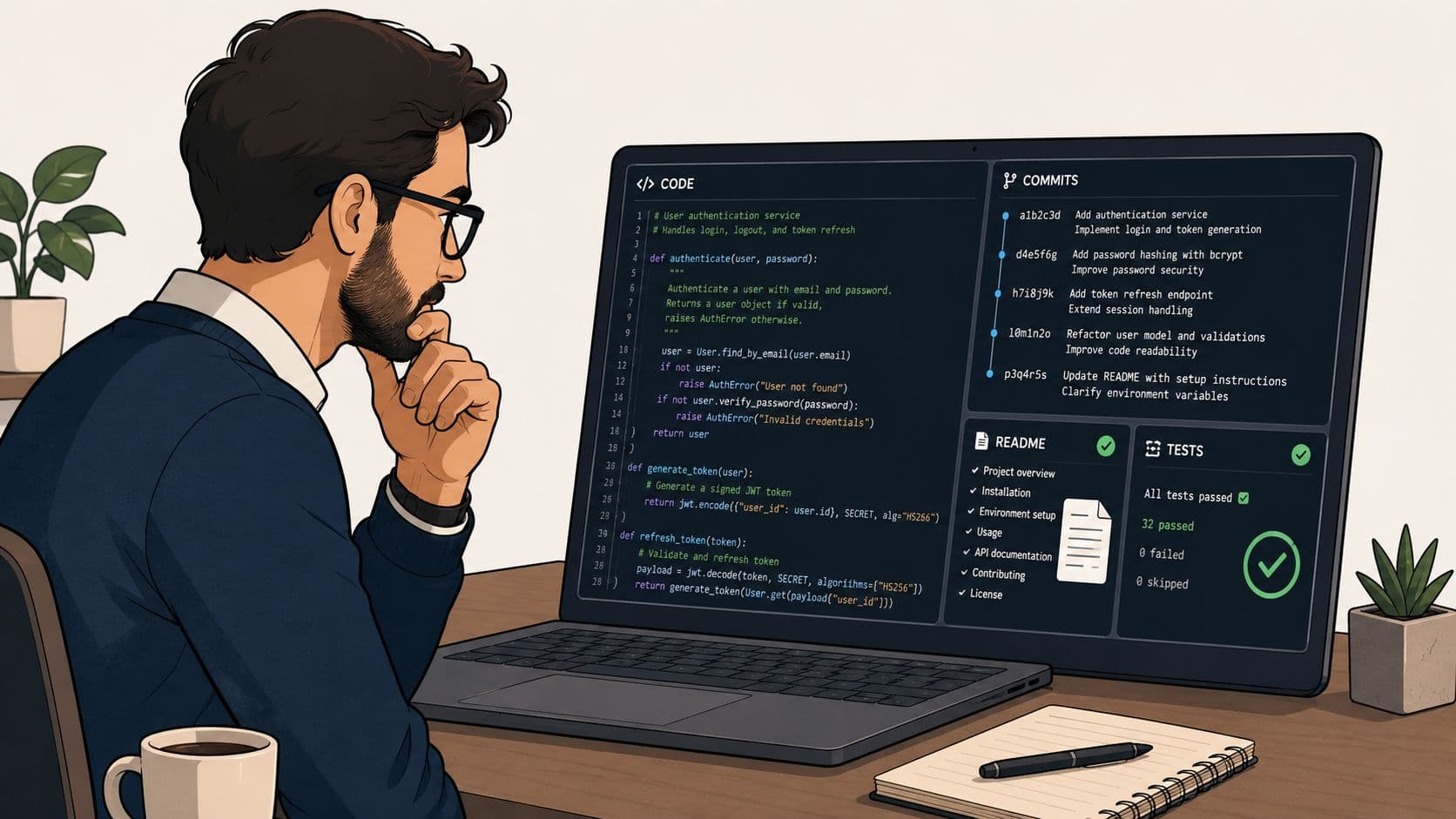
Announced October 22, 2026 and available from v2.1.304, MCP Tasks let a slow tool answer with a task number, work in the background, and pause mid-task to ask you a question. This article separates it from automatic backgrounding, lists the elicitation rules, and explains why it is not a workflow engine.