Canva finally has its own image model, Craft: not competing on photorealism, but on layouts that look designed
On October 22 Canva released Craft, its first in-house image model: it plans the layout before rendering, trained on millions of human-designed templates rather than photographs, up to 2K across 30+ aspect ratios, with in-image text in 55 languages. Leaderboard claims and pricing remain vendor claims; this piece gives a three-test method and a developer checklist.
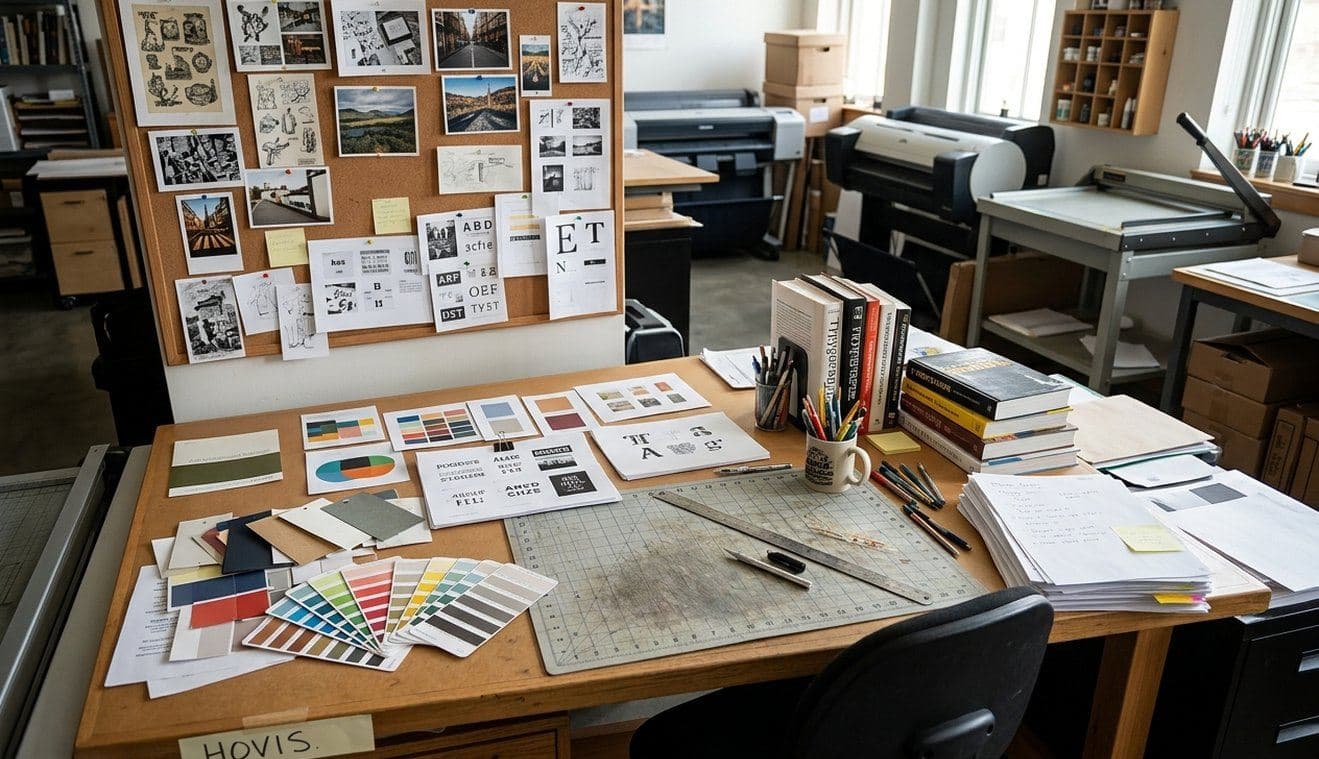
On October 22, Canva released its first image model trained from scratch, Canva Craft: it went live the same day for all users in Dream Lab and in Canva's public API under the model id craft_v1_2k. For anyone building a vibe project, the headline is not "yet another image model." It is the training data: Craft was not mainly trained on photographs, but on millions of human-designed templates from Canva's library — posters, infographics, menus, presentations, and typography-heavy layouts. In other words, it learned not what the world looks like, but how a usable design should be laid out.

What launched on October 22: two doors, one model
According to Canva's developer-community post on the evening of October 22, Craft was built from scratch by Canva Research, the company's in-house AI lab, and launched the same day in Dream Lab and the public API. Developers call POST /v1/image-generations with model pinned to craft_v1_2k, then poll GET /v1/image-generations/{jobId} until status is success; the download URL is valid for 24 hours, or asset_upload.type can be set to upload to save the image to the user's uploads. Calls need a user access token with the asset:write scope, prompts and outputs go through the same safety checks as the rest of the API, rejected prompts return unsafe_input, and the model is covered by Canva Shield input and output moderation.
The other side of the same coin: this is a preview API, and Canva explicitly warns that breaking changes may occur, with availability changes and deprecations posted in the changelog. If Craft is unavailable when pinned, the job fails with model_not_available; the official advice is to retry, or drop the pin and let Canva pick another model. For a vibe project, that means never writing Craft as the only image path — keep a fallback branch that continues with another model.
"Plan first, then paint": what the two-stage design actually fixes
Craft splits the job in two. A planning model first reads the prompt and writes a layout plan — which elements appear, where they sit relative to each other, their relative size, visual hierarchy, and any text that must appear. A rendering model then turns that plan into an image at up to 2K resolution, in more than 30 aspect ratios or a custom size. Canva's claim is that planning first delivers three things: legible text, objects placed where asked, and edits to one element without redrawing everything else.
That claim is worth taking seriously because it targets the classic weakness of general image models: a misspelled headline, a button misaligned with its label, a poster whose hierarchy is upside down — exactly the rework loop vibe projects hit when making marketing assets. But the honest caveat is in Canva's own usage notes: a job takes roughly 50 to 60 seconds end to end, longer than the other models, and callers should poll with backoff rather than a tight loop. Slowness is the price of thinking before painting, and it belongs in the workflow budget.
Why the training data is the most important sentence in this story
Until now, Canva's Dream Lab leaned on outside models: at its October 2024 launch it ran on Phoenix, the model from Leonardo.ai, the Sydney startup Canva acquired that year, and Leonardo researchers contributed to Craft. Switching to an in-house model has a plain commercial logic, stated by Canva itself: less dependence on third-party APIs, more control over quality and speed. For developers, the more practical implication is predictability: a model that has seen a large volume of already-laid-out human design has a natural affinity for infographics, posters, slides, product images, and marketing material — and is, by the same token, not built primarily for photorealistic photography.
The companion piece is Magic Layers, Canva's tool for turning a flat image into separate, editable design elements. Craft's layered structure is designed to feed it. For a vibe project, the real value of that chain is "editable after generation": headlines, colors, and element positions can keep changing in the Canva editor instead of re-rolling for every single-word fix. That said, the quality of Magic Layers separation still needs testing; it cannot be assumed equal to a native design file.
How to read the leaderboard claims: vendor numbers vs. independent checks
Canva's developer post cites DesignArena ranks of first for People & Portraits, first for Landscapes & Nature, and second for Abstract & Patterns; Canva's social post goes further, calling Canva the world's second-best image lab on that leaderboard, behind only OpenAI. Two distinctions matter. First, category ranks are leaderboard results quoted by the vendor, not independent benchmark tests. Second, at least one independent analysis reported it could not confirm Craft's overall leaderboard placement and score on the live board at the time of writing. The correct way to read the numbers is as a signal worth testing, not a proven conclusion. The only test that settles it is your own task: the same Chinese headline, the same infographic structure, the same brand colors, three runs each, measuring text error rate and layout stability.
Price deserves the same honesty: as of the October 22 post and coverage, no specific Craft pricing was published. The developer post says only that starting a job uses the user's AI credits, the same as the other models. Until a price table exists, any "cheaper" claim is unfounded, and the announced Craft-fast and Craft-ultrafast variants are roadmap items, not available stock to put in a budget.
Four practical uses for vibe projects, and three red lines
First, first drafts for landing pages and marketing assets: hero visuals, feature illustrations, and social posters, using Craft's layout strength to get structure first, then fixing text and colors in the editor. Second, infographics: turning product data, comparison tables, and process steps into a readable graphic — the category template training favors most. Third, deck visuals: keynote, product-intro, and changelog header images in a consistent layout language. Fourth, API integration: wiring Craft into your own product flow, for example generating a poster draft from an event name — while handling both model_not_available and unsafe_input failures with retry and degradation.
The three red lines matter just as much. First, do not deliver a generated image as a final design file: it is a bitmap draft, and layered editability depends on Magic Layers separation; complex layouts still need a designer to finish. Second, be extra careful with portraits, brand marks, and real product appearances: template training is not portrait licensing, and generated output cannot be assumed commercially risk-free — Canva's terms and Shield rules govern. Third, do not substitute generated images for product screenshots: users want to see your real interface, and a pretty AI rendering of an interface is still a rendering; putting it on a marketing page misleads.
Boundaries with existing coverage
This piece does not collide with any earlier article, but two nearby points need stating. First, the site has not previously published a dedicated Canva or Craft piece; this is the first article with Canva's in-house model as the subject. It is not a general "AI image generation roundup" and does not re-litigate cross-vendor leaderboard rankings — it covers one model's launch facts and usage boundaries. Second, existing design guides on the site cover product interfaces and visual systems; this piece does not repeat that methodology. It answers one new question: when a model trained on template data enters your asset workflow, which steps get faster, and which promises are not yet cashable.
Developer integration checklist, checked against the official post
- Endpoint: POST /v1/image-generations with model pinned to craft_v1_2k; poll GET /v1/image-generations/{jobId} until success, with backoff; about 50–60 seconds per job.
- Output: up to 2K resolution, more than 30 aspect ratios or custom sizes; prompts in any language, text in the image in 55 languages.
- Download: download URL valid 24 hours, or set asset_upload.type to upload to save to user uploads; calls need a user token with asset:write scope.
- Failure handling: model_not_available when Craft is pinned but unavailable — retry or drop the pin to degrade; unsafe_input for rejected prompts.
- Compliance and change: covered by Canva Shield input and output moderation; preview API, breaking changes possible, deprecations in the official changelog.
- Roadmap (not shipped, do not budget as available): Craft-fast and Craft-ultrafast variants; image generation inside ChatGPT, Gemini, and other third-party chatbots via Canva's MCP server.
Bottom line: Canva Craft's bet is clear — not to out-paint general image models on photorealism, but to out-lay them out on design structure. For vibe projects, its most honest place is the first-draft stage of the asset workflow: layout first, legible text, editable after generation. The leaderboard, the price, and the layering quality, until you test them yourself, remain vendor claims — not conclusions.
Comments (0)
Sources
Related articles
The Anthropic-managed Claude Platform is now generally available on Google Cloud: day-zero models, platform features in step with the native Claude Platform, Google Cloud IAM and billing — but Anthropic as data processor. This article compares it with the Google-managed option and lists five checks before switching.
The UK has unveiled a ~£600m AI security package centred on a £100m AI Biosecurity Lab, backed by up to £200m in model credits from OpenAI and Anthropic — credits, not cash — for a lab that is announced and funded, not yet operating.
The Decisions API left beta on October 22: up to 400 questions per request, native JSON inputs, prompt caching, GPT-Live voice integration and images in question instructions, still billed on input tokens only.