GitHub Makes Supply-Chain Security the Default: actions.lock Preview + Push Protection Blocking Anthropic Keys
In one week GitHub shipped two secure-by-default moves: Actions workflow lockfiles in public preview (pin every action to an exact commit, with a Require lockfile policy) and push protection now blocking Anthropic API keys by default. We unpack how the lockfile works, GitHub's honest caveat that locking isn't safety, and a CI security checklist for vibe coders.
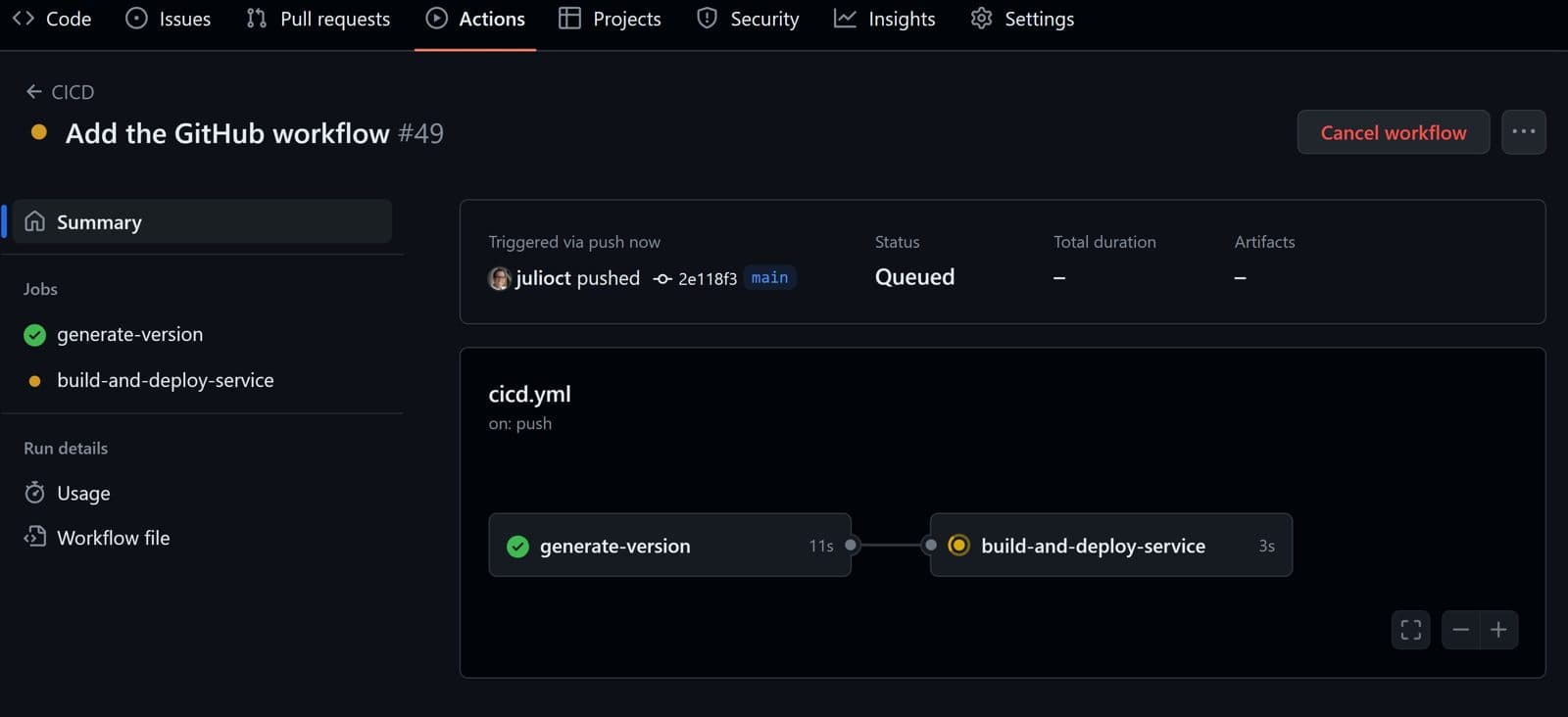
In the second week of October, GitHub did two things that turn security into the default. On October 14, GitHub Actions workflow lockfiles entered public preview: actions referenced in your workflows get pinned to exact commits, so a moved tag can no longer change what your runs execute. On October 13, secret scanning's push protection started blocking two Anthropic API key types by default — in every repository with secret scanning on, commits containing these keys are automatically rejected, free public repositories included. The two look unrelated, but they're the same shift: supply-chain security chores that used to be manual are becoming defaults or one-click policies.
First: actions.lock pins workflow dependencies to commits
Per GitHub's official changelog (published 2026-10-14), GitHub Actions workflow dependency lockfiles are now in public preview for GitHub Enterprise Cloud (including the data-residency variant), Team, and Free plans. The entry even carries an editor's note dated October 14 updating which plans are covered — GitHub was still adjusting the preview's scope on launch day.
The problem it solves is specific and sneaky: you write uses: actions/checkout@v4 in a workflow, and at review time that tag points at some commit. But tags and branches can move. After your review, before some later run, if someone (say, an attacker holding a compromised action maintainer's account) moves the tag to a different commit, your workflow executes completely different code without you ever knowing. Nothing in your repository changed — only what the tag points to. The lockfile closes this hole: the workflow file keeps human-readable tags, but at runtime only the exact commits recorded in the lockfile are used.
For tooling, GitHub gives you a GitHub CLI extension, gh actions-lock (from the public github/gh-actions-lock repository), to generate and maintain .github/workflows/actions.lock. The changelog lists four things it does:
- Pin your dependencies: generate a lockfile with reviewable commits for actions and their transitive dependencies, plus reusable workflow dependencies. Note the words "transitive dependencies" — actions your workflow uses themselves use other actions, and those indirect dependencies get locked too. It's the first time many people realize how deep their CI dependency tree goes.
- Adopt gradually: onboard workflows one at a time. Once a workflow is onboarded, every dependency must have a lockfile entry, and GitHub Actions runs only the recorded commits.
- Consistent runs: even if a tag or branch moves, an onboarded workflow still runs the locked commit.
- Stale checks: verify the lockfile is up to date without modifying files — suitable as a CI check.
There's also a "Require lockfile" policy in preview: enterprise, organization, and repository admins can mandate lockfile usage. That turns "please pin your dependencies" from a suggestion each repo owner must remember into an enforceable rule.
The Dependabot integration is thought through too: when Dependabot opens a version update for an action in an already-onboarded workflow, it regenerates the matching lockfile entry in the same PR, keeping the updated reference and its locked commit in sync with no extra configuration. Updating the dependency and updating the lock in one PR — this detail decides whether teams actually adopt it.

GitHub's honest caveat: locking is not safety
One sentence in the changelog deserves quoting in full, because it defines how to think about this feature: "Locking does not determine whether the dependency itself is safe, so review dependencies before locking them."
It draws the capability boundary: the lockfile protects against "the dependency being swapped after you reviewed it," not against "the dependency being bad in the first place." If you lock a poisoned version, the lockfile will faithfully run that poisoned version over and over — and the fact that it's "locked" gives you a false sense of security. The order is always: review first, then lock. The lockfile guarantees that "the code you reviewed" and "the code that runs" are the same thing; it doesn't do the reviewing for you.
Read alongside the "supply chain risks" detection category from the AI Scan story, GitHub's strategy looks like a combination play: AI Scan warns you in PRs that "this third-party action isn't pinned," the lockfile turns pinning into a machine-enforceable record, and the Require lockfile policy turns it into org discipline. Three layers solving "detect," "pin," and "enforce." None of them is complete alone.
Second: push protection blocks Anthropic keys by default
A separate changelog (published 2026-10-13) announced that secret scanning now detects new secret types from Salesforce, Anthropic, and Cloudsmith — with the two Anthropic types enrolled in push protection by default.
Specifically, the new detectors are anthropic_service_api_key (Anthropic service API keys), anthropic_user_api_key (Anthropic user API keys), cloudsmith_api_key, plus Salesforce's salesforce_marketing_cloud_api_oauth2_token. The two Anthropic detectors joined the default push-protection list: in repositories with secret scanning enabled (including free public repositories), commits containing these secrets are automatically blocked before they land.
The same announcement made Salesforce an official secret-scanning partner: when a partner's secret shows up in a public repository, GitHub forwards it to the issuer so the credential can be revoked or rotated before abuse. User-type secrets like anthropic_user_api_key generate secret-scanning alerts in public or private repositories. GitHub keeps these workflows distinct: detection, blocking, alerting, and notifying the issuer are separate events. A blocked push doesn't mean the key was revoked; an alert doesn't mean anyone rotated it.
Why Anthropic keys first? The answer is in every vibe coder's daily routine: this is the era when individual developers call Anthropic APIs the most — Claude Code, agent scaffolds, .env files — and keys have never sat closer to git repositories. An agent finishing a task, running git add -A, and pushing a .env along with everything else has become the new classic accident shape. Putting these two key types into default blocking is GitHub patching workflows for the agent era: what used to require manually enabling push protection and writing custom patterns for each key type now blocks the most common AI key types out of the box.
But see the boundary clearly: default blocking only happens in "repositories with secret scanning enabled." Public repos have it; private repos depend on configuration — if your private repo doesn't have secret scanning on, this default protection doesn't reach you. Push protection guards the push path; it can't prove a secret never entered your local files, terminal history, build logs, or another service. A blocked push should be treated as evidence that a credential entered source control: rotate the key, check history — "blocked" doesn't mean "nothing happened."
The "secure by default" shift: two things you used to do by hand
Put side by side, GitHub's intent is obvious. Five years ago, locking workflow dependencies meant manually replacing every action tag with a commit SHA and writing your own scripts to check for drift; blocking secret pushes meant opening push protection in repo settings and writing custom regexes per key type. Now the former is an official extension plus a policy switch, and the latter is default behavior for the most common AI key types.
"Secure by default" has been a security-industry slogan for twenty years; the real marker that it's landing is "one fewer step for the user." This week's two moves each remove exactly one step: the lockfile turns "pin versions" from manual labor into one gh actions-lock command plus a commit; Anthropic key blocking turns "stop key leaks" from a configuration item into a default. Neither is complete — the lockfile is still in preview, Require lockfile still needs an admin to flip it, and push protection only covers repos with secret scanning on — but the direction is right: moving security from "remember to do it" to "it's on unless you turn it off."
For GitHub's own business logic, this is also part of the Advanced Security narrative: AI Scan billed on AI Credits, lockfiles and push protection deepening platform stickiness — security features shifting from "selling licenses" to "selling ongoing operations." The admin dashboards (the October 13 AI Scan metrics from our companion story) plus the Require lockfile policy draw the same picture: let security teams measure, enforce, and audit.
A CI security checklist for vibe coders
If you build with AI and your CI runs on GitHub Actions, this week's two updates translate directly into a checklist:
- 1. Put lockfiles on your workflows: install the
gh actions-lockextension, generate.github/workflows/actions.lock, review and commit. Start with the most important workflow; no need to do everything at once. - 2. Review before you lock: look at what version you're locking — locking a poisoned version is worse than not locking, because of the false confidence.
- 3. Confirm secret scanning and push protection are on: especially for private repos. Default Anthropic-key blocking only applies where secret scanning is enabled — "default" doesn't mean "universal," so verify your repos are covered.
- 4. Put .env in .gitignore — and actually check: push protection is the last net, not the first. Before your agent's
git add -A, confirm .env isn't in it. - 5. Keep Dependabot working: it syncs lockfile entries when it updates actions, so don't disable dependency updates because you adopted lockfiles — a locked old version vs. a promptly updated version: always pick the latter, then re-lock.
- 6. Consider Require lockfile: if you're an org admin, make it an org-level policy after evaluation instead of nagging repo by repo.
The list is short, but every item answers the same question: when agents write the code and the cloud runs the CI, which security actions still need a human — or a default — to cover. GitHub's answer this week: pin the versions, block the keys; the reviewing is still on us.
Sources
- GitHub Changelog: GitHub Actions workflow lockfiles in public preview (2026-10-14)
- GitHub Changelog: Secret scanning blocks Anthropic keys by default, adds Salesforce (2026-10-13)
- everydev.ai: Weekly AI Dev News Digest, October 10 – October 16, 2026 (quoting the Oct 15 changelog)
Comments (0)
Sources
Related articles
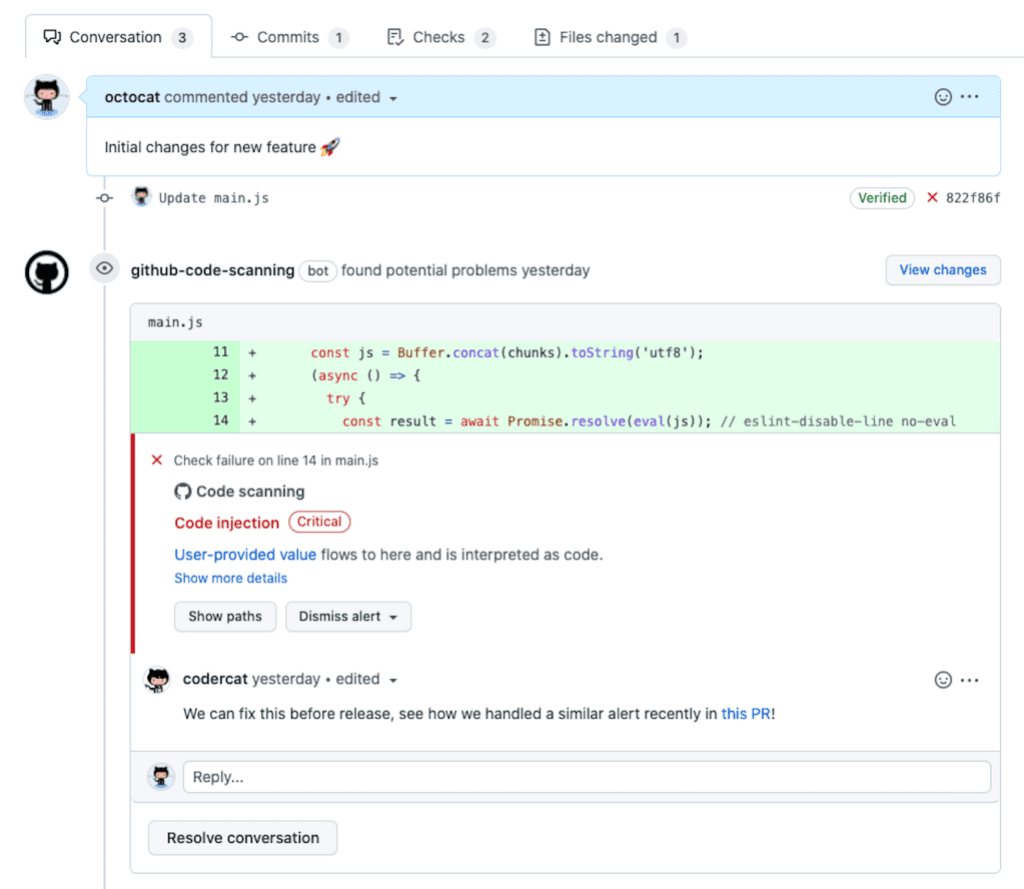
On October 15, GitHub made AI Scan for pull requests generally available: it covers languages CodeQL doesn't support — PHP, Shell, Terraform, Dockerfiles — with no Copilot license required. But its findings are purely advisory: they can't fail checks or block merges, and billing runs on separate Code Security AI Credits. We break down its capabilities, limits, billing rules, and the new admin dashboards.
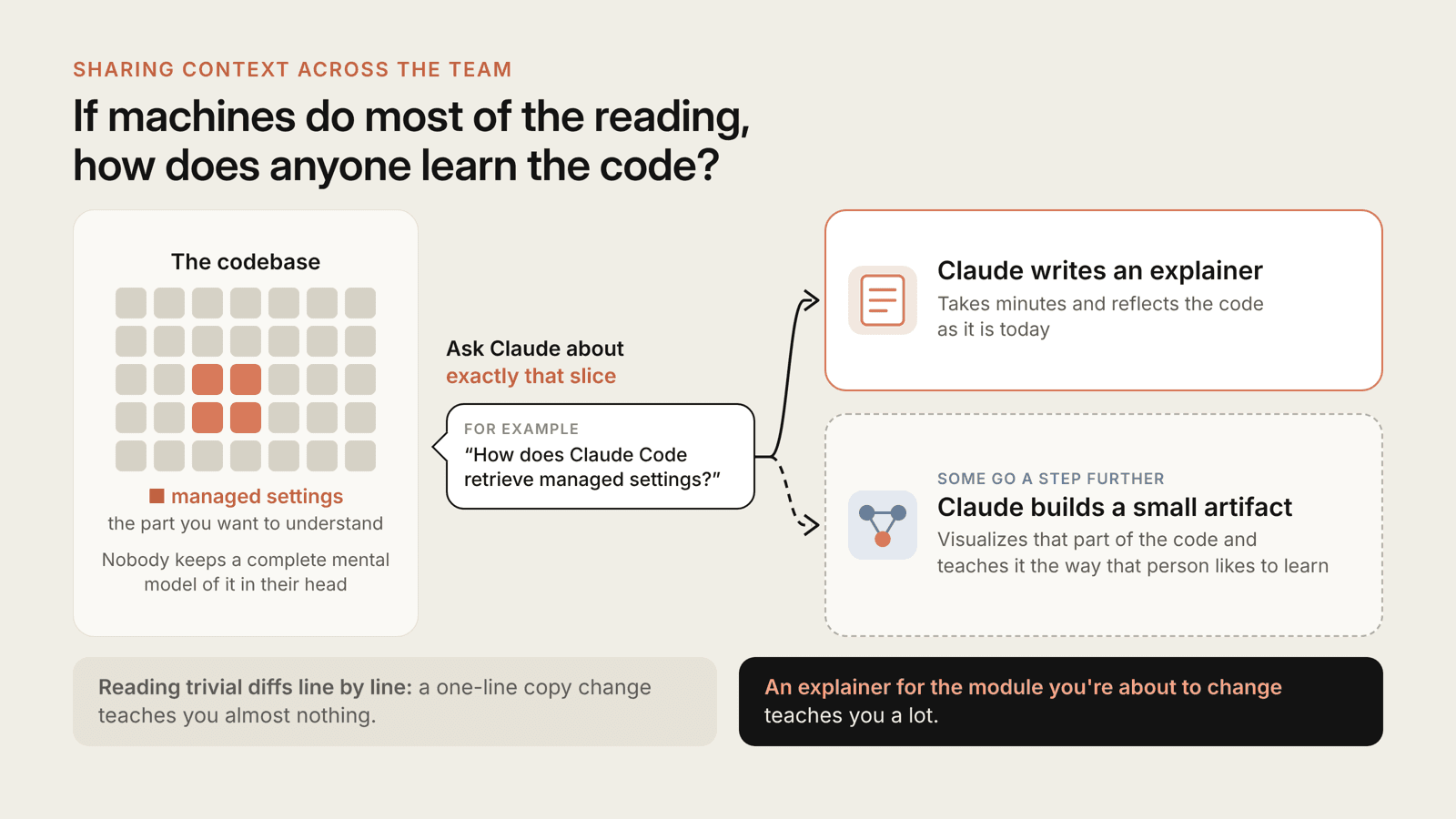
Anthropic's Claude Code team moved review from a human gate to continuous AI pre-review: six layers of checks, risk-tiered approvals, a three-round cap on agent-vs-agent review loops, and deterministic pre-commit hooks. What solo vibe teams can copy directly.

Three signals tell you it's time for a monorepo: one feature needs 3 PRs, type mismatches only explode in production, and the AI agent keeps missing spots. This guide gives you a copy-paste layout, Turborepo orchestration, shared-type practice, and deployment gotchas.