Stop staffing the chores: GitHub Agentic Workflows is generally available
GitHub Agentic Workflows is generally available: describe a reasoning chore in Markdown, get standard Actions YAML, and let a coding agent run it inside Actions. What GA adds, how its safety layers work, and where it is not a fit yet.
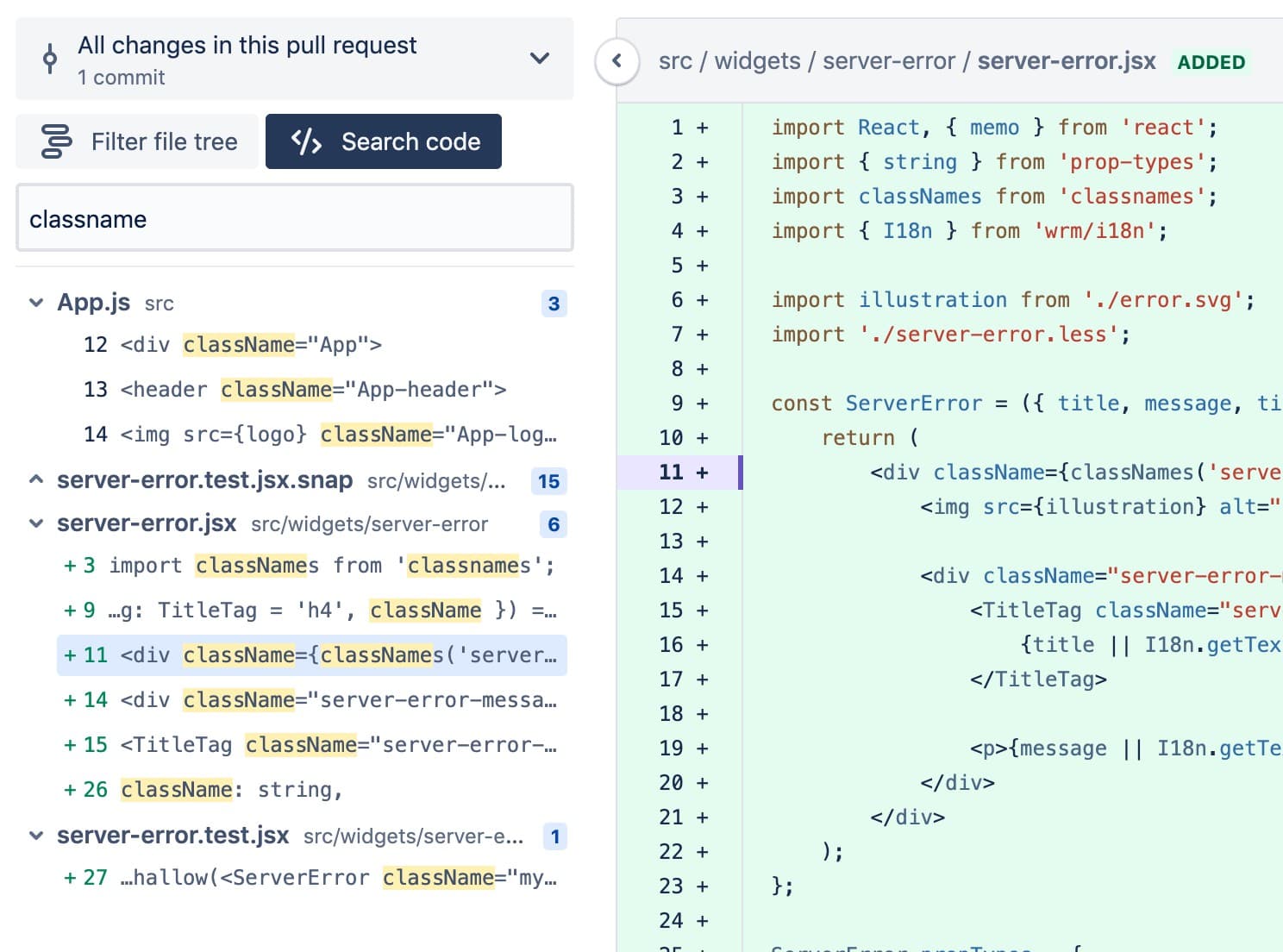
Write the automation in plain language, compile it to standard Actions YAML

On October 28, 2026, GitHub announced in its changelog that GitHub Agentic Workflows is generally available. The open-source project from GitHub Next works like this: you describe a reasoning-heavy repository chore in a natural-language Markdown file, the tool compiles it into standard GitHub Actions YAML, and a coding agent runs it inside Actions. The four example workloads GitHub names are issue triage, CI failure analysis, documentation updates, and test writing — the kind of work that is not hard, but eats people alive day after day.
What makes this announcement interesting is where the agent lives. Over the past year, most agent tools have lived in the editor, waiting for your instruction. Agentic Workflows lives in the repository's automation layer, and moves when something happens. It reuses what you already have: your runner groups, your existing policy constraints, the Actions trigger model itself. You do not need a second permission system or a second runtime for agents, and the compiled output is YAML you can open and review. That turns "agent automation" from a demo into something that can go through change review.
The availability terms need to be read carefully: it is generally available on github.com for GitHub Free, Team, and Enterprise, but the default GitHub Copilot CLI engine requires a Copilot license, and you can swap in another coding agent per workflow. "Generally available" does not mean "entirely free."
What GA adds over the public preview
Agentic Workflows entered technical preview on February 13, 2026, so GA comes about eight and a half months later. The changelog lists five additions, and each one maps to a wall preview users actually hit. First, self-hosted Actions Runner Controller (ARC) runners with Docker-in-Docker support, so teams can run agent workflows on their own infrastructure. Second, the budget forecasting command gh aw forecast is no longer experimental, and now includes threat detection credits and monthly ranges — so the cost of an agent workflow stops being a mystery.
Third, model and engine choice: a refreshed model inventory, per-workflow model provider selection, and a model router that optimizes for task type and difficulty. Fourth, workflow templates addable with gh aw add-wizard. Fifth, stronger agent isolation: agents can run in Cloud Hypervisor or NVX micro-VMs, with enclaves to prevent data leaks across repositories in cross-repository workflows. Read together, the direction is consistent: make agent workflows governable, billable, and isolated enough for enterprise repositories.
The budget forecast deserves a special mention. The most dangerous thing about an agent workflow is not one bad run, but quietly expensive ones: a triage workflow triggered by dozens of issues a day, a CI analysis workflow that spins up a round of reasoning on every failure, with the bill only surfacing at month's end. Forecast gives teams an anchor number before rollout. My advice: any team planning to roll agent workflows out org-wide should paste the forecast output into its internal approval, not calculate costs after the fact.
Safety design: read-only by default, safe outputs, threat detection
The changelog spends a full paragraph on safety, and the wording is worth reading closely. Agents run with read-only permissions by default, inside a sandboxed container behind the Agent Workflow Firewall; outputs pass through a safe outputs validation process; and a dedicated threat detection job scans all proposed changes before they are applied. Agents also access GitHub content respecting integrity filter rules.
The key idea is the separation of proposal from execution. The agent can read, analyze, and draft changes, but whether a change lands passes through another gate that holds the necessary permissions. In other words, the agent's output is treated as a suggestion first, not an executed action. That matters most for repository maintenance: a mislabeled issue or a misjudged CI root cause is reversible if it only produced a comment, but expensive to clean up if it was written straight back into the repository.
Two caveats, though. These are vendor-described controls, not a third-party audit. Read-only by default does not mean "cannot read something it should not" — for cross-repository workflows, the data boundary still depends on which repositories, files, and comments you let the workflow touch. GA provides isolation tools like enclaves, but you have to configure them. My recommendation: start with public-information tasks only (labeling issues, summarizing failed logs), run them for two weeks, check output quality and trigger volume, and only then allow tasks that touch code.
The quoted customer case: read the numbers with a discount
The changelog quotes Ben Alton, senior manager on Accenture's strategy, architecture, and innovation team: one lead saved an estimated 29 hours a week on development work alone, team velocity more than doubled on average, AI now authors 91% of the team's commits, and production errors fell from about 11,000 a day to under 1,000, with one workflow carrying a feature from requirements to implementation with validation evidence.
These are eye-catching numbers, but they should be read as a vendor-quoted customer account, not an independent benchmark. The 29 hours are an estimate; the 91% commit share comes with no stated methodology (commit count? lines? agent-drafted-then-human-edited?); and the production-error drop has no accounting for other changes made in the same period. Treat it as a plausible ceiling for heavy users, not the average outcome you should expect. For most vibe projects and small teams, a more realistic expectation is a few hours a week saved on repetitive triage and first-pass failure analysis — plus the certainty that somebody has at least looked.
Still, the case proves one thing: the value of Agentic Workflows is not the quality of a single task, but continuous presence. Human triage stalls when people are busy; an agent workflow does not. Its real competitor is not a stronger model, but the unattended backlog. If your repository's issues routinely sit untriaged for three days and CI failures wait until someone has free time, this kind of workflow pays off more directly than any benchmark score.
Not the same thing as Copilot Fusion or Copilot Projects
At the same Universe keynote, GitHub also announced Copilot Fusion GA and Copilot Projects in public preview, and it is easy to blur the three. The division of labor is clear: Fusion answers "which model, or combination of models, handles this task" — the model routing layer. Projects answers "how does one job coordinate across multiple repositories and agent sessions" — the cross-repository orchestration layer. Agentic Workflows answers "how do recurring reasoning chores in a repository get automated" — the repository automation layer.
They can stack, but the rollout order matters. For a team with no agent workflows yet, Agentic Workflows has the most certain payoff: small task boundaries, standard YAML output, reversible failures. Fusion is worth tuning finely once you already use Copilot heavily and start caring about model bills; Projects fits larger teams that already feel cross-repository pain. Small teams that do it backwards — tuning model routing first, automation later — often spend a lot of time on parameters without fixing the actual problem, which is that nobody triages issues.
One more underrated point: Agentic Workflows compiles to standard Actions YAML. If you ever stop using the tool, the workflow skeleton, triggers, and runner configuration remain — no proprietary format holds you hostage. Low exit cost is a very practical criterion for evaluating such tools. For vibe projects, it matters more than "how many models are supported": small teams cannot afford migration costs, and a tool you can walk away from is a tool you dare to try.
What a first workflow looks like: from Markdown to YAML
The best way to understand Agentic Workflows is to picture its compile step as turning a human instruction into a duty roster. Your Markdown typically contains four things: what the automation is called, what event triggers it, which context the agent should read, and what it should produce. A CI failure analysis workflow, for example, might say: on workflow failure, read the failed logs and recent related commits, then output a summary naming the most likely cause and the files to look at. Compiled, that becomes standard Actions YAML: triggers under on, the environment under runs-on, and the agent's execution as steps.
This matters because it turns agent behavior into reviewable configuration. The biggest psychological barrier to letting agents work automatically used to be the black box: when would it run, what would it read, what would it change? Now those answers live in YAML that anyone on the team who understands Actions can open and check. When something goes wrong, you can switch off the trigger first and read the logs at leisure, instead of guessing what the agent did. For small teams with nobody watching automation full-time, "visible and switch-off-able" matters more than raw model capability.
Standard YAML output also means the workflow composes with your existing Actions practice: concurrency controls, timeouts, environment protection rules, required checks on the PRs it produces. You do not need a separate governance regime for agents — put them inside the CI governance you already have. That is close to zero incremental governance cost, and a big reason I recommend small teams start here.
Of course, vague Markdown compiles into unpredictable behavior. "Help look at failed jobs" and "read only the last three failed logs, output a summary without changing code, and cite the log line numbers you relied on" produce very different results. Write agent workflow Markdown the way you would write a duty handbook for a new colleague: trigger, input scope, output format, and prohibitions — all four, no exceptions. Prohibitions in particular are cheaper than firefighting: state explicitly "do not change code directly, do not close issues, do not message external people."
Where it is not a fit yet
GA does not mean every repository task is ready for automation. Three categories I would hold back for now. First, anything involving sensitive information: auto-handling issues with customer data, auto-labeling security vulnerabilities publicly, auto-posting internal log summaries into public comments. Read-only defaults prevent bad writes, but not "read something that should not be public and then quote it in a public comment." Before such tasks go live, audit the data boundary: everything the agent can read must already be public.
Second, tasks that need business judgment: "should we build this feature," "is this bug P0 or P2." An agent can suggest based on keywords and history, but priority is fundamentally a resource-allocation decision balancing user impact and team schedule. Letting an agent set priority outright outsources a product decision to statistical patterns. The safer setup: the agent proposes a priority with reasons, humans keep the final call, and suggestion accuracy gets spot-checked regularly.
Third, high-frequency, low-value triggers: a "code quality patrol" on every push. Each agent run costs tokens and runner time, and frequent triggers quietly outgrow their value. A simple test: if a human did this task, how many times a week would they do it? If the answer is "less than once," automating it may cost more in maintenance than it saves. Start with tasks that happen at least three times a week and take ten minutes or more each time.
There is also an organizational prerequisite: your repository's Actions hygiene has to be in order first. If branch protection is inconsistent, required checks are missing, and nobody looks at red CI anyway, agent workflows will only amplify the mess — diligently summarizing every failure that nobody reads. Automation amplifies whatever process quality you already have. Establish "red CI gets attention" before adding agent workflows, not after.
Cost: run the forecast before talking about returns
Agent workflow costs differ structurally from traditional CI costs. Traditional CI is mostly priced by run minutes — visible and calculable. Agent workflows are priced by trigger count, tokens per reasoning round, and failure-retry rounds combined, and any one of the three running hot inflates the bill. GA promoting gh aw forecast out of experimental status, with threat detection credits and monthly ranges included, is the answer to exactly this problem: see a monthly estimate before rollout.
In practice, treat the forecast output as part of the approval packet: trigger conditions, estimated monthly runs, estimated credit consumption, and a stress-test number — "what happens to cost if trigger volume doubles." Add two guardrails: a trigger guardrail (for example, only issues carrying a specific label), and a budget guardrail (non-critical workflows switch off automatically at a monthly credit threshold, keeping only safety tasks). Agent automation without guardrails is like a cloud account without spending limits — quiet until it is not.
Three rollout suggestions for vibe projects
First, start read-only. Launch two workflows: automatic labeling for new issues, and an automatic "failure summary plus suspected root cause plus relevant file links" comment when CI fails. Even if both are wrong, the damage is one extra comment, not a code change. After two weeks, look at two numbers — labeling accuracy and summary adoption rate — before allowing write operations like "open a fix PR automatically."
Second, set budget caps and trigger guardrails per workflow. Keep triggers narrow: specific labels, directories, or branches only. Run gh aw forecast first and paste the monthly estimate into team docs. Remember the cost curve: traditional CI scales with commit count, agent costs scale with failure count times reasoning rounds, so a failure storm can double costs quickly. Without guardrails, that is a nasty surprise.
Third, treat agent output as a draft under review, not a verdict. Wrong labels need a one-click fix; summaries need a "this analysis is wrong" feedback path. Most importantly, route agent-produced PRs through the same review process and CI gates as human PRs, not around them. GA's safety mechanisms are the foundation, but the final responsibility boundary is the review process you define.
Overall, the significance of Agentic Workflows GA is not technical novelty, but that it turns "agents doing repository chores" into a standardized piece with guardrails, a bill, and an exit path. For large teams, it is one piece of scaling agent collaboration; for vibe projects and small teams, it is a low-cost place to start: let the agent take over the two most annoying chores first, and spend the saved time on the product itself.
Comments (0)
Sources
Related articles
Vercel's AI Gateway Virtual Models, launched October 28, 2026, replace vendor model names in code with task IDs like vmc/coding-agent. Switching models becomes a config edit, but governance — not convenience — is the point.
On 29 October 2026 Herdr shipped a native desktop app on a new runtime, herdr-core: terminals and agents live in the core, not the window. This piece separates the three pieces (TUI, app, core), explains the file-based interface, the hc commands, the exact crash boundary, and where it sits between tmux and graphical agent platforms.

LangChain's Managed Deep Agents v0.10, released October 29, 2026, gives hosted agents a sandboxed browser with a human login handoff, plus subagents that run in the background. The browser fills the no-API gap; the handoff is the more interesting design decision.