VCG Deinterlacer
A deinterlacing tool for old VHS, Hi8 and MiniDV tapes: measure first, then fix, with numbers behind every crop, field order and color call.
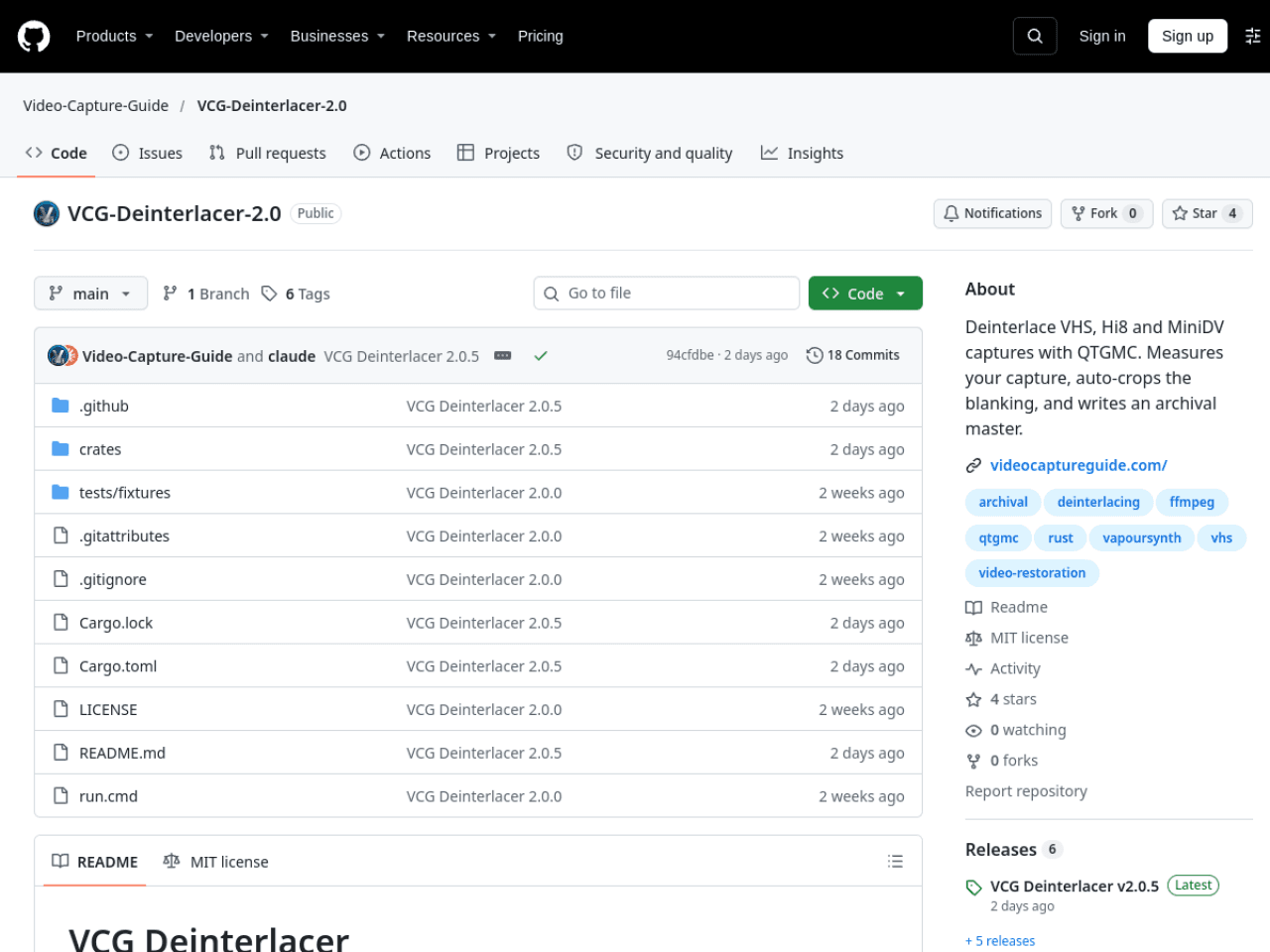
VCG Deinterlacer is a repair tool for old tapes: if you have files transferred from VHS, Hi8 or MiniDV, the picture is interlaced, with black bars on the sides and a torn strip along the bottom, and this tool turns them into something you can actually watch and archive. It comes in three modes. Want a quick result? Pick deinterlace-only: it just deinterlaces, fixes field order, crops black bars, corrects pixel shape and tags colors, and touches nothing else. Want it easy? Pick deinterlace plus auto-fix: it also cleans up noise, halos and color based on measured results. Want full control? Open the full mode: 11 settings pages, each with before-and-after comparisons. Its most careful habit is measuring before acting: field order, brightness, color cast, noise and edge halos are all measured from your own file, each finding shown with numbers next to it. When a measurement is uncertain, it says so instead of quietly deciding for you. Cropping uses no fixed template either: it separately recognizes black bars, the gradient band at the picture edge and the torn VHS strip at the bottom, then gives you a crop suggestion with numbers, which you can fine-tune yourself. One warning: this is a Windows program, 64-bit Windows 10 or 11 only, and the first launch downloads an extra 158MB support package. Output comes in three tiers by use: ProRes for editing at about 50GB per hour, FFV1 for lossless archiving at about 35GB per hour, and H.264 for sharing with family at about 1.5GB per hour, so make room on disk first. The repo was created on 11 October, had only 4 stars at check time, but is already at version 2.0.5, with the latest commit just two days earlier.
 @inez.sawyer