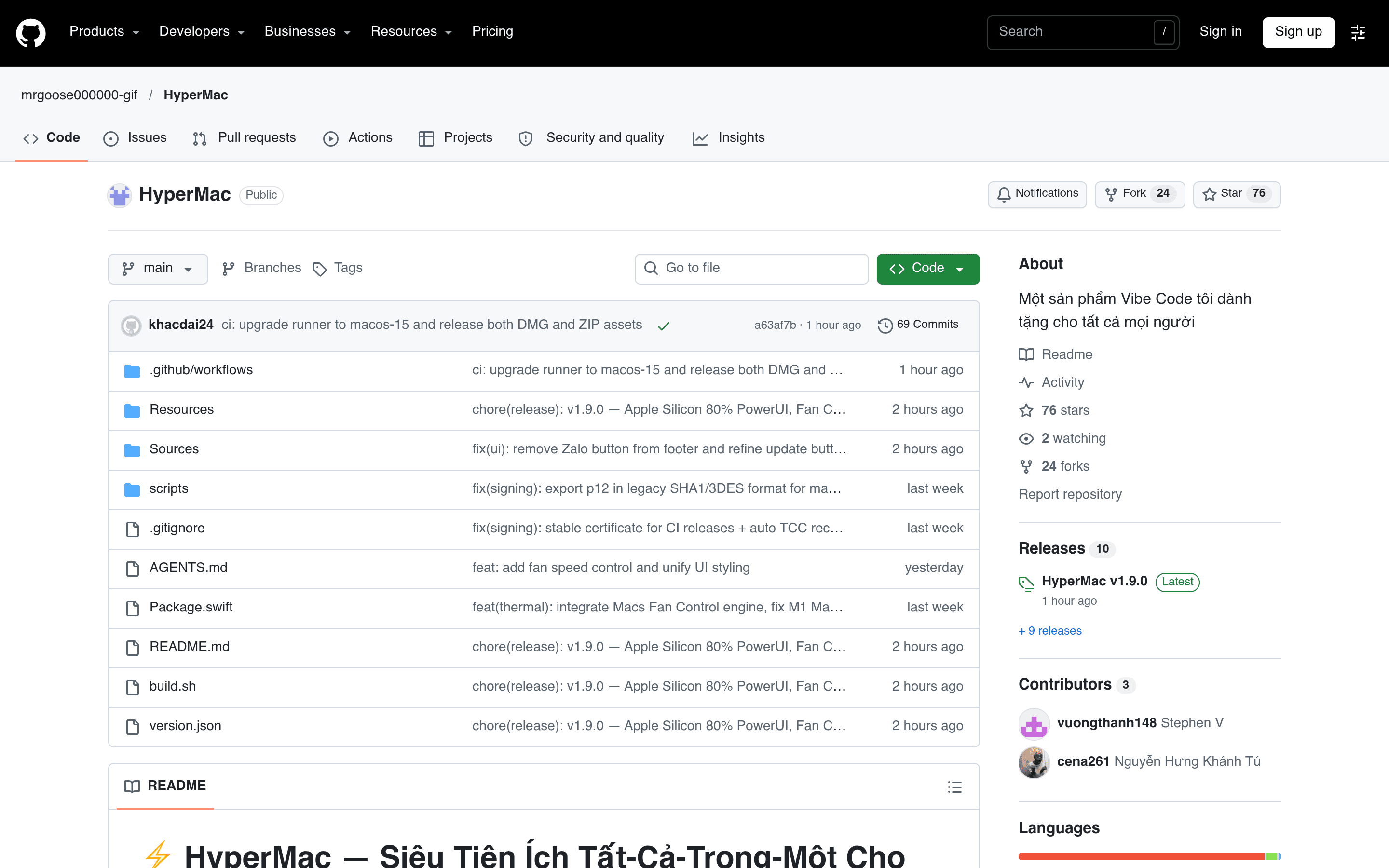
HyperMac
Nine Mac tools in one menu bar icon: split screen, clipboard history, charge cap at 80%, junk cleanup, screenshots — pure Swift, about 45MB of memory.
HyperMac is a one-stop menu bar utility for Apple Silicon Macs: one icon packs nine things you'd normally need nine separate apps for — cleaning system junk, fully uninstalling apps, split screen, window switching, clipboard history, capping charging at 80%, external display brightness, keeping the Mac awake, plus a screenshot tool that works like LightShot. Its most practical selling point is how light it is: written in pure Swift, it uses only around 45MB of memory and just sits quietly in the menu bar. Split screen, clipboard and charge capping would each normally be a separate app eating its own share of memory — here you get them all at once. The new 1.9.0 release also adds fan speed control and a PowerUI panel for the 80% charge cap. The project has 76 stars on GitHub. The repo was only created on October 26 and is already at version 1.9.0 less than two weeks later, with commits still landing on November 6 — updates are very frequent. It's free and open source, and the DMG and ZIP are direct downloads: install it in 30 seconds and it's ready to use. A few limits up front: it only works on Apple Silicon Macs (M1, M2, M3, M4) — Intel Macs can't use it. The README is written in Vietnamese with very little in English, so users outside Vietnam will mostly have to feel their way around the interface themselves. And it needs system permissions to manage charging and the fan, so macOS will pop up several authorization prompts during setup that you have to approve one by one.
 @Tobias W.