Your Support Team of One: Customer Support Automation for Indie Projects
You don't need a support team — you need a support system. This guide walks solo developers through the full playbook: ticket triage, a three-layer defense funnel, ticket-deflecting FAQs, an AI draft pipeline with copy-paste prompt templates, five canned-response templates, automation red lines, and a weekly 30-minute review SOP. Every section ships with templates you can use today.

Your product is live. 2 AM, your phone buzzes — "why was I charged twice?" You wake up to five new emails: one asking for a refund, one locked out of their account, one requesting a feature you haven't built, and one that just says "???" with no further context. You write code by day, answer tickets by night, and calm down the angry commenter on weekends. That's the support life of a one-person project: you're the CEO, the engineer, and — by default — the entire support department.
The good news: customer support is one of the highest-leverage things a vibe coder can systematize. The brutal, simple truth is that tickets look chaotic but are overwhelmingly repetitive. Support automation isn't about hiring an AI to smile for you — it's about rescuing yourself from repetition so you only spend time on the small slice that genuinely needs a human. This guide gives you the full playbook: ticket triage, FAQ writing, an AI draft pipeline, canned responses, automation red lines, and metrics — every section with templates you can copy outright.
The One-Person Support Truth: 80% of Tickets Are the Same 10 Questions
Do the math. Say you get 40 tickets a week. Count them and you'll find maybe 6 to 8 are genuinely new; the other 30-odd are "how do I get a refund," "why can't I log in," and "does it do X" on repeat. Roughly eight in ten tickets are a dozen questions asked over and over. That's not a made-up stat — it's the pattern solo founders keep rediscovering once they actually tally things up. Your time shouldn't go into answering the same question for the fiftieth time; it should go into answering it once, then letting that answer work for you automatically.
So step one isn't AI. It's bookkeeping. Log tickets for two weeks before automating anything. Every ticket that comes in gets one job done to it: filed into a category. After two weeks you'll have your own "ticket heatmap" — the top 10 questions become your automation investment list, and the ranking is your priority order.
Here's the template. It works in Notion, a spreadsheet, or a text file. Rule of thumb: start with broad categories and refine later; keep it under 20 categories for the first two weeks. One ticket may carry two tags (e.g., "billing + emotional").
| Date | User's words (summary) | Category | First occurrence? | Handling time (min) | Notes |
|---|---|---|---|---|---|
| 10-03 | why was I charged twice | Billing question | No (6th time) | 12 | Stripe double charge, same order ID |
| 10-03 | didn't receive verification email | Login issue | Yes | 8 | Landed in spam folder |
| 10-04 | can I get an invoice | Billing question | No (4th time) | 5 | — |
| 10-05 | how do I cancel my subscription | Refund/cancel | No (9th time) | 6 | — |
After two weeks, pivot the table: count occurrences and total minutes per category. You get two things: a Top-10 question list (your FAQ raw material) and minutes burned per question (your automation ROI math). A question that shows up 5 times a week and eats 10 minutes each is 50 minutes a week — worth an FAQ article and a canned response. A question that appeared once in two weeks? Answer it by hand and move on.
The Three-Layer Defense: Stop Most Tickets Before They Reach You
The core design of one-person support is a funnel. Each layer catches a share; whatever slips through falls to the next. Only problems that genuinely need you land in your lap:
- Layer 1: Self-service (FAQ / knowledge base) — aim to deflect roughly 60% of tickets. Users hit the answer before they ever find your contact info. Nearly zero cost, but only works if the FAQ is genuinely good, not filler.
- Layer 2: Semi-automated (AI drafts + you hit send) — catches another ~20%. AI reads the ticket, searches the knowledge base, and drafts a reply with cited links. You review, tweak two things, hit send. The machine does retrieval and drafting; the human does judgment and backstopping.
- Layer 3: Human — the remaining ~20%: complex issues, emotional users, billing disputes, never-before-seen problems. This layer doesn't optimize for speed; it optimizes for getting it right.
A note on those numbers: 60/20/20 is a rule of thumb circulating in indie-hacker communities, not rigorous statistics. Your mix depends on the product — utility tools can push self-service higher; anything touching money keeps the human layer heavier. But the funnel shape is constant: the further down a ticket falls, the more expensive it is, so each layer's job is to catch everything it can — not to automate everything.
The promotion rule is simple: a question only moves up a layer after you've seen it repeat for two straight weeks and you have a proven-good answer for it. Conversely, if a category's repeat-contact rate starts climbing (users read the FAQ and still come to you), that layer's answer has gone stale — demote it back down. The funnel is alive.
 一人客服三层防御体系
FAQ First: Build a Help Center That Actually Deflects Tickets
An FAQ is the highest-ROI investment in the whole system. But most FAQs read like product brochures: a heading like "Account Management" followed by three paragraphs of correct-but-useless prose, and the user emails you anyway. A ticket-deflecting FAQ has three hard requirements: the title is the user's own words, the first sentence is the answer, and the reader can act on it.
Mining Your Top-10 Questions
The raw material is already in your hands — two weeks of ticket logs. The method:
- Sort your ticket table by category and take the top 10.
- For each, pull the 3 most representative tickets and lift the exact phrasing users used — that becomes the title. "Why was I charged twice?" beats "A note on duplicate charges."
- Do another pass through your comments, DMs, and app-store reviews to catch phrasings that never became tickets.
- Tag each FAQ with its "source ticket count" — that's how you'll later judge whether the article earns its keep and when it needs updating.
The FAQ Writing Template
Every article follows this structure. Skip a section and it doesn't count as done:
| Block | How to write it | Example |
|---|---|---|
| Title | The user's own words, one sentence | Why was I charged twice? |
| Direct answer | The verdict in the first sentence, under 50 words, no throat-clearing | That's an authorization hold, not a real charge — one of them drops off within 3 days. |
| Steps | Numbered, one action each, name the exact button/menu location | 1. Open Settings → Billing; 2. Click "View charge details"; 3. Match the order number. |
| Screenshot notes | Say what's circled and where to look | Screenshot: the "Pending" tab on the billing page, hold entry circled in red. |
| Related links | 1–3, deep links to relevant pages, never the homepage | Refund policy page / Contact-human-support entry |
| Still stuck? | One line to human support, telling the user what info to include | If it hasn't dropped off after 3 days, contact us with your order number — a human will sort it within 12 hours. |
"Still stuck?" is the most important line in the whole article. An FAQ without it is a dead end — the user reads it, fails, can't find a human, and the frustration doubles. With it, the FAQ becomes part of the funnel: self-service fails → escalate with context.
Designing the "Search Before You Ask" Entry Point
An FAQ nobody sees deflects nothing. The user's path to support is usually: in-product "Help" button → contact page. Weave the funnel into that path:
- Put a search box above the contact form that live-suggests matching FAQs as the user types, showing the top 3.
- When the user opens the form to write an email, push once more above the form: "These 3 articles might solve it right now," with a "Still contact us" button beside it.
- Next to the submit button, state your response-time promise (e.g., "replies within 12 hours on weekdays") — it measurably reduces follow-up "are you there??" emails.
The test, one month in: what share of visitors to the contact page leave without submitting the form? That share is your FAQ quietly deflecting tickets in the background.
The AI Draft Pipeline: The Core Playbook
Whatever the FAQ can't stop becomes a ticket. This layer's goal is not auto-reply — it's having AI do the "read → find the answer → draft" work so your only job is the final judgment and the send button. Fully automated replies are a disaster for a one-person product: one mistake burns trust you spent months building. Semi-automated is the sane default.
The Four Steps
- Step 1: Collect. Email, forms, and in-app messages all land in one inbox (Gmail labels, Notion, a helpdesk tool — anything). The key is a single entry point; tickets scattered across five places is how things get dropped.
- Step 2: Retrieve. Feed the ticket into retrieval against your FAQ and past replies. Privacy first: strip names, emails, and order numbers (or swap in placeholders) before anything touches model context — raw PII doesn't belong in a prompt.
- Step 3: Draft with cited links. Generate the reply draft with the prompt template below. Every draft must cite sources: each key claim followed by an FAQ link, so you can verify at a glance.
- Step 4: You approve, then send. Reviewing a draft means checking three things: are the cited links right, is the tone appropriate, is anything hallucinated? Edit and send. Review every draft at first; once it's bedded in, only read the ones the AI flagged as uncertain.
The AI Draft Prompt Template (Copy It)
Three hard constraints go into the prompt, none optional: cite source links, refuse to guess, state uncertainty.
You are a support assistant drafting reply emails for an indie developer's product.
Answer ONLY from the below. Never use outside knowledge.


{retrieved_faqs}


{ticket_content}


1. Every key claim must be followed by its source link, in the form: [Source: FAQ title](url).
If there is no matching source, do not write the claim.
2. If the knowledge base does not cover the user's question, do NOT guess.
Write instead: "I need to check this with the founder — you'll have an accurate answer within 24 hours."
3. End the draft with one line stating your confidence:
[Confidence: high/medium/low] + one sentence explaining why.
4. Tone: concise, direct, empathetic. No fluff, no "dear valued customer."
5. If the ticket contains ANY of the following, start the draft with [ESCALATE TO HUMAN]
and state the reason:
- The user asks for a refund or disputes a charge
- The user shows strong frustration, threatens bad reviews/exposure/legal action
- The question has zero relevant entries in the knowledge base

Output format:
[ESCALATE TO HUMAN] (if triggered, with reason; otherwise omit)
---
Reply draft
---
[Confidence: high/medium/low] + reason
The soul of this prompt is in rules 2 and 5: rule 2 turns "I don't know" into a standard operating move instead of an invitation to hallucinate; rule 5 makes the AI do a first triage pass, so escalated tickets jump to the top of your review queue. The confidence tag is your reading order: check "low" first, then "medium" — "high" drafts just need a glance at the cited links before sending.
The Refuse-and-Escalate Checklist
Pin this next to wherever you read tickets. Any hit, and the AI draft steps aside for a human:
- The user explicitly asks for a refund, initiates a chargeback, or disputes an amount.
- Strong emotion: abuse, threats of bad reviews/exposure/lawsuits, or a burst of follow-up emails.
- Account security: suspected hijack, requests to change the bound email/phone, asking for someone else's data.
- Zero relevant knowledge-base entries — it's a new question, worth answering personally once, then immortalizing as an FAQ.
- The same user contacts you a third time within 48 hours about the same issue — earlier handling didn't resolve it; escalate.
- The AI draft's confidence is "low."
The Canned-Response Library: 5 Templates, Two Blanks Each
Canned responses are the most underrated efficiency tool in support. They don't do AI's job — they handle the "I already know the standard answer but have to rephrase it every time" job. Each template has exactly two blanks: copy, fill, send, thirty seconds per email.
House rules: [brackets] are the two required blanks; {braces} are optional — delete as needed. Tone everywhere: firm but kind, no groveling, no triple apologies.
1. Refunds
Hi [name],

Got your refund request. [Amount] for order [order ID] will be returned
to the original payment method within 3–5 business days — you'll see it
on your [payment channel] statement.

{If it hasn't shown up in 7 days, reply to this email and I'll chase it.}

— [your name]
2. Billing Questions
Hi [name],

I checked — the [amount] charge on [date] was [reason, e.g. your annual
plan renewal]. You can see the breakdown here: [billing page link].

{If it's a subscription you don't recognize, you can hit "Cancel auto-renew"
on the same page.}
If you believe the charge is wrong, reply with a screenshot and I'll investigate.

— [your name]
3. Feature Requests
Hi [name],

Thanks for the suggestion! [Feature name] is logged in the request pool.
Honest answer: the roadmap is packed, so it won't happen soon — but once
enough people ask for the same thing, it jumps the queue.

{Similar requests live here: [public roadmap link] — upvote away.}

— [your name]
The key line here is the honest one. The worst thing an indie developer can do with a feature request is "we'll consider it" followed by silence. An honest "not soon" retains more users than a polite fiction.
4. Outage Apology
Hi [name],

Sorry — [service name] was down for [duration] during [time window].
Cause in one line: [e.g. database connection pool exhausted]. It's back now.

{Anything you did during the outage was auto-retried / your data is unaffected.}
I've added [X] days to your membership as an apology — already applied.

— [your name]
An outage email needs three things: what happened, why, and what you're doing about it. One line on the cause is enough — users want to feel taken seriously, not read a postmortem.
5. "Any Update?" Nudges
Hi [name],

Saw your follow-up — sorry for the wait.
On [issue summary]: current status is [one-line status]; you'll have a firm
answer by [time].

{If you can't wait, here's a temporary workaround: [link/steps].}

— [your name]
Someone chasing you doesn't want an apology — they want progress. Even "haven't started looking yet" beats silence. Silence is the fastest way to turn a nudge into a complaint.
Red Lines: What Must Never Be Automated
Automation has a boundary, and crossing it causes real damage. Four categories stay human, forever, in no automated flow:
- Complaints. A complaining user wants to feel heard; an auto-reply says "you're not worth my time." Complaints get a human first response, even if it's just "I see this, I'm on it."
- Billing disputes. Money is trust. Until AI understanding of amounts, order numbers, and refund policy is 100% reliable — it isn't — a human double-checks.
- Emotional users. Anger, disappointment, threats — these need human empathy. Templated soothing reads as gasoline on a fire.
- Never-before-seen problems. This is your product talking to you: maybe a bug, maybe a feature request, maybe a blind spot in your docs. Handle it personally once, then immortalize it as an FAQ or template — new problems are the fuel the whole system runs on.
How do you know you've over-automated? Three red lights:
- Red light 1: repeat-contact rate climbs. The same user keeps coming back about the same issue — your automated answers aren't solving anything, they're just deflecting.
- Red light 2: users route around the bot. People typing "human please" / "talk to a real person" in the form, or DMing you on social media instead. That's users voting with their feet: your automation isn't trusted.
- Red light 3: satisfaction drops. If you add a simple "was this reply helpful? 👍/👎" after responses and the 👎 share rises two weeks running, automation quality is sliding.
When any light goes on, the move is always the same: pause the relevant automation, fall back to human, fix it, then re-launch. Automation is the servant, not the master.
 AI 回复草稿流水线
Measure and Iterate: 30 Minutes a Week to Grow the System
Unautomated-measurement support automation becomes a pile of zombie templates nobody dares touch within six months. Four metrics are enough, each with a starting baseline and a healthy target:
| Metric | Definition | Baseline (just starting) | Healthy target |
|---|---|---|---|
| First response time | Ticket arrives → user gets first substantive reply | Within 24 hours | Within 4 hours on weekdays |
| Self-service resolution rate | Share of users who read the FAQ/kb and never filed a ticket | 30% | 50%–60% |
| Human escalation rate | Share of tickets reaching the human layer | 40% | 15%–25% |
| Repeat contact rate | Share of users contacting ≥2 times in 7 days about the same issue | <15% | <8% |
Note on escalation rate: lower is not always better. Below ~5% should worry you — it may mean the human entry point is buried so deep that users give up instead of getting helped. A healthy funnel is one where everything that should escalate can.
The Weekly 30-Minute Review SOP
Fix a slot (say, Sunday evening), 30 minutes, in this order:
- 0–5 min: read the four metrics. Compare against last week. Which one moved the wrong way? Chase the biggest mover only — no heroics.
- 5–15 min: scan this week's tickets. Find new questions that repeated ≥2 times — next week's FAQ candidates. Review every escalated ticket and check whether the AI's triage call was right.
- 15–25 min: bank it. Write the week's new repeat questions into FAQs (using the template above); promote good human replies into canned responses; fix the knowledge-base entries behind any AI draft that got it wrong.
- 25–30 min: delete. Scan the canned library and FAQ for stale entries — merge or remove. A knowledge base that only grows is a landfill within six months.
What this SOP really does is turn support into a product sensor: every week's tickets tell you where users get stuck, what they want, and what's unclear. The best product ideas many indie developers ever had came from tickets — but only if you actually spend those 30 minutes looking.
Back to that 2 AM buzz. With this system in place, the same night plays out differently: the user hits the FAQ and solves it themselves; what they can't solve gets an AI-drafted reply waiting for your morning glance; only the genuinely thorny one or two need you personally. Still one person — but now with a support department. It takes no salary, never sleeps, and files you a user-insight report every week. That's support the vibe-coder way: systems handle the repetition, you keep the judgment.
Related articles
Model, prompt, or tool changes can silently break your agent while you're busy celebrating the fix. This guide shows how to build an eval harness from scratch: a 20-case golden set from real traffic, deterministic code scorers plus calibrated LLM judges, a three-layer scoring split, an anti-self-deception checklist, and a CI gate that actually blocks merges — closing the loop with production sampling and shadow runs.

Simon Willison shipped a Newsletters index page for his blog almost entirely by voice — chatting with the Codex tab in the ChatGPT desktop app while cooking dinner in his kitchen, barely touching the keyboard. When a top-tier practitioner starts coding with his mouth, voice + agents stop being a gimmick and become real productivity. A teardown of his playbook, where this workflow breaks, and the minimal setup to copy him.
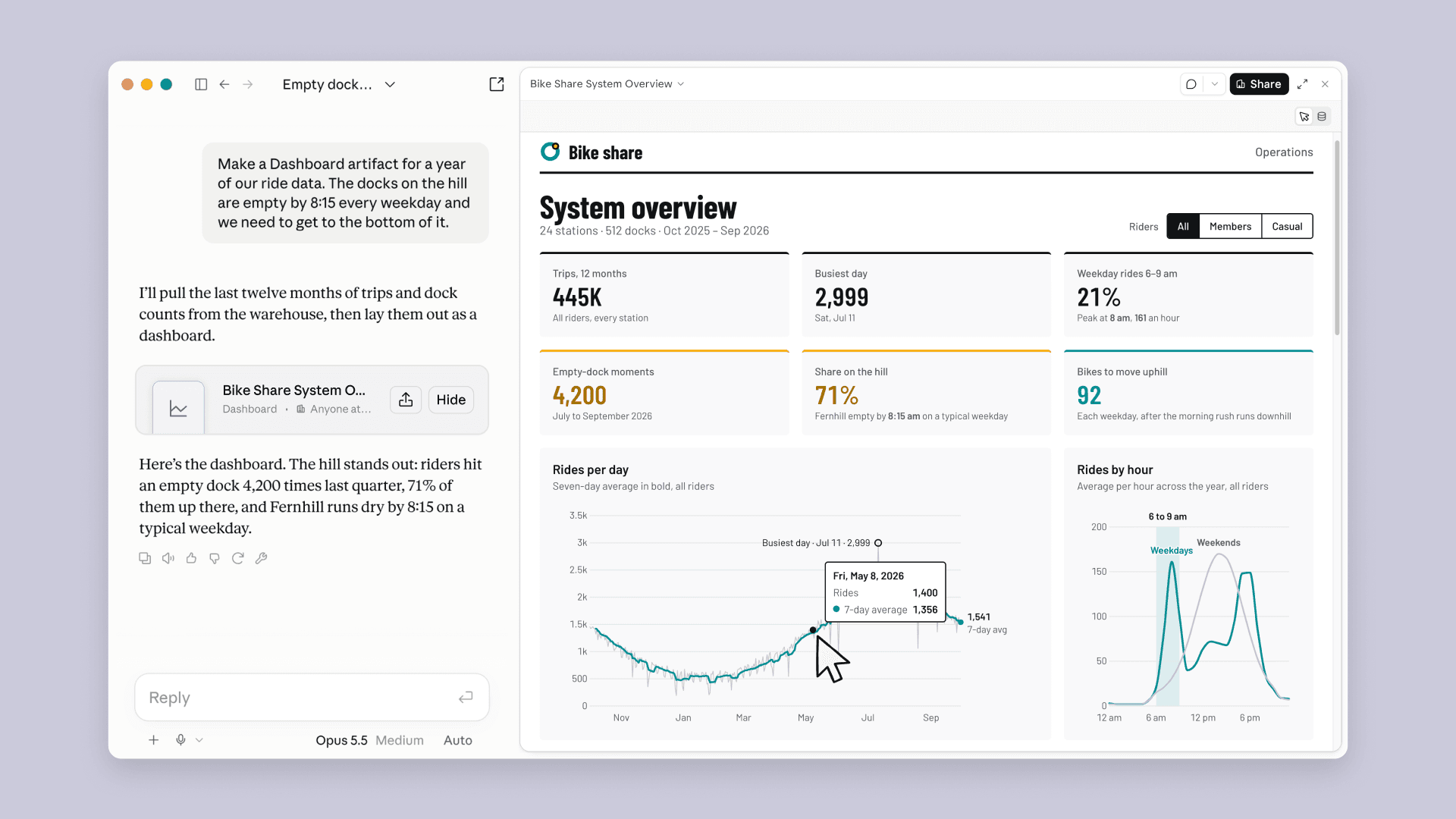
On October 8, 2026, Anthropic put Claude Dashboards and Claude Motion into beta: dashboards built from plain-language questions on live company data, and animations generated as editable code rather than video-model footage. Docs, Slides, and Design went GA on all plans, with 45M+ artifacts created to date.