Works on My Machine Is Dead: Standardizing the Dev Environment for Vibe Projects
Your code runs in three different environments: your laptop, a fresh agent session, and CI — and they disagree. This guide standardizes the dev environment for vibe projects: a full devcontainer.json template (Node+Postgres), the nix-flakes endgame, and a 15-minute minimum viable version.
Scope first: what this guide covers, and what it doesn't
This site already has a CI/CD guide (how code gets built and shipped after you commit) and a self-hosting guide (where production runs). This guide covers the third piece of the puzzle: the development environment — what kind of machine your code runs on at the moment it's written. CI handles "after commit"; this guide handles "before commit." Complementary, not overlapping.
If you're a solo developer, "standardizing the dev environment" can sound like big-company fussiness. But in the vibe coding era, the victim is precisely the solo dev: your "collaborator" isn't a person — it's every freshly opened agent session, which has no memory of your machine and has to guess what your environment looks like every time.
"Works on my machine" now has three meanings
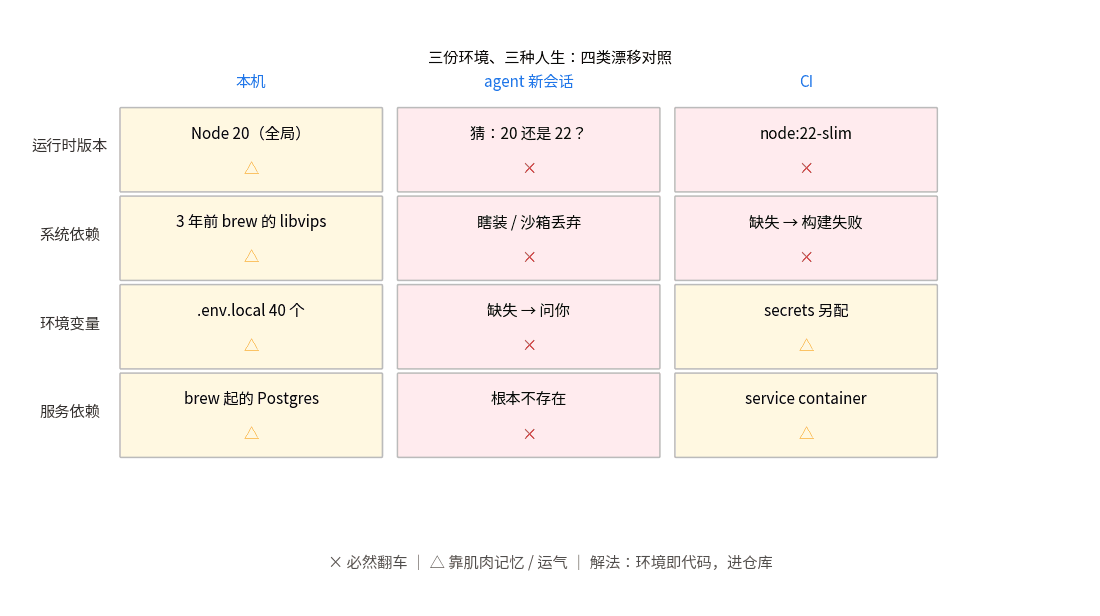
The classic joke was "works on my machine, not on yours." The 2026 version is three environments, three different lives:
One: your laptop. Node 20.11, pnpm 9 installed globally, a libvips from a Homebrew install three years ago, 40 environment variables in .env.local of which 5 are expired but nobody dares delete. The project runs fine — because every pothole has been paved over by your muscle memory.
Two: a fresh agent session. You open a new Claude Code session, or hand the repo to another AI tool, and it starts installing dependencies. The AI doesn't know whether your global Node is 20 or 22, doesn't know sharp needs system-level libvips — so it either installs blindly and pollutes your global environment, or installs inside a sandbox that evaporates when the session closes, and does it all over again next time. Worse: it may "fix" the environment — in a way completely different from your machine.
Three: CI / a collaborator's machine. CI runs tests on a node:22-slim image and fails. A collaborator (if you have one) clones the repo and npm install dies on a gyp error. Three people, three outcomes, and debugging always starts with "align environments first" instead of reading code.
There are four root causes, one per category: 1) runtime version drift (global Node/Python versions); 2) system-level dependencies (natively compiled modules, database client libraries); 3) scattered environment variables (.env files not in the repo, undocumented); 4) service dependencies (Postgres/Redis started via brew locally, service containers in CI, nonexistent in an agent session). AI writes code fast, but it won't manage these four categories for you — unless you write the "environment" itself as code and commit it.
 Devcontainer layered architecture: editor, container, features and compose services
Figure 1: Three environments, three lives — the four categories of drift (runtime version, system dependencies, env vars, service dependencies) across your laptop, fresh agent sessions, and CI.
Option 1: devcontainer — one-click reproducible environments (recommended)
Devcontainers are an open standard supported by VS Code, Cursor, and Windsurf: one .devcontainer/devcontainer.json describes "what kind of machine this project needs," and the editor spins up a Docker container automatically — everyone develops inside the container. Below is a complete template for a Node + Postgres project, field by field:
{
  "name": "my-vibe-app",
  "image": "mcr.microsoft.com/devcontainers/typescript-node:22",
  // Runtime version pinned: no more "mine is 20, yours is 22"
  "features": {
    "ghcr.io/devcontainers/features/node:1": { "version": "22" },
    "ghcr.io/devcontainers/features/docker-in-docker:1": {}
  },
  // System-level deps (e.g. libvips for sharp): preinstall via customizations or a Dockerfile
  "customizations": {
    "vscode": {
      "extensions": ["dbaeumer.vscode-eslint", "esbenp.prettier-vscode"]
      // Editor extensions versioned too: fresh sessions install them automatically
    }
  },
  "forwardPorts": [3000, 5555],
  "portsAttributes": { "3000": { "label": "App", "onAutoForward": "notify" } },
  // Service deps: Postgres comes up with compose, data persisted in a volume
  "dockerComposeFile": ["../docker-compose.dev.yml"],
  "service": "app",
  "workspaceFolder": "/workspaces/my-vibe-app",
  "postCreateCommand": "pnpm install",
  // Env vars: the template is committed; real values live in local .env (gitignored) + docs
  "remoteEnv": { "DATABASE_URL": "postgresql://dev:dev@db:5432/myapp" }
}
Pair it with a docker-compose.dev.yml that brings up Postgres/Redis, with data on a named volume so it survives container deletion. The key: postCreateCommand automates dependency installation — when an agent opens a fresh session, it no longer faces "a strange bare machine" but a ready workbench with dependencies installed and the database configured. No guessing Node versions, no brew installs, no polluting your global environment.
Three agent-friendly details: 1) write one line at the top of the README — "this project uses devcontainers; Cursor/VS Code will prompt to Reopen in Container." AI reads READMEs and will follow it; 2) make .env.example exhaustive, one comment per variable explaining where it comes from (even if the value is empty) — what AI fears most is "a missing variable it doesn't know is missing"; 3) prefer official features over hand-written Dockerfiles for system deps — features are officially maintained, while AI-generated Dockerfiles tend to break layer caching.
Option 2: nix flakes — the declarative endgame (optional)
If you don't even want Docker (e.g., the project must run outside containers), nix flakes are the more radical answer: one flake.nix declares "this project needs Node 22.5.1, Postgres 16, ffmpeg 7," and nix guarantees a bit-for-bit identical install on any machine. Lighter than devcontainers (no container runtime), but with a steep learning curve and some macOS sharp edges. Solo-team advice: get devcontainers running first; consider nix only when "I don't even want containers" starts hurting. Don't adopt both for fashion's sake.
Option 3: the minimum viable version — three files that save you
If devcontainers feel too heavy right now, do at least these three, five minutes each:
1) Pin the Node version with .nvmrc (or .node-version) and pin the package manager with "packageManager": "pnpm@9.7.0" in package.json. A fresh agent session reads these two files first — aligned versions eliminate 80% of "won't run."
2) A docker-compose.dev.yml that starts only stateful services (Postgres/Redis/MinIO); the app itself still runs natively. Best ROI of any step: service dependencies are the hardest environment knowledge to convey verbally ("first brew install postgresql@16, then initdb…"), and containerizing turns it into one command.
3) "Shadow sync" between .env.example and .env: every new env var goes into .env.example with a comment first, then the real value. Add a CI check diffing the key set of .env.example against the keys your code reads — scattered vars get a sentinel from then on.
Making CI isomorphic with dev: the last mile
The endgame of environment standardization: the environment CI uses for tests equals the one you develop in. Devcontainers ship an official action (devcontainers/ci) that starts the same devcontainer.json environment in CI to run tests. When full isomorphism isn't possible, fall back: the CI image's Node version and system-dependency install script share the same Dockerfile or features list as the devcontainer — "one declaration, two consumers" leaves drift nowhere to hide.
The acceptance test is simple — the "newcomer (or new agent) 30-minute test": take someone who has never touched the project — or open a brand-new agent session, give it only the repo URL and README, and see if it can get the project running and tests passing within 30 minutes. If it can't, environment knowledge is still living in your head instead of the repo. Run this test quarterly, and environment rot can never catch up with you.
 Devcontainer layered architecture: editor, container, features and compose services
Figure 2: Devcontainer layered architecture — the editor spins up the container from devcontainer.json; features, extensions, and ports declared once; Postgres and friends orchestrated by compose; fresh agent sessions work out of the box.
The 15-minute solo-team checklist
1. Add .nvmrc + pin packageManager (5 min). 2. Write docker-compose.dev.yml for Postgres/Redis (5 min). 3. Complete .env.example and add the key-set CI check (5 min). Those three kill 80% of environment problems. 4. When you have slack, adopt the full devcontainer.json (30 min) and make "works out of the box" the default. 5. Put one line at the top of the README explaining how the environment starts — AI and future-you will both thank present-you.
One sentence: the faster AI writes code, the more "environment" — the slow variable — becomes the bottleneck. Writing the environment as code and committing it is the best onboarding doc you can give every future agent session — and yourself three months from now.
Comments (0)
Related articles
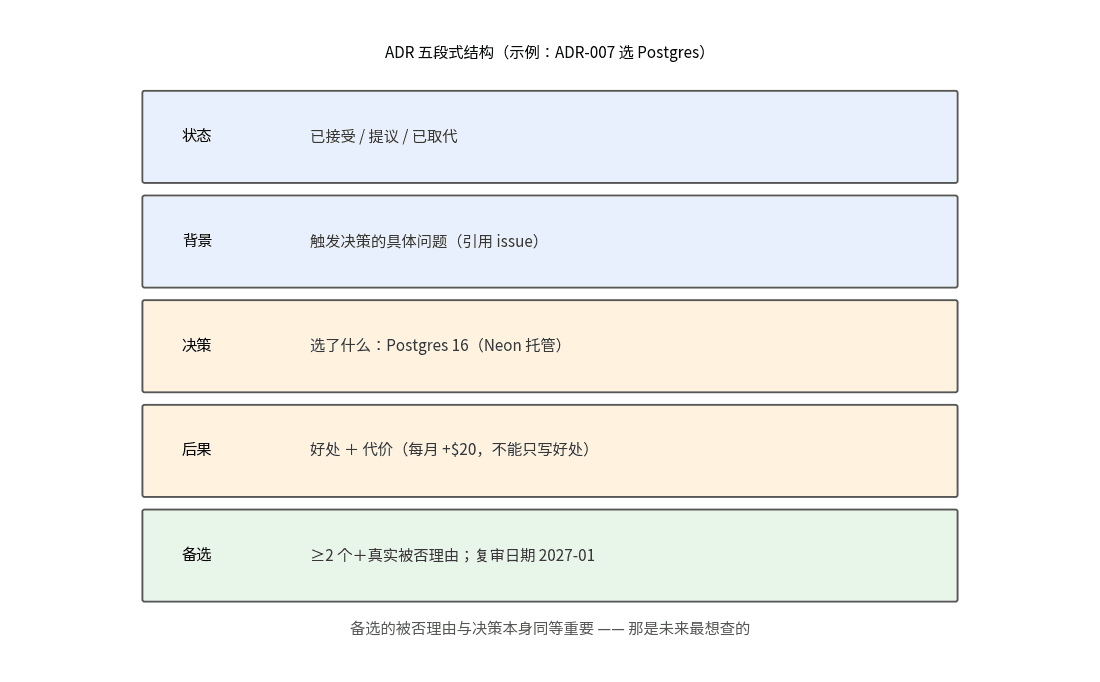
AI writes code fast; decisions evaporate faster. This guide introduces ADRs (Architecture Decision Records) for solo teams: a real five-part template, the 'only write the irreversible' rule (2–3 per month), a prompt for letting AI draft them, and the quarterly review with superseded archaeology.
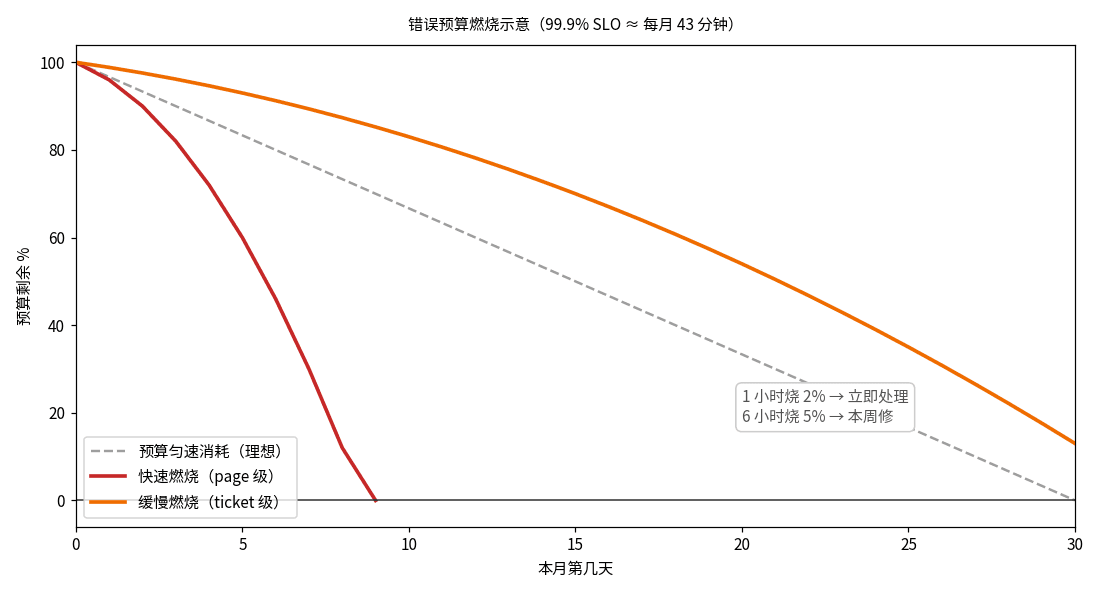
AI-generated code has no concept of reliability — everything is 'feels fast.' This guide gives solo teams the SRE decision layer: SLI/SLO/error-budget in plain terms, two-tier burn-rate alerting, and a minimal implementation (one SQL + one cron + one status-page line) plus the 'budget gone, releases freeze' discipline.
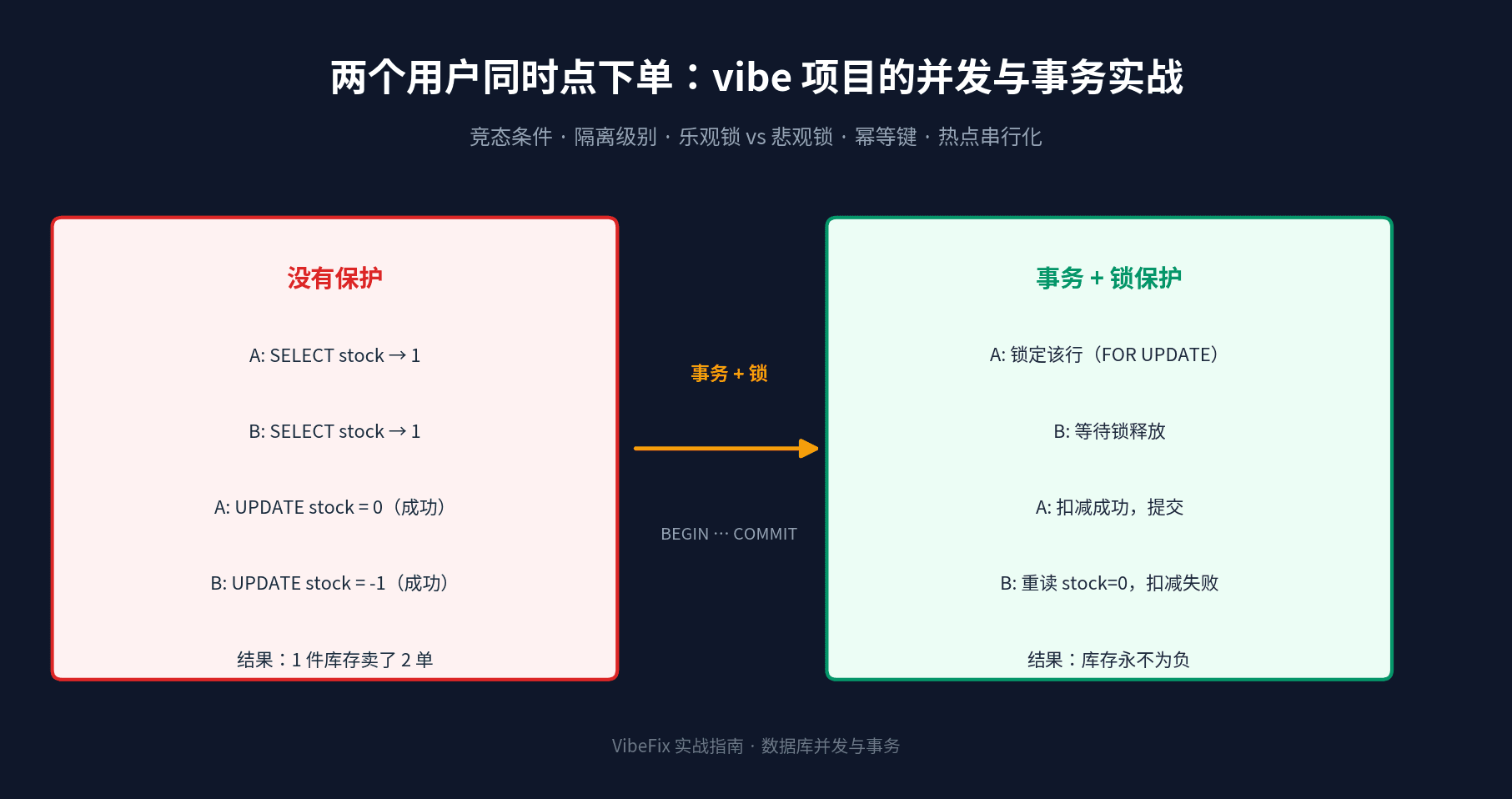
AI-generated checkout code never thinks about concurrency: two users buying at once means negative stock and double-spent balances. This guide starts from three real race-condition scenes, then covers transaction isolation levels, optimistic (version column) vs pessimistic (SELECT FOR UPDATE) locking, idempotency keys against replays, queue serialization for hot rows, and hands-on transaction code in Prisma and Drizzle — plus a rollout checklist.