From Figma to Running Code: A Practical Design-to-Code Pipeline for Vibe Projects
AI writes logic well, but UI fidelity decides whether something feels like a product. With Figma Code Layers in public beta and bidirectional MCP, design-to-code has an official pipeline for the first time: five stages, four copy-paste prompt patterns, three anti-patterns, and the real cost math.
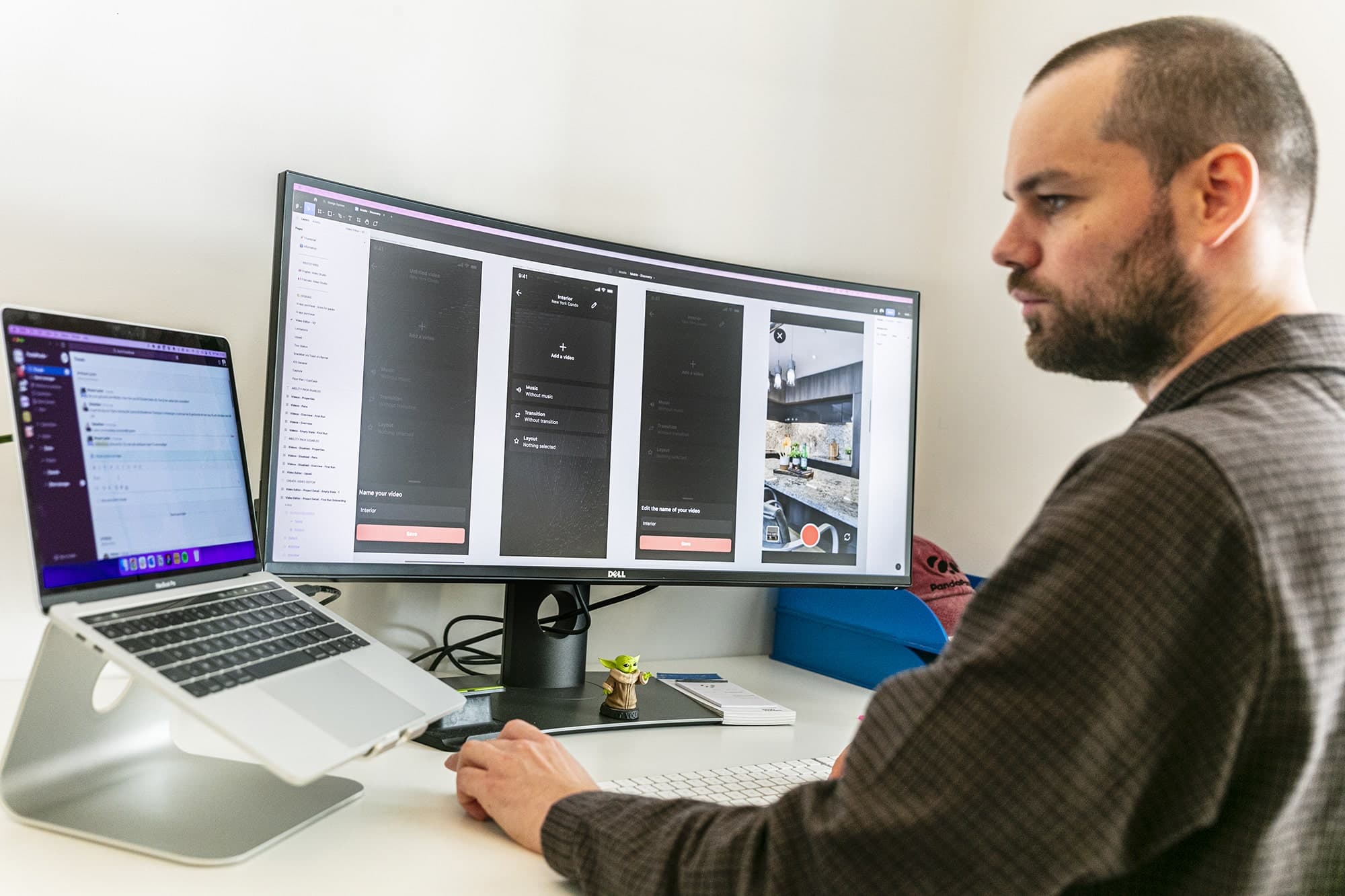
Vibe coding is great at turning "a one-line idea" into "a demo that runs," and terrible at turning that demo into "something that looks like a real product." AI can write the logic and wire up the APIs, but UI fidelity decides whether a user's first impression is "this is a product" or "this is a toy." And that last mile — from design file to code — is where most solo developers hurt the most: either hand-writing CSS until midnight, or throwing screenshots at an AI and getting back code that is "close but off everywhere," then spending triple the time nudging pixels back into place.
In October 2026, Figma moved Code Layers into public beta at Config India. Combined with Specs (a Markdown context container), a bidirectional MCP server, and Guidelines (design rules for agents), there is now — for the first time — an "officially paved road" from design to code. This guide is not about what features Figma shipped — that's news. It's about a reusable pipeline: five stages from Figma file prep, design-token extraction, MCP connection, AI generation, to a visual-QA loop, with each stage's inputs, outputs, acceptance criteria, four copy-paste prompt patterns, and three anti-patterns you will definitely hit.
See the reality first: the road is paved, but you still drive the car
Set expectations straight. Figma's own framing is deliberately modest: Code Layers is not meant to replace your code editor, but to make "a working interface visible, discussable, and editable on the shared canvas before a prototype hardens into a product." Translated for indie developers: it solves design-intent loss in transit, not the act of writing code itself.
The pipeline's real capability boundaries (as of October 2026):
- Read: The Figma MCP server (remote endpoint
https://mcp.figma.com/mcp, available on all plans) hands layer structure, components, Variables, and Auto Layout rules to Claude Code, Cursor, Codex, and other coding agents as structured data. Note: it reads structure, not screenshots — the foundation of this entire pipeline, and the source of anti-pattern #1. - Write: Since February 2026 the MCP server supports write-back (Code to Canvas) — an interface built in Claude Code can be pushed back into Figma as editable layers. The October update added 20+ MCP partners (OpenCode, Dia, Sarvam, and others) and lets external AI tools generate code layers and read/write Specs directly.
- Constrain: Specs is Markdown-based project context (PRDs, technical notes, canvas element references); Guidelines make the agent read your published design rules on every prompt. Figma's CDO told TechCrunch that AI now produces 17× more lines of code than before, but releases are up only 1.3× — "a lot of that code is not built to ship, but built to discover what the product is." Constraints exist to tame that exploratory code.
- Cost: Code Layers is free on paid plans through November 4, 2026, then billed in AI credits. Having an agent read Specs also consumes credits. The pipeline has metered costs — sloppy prompting literally costs money, which is why we'll cover how to save later.
Bottom line: the pipeline keeps intent from getting lost; you supply the intent in the first place. If your Figma file is a mess (Rectangle 47, Group 12, layers stacked by hand), MCP reads a structured mess, and the AI-generated code will be "tidy-looking ugly."
The five-stage pipeline: inputs, outputs, and acceptance criteria

Figure 1: The five-stage pipeline. The core discipline is "upstream output is downstream input" — skip any stage and you'll pay double rework later.
Stage 1: Design prep — give the AI a design file it can actually read
The least glamorous stage with the highest ROI. MCP passes the agent a layer tree, not a render, so layer names are comments for the AI. Concrete acceptance criteria:
- Every interactive element gets a semantic name (
btn-primary,card-pricing-pro), notRectangle 47. The agent maps layer names directly to component and CSS class names — messy names mean messy code. - Repeated UI must be consolidated into Components (buttons, inputs, cards, nav), with Variants for states. Otherwise the AI generates a separate button style per page and your design system exists in name only.
- Use Auto Layout, not absolute positioning. Auto Layout rules (spacing, wrapping, alignment) translate into flexbox; absolutely-positioned layers force the AI to guess, usually producing a pile of magic numbers.
- Text via Text Styles, colors via Variables. Hardcoded hex values arrive in MCP data as bare strings — the AI has no way to know
#0E7C6Band#0E7C6Cwere meant to be the same brand color.
For a solo builder this is usually 1–2 hours. Don't skip it: every rework hour saved downstream is worth ten here.
Stage 2: Token extraction — turn "looks the same" into "uses the same thing"
A design system is constraints; tokens are the vehicle. The playbook:
- Define color, spacing, type, and radius tokens as Figma Variables (start with these four; don't boil the ocean on day one).
- Have the agent read the Variables and generate
tokens.css(CSS custom properties) ortheme.ts(TypeScript constants), committed to the repo. From then on, all AI-generated components reference tokens — hardcoded values banned. - Run a "token audit" periodically: ask the agent to diff Figma Variables against
tokens.cssand list every hardcoded value that should have been a token. The cheapest anti-drift measure there is.
This stage's artifact (the tokens file) is Stage 4's "constitution": one line in the prompt — "all colors and spacing must use variables from tokens.css" — and generated-code consistency jumps a level.
Stage 3: MCP connection — five minutes of setup, permanent context
The remote MCP endpoint is https://mcp.figma.com/mcp; Claude Code, Cursor, and VS Code all connect. Two options:
- Remote server: works on all Figma plans, simplest setup, right for solo developers. You'll authorize the agent to access your Figma files.
- Desktop server: requires a Dev or Full seat on a paid plan, runs over a local WebSocket with lower latency, and supports live UI capture (grabbing a running page back into Figma). Remote is usually enough for a solo dev.
The workflow after setup is "select frame → copy link → paste to agent." Key detail: feed one frame or one component at a time. Dumping a 20-page file link drowns the agent's context in a layer tree and output quality falls off a cliff. Granularity control is the most important human skill in this pipeline.
Stage 4: AI generation — four prompt patterns you can copy
This is where the AI does the work. Four prompt patterns have proven most stable in community practice (in recommended order):
- Component generation: "Read my Figma file and generate the [screen name] screen as a React component. Use our design tokens for all colors and spacing. Drop it into [src/components/]." — smallest granularity, highest success rate. Build trust here first.
- Full-page build: "From my Figma file, generate the [page name] page with all its sub-components. Map Figma component names to React component names, apply token-based styles, place files in [src/pages/]. Include TypeScript props where relevant." — use once the component library exists.
- Token extraction: "Read the variables and styles from my Figma file and generate a tokens.css file (or theme.ts) with all color, spacing, and typography tokens." — the automated version of Stage 2.
- Design-system audit: "Scan my Figma file and compare the design tokens in use against the tokens defined in our tokens.css. List any hardcoded values that should be replaced with tokens." — regression check; run it regularly as you iterate.
The discipline: components before pages, always. Asking the AI to generate an entire site's homepage in one shot has a sky-high rework rate — not because the AI is bad, but because you gave it too much room to improvise. Component-level code takes 5 minutes of human review to merge; page-level generation must be paired with Stage 5's visual QA.
Stage 5: Visual QA — MCP didn't kill design review, it just made it cheap
The easiest stage to skip, and the main source of "AI smell." AI-generated UI has three classic distortions: "close enough" spacing, "approximately" type sizes, and "whatever" responsive breakpoints. The QA loop:
- Run the page, screenshot it, and put it side by side with the Figma design (eyeball it — don't trust your memory).
- Feed the deltas back to the agent ("nav spacing is 8px wider than the design; button radius should be 8px, not 4px") — the more specific the description, the more accurate the fix.
- Once confirmed, push the final version back to Figma via Code to Canvas: design and code become two views of the same truth, and the next iteration never needs "re-translation."
The realistic solo-dev bar: the hero section and core conversion paths must be pixel-aligned; low-traffic pages like admin panels and settings can stay at "close enough." Concentrate QA firepower where the money and first impressions are.
Side by side: traditional handoff takes three rounds; the MCP pipeline takes one

Figure 2: Traditional handoff vs the MCP pipeline. MCP didn't eliminate review — it compressed three rounds of human translation into one generation round plus human sign-off.
Worth unpacking is the "still needs humans" row. Some studios report 60–70% reductions in frontend build time with this pipeline (single-case data, take it as directional), but what got eliminated is translation time, not judgment time. Four cases where humans still backstop the AI: complex animations and transitions, token mapping across dark mode / multi-theme, responsive details across breakpoints, and brand feel — the "can't articulate it but can see it" stuff. The pipeline's value is moving human hours from translating to judging, not removing humans.
Three anti-patterns, each paid for in real money
Anti-pattern 1: screenshot feeding. Dumping design screenshots on the AI and asking it to "write it like this." Screenshots carry zero structural information — the AI can't see Auto Layout rules, component reuse, or Variables; it can only guess from visuals. The result always looks right at first glance and wrong at second, and fixing it is slower than hand-writing. If you have MCP, never use screenshots. The most avoidable mistake of 2026.
Anti-pattern 2: one-shot whole-site generation. "Turn my 20-page Figma file into a complete website." Sounds great; in practice it's a disaster: context explosion makes the AI start hallucinating, same-named components get implemented differently per page, token references go random. The correct posture is always small steps: tokens → atomic components → pages → wiring, with human review at each step.
Anti-pattern 3: skipping tokens and going straight to generation. Bare values in the design become bare values in the code. Three months later you want a rebrand and you're editing 47 files. Token extraction is the cheapest insurance in the whole pipeline — two hours of work protecting the maintainability of the entire product.
The cost math: is this pipeline actually expensive?
Let's do the math for a solo developer. Figma side: Code Layers is free on paid plans through November 4, 2026, then metered in AI credits; reading design data over remote MCP currently carries no extra charge (check Figma's official pricing page). AI side: MCP context is billed per token — a medium-complexity page frame's structured data runs a few thousand to tens of thousands of tokens, so one generation with a Claude/GPT-class model typically costs well under a dollar. The real cost center is rework: bad prompts, overfeeding, skipped QA — every rework round is double tokens plus your time. So the cheapest way to run this pipeline is paradoxically the "dumbest": small granularity, frequent review, tokens first.
A full walkthrough: the pricing-card component, start to finish
Theory done — now a real run. Suppose your Figma file has a pricing-card component (the Pro tier), already tidied per Stage 1: component named PricingCard, variant plan=pro, all colors via Variables.
Step 1: extract tokens. Open the Variables panel, copy the file link, hand it to the agent:
"Read this Figma file's Variables and generate tokens.css — only color, spacing, type, and radius, as CSS custom properties, named hierarchically like --color-brand-500."
You'll get something like this (illustrative):
:root {
  --color-brand-500: #0E7C6B;
  --color-text-primary: #1F2A44;
  --space-md: 16px;
  --radius-lg: 12px;
  --font-size-title: 20px;
}
Review the naming once by hand, commit it. From this moment on, every subsequent prompt gets one line — "use only variables from tokens.css" — the highest-ROI sentence in the entire pipeline.
Step 2: generate the component. Select the PricingCard component in Figma, copy its link:
"Read this Figma component and generate a React + TypeScript component, PricingCard.tsx. Requirements: all colors/spacing/type reference tokens.css variables; props include plan, price, a features array, and ctaText; style with Tailwind class names, but color values must go through CSS variables."
Step 3: visual QA. Run it, screenshot it, put it next to Figma. You'll almost certainly find one or two "close enoughs" — list line-height, check-icon size. Feed the deltas back, as specifically as possible:
"Feature list line-height is 4px smaller than the design; check icons to 16px; card shadow uses the --shadow-card token."
Step 4: write back. Once confirmed, push the final render back to Figma via Code to Canvas. The PricingCard in the design file and the one in code are now the same source of truth — next design change rides the same pipeline.
The whole run takes 20–30 minutes. The point isn't speed — it's that every step produces an inspectable artifact: tokens.css, the component file, the screenshot diff. Skip inspection at any step and the debt comes back with interest.
What goes in Specs: a context manual for your agent
Once the pipeline hums, you'll notice the same background info repeating in every prompt: brand tone, target users, technical constraints, "don't ever do X." That belongs in Figma Specs — a Markdown document on the canvas that the agent reads before every job. Four sections are plenty for a solo developer:
- Design language: how brand colors are used, the personality of radius/shadow ("restrained, minimal decoration" beats "looks nice"), dark-mode rules.
- Component contracts: how many button variants exist and when to use each; form-validation interaction spec; unified empty/error states.
- Technical constraints: the stack (Next.js + Tailwind), where the token file lives, hard rules like "no hardcoded color values."
- Anti-pattern list: mistakes you've actually made ("no gradient backgrounds," "every modal needs a close button") — write them down and the agent stops repeating them.
The maintenance discipline for Specs: every time visual QA surfaces a "never again" issue, add one line to Specs. It's the "team convention" between you and your agent — except the team is one person. Combined with Guidelines (published to the design library, read on every prompt), constraints graduate from "you nagging every time" to "infrastructure."
When not to use this pipeline
Honestly, three cases favor hand-writing (or pure prompt generation): first, when you have no design file at all, just a vague idea — use tools like v0 to explore a few visual directions first, lock the direction, then enter the Figma pipeline. Don't draw for two weeks just to be "process-correct." Second, one-off marketing landing pages — design-is-code (tweak directly in v0/Lovable) is faster and doesn't deserve a token system. Third, heavily custom marketing animation sites — AI-generated animation code still underperforms hand-written, and the pipeline's time savings evaporate into animation tuning.
The sweet spot: product-type projects with a relatively stable design language that you'll iterate on long-term — SaaS, tools, dashboards, mobile apps. One-off pages get one-off methods; long-lived products get long-lived pipelines. Don't mix them up.
One-page checklist
- Layer naming: no "Rectangle N" / "Group N"; component names are code names
- Componentization: repeated UI consolidated into Components + Variants
- Layout: Auto Layout across main pages, no large absolutely-positioned areas
- Tokens: color/spacing/type/radius Variables defined; tokens.css committed
- MCP: remote server connected; one frame per prompt
- Generation order: tokens → atomic components → pages, using one of the four patterns
- QA: screenshot-diff review for hero and conversion paths; final version written back to Figma
- Cost: estimate tokens before large generations — rework is the most expensive line item
One last thought: this pipeline's biggest change isn't "faster" — it's that the design file becomes executable truth for the first time. Design used to be "the wish," code "the reality," and the gap was filled by human labor. Now MCP lets both read the same structured data, and the gap becomes something automatable, testable, and revertible. For a solo developer, that means finally maintaining a single source of truth — changing the design changes the code's input, instead of changing the design and praying the code catches up.
Comments (0)
Related articles

The most common open source posture among vibe developers is the naked push: no license, no CONTRIBUTING, an issue tracker silent for three months. This guide lays out the full runway from private repo to healthy open source project: a license decision table, a pre-launch code health check with a runnable secret scanner, the four community files, a launch-day SOP, first-month governance discipline, and a 15-item acceptance checklist.

doubleAI raised $200M co-led by Lightspeed and Bessemer — with NVIDIA and Dell joining — to launch Maxwell, the first Code Execution Model: an AI that rewrites running binaries with formal proof instead of writing source code. Coding agents work for the programmer; CEMs work for the machine.
Inception's October 19 Mercury 3 is the strongest diffusion LLM ever released: 1,068 tokens/sec, 1M context, benchmark quality on par with GPT-6 Luna and Claude Haiku 5.5 at 4-8x the speed. At 40x the size of Mercury 1 with speed intact, it answers the field's biggest question — diffusion can scale. For agent developers, speed is becoming the new intelligence.