Guardrails for Agents: Hooks Interception in Practice, Now Supported by 12 Major Tools
As of October 2026, 12 major coding agents — Claude Code, Codex, Cursor, Copilot, Windsurf and more — all support tool-call interception via hooks. 'Ask me before the agent does something bad' went from luxury to standard. This guide covers 4 essential hook types: secret-leak blocking, dangerous-command confirmation, file-write fencing, and audit trails.
Why now: interception is standard equipment
Digital Applied's early-October comparison confirmed a milestone: as of October 3, 2026, Claude Code, OpenAI Codex, Cursor, Gemini CLI, GitHub Copilot, Windsurf, Kiro, Factory, Augment, Amp, OpenCode, and Cline — all 12 major coding agents document an official mechanism for intercepting tool calls. Only Continue lacks documentation.
What does that mean? "Ask me before the agent does something dangerous" is no longer any single vendor's premium feature — it's industry standard. The question changed from "can you add guardrails" to "did you."
Guardrail 1: secret-leak blocking — move the scan from commit to prompt
Traditional secret scanning sits at the git commit. But in the agent era, leaks happen earlier: the agent opens .env to check a variable name while debugging, pastes file contents into a prompt to "see what's wrong," echoes a credential into a terminal command — none of that touches git, yet the secret has already reached a model provider or landed in a chat log.
GitGuardian's ggshield shows the fix: scan agent interactions in real time through each tool's hook system, and block before the secret reaches the model, telling the developer to remove it. Setup pattern: PreToolUse-style hooks plus a secret-pattern library, block on match. The principle: the closer the scan sits to "send," the better — commit time is already too late.
Guardrail 2: dangerous-command confirmation — rm -rf must go through a human
The simplest and most important rule: irreversible operations (deleting files, dropping databases, deploying, changing prod config) must trigger confirmation via hook. Claude Code does permission rules plus asking; Cursor/Copilot have similar command allowlists.
Three tiers work well: reads pass by default (read files, check logs, run tests), writes tiered by directory (src/ writable, infra/ needs confirmation), destructive ops always need a human (delete, overwrite, external publish). Don't confirm everything — confirmation fatigue is more dangerous than no guardrail; after the third nag you'll click "allow" on all of them and the guardrail becomes decoration.
Guardrail 3: file-write fencing — the agent touches only what it should
Draw the agent a sandbox: a writable-directory allowlist plus a sensitive-directory denylist. .env, key stores, CI secrets, production config — the agent should be restricted from even reading these, let alone writing. Mandiant's September case study is the cautionary tale: attackers hijacked a developer's live agent session and got it to recommend a poisoned PyPI package — once a session is hijacked, the agent's permissions are the attacker's permissions.
Fence two layers: path fencing (which directories are writable) and content fencing (written content must not match secret patterns or contain suspicious outbound URLs). The first stops accidents; the second stops poisoning.
Guardrail 4: audit trails — so you can do a postmortem
Every intercepted or allowed tool call gets logged: timestamp, agent, call content, decision (allow/block/human-confirmed), confirmer. Platforms like Codility already save "every prompt, command, and code change into the report" — solo developers should at minimum persist hook logs for 30 days.
Audit value isn't in normal times — it's on the bad day: how did the key leak, who confirmed that drop-table command, when was the poisoned package recommended. Without logs, none of those questions are answerable.
The tonight checklist: 5 things you can do today
1) Read your agent's hooks/permission docs and learn the mechanism; 2) add a secret-blocking hook, starting with .env; 3) set a three-tier confirmation policy, hardest on irreversible ops; 4) fence files, deny sensitive directories by default; 5) turn on audit logging, persist it. Skills like Ponytail ("write less code") are the accelerator; hook guardrails are the brakes — in 2026, agent engineering needs both installed together.
Related articles
Getting signups is only the start — users churn by day 3 and you have no horn to call them back. This guide covers notification systems for vibe projects: channel selection, email with Resend from day one, SPF/DKIM/DMARC done right, when SMS is worth the money, frequency caps and unsubscribe, retries and dead letters, plus a launch acceptance checklist.
Prompts in vibe projects live in code strings, admin text boxes, and docs — changed live, version unknown when things break. This guide shows how to treat prompts like code: a prompts/ layout, YAML frontmatter, semantic versioning, PR reviews, canary rollouts with one-click rollback, plus an evals baseline — and a real war story: one added sentence cost 12 points of classification accuracy.
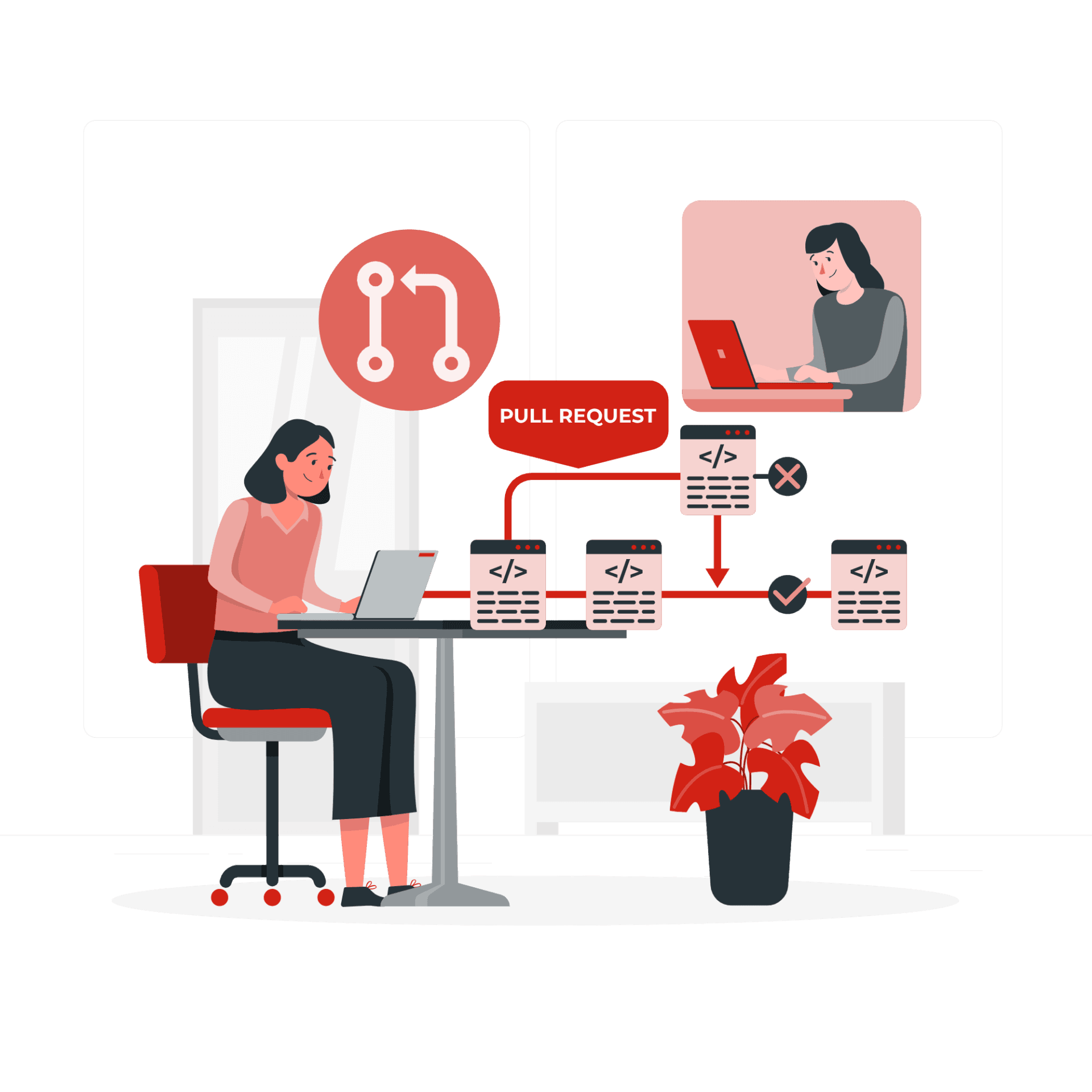
The faster AI writes code, the more review matters. Four layers: diffs for logic (boundaries, errors, concurrency — plus auth, payments, SQL, encryption, secrets), runtime for behavior (type checks, lint, security scans go green first), AI for first-pass screening (a second model reviews, humans read only flagged parts), humans for the final call (AI never clicks merge). Includes commit norms, PR template, branch protection, rollback plans.