Don't Code Yet: 5 Ways to Validate Demand with AI
The biggest waste in vibe coding isn't wrong code — it's building something nobody wants. AI drives validation cost to near zero: a landing page in a day to test conversion, a fake door button to count clicks, concierge delivery before software, AI-assisted interview synthesis, and presales to see if anyone will pay. Validation isn't procrastination — it's buying the right not to build, at minimal cost.
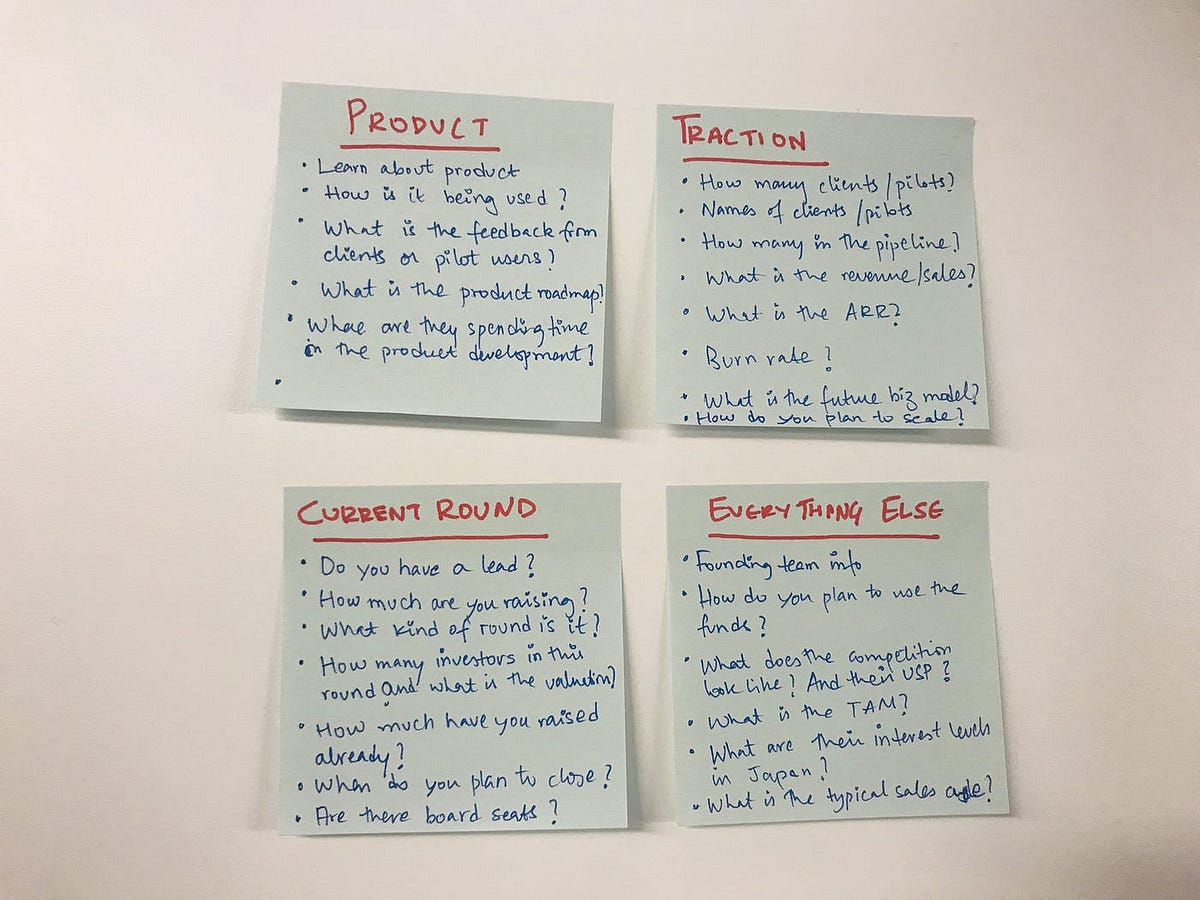
In the vibe coding era, the most expensive thing is "built it, nobody came"
AI has driven the cost of writing code to the floor, but there's one cost it can't erase: the two weeks you spent building something nobody wants. Getting a product wrong used to cost months of salary; now it's "whatever, the AI wrote it, two weeks of fun" — sounds easy, but two weeks times 26 "fun experiments" a year is a whole year.
The good news: AI has also driven the cost of validating demand to the floor. User validation used to mean surveys, scheduled interviews, manual analysis; now AI does the grunt work. Validation is no longer a "big-company luxury process" — it's a routine every vibe coder should run before the first line of code. Five methods below, ordered by cost, lowest first.
Method 1: Landing-page smoke test — one day, zero code
Have AI build a product landing page in a day with tools like v0 or Lovable: state the problem you're solving, the pricing, and a "Join the waitlist / Book now" button. Then spend $50-200 on targeted traffic (or post in 3 communities where your target users hang out) and watch conversion for 7 days.
The bar is brutal: 100 targeted visitors and fewer than 5 signups means the demand is probably fake. Don't tell me "the page was ugly" — faced with a real pain point, users tolerate enormous ugliness. Dropbox validated with a demo video plus a waitlist; nobody cared how pretty the page was.
AI's value here is compressing "build a page" from 3 days to 3 hours, leaving you no excuse to skip this step.
Method 2: Fake door — put a fake door in existing traffic
If you already have a small product, account, or community, don't build the new feature yet. Put a "Coming soon: XXX" button or banner somewhere prominent; when users click, a popup says "In private beta — leave your email and we'll notify you first." Track click-through for two weeks.
This is the highest-ROI validation move there is: zero dev cost, and it measures real behavior, not stated intent. Everyone says "I'd love that" in a survey; whether fingers actually click is honest. Above 3%-5% click-through (varies by category), invest in building; nobody clicks, and you've saved a month of wasted work.
Mind your manners: don't lie in the popup copy — say "beta waitlist," not "now live." A fake door tests willingness, not gullibility.
Method 3: Concierge first — be the customer service before being the boss
Concierge MVP: don't write code — personally "hand-deliver" the service to your first 10 users. Want to build AI resume optimization? Manually rewrite resumes for 10 people first; whether you charge is secondary. What matters is observing: what will they actually pay for? Which step hurts most? The moment during hand-delivery when you think "I wish a tool did this automatically" — that's the real need.
AI's role here is inverted: not writing product code, but building your hand-delivery tooling — interview note templates, delivery checklists, semi-automated processing scripts. Once hand-delivery runs smoothly and demand is validated, productize the most standardized part. Service first, software second — don't reverse the order.
Method 4: AI-assisted user interviews — turn 10 conversations into conclusions
Book 8-10 target users for 20 minutes each. Have AI draft the interview guide (centered on "how have you been hacking around this problem" — never "would you want my product," which only earns polite lies). Transcribe the recordings, feed all 10 notes to AI at once: "Extract pain points mentioned 3+ times, rank by frequency, cite verbatim quotes."
This fixes indie developers' biggest weakness: tiny samples, subjective analysis. A human brain listening to 10 interviews remembers the quotes that confirm its own hopes; AI thematic extraction at least gives you a relatively honest frequency count. If 7 of 10 describe the same pain, that's signal; if 10 people describe 10 different pains, you haven't found the target yet.
The most valuable interview question is always: "How are you working around this today — and have you paid for any workaround?" A paid workaround is the strongest demand evidence there is.
Method 5: Presale — willingness to pay is the ultimate validation
The final boss: collect money before the product exists. Early-bird pricing, lifetime-deal presales, deposits — any form works. Ten real prepayments means the demand deserves two months of your life; zero means the "intent" from the previous four methods deserves a question mark.
Many hesitate here, afraid of "taking money for something I can't deliver." The fix: write "in development, expected delivery month X, full refund if unsatisfied" in the presale copy, and wire up Stripe (yes, the integration guide covered this) in 10 minutes. The refund promise caps your risk, and "someone paid upfront" is worth more signal than 100 surveys.
Remember: votes with mouths are noise; votes with wallets are signal.
The traffic light: what counts as "pass"
You can stack the five methods, but set the bar beforehand or you'll unconsciously move the goalposts. Reference thresholds: landing page, ≥5 signups per 100 targeted visitors; fake door, ≥3% click-through; interviews, ≥6 of 10 describing the same pain with someone having paid for a workaround; presale, ≥10 orders. Two green lights out of four — start coding. All red — kill it gracefully (we wrote a kill-list guide before; the earlier you kill, the more you earn).
One closing thought: vibe coding made "trial and error" cheap, but trial-and-error isn't random flailing. The real moat in the AI era isn't coding speed — it's the judgment of what deserves to be built. Validation is how you mass-produce that judgment at minimal cost.
So next time an idea makes your fingers itch to start building, force yourself through these five steps first. Code written two weeks late won't kill you; two weeks in the wrong direction will.
Related articles
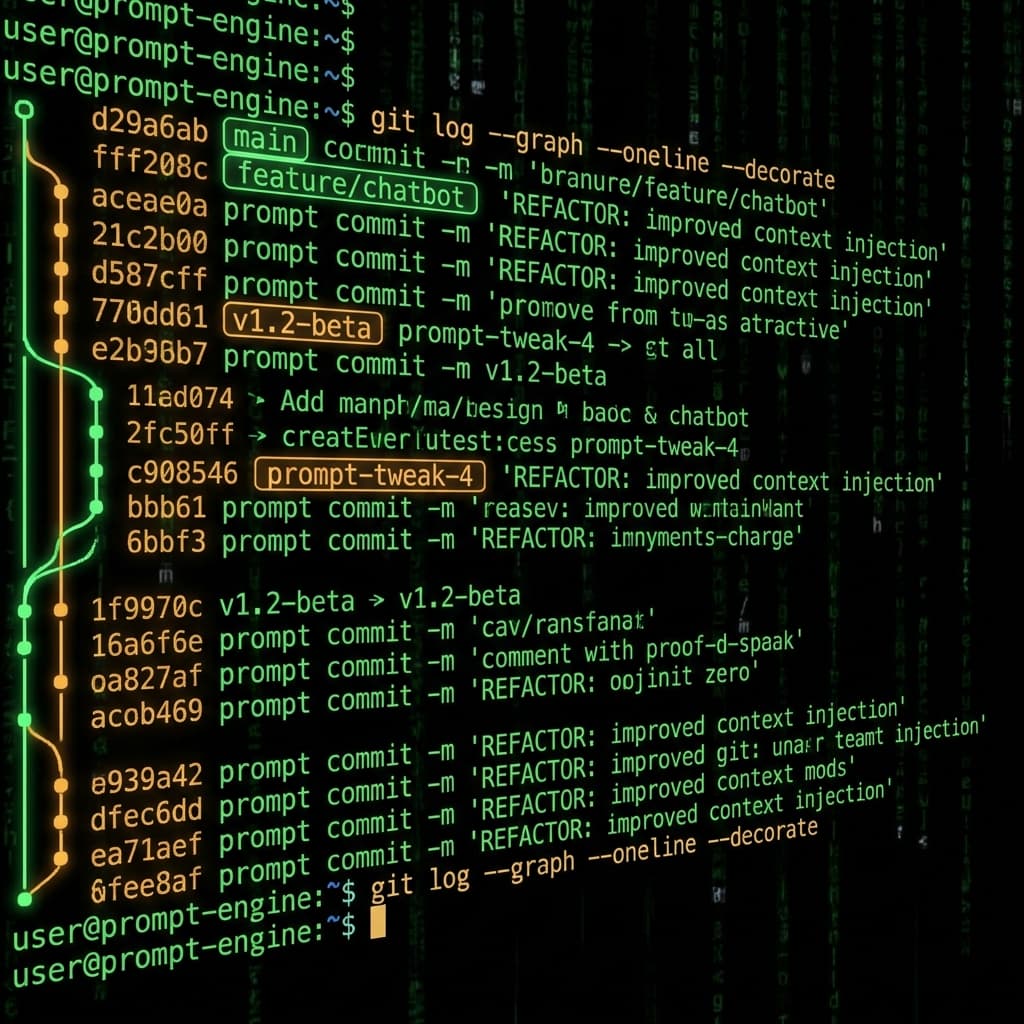
Prompts in vibe projects live in code strings, admin text boxes, and docs — changed live, version unknown when things break. This guide shows how to treat prompts like code: a prompts/ layout, YAML frontmatter, semantic versioning, PR reviews, canary rollouts with one-click rollback, plus an evals baseline — and a real war story: one added sentence cost 12 points of classification accuracy.

The faster AI writes code, the more review matters. Four layers: diffs for logic (boundaries, errors, concurrency — plus auth, payments, SQL, encryption, secrets), runtime for behavior (type checks, lint, security scans go green first), AI for first-pass screening (a second model reviews, humans read only flagged parts), humans for the final call (AI never clicks merge). Includes commit norms, PR template, branch protection, rollback plans.

Agents make your site gorgeous on a 27-inch monitor — then users open it on phones: buttons too small to tap, forms that break when the keyboard appears, layouts blown out by horizontal scroll. Mobile isn't a shrunken desktop; it's a different interaction language. This checklist covers touch targets, viewport and zoom, form keyboards, performance budgets, PWA installability, and the mobile-first acceptance phrases that get agents to ship it right.