Let the Agent Run for Hours: 5 Design Principles for Async Collaboration Workflows
AI coding agents can now work autonomously for hours — the bottleneck is no longer agent speed but your trust and workflow design. Still staring at the screen waiting? This guide gives 5 principles: split tasks to be verifiable, checkpoints over screen-watching, notifications over polling, failure budgets over perfectionism, retrospectives over reruns. Treat the agent as an async colleague, not a pairing buddy.
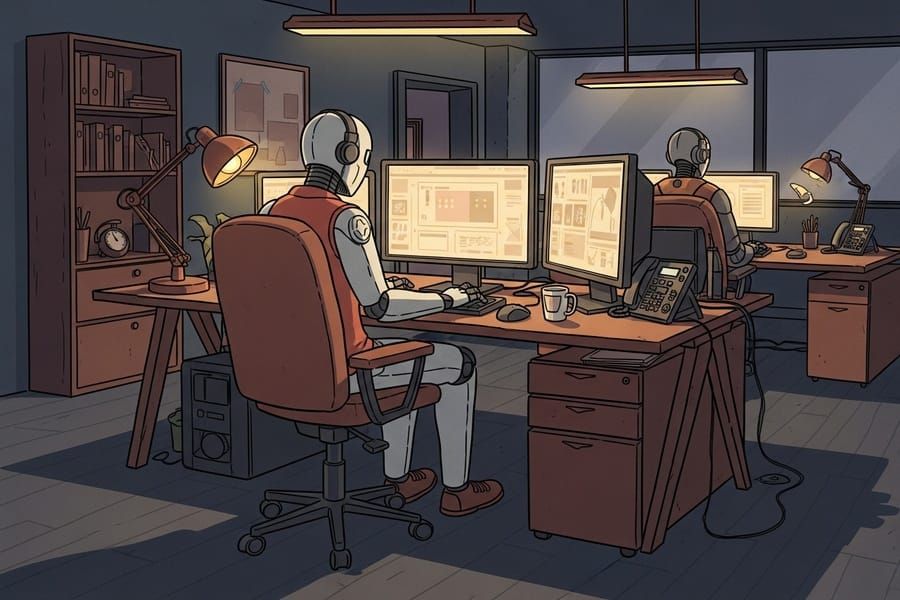
The situation: agents can run for hours, but you can't "let go" yet
Early-October observations across tech media point to the same conclusion: AI coding agents can now complete real engineering tasks, running autonomously for hours without constant supervision. The remaining challenge isn't speed — it's trust. Do you dare let it touch your codebase while you're not looking?
Most people still work in "pairing mode": send an instruction, stare at the screen, check the result, send the next one. That's like hiring a capable remote employee and demanding a video check-in every 5 minutes. The agent's capability is already async; your workflow is still synchronous.
Principle 1: split tasks to be verifiable, not just describable
Async requires that when the agent finishes a chunk, you can verify correctness cheaply. The splitting criterion isn't "I can describe this clearly" — it's "how will I know it did it right." Every subtask must carry its own acceptance criteria: tests pass, lint clean, screenshot diff, API responses match the contract.
Anti-pattern: "refactor the user system" — you won't even know where to start verifying. Good pattern: "extract the 6 auth functions into a new file, keep all existing tests green, 80%+ unit coverage on new functions" — just read the test report when it's done.
Principle 2: checkpoints instead of screen-watching
Break long tasks into 3–5 checkpoints. At each checkpoint the agent must stop and do three things: git commit (rollback-able), write a progress summary (what was done, why), and list blockers and questions. Then it can continue or wait for you.
Checkpoints turn "trust" into "auditability": you don't need to watch the whole time, but whenever you return, the commit history and summaries let you reconstruct everything. Worst case, roll back to the last checkpoint instead of "those 3 hours were wasted."
Principle 3: notifications instead of polling
"Go grab a coffee and check back" is the least efficient collaboration. The right setup lets the agent reach you: done, stuck, or needs a decision → ping your phone. People have already wired Cursor to WhatsApp: the agent messages you when a long run finishes, asks before irreversible actions, and continues only after your reply.
The tool doesn't matter (MCP, webhooks, any chat bot works) — the pattern does: the agent pushes, you receive. Your attention goes only to moments needing human judgment, not to "let me check where it got to" polling.
Principle 4: budget for failure instead of demanding first-try success
A 3-hour async task won't be perfect on the first run. The mature approach: give each long task a "failure budget" — the agent may autonomously retry N times (say, 3) on test failures before escalating to you. In-budget problems are the agent's tuition; over-budget problems are your job.
Write the retry policy into the task: "on test failure, read the error and find the root cause before changing code; if the same test fails 3 times in a row, stop, send me the error summary and attempted fixes, don't keep burning tokens." Async without a failure budget is just negligence.
Principle 5: retrospectives instead of reruns
A 10-minute retrospective after a long task is worth more than the task itself: have the agent summarize "which decisions were right, which were guesses, where time was wasted," and write conclusions into the project's AGENTS.md or retro doc. Next similar task starts on last time's shoulders.
That's the real human-agent division of labor: the agent executes and experiments; you turn experiments into assets. Teams that skip retrospectives burn money from zero every time; teams that do them get an agent that increasingly feels like "the veteran who knows our codebase."
One line
Treat the agent as an async colleague: verifiable tasks, checkpoints, a channel to reach you, a failure budget, and a retrospective each time. You don't need a stronger agent — you need a workflow worthy of it.
Related articles
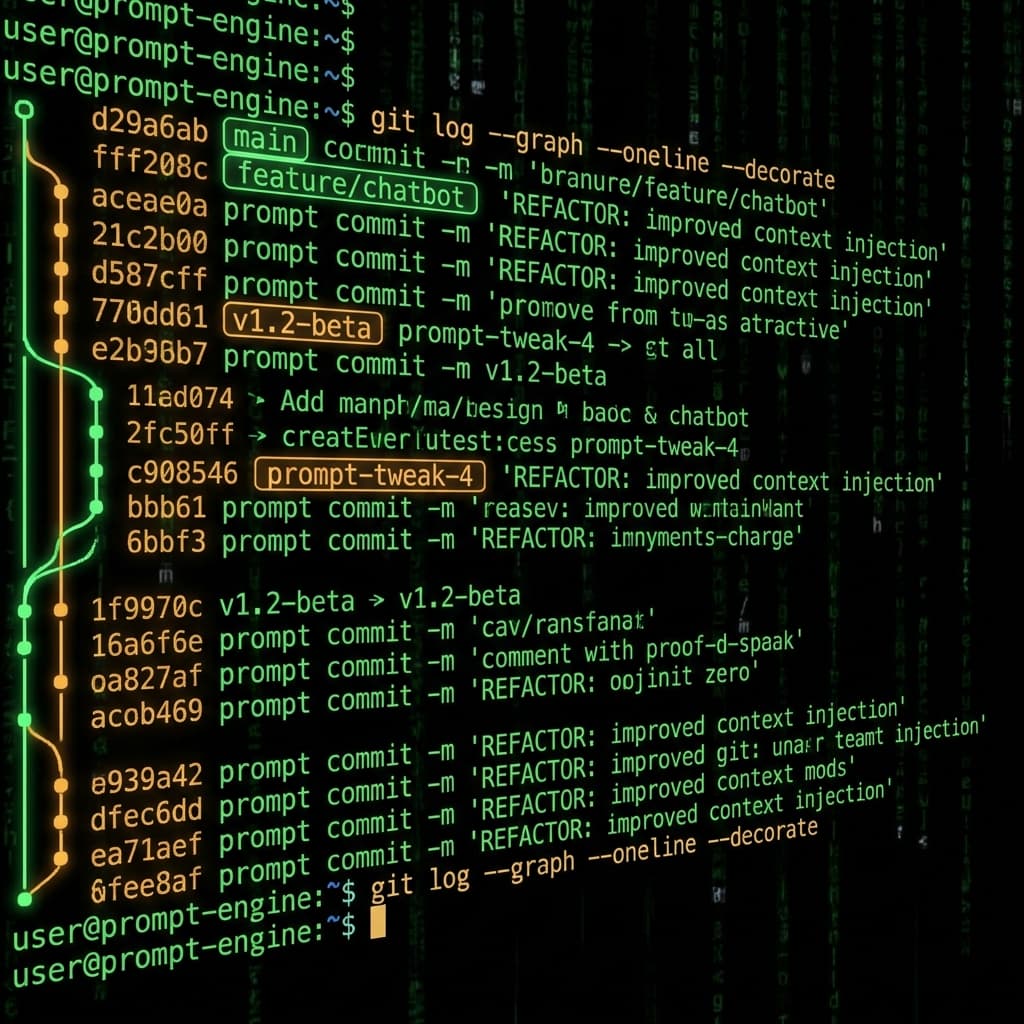
Prompts in vibe projects live in code strings, admin text boxes, and docs — changed live, version unknown when things break. This guide shows how to treat prompts like code: a prompts/ layout, YAML frontmatter, semantic versioning, PR reviews, canary rollouts with one-click rollback, plus an evals baseline — and a real war story: one added sentence cost 12 points of classification accuracy.
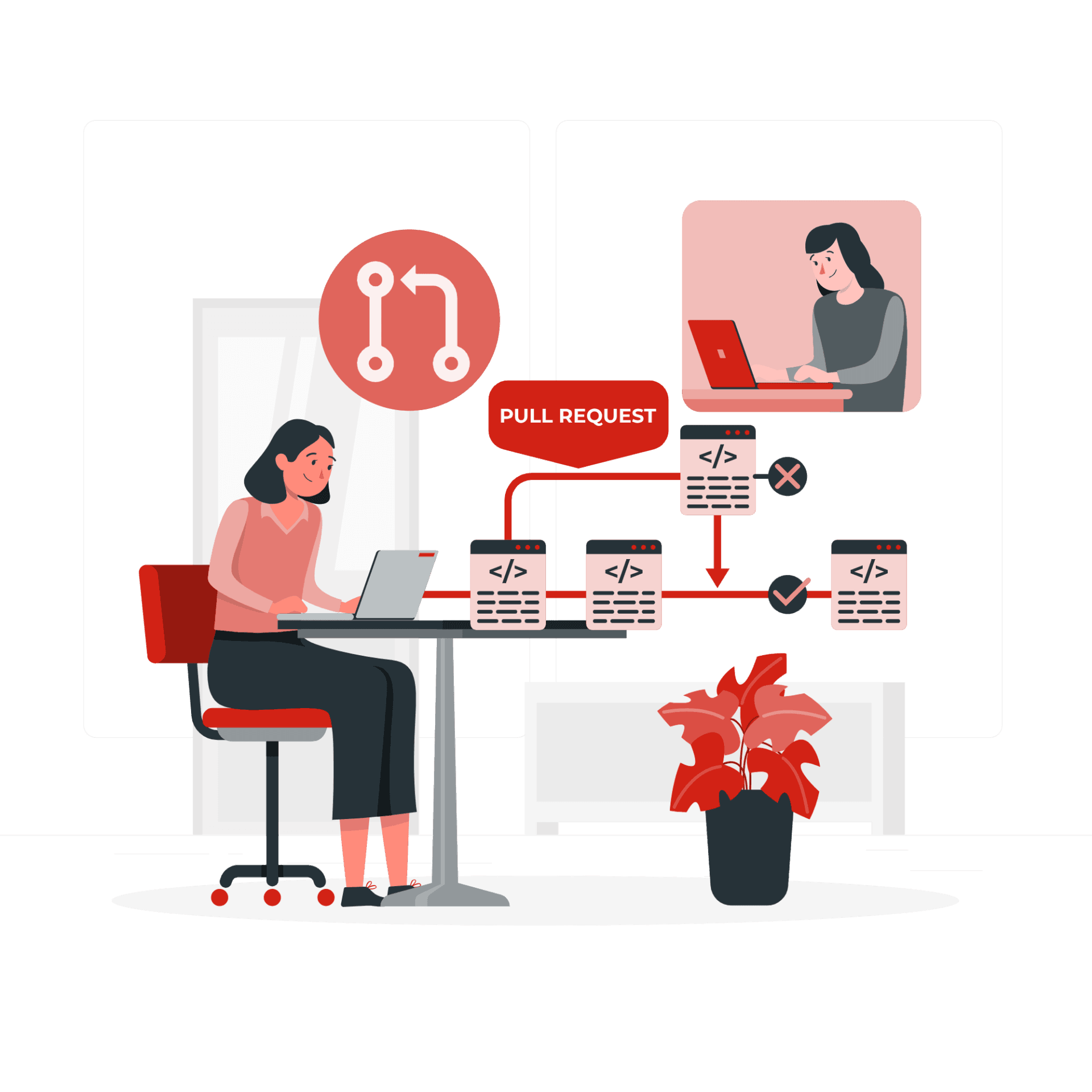
The faster AI writes code, the more review matters. Four layers: diffs for logic (boundaries, errors, concurrency — plus auth, payments, SQL, encryption, secrets), runtime for behavior (type checks, lint, security scans go green first), AI for first-pass screening (a second model reviews, humans read only flagged parts), humans for the final call (AI never clicks merge). Includes commit norms, PR template, branch protection, rollback plans.
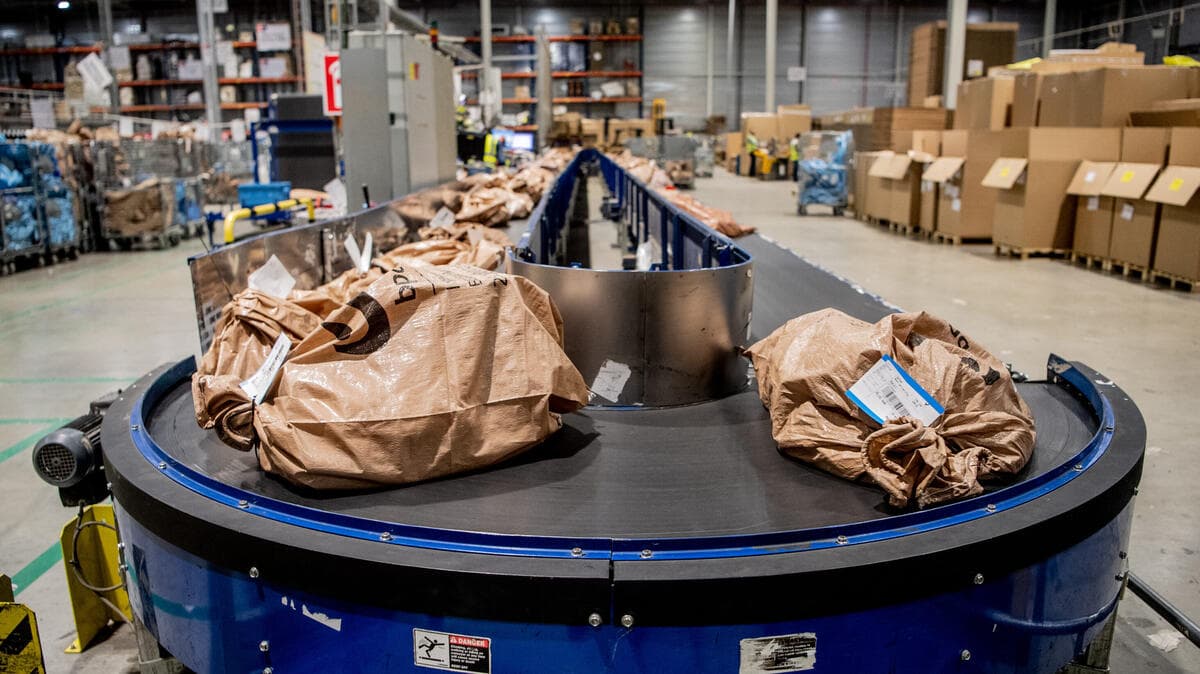
AI-written code has a default bias: cramming all logic into a single HTTP request. Sending emails, calling big models, bulk imports — users stare at a spinner for 30 seconds, then hit a 500 timeout. This guide covers when vibe projects must push work to the background, how to pick a queue (Inngest / Trigger.dev / BullMQ / pg-boss), idempotency and retries, and a task template for getting agents to wire it up right.