From a Vague Idea to a Deployable MVP with Codex
A practical workflow for turning an idea into a deployable MVP with Codex, Skills, MCP, design tools, and a clear technical architecture.

An MVP is not a smaller version of a complete product. It is one user journey that is small enough to build, test, deploy, and put in front of real people.
Codex works best as a fast engineering partner with clear boundaries: you decide what problem matters and what “done” means; it helps understand the project, plan the work, build a slice, and reveal gaps.
A deployable MVP is not a feature list that looks like a product. It is a link you can confidently send to the first user.
Put each tool in the right place
Skills package repeatable methods. MCP connections bring in external systems. Design tools turn requirements into flows and screens. Frameworks and architecture carry the product. They are not a checklist to complete before the problem is real.
Stage | Deliverable | Skill / Codex | MCP, design, and tech |
|---|---|---|---|
Discover | Problem card and interview summary | Requirement clarification | Notion MCP, browser research, FigJam |
Validate | User evidence and form data | Hypothesis analysis | Notion / Sheets MCP, Figma or Stitch prototype |
Define | Core path, acceptance, non-goals | MVP requirement card | FigJam story map |
Build | One working vertical slice | nextjs-best-practices, domain-modeling | Next.js, NestJS, PostgreSQL, Context7 |
Release | Verification record and rollback plan | code-review, vitest, diagnosing-bugs | GitHub, Sentry, Vercel / Docker |
1. Discover the problem before the feature
Consider a team feedback inbox. Do not start with “build a feedback system.” Ask how people record customer issues today, whether the pain is lost messages, duplicates, or no visibility into follow-up.
Deliverable: a one-page card describing the user, context, workaround, cost, and hypothesis.
Tools: use a research-summary Skill to organize interviews; use Notion MCP for existing notes; map the current flow in FigJam; explore early screen directions in Figma or Stitch.
Architecture: none yet. A form, spreadsheet, or manual workflow can validate demand more honestly than an untested backend.
2. Validate demand, then define the MVP
Use a form, spreadsheet, or clickable prototype first. Watch whether users submit feedback, what they submit, and whether they need status visibility. Validation is completed behavior, not polite compliments.
Then keep one path: a signed-in member opens /feedback, adds a customer name, issue description, and priority, submits the form, sees the item in a list, and still sees it after refresh.
Make non-goals explicit: no search, comments, notifications, attachments, or admin dashboard. Let Codex turn the user, core action, acceptance criteria, and non-goals into a requirement card. Use FigJam for the journey, then Figma or Stitch for empty, form, and success states.
3. Choose the shortest technical path
For a solo builder, Next.js App Router + Supabase can move quickly. In an existing frontend-backend project, Next.js App Router + NestJS + PostgreSQL provides clear boundaries.
Next.js renders pages, supports SEO, and handles interaction.
NestJS owns authorization, feedback rules, and APIs.
PostgreSQL persists feedback records.
Use a modular monolith: organize frontend work around the feedback domain, add a FeedbackModule, and store only what the first workflow needs. Do not split microservices to solve a future problem that no user has reported.
4. Ask Codex to read before it writes
First ask Codex to read the repository guidance, locate authentication and data access, describe impact, and return a plan, risks, and verification steps. Only then ask it to build one constrained vertical slice.
Goal: let signed-in members create and view feedback at /feedback.
Scope: reuse existing authentication, error handling, and data access; do not change login; do not add search, comments, notifications, attachments, or an admin area.
Acceptance: block unauthenticated users; reject an empty description; show the new item immediately; preserve it after refresh.
Finish by listing changed files, data flow, test commands, and known limits.
5. Review and test: make every change explainable
Trace where data enters, where it is stored, and where identity is verified.
Use code-review for the diff and vitest or frontend-testing-debugging for the core flow.
Cover empty input, unauthenticated access, successful submission, and refresh persistence.
6. Deploy: treat the real experience as the final test
Before release, check environment variables, migrations, a production build, a real-account flow, logs, and rollback.
Prefer managed deployment for the first release. Authorized GitHub, Sentry, and Vercel MCP connections can help inspect changes, errors, and deployment status. After launch, follow user behavior before building “feedback tags 2.0.”
Conclusion
A good workflow is not measured by the number of Skills or MCP connections installed. It is measured by whether each tool makes the next decision clearer: a truer problem, a smaller scope, a safer change, and a release you can share with confidence.
Related articles
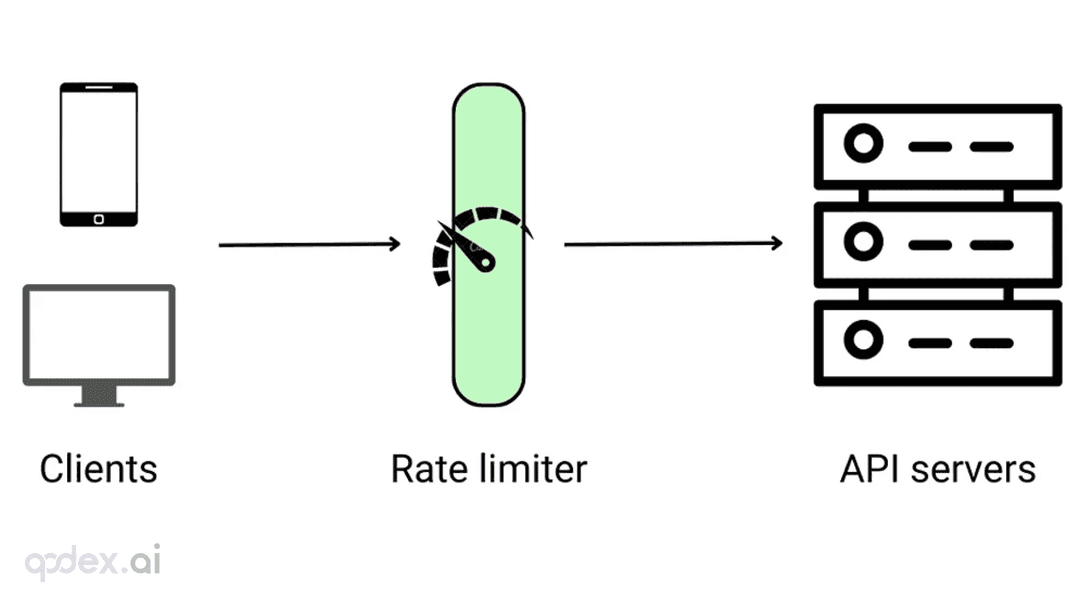
Every public endpoint will be called beyond your expectations some night. This guide builds a one-person-team rate-limiting system: algorithm choice (sliding window vs token bucket), four-layer defense, AI-endpoint money-burning protection, quota design, 429 response conventions, false-positive triage, and a launch checklist.
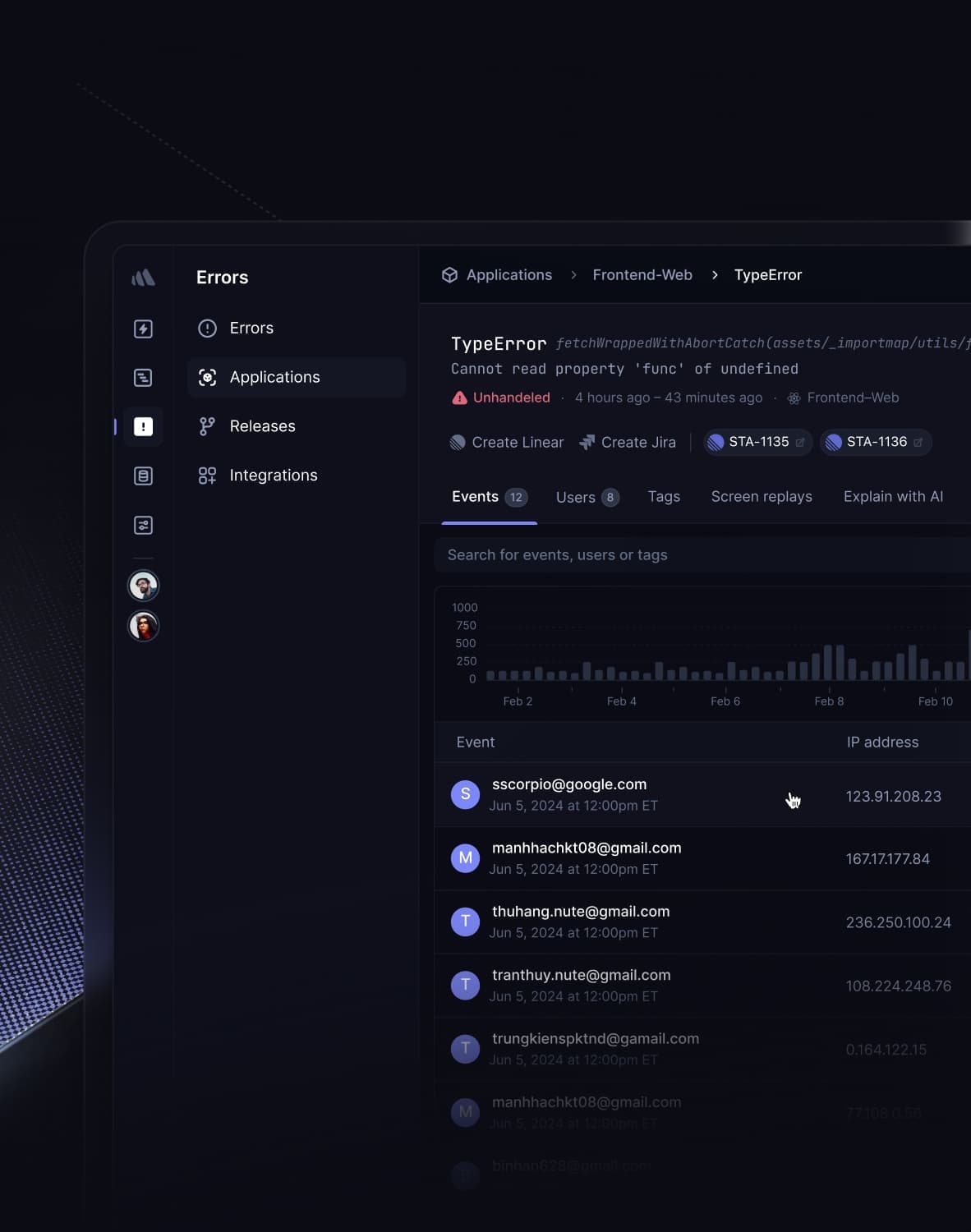
Every vibe project has the same darkly comic moment: your site goes white-screen and a friend tells you before your monitoring does. This guide builds a one-person-team error monitoring system: a 5-minute Sentry loop, error boundaries, report context design, backend structured logging, AI-call-specific protection, alert tiers, and a launch checklist.

On October 3, engineer Kevin Liao published a polemic that hit the HN front page: agent memory plugins are a lottery over RAG snippets; what agents need is a documentation workspace. The essay's diagnosis, its open-source Operator Memory plugin, the two strongest objections, and the minimal practice you can start tonight.