Push AI Compute to the User: Local/Edge Inference for Vibe Projects
The cheapest GPU is your user's GPU. This guide shows indie teams how to push suitable inference workloads to the browser and edge — WebGPU, transformers.js, WebLLM, llama.cpp, Ollama, Apple MLX compared; 1B–8B quantized models mapped to tasks; an edge-first degradation chain with drop-in fallback code; packaging "data never leaves the device" as a selling point; hard limits on load size, memory and heat; and a two-week pilot SOP. Cloud stays only as the safety net.
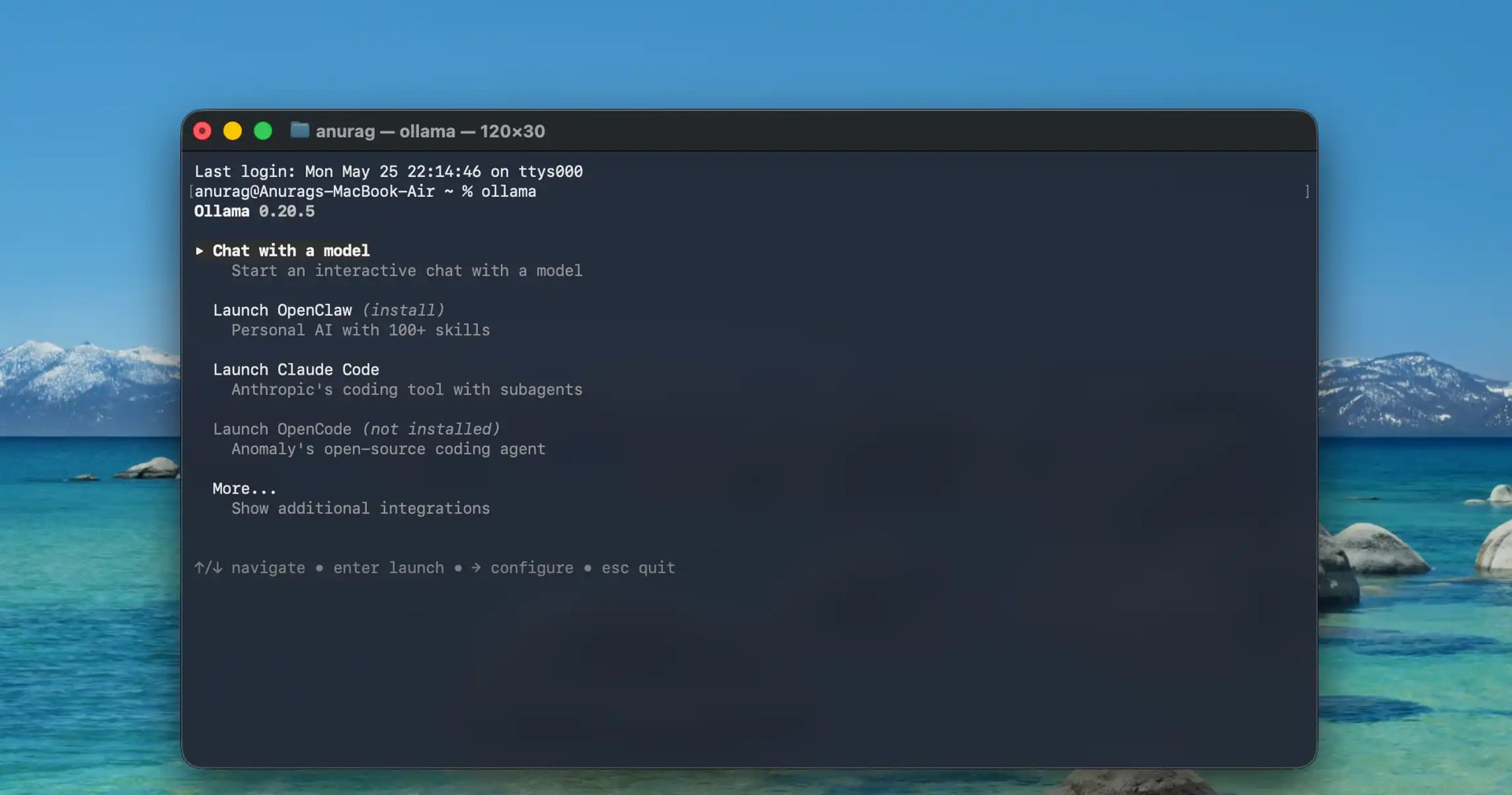
The Core Argument: The Cheapest GPU Is Your User's GPU
For a one-person team building an AI product, the first thing to burn through isn't a compute quota — it's your wallet. Cloud inference is billed per token: the more active and retained your users are, the faster your bill grows. It's a "success penalty": the better your product does, the more the API bill eats your margin.
But flip it around: your users already own a GPU. Phones, laptops, tablets — by 2026, mainstream devices mostly ship with WebGPU-capable graphics silicon, and browsers can run 1B–8B quantized models. Push the right inference workloads to the user's device and the marginal cost of inference drops to zero — your 10,000th user and your 1,000,000th user cost you the same to serve: nothing. And "data never leaves the device" becomes a marketing claim you can put on your landing page with a straight face.
This guide is about that architectural path: edge-first, cloud as fallback. It pairs with our Model Routing in Practice guide as two different cost playbooks: routing is about choosing between cloud models (addition); this piece is about the "don't go to the cloud at all" architecture (the opposite pole). For the accounting methodology, see our Token Cost Accounting guide — it teaches you how to account for every cent of token spend; this one is the execution-layer architecture. After reading it, you can start changing code.
1. Do the Cost Math: Cloud Tokens vs. Zero-Marginal-Cost Edge
Let's reuse the methodology from Token Cost Accounting. You don't need precision to two decimal places — you need the order of magnitude and the break-even point.
The cost structure of cloud inference
Say you built a writing assistant where a user makes 20 AI requests a day on average, each consuming about 1,500 input tokens + 800 output tokens (a typical "some context" mid-size request). Using a mainstream cloud API's public pricing as an illustration (numbers below are indicative only — prices change, check the official site): roughly $0.15 per million input tokens and $0.6 per million output tokens.
- Tokens per user per day: 20 × (1500 + 800) = 46,000 tokens
- Cost per user per day: roughly $0.02 by rough math
- 10,000 daily active users, per month: $0.02 × 30 × 10,000 ≈ $6,000/month
- 100,000 DAU: $60,000/month — scaling linearly with growth
That excludes peak headroom, retries, and system-prompt bloat. The killer is this: this bill grows on the same curve as your revenue — the more users love the product, the faster you lose money (if you haven't found monetization yet).
The cost structure of edge inference
Move those same 20 requests to the edge: the model file sits on a CDN (a few GB of one-time distribution cost, pennies per user amortized), inference happens on the user's GPU, and the electricity and heat are the user's. Your marginal cost: effectively zero.
There is one one-time cost: the bandwidth for the model download. Say the model file is 2 GB and CDN traffic is $0.08/GB — first load costs $0.16 per user, once. Compare: one user burns through that in about 8 days of cloud inference. After that, the more users use it, the more you make — the marginal cost curve is flat.
The break-even formula is simple: when "monthly cloud inference cost per user × expected retention in months" > "one-time model distribution cost", edge starts making you money. For high-frequency, low-unit-price AI features (classification, rewriting, summarization, moderation), that break-even usually arrives within weeks.
Of course, edge isn't free — it has its own costs: first-load size, memory footprint, device heat, low-end device compatibility. Section 7 gives hard limits and optimization techniques for each.
2. Workload Triage: What Fits the Edge vs. What Must Stay in the Cloud
The first step of an edge architecture isn't picking a model — it's triage: walk through your AI feature list and classify each item on two axes, "can a small model handle it" and "how sensitive is the data".
Good fits for the edge (small models suffice, payoff is clear)
- Text classification / tagging: sentiment analysis, ticket routing, content tag suggestions. 1B-class models classify well enough, and request volume is usually the highest — this is where cost savings hit hardest.
- Embeddings / semantic retrieval: vectorizing a local document library, on-site search. Embedding models are inherently small (hundreds of MB), run effortlessly on-device, and work offline by nature.
- Content moderation: comment sections, UGC review. Sensitive data never leaves the device — users actually trust it more; and moderation is high-frequency, a classic cloud-bill hog.
- Small-parameter generation: title rewriting, summarization, grammar fixes, reply suggestions, short-sentence translation. These don't demand literary flair but do demand low latency — zero network round-trips on the edge are an advantage, not a compromise.
- Structured extraction: pulling fields from text, converting to JSON, filling forms. With JSON-schema-constrained decoding, small models do this reliably.
Must stay in the cloud (don't force the edge)
- Long-context reasoning: Q&A over tens of thousands of tokens of documents, codebase-level analysis. Edge memory can't hold the KV cache — forcing it just freezes.
- Complex reasoning / multi-step agents: tasks needing strong reasoning and multi-turn tool calls. Small models hallucinate more, and rework costs more than the tokens you saved.
- Heavy multimodal work: high-resolution image understanding, video analysis (lightweight image Q&A can run on-device — see the model table).
- Fresh knowledge / web access required: on-device models have knowledge cutoffs; real-time information has to go through the cloud.
- Strict compliance scenarios: some finance/healthcare flows require auditable, reproducible cloud pipelines — edge can only assist.
The practical method: list every AI call site in your product and tag each "edge candidate / cloud keep / needs validation". Start with one high-frequency, low-risk edge candidate as a pilot (the SOP in Section 8 covers this) — don't refactor the whole site on day one.
3. Stack Selection: Five Routes Compared
By 2026 the edge-inference stack has converged on a handful of mature routes. The choice mostly comes down to your delivery form (web / desktop / mobile) and your team's stack.
| Option | Runs on | Best for | Strengths | Watch out for |
|---|---|---|---|---|
| transformers.js | Browser (WebGPU/WASM) | Web apps | Hugging Face ecosystem, one-line pipeline API, broad task coverage (text/image/audio/embeddings) | Large models load slowly; you must manage model caching and versioning |
| WebLLM | Browser (WebGPU) | Web apps needing chat generation | OpenAI-compatible API, purpose-built for in-browser LLM chat, great streaming UX | Hard dependency on WebGPU — needs a fallback for low-end devices |
| llama.cpp | Desktop / server / edge boxes | Electron/Tauri desktop apps, self-hosted edge nodes | Most mature GGUF ecosystem, runs on CPU and GPU, widest quantization options | You handle packaging and distribution; frontend calls it via a server or binding |
| Ollama | Local service on user's machine | Developer tools, desktop power users | One command spins up a model, simple API, least friction for power users | Requires the user to install a local service — wrong fit for consumer products |
| Apple MLX | macOS / iOS (Apple Silicon) | Apple-ecosystem apps | Unified memory runs large models smoothly, native Swift/Python support | Apple devices only — you need a second stack for other platforms |
Advice for vibe projects: web products should default to transformers.js or WebLLM — zero install, works on open, lowest distribution cost; desktop apps (Electron/Tauri) should bundle GGUF via llama.cpp; if your users are mostly Mac developers, Ollama is the lowest-friction "local backend". Also worth knowing: Chrome has shipped a built-in Prompt API since v138 (device-side Gemini Nano), no download, free and fast — but Chrome-only and you can't swap the model. Treat it as progressive enhancement, not your only dependency.
Browser compatibility is a reality you must face: as of early 2026 all major browsers enable WebGPU by default, but roughly 20–30% of users still can't use it due to device or browser version. Every edge plan needs a cloud fallback chain (Section 5) — otherwise you're voluntarily abandoning a slice of paying users.
4. Model Selection: 1B–8B Quantized Models Mapped to Tasks
Below are open small models that are active in the community and usable for edge inference, as of October 2026. The field moves fast — verify actual quantized releases and community feedback on Hugging Face when you choose; what doesn't expire is the "task → size" mapping logic.
| Size tier | Example models | Rough size at 4-bit | Suitable tasks |
|---|---|---|---|
| <1B (featherweight) | SmolLM2 family, TinyLlama-class | Hundreds of MB | Classification, embeddings, keyword extraction, simple rewriting; first choice for phones |
| 1B–3B (sweet spot) | Llama 3.2 1B/3B, small Qwen2.5/Qwen3 variants, Gemma 3 1B/4B | ~1–2.5 GB | Summarization, translation, moderation, structured extraction, short-form generation; the browser workhorse |
| 3B–8B (capability tier) | Phi-4-mini, Qwen2.5 7B, Mistral 7B-class, Gemma 4B (incl. vision) | ~2.5–5 GB | Open-ended Q&A, RAG-augmented generation, lightweight image Q&A, code completion snippets; desktops / flagship phones |
Three selection principles:
- Task first, size second: don't serve a 7B model for classification — it wastes user memory and download bandwidth; don't use a 0.5B model for open generation — rework costs more.
- Default to 4-bit quantization (e.g. Q4_K_M): roughly half the size with usually acceptable quality loss — the edge default. Use 8-bit only when quality is sensitive and the device can take it.
- Check the license: confirm the model license before commercial use (Apache 2.0 / MIT are the least friction; some vendor licenses carry extra terms). An unresolved license question before launch becomes a time bomb after.
A counterintuitive lesson: edge models don't suffer from being "dumb", they suffer from being "unstable". Output format drift (JSON that's right half the time) kills more features than weak prose. The fix is constrained decoding: constrain output structure with JSON schema / regex (transformers.js v4 ships built-in structured-output support), and make "format correctness rate" — not benchmark scores — your primary acceptance metric for an edge model.
5. Hybrid Architecture: An Edge-First, Cloud-Fallback Degradation Chain
The essence of edge architecture isn't "all edge" — it's the degradation chain: edge is the default path, cloud is the safety net. The design goal: users never notice the switch, and the bill only pays for requests that truly need it.
The four tiers
- L0 edge inference: WebGPU available + model cached → runs locally. Zero cost, zero latency, zero data exfiltration.
- L1 lightweight edge fallback: WebGPU unavailable but WASM works → run a smaller model or the WASM backend. Slower, but still on-device.
- L2 cloud small model: edge fully unavailable → call a cheap cloud small-model API. Keeps the feature working.
- L3 cloud flagship model: task too complex for small models, or user explicitly wants top quality → flagship model, optionally metered or quota-limited.
Each tier needs explicit trigger conditions and observability: log which tier served every request. The share landing on L2/L3 is your "cloud escape rate" — the lower it is, the fatter your margin. Put it on the monitoring dashboard next to the API bill.
The fallback code pattern
A drop-in degradation-chain skeleton (transformers.js + cloud API fallback, TypeScript):
import { pipeline } from '@huggingface/transformers';

type Tier = 'local-gpu' | 'local-wasm' | 'cloud-small' | 'cloud-flagship';

class HybridInference {
  private classifier: any = null;
  private tierStats = new Map<Tier, number>();

  // L0/L1: edge init; mark unavailable on failure
  async initLocal() {
    try {
      this.classifier = await pipeline(
        'text-classification',
        'Xenova/distilbert-base-uncased-finetuned-sst-2-english',
        { device: 'webgpu' } // transformers.js can fall back to wasm if WebGPU is missing
      );
      return true;
    } catch {
      this.classifier = null;
      return false;
    }
  }

  private track(tier: Tier) {
    this.tierStats.set(tier, (this.tierStats.get(tier) ?? 0) + 1);
  }

  // Single entry point: callers only ever call this
  async classify(text: string): Promise<{ label: string; tier: Tier }> {
    // L0/L1: edge first
    if (this.classifier) {
      try {
        const out = await this.classifier(text);
        this.track(this.classifier.device === 'webgpu' ? 'local-gpu' : 'local-wasm');
        return { label: out[0].label, tier: 'local-gpu' };
      } catch { /* fall through to cloud */ }
    }
    // L2: cheap cloud model as safety net
    try {
      const r = await fetch('/api/classify', {
        method: 'POST',
        headers: { 'Content-Type': 'application/json' },
        body: JSON.stringify({ text, model: 'small' }),
      });
      if (!r.ok) throw new Error('cloud-small failed');
      this.track('cloud-small');
      return { ...(await r.json()), tier: 'cloud-small' };
    } catch {
      // L3: last resort — flagship model (can be rate-limited / metered)
      const r = await fetch('/api/classify', {
        method: 'POST',
        headers: { 'Content-Type': 'application/json' },
        body: JSON.stringify({ text, model: 'flagship' }),
      });
      this.track('cloud-flagship');
      return { ...(await r.json()), tier: 'cloud-flagship' };
    }
  }

  getStats() { return Object.fromEntries(this.tierStats); }
}
Key design points: callers depend only on the classify() entry point — degradation is transparent to business code; each tier slides to the next on failure instead of throwing at the user (only show a friendly error page if L3 dies too); getStats() feeds your cost monitoring directly — cloud escape rate = (L2+L3) / total requests. Get it under 5% and your inference bill is a rounding error.
The WebLLM version follows the same shape — just swap the pipeline for CreateMLCEngine's OpenAI-compatible interface; the skeleton is reusable. One iron rule: the degradation chain must live in code, not in docs — three months after launch nobody remembers the doc, but the try/catch in code keeps working.
6. Packaging the Privacy Pitch: Writing "Data Never Leaves the Device" Into Your Landing Page
Edge inference saves more than money. "Data never leaves the device" is one of the best differentiators of 2026 — especially for lawyers, doctors, journalists, accountants, anyone whose profession makes them nervous about pasting client material into a remote input box. They don't dislike AI; they're afraid to upload.
Copy template (adapt freely):
- Headline: "Your documents never leave your device." / "Private by architecture, not by promise."
- Subhead: "The AI runs locally in your browser — we have no server that can see your content, because we never built that server."
- The trust trio: ① an architecture diagram: "browser → local model → result", with the "cloud" path crossed out; ② verifiability: open-source your degradation-chain code, or put an "unplug test" button on the page — pull the network cable and the feature still works, which beats ten thousand words of privacy policy; ③ a comparison table: you (edge by default) vs. competitors (data uploaded to the cloud).
- Echo it on the pricing page: "Because we don't pay token money for every click you make, the free tier can afford to be generous." — turn your cost structure into a pricing advantage; a more generous free tier than competitors lifts conversion on its own.
Mind the line: don't claim "absolute privacy" or "military-grade encryption" — unprovable claims. The accurate line is "inference completes on-device; content is not uploaded by default" — and when your degradation chain does hit the cloud, say so in the UI (e.g. a small "cloud-enhanced" badge). A privacy pitch caught overstating backfires harder than having no pitch at all.
7. Experience Red Lines: Hard Limits on Size, Memory, Heat
The biggest risk in edge architecture isn't model quality — it's user experience. Set three hard limits; optimize when breached, degrade when optimization fails:
Red line 1: first-load size
- Limit: ≤ 500 MB of model for first-screen features, ≤ 2 GB for the full feature set. Beyond that, mobile users churn at the progress bar.
- Mitigations: lazy-load by feature (ship the classifier first; download the generator when the user first hits "generate"); persist to IndexedDB so repeat visits download nothing; CDN chunking + resumable downloads; show a real progress bar with a "works offline after download" note — turn waiting into perceived value.
Red line 2: memory footprint
- Limit: ≤ 1.5 GB added tab memory on desktop, ≤ 800 MB on mobile. Past that, browsers kill tabs — which users experience as "crashes".
- Mitigations: keep only one model resident at a time;
dispose()when done; actively truncate history in long-context scenarios; the KV cache is the invisible killer — memory grows with context length, so hard-cap input length.
Red line 3: heat and battery
- Limit: no more than ~2 minutes of sustained full load; on phones, any single generation over ~30 seconds needs progress feedback.
- Mitigations: batch small tasks into fewer inference calls; cap max generation tokens (most edge tasks fit in 200 tokens); offer a "battery saver" toggle (switches to a smaller model); on iOS/Android prefer system-level inference APIs where available — they're the best optimized for power.
Acceptance method: grab three real devices — a flagship from the last two years, a 3–4-year-old mid-ranger, a low-end phone — run the full flow and record load time, peak memory, generation speed. Ship against the mid-ranger's experience; the flagship is just the ceiling reference. Simulator numbers don't count.
8. Landing SOP: Start With One Edge Pilot
Skip grand "edge-ification" initiatives. The minimum viable path runs in about two weeks:
- Inventory (half a day): list every AI call site, tag per Section 2, pick 1 pilot that's "high-frequency + low-risk + small-model-sufficient" (usually classification, moderation, or rewriting).
- Pick the stack (1 day): web products go straight to transformers.js per the Section 3 table; desktop goes llama.cpp. Don't trial two stacks at once.
- Prototype (3 days): ship an "experimental" entry point in a corner of the page; get the "load model → infer → show result" loop working; record experience data on three devices (Section 7).
- Degradation chain (2 days): wire the cloud fallback per the Section 5 skeleton; ship tier stats. Canary on 10% of traffic; watch the cloud escape rate for a week.
- Accept (on data): edge success rate > 95%, cloud escape rate < 10%, no uptick in user complaints → roll out to 100%. Miss any bar and go back: swap in a smaller model, fix the loading UX, or admit the task isn't edge-suitable.
- Replicate (rolling): once the pilot is smooth, replay the same "triage → select → degrade" loop on the next candidate. Canary each task independently — never batch-launch.
One closing argument: edge inference isn't a "money-saving trick" — it's a structural advantage for one-person teams. Big companies have GPU clusters; you don't — but you have hundreds of thousands of users' devices. Push compute to the user and your product flips from "burning money per token" to "marginal cost falling as users grow". For the first time in AI application history, indie developers get to beat big companies on cost structure. Don't treat it as a discount — build it as a moat.
Comments (0)
Related articles

For solo teams, a native app is not a starting point but a growth tax — only worth paying in front of validated demand. This guide argues why the AI era favors web-first, lists the five exceptions that truly require native, and gives you a three-dimensional scoring matrix, a 2026 PWA capability map, four data triggers for going native, three migration paths, a weekly maintenance-tax comparison, and a 10-question decision template for a conclusion in 30 minutes.

Partnership acquisition is the highest-ROI growth lever for solo developers: one negotiated integration can bring more qualified users than three months of blogging. This guide covers the four partnership models, a 50-word outreach template, minimal UTM attribution, affiliate rates and anti-fraud, the 5 must-have agreement clauses, and a monthly 2-hour maintenance SOP.

You can ship code but break into a sweat at 'want to chat?' Indie-developer sales isn't a persuasion performance — it's a structured way to help users decide: discovery, diagnosis, demo, objection handling, and closing as five repeatable moves, with copy-paste call scripts, a follow-up cadence table, and a lightweight CRM board. Introverts can sell too.