Stop Building Apps? A Design Guide for Message-Native Products, Starting from Photon's 'Funeral'
Photon held a funeral for the mobile app and raised $4.5M on one judgment: users don't want to install new apps; services should live in iMessage and WhatsApp. This guide skips the hype for practice: which products fit 'message-native,' 4 design principles for conversational UX, and a minimal validation plan a vibe coder can start tonight.

First, be clear: the funeral is marketing, the trend is real
Photon held a funeral for the mobile app in a San Francisco church on September 17, then raised a $4.5M seed round on October 1. Founder Daniel Tian himself admits "it's going to take a while." But strip away the performance art and the remaining judgment deserves attention: when AI drives the cost of "building an app" toward zero, the scarce resource shifts from "shipped" to "opened" — and what users open daily is already on their phones: WeChat, iMessage, WhatsApp.
Meta's Muse hitting No. 1 on the app stores is publicly validating "conversation is the interface." Photon's 40K developer signups and 10x revenue growth show developer-side tooling demand is already here. This guide answers one practical question: if your vibe project wants to try "message-native," how.
Which products fit messaging: three filters
Not every product belongs in a chat thread. Products matching these three are worth trying first:
1) Low-frequency but needs reach: insurance, banking alerts, appointment reminders, subscription management — users won't install an app for these, but will use them in a conversation. Photon's early customers (insurance, dating, banking) all fit this profile.
2) Task-oriented, not browse-oriented: check an order, book a ticket, file a repair, ask a policy — clear goals closable in a few turns. Products needing long browsing, comparing, or immersion (shopping feeds, content streams) don't belong in a dialog.
3) Trust from relationship, not brand: personal assistants, community services, local businesses — users trust "this account," not "this app." Messaging channels natively carry identity and relationship graphs that app stores can't offer.
4 design principles for conversational UX
Principle 1: say what you can do in one message. On first open, the agent must state its capabilities and example commands in a single message. Apps have onboarding flows; chat threads don't — the first message is the entire onboarding.
Principle 2: always offer an escape hatch. Every 3–5 turns, offer "talk to a human / see the full version / rephrase." Being trapped in a loop with a dumb agent is the number-one killer of messaging-product reputation.
Principle 3: make state visible. For tasks over 10 seconds, reply "got it, checking, about a minute" instead of silence. Apps have loading spinners; silence in a chat thread reads as "it's dead."
Principle 4: don't translate app pages into text. The classic beginner mistake: turning a web form into sequential questions ("please enter your name," "please enter your phone"...). The message-native way is intent-driven: let the user state the goal in one sentence; the agent decomposes steps itself and only asks follow-ups when information is actually missing.
A vibe coder's minimal validation plan: start tonight
Don't rebuild from scratch. Add a "message-edition MVP" to your existing project to validate three things:
1) Pick one high-frequency path: choose a task from your product closable in 3 steps (e.g., "check my order status"); 2) wire one channel with existing tools: platforms like Photon or official WeChat/WhatsApp APIs — just get "send a sentence → agent processes → reply a sentence" working; 3) run two weeks and compare: task completion and return rates, message edition vs. web.
Write the decision criteria beforehand: if the message edition's completion rate beats web by 20%+, keep investing; if it's about equal, your product isn't a messaging fit — which is itself a valuable conclusion, saving three months of rebuilding.
One line
Funeral or not, "web + message" dual delivery is becoming the new standard for vibe projects. Validate first, then bet.
Related articles

One 10MB avatar upload and your Node server's memory is gone. Presigned direct uploads, browser-side compression, magic-number validation, chunked resumable uploads, orphan cleanup — seven opinionated sections covering the highest-crash-rate feature in indie projects.
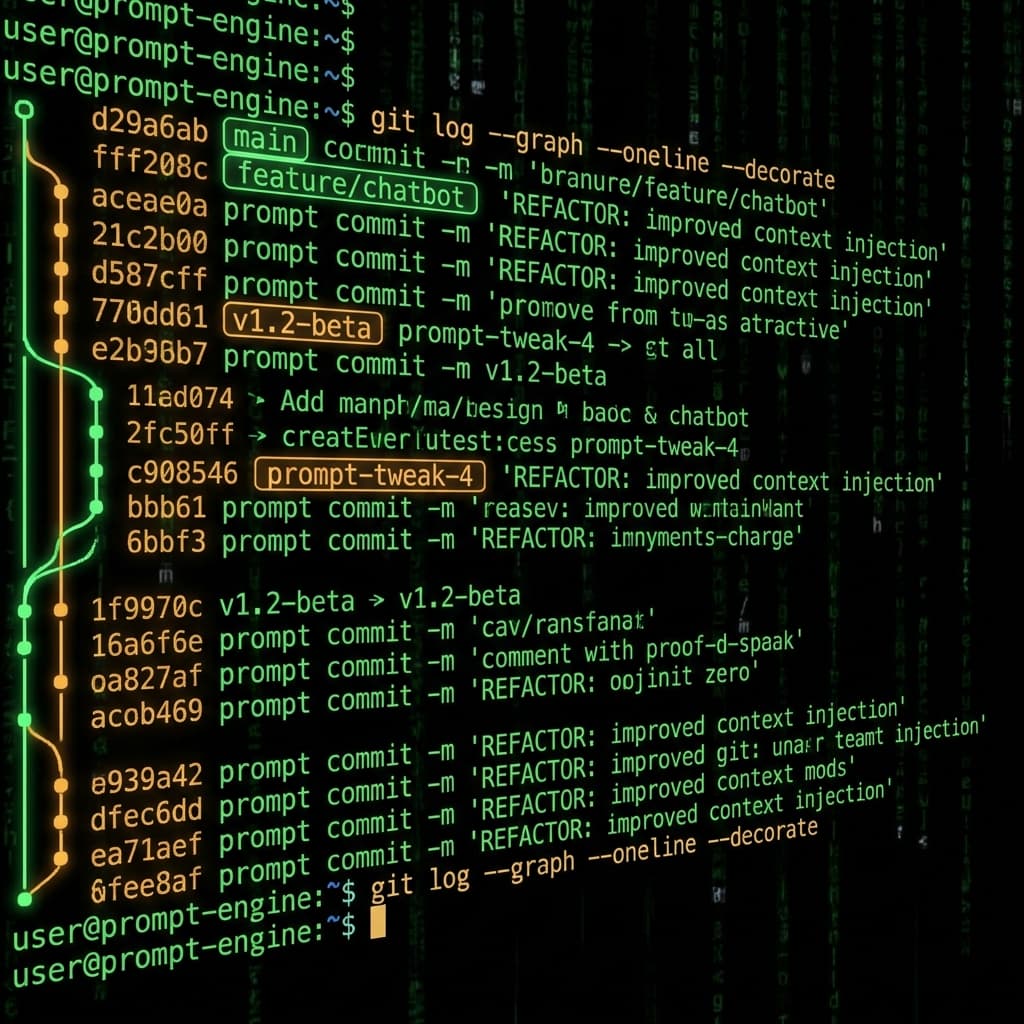
Prompts in vibe projects live in code strings, admin text boxes, and docs — changed live, version unknown when things break. This guide shows how to treat prompts like code: a prompts/ layout, YAML frontmatter, semantic versioning, PR reviews, canary rollouts with one-click rollback, plus an evals baseline — and a real war story: one added sentence cost 12 points of classification accuracy.

The faster AI writes code, the more review matters. Four layers: diffs for logic (boundaries, errors, concurrency — plus auth, payments, SQL, encryption, secrets), runtime for behavior (type checks, lint, security scans go green first), AI for first-pass screening (a second model reviews, humans read only flagged parts), humans for the final call (AI never clicks merge). Includes commit norms, PR template, branch protection, rollback plans.