Don't Let User Uploads Blow Up Your Server: File Uploads in Vibe-Coded Projects, Done Right
One 10MB avatar upload and your Node server's memory is gone. Presigned direct uploads, browser-side compression, magic-number validation, chunked resumable uploads, orphan cleanup — seven opinionated sections covering the highest-crash-rate feature in indie projects.

Almost every vibe-coded project reaches this moment: users want to upload avatars, images, attachments. AI generates a "working" upload endpoint in three minutes, you click through it, the image lands, everyone is happy. Then in week three after launch, your first user uploads 200 phone photos and your server disk starts screaming; in week five, someone posts an "image" in your comments that executes a script when opened. This guide is written for you before that moment arrives.
File upload looks like a CRUD side quest, but it is one of the highest-crash-rate features in indie projects: bandwidth, storage, security, and cost, four threads tangled together. The seven sections below each start with a clear stance, then explain the why and the how.
Go direct upload on day one: keep traffic off your server
The default upload flow AI writes for you looks like this: frontend FormData → POST /api/upload → your server accepts the whole file → then forwards it to S3/R2. Fine for a demo, but here is the math: 100 users, 5 phone photos each at 8MB, means 4GB of traffic passing through your server's memory and disk before being sent out again. Vercel Hobby serverless functions cap request bodies at 4.5MB — anything bigger gets a 413; a 512MB instance on Railway or Render chokes on a few concurrent uploads; disk is worse, a 4GB volume fills up after two rounds.
The judgment is simple: ship presigned direct upload on day one, never proxy through your server. The right pattern: the frontend asks your API for a one-time upload credential — GET /api/uploads/sign returns { uploadUrl, objectKey }; the frontend PUTs straight to object storage, and not a single byte touches your server; afterwards it calls POST /api/uploads/confirm, and the server verifies the file exists, the size and type check out, then writes the database record.
Three wins: first, zero memory and disk pressure — your Node process won't even notice a 10GB video upload; second, serverless body limits become irrelevant; third, no upload-node affinity headaches when you scale horizontally. There is one cost: you must handle "uploaded but never confirmed" orphan files yourself — that is section six.
For indie projects I recommend Cloudflare R2 outright: S3-compatible API, so aws-sdk works with zero changes, $0.015/GB·month for storage, and the killer feature — $0 egress. If you are already all-in on AWS, S3 presigned URLs are equally mature. Don't self-host MinIO unless you enjoy ops work — the first principle of vibe projects is to outsource operations.
The golden image pipeline: compress in the browser first, transcode on the server
A phone photo starts at 8MB; iPhone ProRAW hits 25MB. Store originals and a list page loading 30 thumbnails will nuke your users' data plans — and your CDN bill along with them. The stance: compress in two layers, and the browser is the first line of defense.
Layer one runs in the browser, on the user's CPU, for free. With a library like browser-image-compression, downscale to 1600px on the long edge at WebP quality 0.8 right after file selection — an 8MB original typically lands at 300–500KB, over 90% smaller, before upload. Do it on the frontend, not after the file reaches your server — you are saving your bandwidth money and the user's time.
Layer two runs on the server: transcode everything with sharp on receipt. Why transcode again? Because the browser is untrusted — users can bypass your frontend and hit the API directly. Server-side transcoding is sanitization: only something sharp can actually decode and re-encode counts as a real image. For formats: WebP for list thumbnails (25–35% smaller than JPEG), AVIF for large images (another ~20% off, but 5–10x slower to encode — keep it out of the request path, use an offline task queue).
One number to give you confidence: 1600px at WebP q80 is visually indistinguishable on a 1080p phone screen, yet the file is 5% of the original. Skipping this deal is burning money for your CDN.
Security: the upload endpoint is the widest-open mouth on your server
Judgment first: file upload is the largest attack surface of the entire backend, bar none. A login endpoint at least has cryptography on its side; an upload endpoint faces arbitrary binary input.
First, never trust file extensions or Content-Type — both are whatever the user claims. Renaming evil.php to evil.jpg is a joke from 2005, and people still fall for it in 2026. Trust only magic numbers (file signatures): FF D8 FF means JPEG, 89 50 4E 47 means PNG. Read the file header with the file-type library; treat the extension as display-only.
Second, SVG is not an image — it is a web page wearing an image costume. SVG can embed <script>; rendering it in an <img> tag is safe, but the moment some code path uses innerHTML, or a user opens the raw file URL directly, you have stored XSS. The stance: reject user-uploaded SVG outright; if you must support it, rasterize to PNG — skip the sandbox-domain dance, indie projects can't afford it.
Third, zip bombs: a 42KB 42.zip decompresses to 4.5PB. Anywhere your server unzips user uploads, the stance is: stream-decompress with a running byte count, and hard-cap total decompressed size and file count (say 100MB / 1000 files) — exceed it and drop the whole thing.
Fourth, never use the user-supplied filename. Storage keys must be server-generated: uuid + extension derived from the magic number. This kills path traversal (../../etc/passwd) and special-character bombs. You may store the original filename in the database for display, but it never touches the filesystem.
Fifth, "upload directory must not be executable" is scar tissue from the PHP era. With direct-to-object-storage uploads, that entire problem class disappears — one more reason the direct-upload architecture wins.
Size limits and chunked uploads: resumable uploads are for bad networks
The judgment: chunked upload is not for "big files" — it is for terrible networks. A user on subway 4G uploading a 50MB video will fail a single PUT with depressing reliability; with 5MB chunks, a failure only retries one chunk, and the experience is night and day.
Set limits in three layers: the gateway layer (Nginx client_max_body_size, Cloudflare 100MB, Vercel 4.5MB — know your ceiling first); the application layer (per business rules, e.g. 5MB for avatars, 50MB for attachments — reject in the file picker before upload, not after); the storage layer (bucket policy or content-length-range at signing time, so object storage blocks for you).
Implement chunking with S3 multipart semantics: 5MB parts, 3–4 concurrent uploads, then Complete. R2 speaks the same API. Have the frontend hash the file with SHA-256 after selection: identical hashes skip the upload entirely, and you get deduplication for free — one copy of the same file site-wide, another line item off your storage bill.
Finally, the progress bar is not decoration. An upload page without onUploadProgress feedback makes users hammer the retry button, manufacturing duplicate files and duplicate requests. Give them progress, speed, and ETA, and they will leave you alone.
Delivery speed and the storage bill: do the three-year math
Plenty of indie projects die by billing, and file storage is a prime suspect. Unit prices first: S3 Standard is $0.023/GB·month storage plus $0.09/GB egress; Cloudflare R2 is $0.015/GB·month storage with $0 egress; Backblaze B2 is $0.006/GB·month storage with the first 1GB/day of egress free, then $0.01/GB.
Do the math on a photo app: 100GB stored, 500GB of image traffic per month. S3: 2.3 + 45 = $47.3/month; R2: $1.5/month. A 30x difference, $550 a year. That is the stance: indie projects pick R2 — zero egress is a gift to independent developers. But don't put all eggs in one basket: keep your domain and DNS separate from your storage vendor so a migration is just a CNAME change.
For delivery: serve images through a CDN, never let users hit the origin bucket directly. Put size parameters in the URL for on-the-fly resizing (/cdn-cgi/image/width=400/xxx.webp style) — small images for lists, large for detail pages, one source file, many renditions. Get CDN cache hit rates above 90% on list pages and origin traffic collapses.
One more money-saving detail: store thumbnails and originals in separate buckets (or prefixes) — short cache TTL for thumbnails, long for originals; push cold, rarely-accessed data to infrequent-access tiers. Early vibe projects won't need this, but planning your key prefixes now will make future-you grateful.
Deletion and orphan cleanup: upload is only half a life
The judgment: an upload feature without delete is half-finished; storage without orphan cleanup is a leaking bucket.
Make deletion two-phase: user clicks delete → soft-delete the database row and move the file under a trash/ prefix → a scheduled job hard-deletes after 7 days. Why the ceremony? One, it gives users an undo button; two, support disputes have evidence; three, it avoids the inconsistency of "record deleted, file deletion failed". Order matters too: on overwrite uploads, write the new key and confirm success before deleting the old one — do it backwards and one failure leaves the user with a blank avatar.
Orphan files are born like this: the user picks an image, it uploads, but the form is never submitted; or backend validation fails, the DB rolls back, but the file stays in storage. After three months, 30% of your bucket can be unclaimed garbage. The stance: orphan cleanup must be a daily scheduled job, not optional. The logic is simple: list storage keys, look each up in the database, move unreferenced ones to trash, hard-delete after 30 days. Dry-run the first pass and eyeball the count before you let it touch anything.
One more: give every user an upload quota. 1GB free, 100GB paid, upgrade prompt when exceeded. Quotas are the cheapest anti-abuse tool — when someone starts using your upload endpoint as a free image host, you'll be glad you added them early.
Pre-launch acceptance checklist: tick every box before shipping
Save this list and run it every time you touch upload logic:
- Upload 10MB, 50MB, and 200MB files; throttle the network to 3G in devtools and verify resumable upload works
- Rename
evil.exetoevil.jpgand upload it — does magic-number validation block it? - Upload an SVG containing
<script>— confirm it is rejected or rasterized - Submit
../../etc/passwdas the filename — is the storage key still a server-generated UUID? - Upload then delete once: soft-delete in the database, and the file is truly gone from storage after 7 days
- Dry-run the orphan cleanup job and sanity-check the magnitude of the count
- 30 images on a list page — is the CDN cache hit rate above 90%?
- Rate limiting works: 20 uploads per minute per IP, then 429
- Billing alerts are on: R2/S3 budget alerts, so the end of the month holds no surprises
- Upload once from mobile Safari and Chrome — iOS HEIC will teach you humility (transcode with sharp on the server, or convert to JPEG on the frontend first)
One last thing: AI can write you an upload feature that "works", but the version that "doesn't break" requires you to think through these seven traps yourself. Get the architecture right (direct upload), compress aggressively (two layers), be ruthless on security (magic numbers plus no SVG), do the cost math (R2 plus CDN), and clean up after yourself (deletion plus orphan cleanup) — and you're solid. The rest is waiting for the first user image to land, then watching the dashboards over coffee.
Related articles
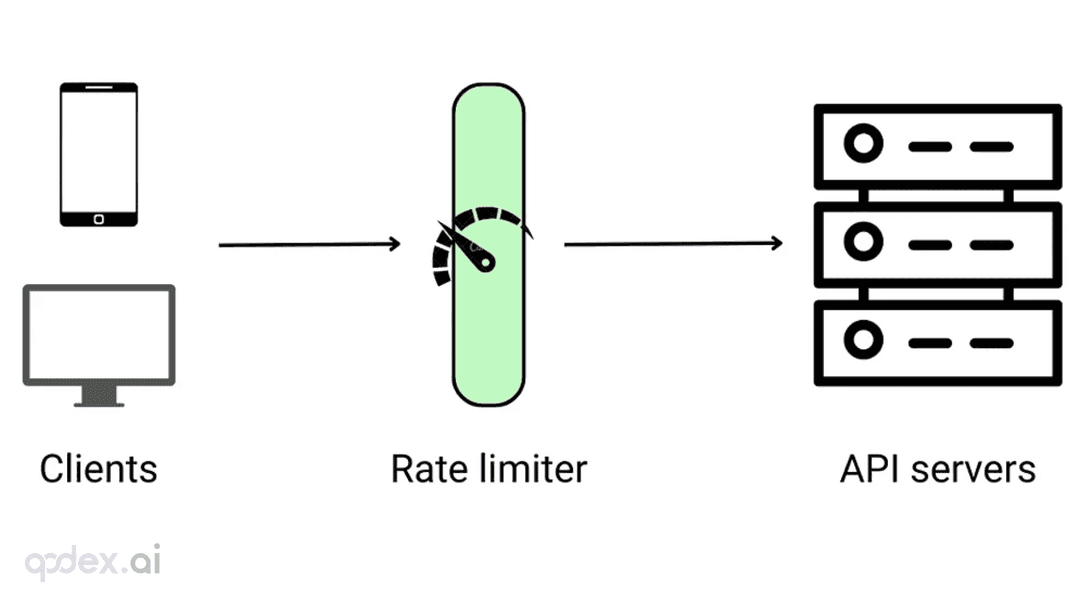
Every public endpoint will be called beyond your expectations some night. This guide builds a one-person-team rate-limiting system: algorithm choice (sliding window vs token bucket), four-layer defense, AI-endpoint money-burning protection, quota design, 429 response conventions, false-positive triage, and a launch checklist.
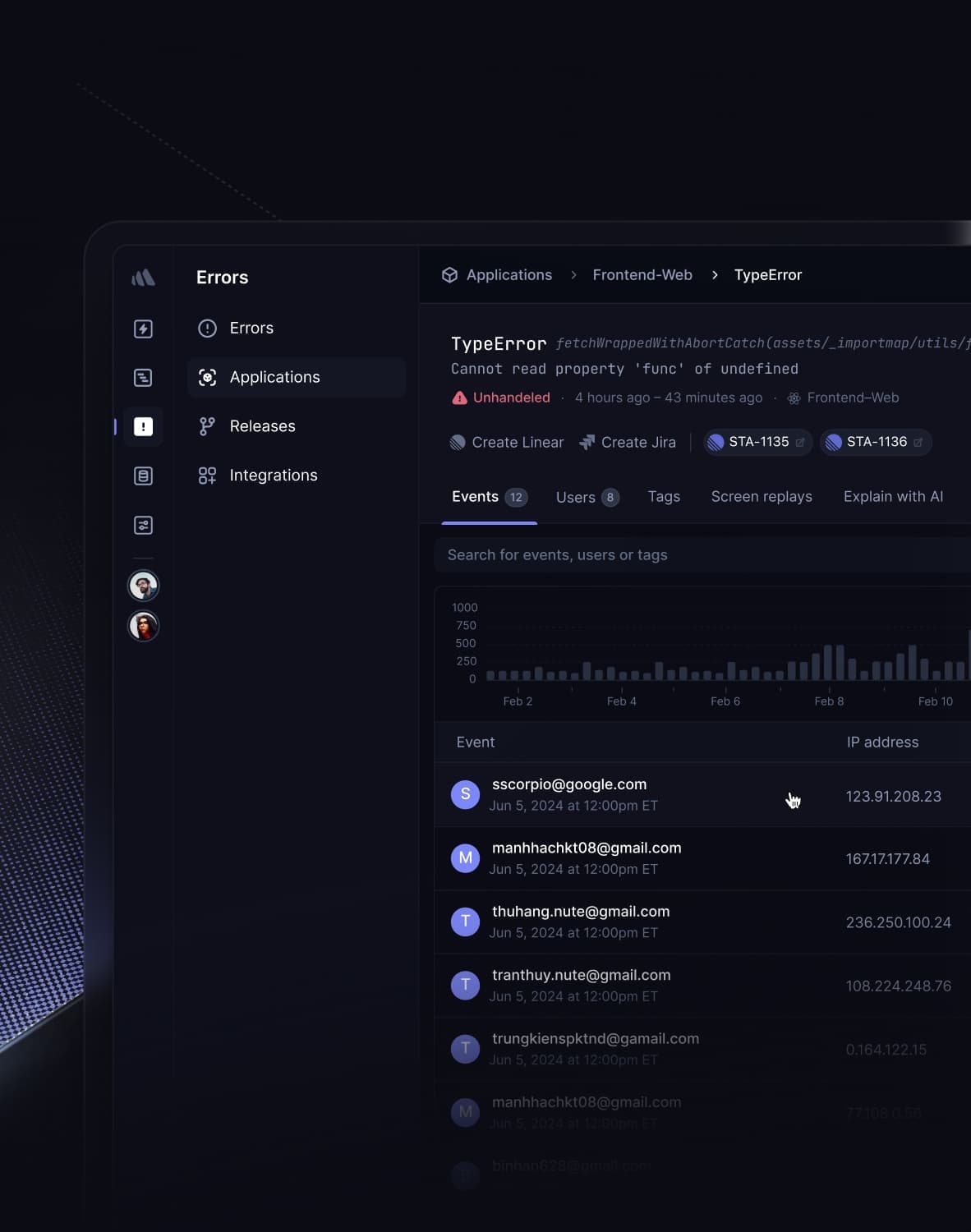
Every vibe project has the same darkly comic moment: your site goes white-screen and a friend tells you before your monitoring does. This guide builds a one-person-team error monitoring system: a 5-minute Sentry loop, error boundaries, report context design, backend structured logging, AI-call-specific protection, alert tiers, and a launch checklist.

Every vibe project eventually needs scheduled jobs: daily syncs, expired-order cleanup, billing reconciliation, scheduled reports. AI's first version is usually setInterval — fine for dev, fatal in production. This guide maps four scheduling options, cron expressions and timezone traps, idempotency, distributed locks against overlap, failure retries and alerting, run-log observability, and cron endpoint auth — plus a launch checklist.