Cron Jobs Are the Silent Killer of Vibe Projects: a Complete Hands-On Guide from setInterval to Production-Grade Scheduling
Every vibe project eventually needs scheduled jobs: daily syncs, expired-order cleanup, billing reconciliation, scheduled reports. AI's first version is usually setInterval — fine for dev, fatal in production. This guide maps four scheduling options, cron expressions and timezone traps, idempotency, distributed locks against overlap, failure retries and alerting, run-log observability, and cron endpoint auth — plus a launch checklist.

Every vibe project grows into the day it needs scheduled jobs: syncing third-party data every night, cleaning up expired orders hourly, reconciling billing on the 1st, sending the ops team a data report every Monday morning. Ask AI to write one and you'll probably get setInterval — runs fine in dev, dies in production week one: restart the service and the job is lost; deploy multiple instances and the job runs N times; the job dies and nobody knows.
Scheduled jobs are the silent killer of vibe projects: invisible when healthy, catastrophic at 3 AM. This guide breaks production-grade cron into seven concrete questions: where it runs, how to write the time, what if it runs twice, what if runs overlap, what if it fails, how you know it ran, and how strangers can't trigger it.
Question 1: Where Does It Run? A Map of Four Options
1. In-app scheduling (node-cron / node-schedule). Lives with your business code; simplest. Fits: single instance, low frequency, unimportant jobs (e.g. regenerating the sitemap daily). Fatal flaw: with multiple instances, every instance runs it; restarts/redeploys interrupt in-flight jobs. The test: if this job running twice would cause damage, don't use this.
2. Vercel Cron / platform schedulers. Declared in vercel.json; the platform calls your HTTP endpoint on schedule. Fits: projects already on Vercel, jobs finishing within 60s (Hobby) / 800s (Pro maxDuration). Zero ops and integrated with deploys; but billed per invocation and duration — high-frequency jobs get expensive, and the free tier caps frequency.
3. GitHub Actions schedule. Cron expressions trigger workflows that can call your API or hit the database directly. Fits: low-frequency (daily/weekly) jobs tolerating minute-level schedule jitter, like daily reports or backup verification. Generous free quota; but scheduling is imprecise (peak hours can delay runs by tens of minutes) — wrong for time-sensitive jobs.
4. Cloudflare Cron Triggers / dedicated schedulers. Workers fire on cron at the global edge. Fits: high frequency, punctuality requirements, global users. The common 2026 indie combo: Cloudflare Cron triggers + a queue for smoothing + your business API executing.
One-line selection rule: in-app for single-instance demos; Vercel Cron first for Vercel projects; throw unimportant low-frequency jobs at GitHub Actions; everything else gets a dedicated scheduler plus a queue.
Question 2: How to Write the Time? Cron Cheatsheet and Three Traps
Standard 5 fields: minute hour day month weekday. Quick reference:
0 2 * * *      daily at 02:00
*/15 * * * *   every 15 minutes
0 9 * * 1      Mondays at 09:00
0 0 1 * *      1st of each month at 00:00
Trap 1: timezones. Nearly every platform uses UTC. For "9 AM Beijing time," write 0 1 * * * (01:00 UTC). AI-generated code writes 0 9 * * * nine times out of ten, and the report goes out in the middle of the night. Safer practice: always write UTC in the expression, note the Beijing equivalent in a comment; daylight-saving regions need checking twice a year.
Trap 2: */5 doesn't mean "run every 5 minutes" — it means "at minutes 0/5/10… of each hour." Same semantics, but when a job takes longer than 5 minutes, the next trigger overlaps the previous run — straight into Question 4's overlap defense.
Trap 3: month-ends. 0 0 31 * * simply doesn't run in months without a 31st. Use "1st of next month at 00:00" for month-end jobs; don't gamble on the calendar.
Question 3: What If It Runs Twice? Idempotent Design
Scheduled jobs will run twice: platform retries, overlapping deploys, you triggering it manually and forgetting. Idempotency isn't an optimization — it's the ticket to enter.
Core pattern: one unique key per job instance; claim it before executing.
// daily reconciliation: key scoped to the day
const key = `reconcile:${today()}`;   // reconcile:2026-10-08
const claimed = await db.jobRun.upsert({
  where: { key },
  create: { key, status: 'running', startedAt: new Date() },
  update: {},                          // exists → already ran, bail out
});
if (claimed.status !== 'running' || claimed.startedAt < now) {
  return; // already ran (or running) today, exit
}
The key detail: upsert's atomicity blocks the race — two instances grabbing at once, only one creates. Add a second layer at the business level: a state machine. For notification jobs, the notification record flows pending → sending → sent one way; even if the job runs twice, the second run sees sent and won't resend.
The most dangerous anti-pattern: "check whether it ran; if not, run it" — there's a window between check and run, and under concurrency it runs twice anyway. The check and the claim must be one atomic operation (upsert / INSERT … ON CONFLICT / Redis SET NX).
Question 4: What If Runs Overlap? Distributed Locks
Different from "ran twice": the previous run hasn't finished when the next trigger fires. A sync job every 5 minutes; one day the third-party API slows down and it takes 8 — two instances writing the same batch concurrently: duplicates at best, corruption at worst.
Standard fix: a Redis distributed lock, with lock TTL longer than the job's max duration:
const lockKey = 'lock:sync-orders';
const token = crypto.randomUUID();
// SET NX EX: atomic claim, auto-release in 10 min (deadlock-proof)
const ok = await redis.set(lockKey, token, 'NX', 'EX', 600);
if (!ok) { console.log('previous run still going, skipping'); return; }
try {
  await syncOrders();          // business logic
} finally {
  // release only your own lock (Lua keeps it atomic)
  await redis.eval(
    "if redis.call('get', KEYS[1]) == ARGV[1] then return redis.call('del', KEYS[1]) end",
    [lockKey], [token]
  );
}
Three details: lock TTL > job timeout (job 5 min, lock 10 min); verify the token on release — never delete someone else's lock; and set a hard timeout inside the job (e.g. AbortSignal.timeout) so an infinitely hanging job can't squat the lock forever.
If your job shards naturally (by user-id modulo), the more elegant answer is sharded parallelism: N workers each take 1/N of the data — overlap is harmless because the data doesn't intersect.
Question 5: What If It Fails? Retries, Dead Letters, Alerts
Job failures come in three flavors, each with its handling:
1. Transient failure (third-party API hiccup): exponential backoff — wait 1 min, 2 min, 4 min, max 3–5 attempts. Never fixed-interval retries; during an outage, fixed intervals just add insult.
2. Persistent failure (wrong config, changed schema): after 5 failed retries, stop — write the scene to a dead-letter record (params, stack trace, timestamp). Don't burn API quota hourly and pollute logs.
3. Silent failure (the job never triggered at all): the scariest — a wrong cron expression, the platform never scheduled, and you discover a month later the reports stopped. Fix: heartbeat monitoring. Every successful run pings healthchecks.io (or your own); alert if no heartbeat arrives past the expected time. A scheduled job without a heartbeat is no job at all.
Two alert tiers by severity: failure → email/Slack; 3 consecutive failures → SMS/call. Vibe projects need at least tier one — a 3 AM failure discovered at 9 AM is barely better than never discovered.
Question 6: How Do You Know It Ran? Run-Log Observability
Give scheduled jobs a job_runs table — one row per run: job name, started/ended at, status (success/failed/skipped), affected rows, duration, error message. Build the simplest admin list page, newest first.
This table solves three real problems: a user asks "why no report today" and you find out in 10 seconds whether it never triggered or failed; failure analysis has a scene (stack + params); capacity planning has data (is job duration creeping up month over month?).
Add one structured log line for easy grepping:
console.log(JSON.stringify({ job: 'sync-orders', status: 'done',
  durationMs: 42000, affected: 1280, at: new Date().toISOString() }));
Question 7: How Do Strangers Not Trigger It? Auth
Platform crons (Vercel/Cloudflare) call your HTTP endpoint — that's a public URL. AI-generated code routinely leaves /api/cron/sync naked on the internet, where anyone with curl can fire your reconciliation job.
Minimum viable scheme: shared-secret auth.
// Vercel Cron automatically sends Authorization: Bearer <CRON_SECRET>
// self-built schedulers send it manually in the header
const auth = req.headers.get('authorization');
if (auth !== `Bearer ${process.env.CRON_SECRET}`) {
  return new Response('forbidden', { status: 403 });
}
Generate CRON_SECRET with openssl rand -hex 32, keep it in env vars, never in the repo. Also: cron endpoints accept POST only (no browser preload/crawler accidents), and return 200 fast — accept the request, enqueue, return immediately; don't make the platform wait until timeout.
Launch Checklist
Tick each box before shipping:
□ Expressions are UTC with Beijing equivalents in comments; month-end jobs avoid the 31st
□ Every job has a unique key + atomic claim; triggering twice manually is harmless
□ Overlappable jobs hold a distributed lock (SET NX EX) with lock TTL > job timeout
□ Hard timeout inside the job; a hang can't squat the lock forever
□ Exponential-backoff retries, max 5; 5 failures → dead-letter record + alert
□ Heartbeat monitoring: every success must ping; alert on missed heartbeat
□ job_runs table + admin list page showing each run's status and duration
□ Cron endpoints carry CRON_SECRET auth, POST-only, secret not in the repo
□ Full flow rehearsed in staging (fast-forwarded clock or manual trigger)
One-line summary: of the seven questions, "what if it runs twice" and "how do I know it didn't run" come first — the former protects correctness, the latter protects your sleep. Keep setInterval in demos; production deserves a real scheduler plus idempotency keys plus heartbeats, so you can actually sleep at night.
Related articles
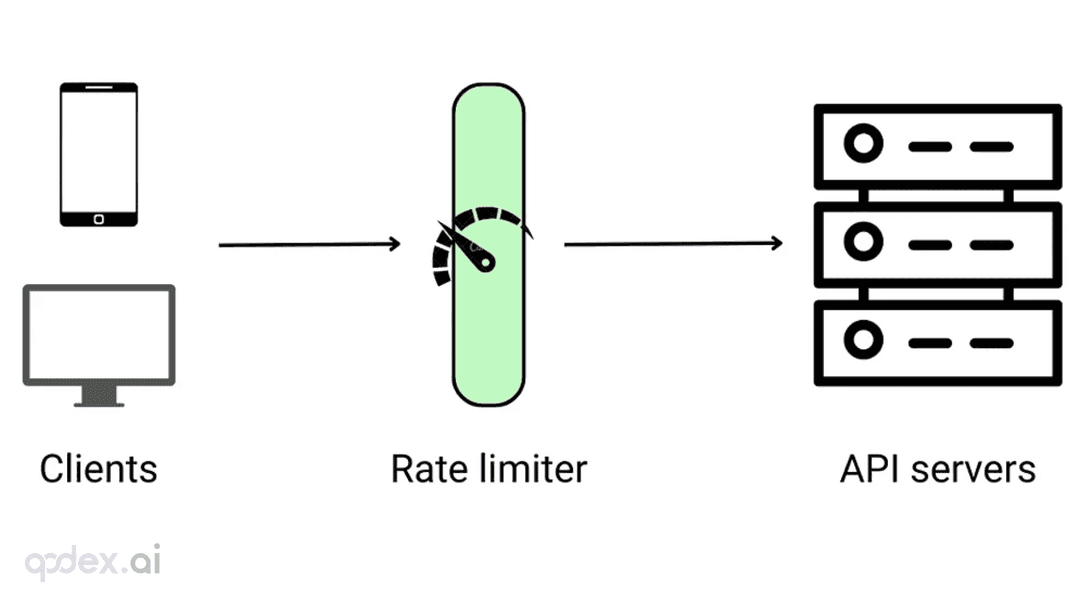
Every public endpoint will be called beyond your expectations some night. This guide builds a one-person-team rate-limiting system: algorithm choice (sliding window vs token bucket), four-layer defense, AI-endpoint money-burning protection, quota design, 429 response conventions, false-positive triage, and a launch checklist.
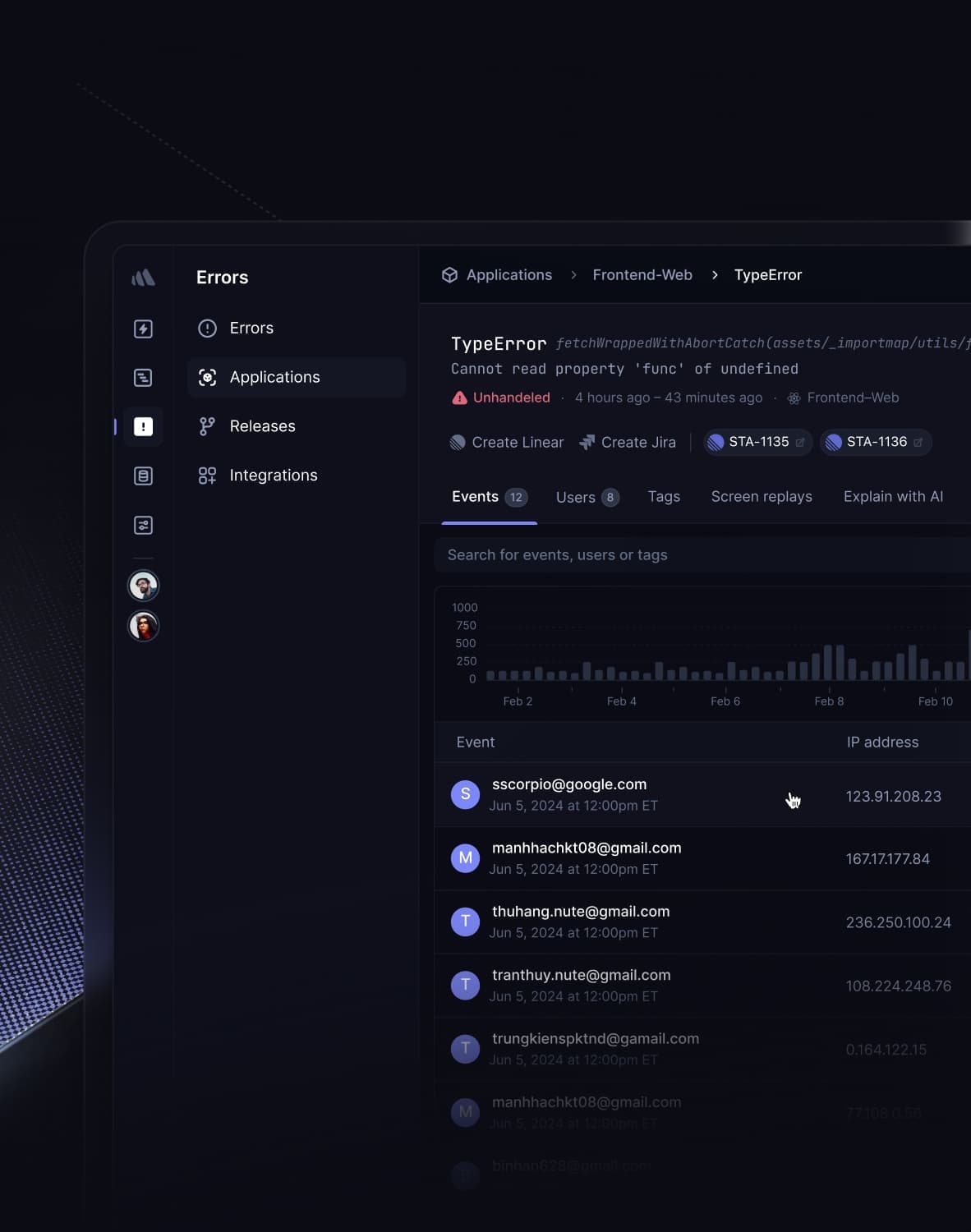
Every vibe project has the same darkly comic moment: your site goes white-screen and a friend tells you before your monitoring does. This guide builds a one-person-team error monitoring system: a 5-minute Sentry loop, error boundaries, report context design, backend structured logging, AI-call-specific protection, alert tiers, and a launch checklist.
Every vibe project hits the same moment: a list page firing a dozen DB queries per load, the database melting under modest traffic. This guide starts from the three-question caching mindset, then layers HTTP cache headers, Next.js data caching, Redis application caching with key design and the penetration/breakdown/avalanche defenses, and AI result caching (semantic cache, prompt caching), plus invalidation strategy and a launch checklist.