Say It Once, and the Chat Becomes a Tool That Updates Itself: Meta Launches Spaces in Muse
On November 6, 2026, Meta launched Spaces in the Muse app: describe an idea in one sentence and Muse builds a small tool that keeps itself updated from your connected apps. This article separates the official claims from the four open questions — sharing, data boundaries, the complexity ceiling, and availability — and what it means for indie developers.
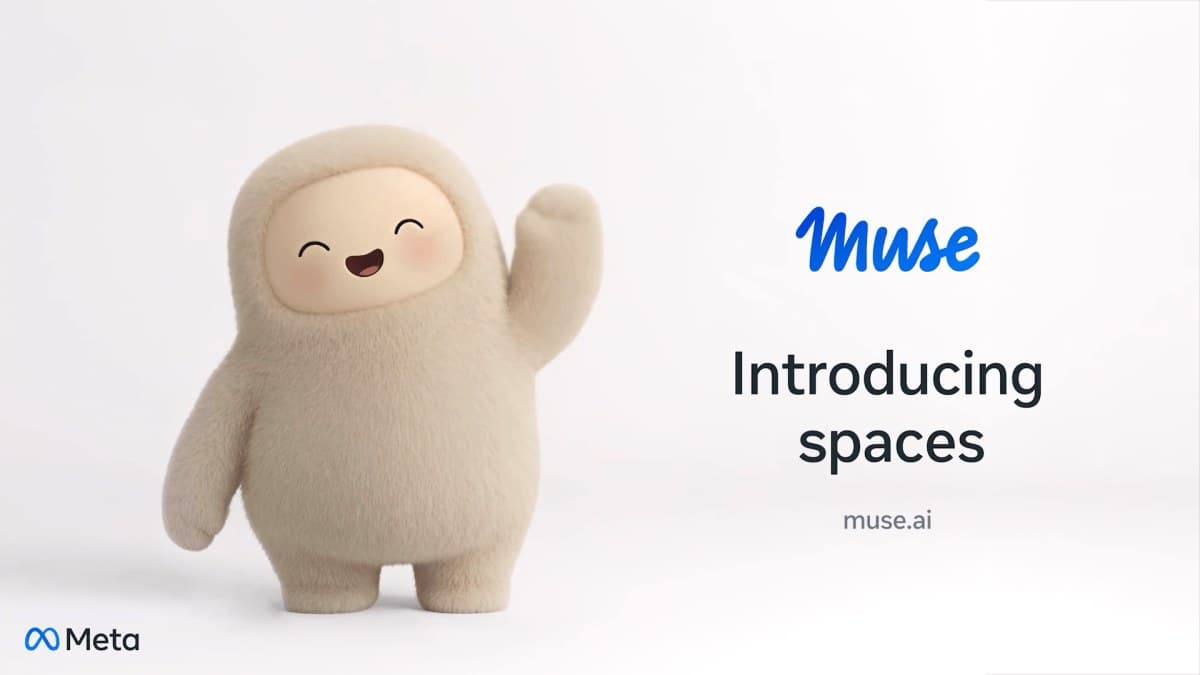
First, the verdict: the chat box is becoming a workbench — and Meta picked the lowest-effort path to get there
On November 6, 2026, Meta launched Spaces in the Muse app: describe an idea in one sentence, and Muse builds you a small tool that keeps working — a trip planner, a gift list, a client board, a daily word game. More importantly, it updates itself: once you connect your apps, new concert dates, price changes, and savings progress show up inside without you asking.
This deserves its own article not because the feature list is long, but because it marks a change of racetrack for AI assistants. For the past year, assistants competed on who answers more accurately and writes code faster. Now they compete on a different question: what is left behind when a conversation ends? Cursor had just shipped Live Apps the day before — a cloud agent that builds an app and hands you a link (covered here on November 5). Meta followed the next day: the output of a conversation is no longer a block of text, but a persistent little space with its own update rhythm. For anyone vibe coding, that translates to: what users want is shifting from "do this for me once" to "keep managing this for me".
A cold splash first, though: Spaces currently only lives inside the Muse app. No export, no app-store listing, no sharing with other people. It is closer to a very capable notebook on your phone than to an app you can ship. Whether it is worth getting excited about depends on whether you see it as a new toy or a new pattern — this article separates the official claims, the unanswered questions, and what it really means for indie developers.

What Spaces actually is: from one sentence to a permanent spot
According to Meta's official announcement, a Space is "a custom experience you create inside Muse by describing your idea". The flow has three steps: you say one sentence, like "make me a holiday gift tracker"; Muse generates an initial space; then you keep refining it through conversation — add what is missing, try a new look, change how it works. Once created, a space becomes part of Muse: pin it to the sidebar, move it into your main tabs, hide the ones you don't need, even schedule when it appears — a weekly planner up front on workdays, weekend plans on Saturday.
That "permanent spot" is the biggest difference between Spaces and an ordinary chat history. A chat history is a scroll of fading context; a Space is a room pinned to the interface, in the same place every time you open it. It solves a concrete problem: things you need to come back to — a trip plan, a gift list, client follow-ups — should not require re-explaining who you are and what you are doing every single time.
Meta's announcement lists nine official examples, and the spread is revealing: a shopping hub (holiday and birthday gift ideas, wishlists from Instagram saves, Marketplace listings and buyer messages in one view), a school dashboard (finds the events relevant to your kids in school emails and adds them to your calendar), a music tracker (new releases and upcoming shows from artists you love), a wedding planner (RSVP list, vendor invoices, to-dos), a trivia game (quizzing you on your favorite movies, music, or sports team), a podcast studio (episode ideas, research, and scripts together), an order tracker for a small business (new orders, customer messages, what needs to ship today), a client hub for freelance work (projects, deadlines, and invoices), and a trip planner (flights, hotel, reservations, and a day-by-day itinerary).
There is a thread running through the nine examples: the first half is "personal life manager", the second half is "operations desk for a one-person business". Meta is courting two audiences at once — everyday users who treat Muse as a life assistant, and freelancers who treat it as a lightweight workbench. For indie developers, the second half matters more: order tracking and client hubs are exactly the kind of minimum viable product you used to spend two weeks building for a client. Now a user can spin one up with a sentence.
The part to watch is not "it can build" — it is "it updates itself"
The generation itself is nothing new — by 2026, most AI tools can build a page from a description. What makes Spaces different is the second promise: connect the apps you use, and your spaces keep themselves up to date in the background, so new concert dates, price changes, or savings progress show up without you having to ask. You can check things off, add notes, and make edits right in your space, and everything will be there when you return.
If that holds up, a Space is not a static page but a living thing with an update loop. Its value is not how pretty the first generation looks, but whether the information is still fresh on day 30. That is where most AI-generated mini-tools die: stunning at generation, abandoned three days later when the data goes stale. Meta putting "automatic background updates" at the center of the announcement shows it knows this too.
But a question mark has to stay here: the announcement does not spell out the data-access, retention, and processing arrangements for each connected service. Which apps can connect? The announcement itself only says "connect the apps you use"; reporting by TechGenYZ and others names Gmail, Google Calendar, OpenTable, and Notion. Your email, calendar, and notes are being handed to Muse to read — where exactly is the boundary, what fields are read, how long is data kept, can you disconnect at any time? The official announcement does not go into detail. For a product meant to hold both your private life and your business data, that is not a small detail — it is a question to ask on day one.
Two launches in two days: voice first, Spaces right behind
Spaces did not arrive alone. Just the day before, on November 5, Meta rolled out voice and expressive avatars in Muse: tap the phone icon in the top-right corner and you can talk in real time, with the avatar reacting with expressions and gestures as you speak, rolling out in the US first. Two launches in two days, pointing in the same direction: the chat window is no longer the product; what the agent builds is.
Meta's pace is also worth noting. Muse launched on September 8, 2026; according to TechCrunch's reporting of the October earnings call, it had reached 10 million users in the US and Canada in under two months, with about a quarter of them using it daily. With the base in place, Meta is now stacking the experience layer on a weekly cadence: voice first, then Spaces, and the same announcement mentions specialized versions of its models rolling out to Muse, trained with learnings from Muse Wonder. Zuckerberg posted on X about his own three Spaces: a BBQ game, an event tracker, and a home control dashboard — small things from everyday life, not grand "productivity" words.
That timeline matters for judging Spaces: it is not a long-brewing flagship, but one step in a fast iteration. The upside is features arrive quickly; the downside is each step may only be a transitional form. Spaces cannot be shared or exported today; tomorrow it might — or never. Judge it by what this version can do, not by what its final form might be.
Compared with its peers: three routes, three trade-offs
Spaces is not the first product that lets AI build you a small tool. Put it next to the other two routes and the trade-offs become clear. Route one is Cursor's Live Apps (November 5): a cloud agent builds the app, deploys it, and gives you a shareable link — the emphasis is on "a real app that runs and that you can give to other people". Route two is Claude's Artifacts and ChatGPT's Apps: interactive content generated inside the conversation, with the emphasis on "usable right here, right now". Route three is Meta's Spaces: the emphasis is neither on "shipping an app" nor on "this conversation", but on "a private space that keeps updating for you".
Each route wins somewhere different. Live Apps wins on "it can be published": what you build can be shared and visited on the web — the thing indie developers care about most. Artifacts wins on "instantly at hand": no leaving the conversation, try an idea the moment it occurs. Spaces wins on "always on": it does not chase one-off wow or public distribution, but aims to be there every day with fresh data. None of the three is better in absolute terms — but together they point to the same conclusion: conversation itself is stepping back and becoming the doorway into building and maintaining "things".
For indie developers, that comparison table is worth keeping more than Spaces itself. Next time you design a product, ask three questions: is my product a one-off generated artifact, or a place users come back to every day? If it is the latter, does it have its own update loop, or does it depend on users refreshing it by hand? And if a user wants to share it with someone else, can my product do that while an assistant's built-in space cannot? The answers mostly decide whether your product competes with assistant-built features or complements them.
For vibe coders: opportunity or squeeze?
The squeeze first, stated plainly. If your product is "pull a few things together into one board" — a trip planner, a gift list, simple client follow-ups — features like Spaces are eating your lunch. Users no longer need to download an app, create an account, and learn an interface; one sentence inside Muse gets them a good-enough version. "Good enough" is the most dangerous competitor there is.
Now the opportunity, just as plainly. Spaces handles generic scenarios, and the more generic it gets, the more room it leaves for specialized ones. The official examples — wedding planner, podcast studio, order tracker — are all lightweight: note-taking, reminders, summaries. Anything that needs real domain logic — should a podcast studio connect to an editing workflow, should an order tracker calculate profit and inventory — Spaces will not do for you. And Spaces has a hard boundary: what it builds cannot leave Muse. If your product can exist on its own, be shared, be listed, be charged for, it is still playing a different game.
More worth thinking about is the "space" pattern itself as a design lesson. We used to build products assuming users re-navigate from the home page every time they open them. Spaces inverts that: the two or three things a user comes back to three or four times a week deserve a permanent spot — appearing on schedule, keeping themselves fresh. That idea does not belong to Meta alone. Does your product have two or three scenarios users return to several times a week? If so, they deserve a permanent place, not a third-level menu.
Four questions still unanswered
First, when does sharing arrive? Meta's announcement says it is exploring ways for users to share spaces with others to build a more collaborative experience. Spaces today is single-user. Without sharing, there is no "make a space and send it to me" distribution, and no creator ecosystem growing around Spaces. For indie developers, whether and how sharing opens up — a template marketplace? link sharing? — decides whether this is a new channel at all.
Second, the data boundary. How far do email, calendar, and notes permissions actually go? Can users control per-space what can be read and what cannot? What happens to the data after disconnecting? The announcement does not elaborate; product details and privacy documentation will have to answer. Until then, think twice before connecting sensitive business data wholesale.
Third, how complex can a Space get? All official examples are lightweight — tracking, planning, summarizing — with no mention of complex interaction, payments, or external system integrations. Where is the ceiling — can it take payments? can it call external APIs? The answer decides whether Spaces ends up as an "advanced notebook" or a "light app platform". The current wording leans toward the former.
Fourth, Muse's own availability. Spaces is "available everywhere Muse is available" — but Muse is not available everywhere. Meta has not published a complete country-by-country list. If your users live where Muse does not operate, Spaces does not exist for them.
One sentence to sum up
Spaces turns Muse from "ask and answer" into "say it once, and it keeps managing it": one sentence builds a permanent space, and connected apps keep it fresh in the background. It is a clear answer to the question "what should an AI assistant leave behind" — and a reminder to every indie developer building lightweight aggregation products that generic scenarios are being absorbed by the assistant, while specialized scenarios and products that can be shared and stand on their own are where you should stand. Whether Spaces ends up as an advanced notebook or a light app platform depends on how the three open questions — sharing, data boundaries, and the complexity ceiling — get answered next. Too early to conclude, but worth checking back every couple of weeks.
Comments (0)
Sources
Related articles
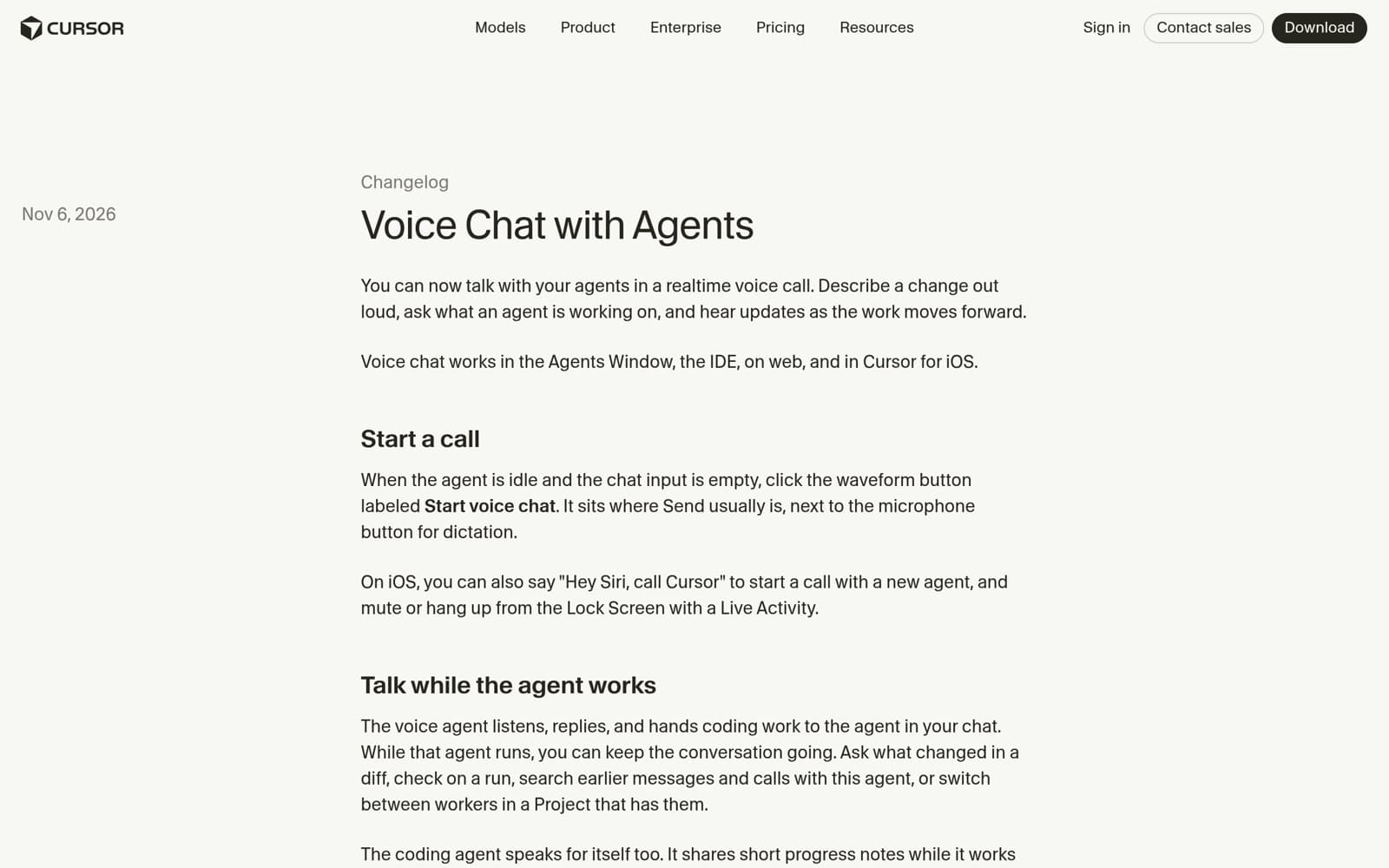
On November 6, 2026, Cursor shipped Voice Chat with Agents: realtime two-way voice calls in the Agents Window, IDE, web, and iOS, powered by Grok Voice while your chosen coding model keeps writing the code. A day after Live Apps, the IDE moves from typing instructions to speaking them. This article walks through how calls start, what the voice agent can do, the limits, and the open questions.
On October 28, 2026, Microsoft launched Microsoft Pro Badge, starting with GitHub Copilot: no exam, no fee — opt in, keep working, and a proficiency engine grades how you use Copilot in everyday work. This article explains the three parts, the five levels, what it actually evaluates, and the three questions still open.

On November 6, 2026, Anthropic published new research on agent memory: notes, salience judgment, and offline 'dreaming.' In Pokémon Red, the model that wrote 413 memory files earned one badge; the one that wrote nine earned four. This article breaks down the experiments — and what vibe-coding developers can reuse from them.