No Exam Needed: Microsoft Will Certify Your Copilot Skills by Watching How You Work
On October 28, 2026, Microsoft launched Microsoft Pro Badge, starting with GitHub Copilot: no exam, no fee — opt in, keep working, and a proficiency engine grades how you use Copilot in everyday work. This article explains the three parts, the five levels, what it actually evaluates, and the three questions still open.
First, the verdict: a credential earned by being watched, not by being tested — and that matters especially for vibe coders
On October 28, 2026, Microsoft officially launched Microsoft Pro Badge, and the first one is for GitHub Copilot. Earning it works unlike any credential before it: no exam, no study guide, no fee. You sign in at learn.github.com, click to opt in, and then just keep writing code as usual. Microsoft's "proficiency engine" calculates a level from signals in your everyday Copilot use, and when you reach Proficient, the badge is yours.
This is worth writing about not because there is one more badge in the world, but because it changes the rules of "proving you can use AI". For the past year, proof of AI coding ability has been awkward: either an exam — sitting down to answer questions, which tests whether you can take a test — or a portfolio — showing a few projects and hoping people believe you. Microsoft is trying a third path: look directly at how you use the tool in your daily work. Your code, prompts, and intellectual property are, it says, never reviewed — only the breadth and depth of your usage behavior. For vibe coding developers who make their living with Copilot, Cursor, and Claude Code every day, the subtext is: your everyday work itself can become a verified credential for the first time.
The skepticism has to be stated up front, though: does using something a lot mean using it well? How does a "usage signal" distinguish someone who has Copilot write CRUD all day from someone who uses it to chew through hard problems? Microsoft says the assessment uses objective criteria and is not based on volume alone, but it has not published which signals count or how they are weighted. The badge's value ultimately depends on whether employers recognize it — and that will be decided by the hiring market, not by an announcement. This article separates the official claims, the unanswered questions, and what it really means for developers.

How you actually earn a Pro Badge: three parts, five levels, six steps
According to Microsoft's official announcement on the Skills Hub blog (by Cameron Percy, general manager for content and insights), Pro Badge is built on three connected parts. First, the proficiency framework: five levels — Beginner, Intermediate, Proficient, Advanced, and Expert. Second, Verified Proficiency: an engine that systematically uses evidence from everyday product use to calculate your level, and automatically updates it. Third, the Microsoft Pro Badge itself: the credential you receive.
What actually launched is narrower than "five levels": at launch, the experience supports only the first three — Beginner, Intermediate, and Proficient — and reaching Proficient qualifies you for the badge. Advanced and Expert are "our next priority"; Microsoft says users demonstrating those higher levels will earn their Pro Badge first at Proficient and will automatically upgrade as the higher levels launch. In other words, the first batch of badges tops out at "proficient" — if you want to prove you are an expert, that badge does not exist yet.
The official six steps read almost nothing like "taking an exam": 1. Sign in with a personal GitHub account (Enterprise Managed User accounts are not supported at launch, but are a high priority for inclusion). 2. Opt in — your proficiency is not calculated until you choose to participate. 3. Keep working — relevant tasks from your everyday product use provide the evidence. 4. See your level — an objective rubric estimates your proficiency from your GitHub Copilot use over time, so results may not appear immediately. 5. Earn your badge — when you reach a qualifying level you are notified and the badge appears on your AI Skills Navigator profile, private by default. 6. Share your badge — claim your verified digital badge on Credly and decide whether and where to share it, including to LinkedIn.
Two details deserve to be pulled out. First, the badge is alive: as evidence from your ongoing work is added and older evidence becomes less relevant, your level may hold, rise, or fall. It is not a pass-once-keep-forever certificate, but a signal that floats with your working state. Second, sharing is entirely your call: the badge is private by default and nothing is shared automatically; through LinkedIn Connected Apps you can add a GitHub-verified capability statement to your profile. The announcement repeats "opt-in and private by design" — Microsoft clearly knows how sensitive people are about "being watched".
What it actually evaluates: breadth and depth, not lines typed
The most important sentence in the announcement is this: your product usage is evaluated against objective criteria — not activity volume alone. Proficiency is determined from patterns in how broadly and deeply you use GitHub Copilot across GitHub.com, your integrated development environment (IDE), the command-line interface (CLI), and mobile. Your raw code, prompts, and intellectual property are never reviewed.
"Breadth and depth", translated into plain language, means: using one feature in one place, however heavily, may not get you to Proficient; spanning multiple scenarios and using a variety of features is more likely to. It is a clever anti-gaming design — what it guards against is not cheating, but "pretending to use it". Having Copilot autocomplete a few simple lines every day and using it to refactor modules, write tests, and collaborate across repositories are completely different things in behavioral signals.
But one honest caveat: Microsoft has not published which signals count or how they are weighted. The Register's November 5 report likewise notes that Microsoft has not published a full list of those signals. That means two things. First, you cannot deliberately "grind" your way to Proficient — which is precisely the design intent. Second, you also cannot verify whether it is accurate. Microsoft's promise is that "your raw code, prompts, and intellectual property are never reviewed" and only usage signals are assessed. How much that promise is worth depends on how much you trust Microsoft's telemetry boundaries. The announcement does not elaborate on how signals are collected, stored, or retained — the same gap as in Meta's Spaces announcement: for a product that watches how you work, the privacy documentation should be read alongside the feature announcement, not just half of it.
The telemetry-credential debate: who gets to grade how you work
The most debatable part of Pro Badge is not the badge itself but the assessment behind it: grading someone's working ability from telemetry data. Developers have argued about this for a while. Supporters say exams were always distorted — performance on test day and daily work are two different things, and looking at real work data is more honest. Critics say that once "how you work" becomes "how you are scored", work itself deforms: people start working for the signal — opening more surfaces, trying more features — not because they need to, but because "that scores higher".
Microsoft's anti-gaming design answers this concern to a degree: the assessment is objective, not volume-based, and looks at breadth and depth. But "breadth and depth" can itself be performed. A developer could deliberately switch across all four surfaces and deliberately try every feature just to look proficient. Not publishing the signal list makes that performance harder in a way — you cannot precisely act out what you cannot see — but the flip side is that it cannot be audited either. If the scoring model has biases — favoring a particular workflow, favoring heavy users — outsiders would struggle to spot them.
There is a deeper question too: who owns the interpretation of "how you work"? Your code, prompts, and intellectual property are not reviewed — that is Microsoft's promise. But your behavioral data — how long you spent on which surface, which features you used — is collected and computed. The announcement says Pro Badge is "opt-in and private by design", calculated only with your authorization, with results private by default. That language is necessary today, but it is also a reminder: the boundary of a telemetry credential is ultimately set not by the announcement, but by the concrete rules on data collection, storage, and retention. Before claiming a badge, it is worth spending five minutes reading the relevant privacy notes rather than just the promises in the announcement.
For vibe coding developers, this debate has a more specific version: your workflow is, by definition, "let the AI do more of the work". If Pro Badge rewards "deep use of Copilot", then who scores higher — a developer who hands most of the work to the agent and only makes the key decisions, or one who does everything hands-on and uses Copilot only for autocomplete? The announcement does not answer that. But intuitively, the former — the more thorough vibe coding workflow — may look more radical and deeper in "usage signals". Whether this badge unintentionally rewards "more dependence on AI" is a follow-up question worth watching.
How it relates to traditional certifications: not a replacement, a third signal
Microsoft states this plainly in the announcement: Pro Badge works alongside Microsoft Certifications. Certifications show that you can solve problems in a role or field. Pro Badge shows how you use a specific product in your everyday work. Together, they give a more complete picture of what you can do.
That positioning is restrained, and smart. Microsoft is not saying "exams are dead"; it is saying exams measure "whether you know", while Pro Badge measures "whether and how you use". For hiring managers, the two signals answer different questions: the first is "does this person have systematic knowledge", the second is "is this person actually using AI tools every day". As AI coding tools spread, the second question is becoming more important — too many resumes say "knows Copilot", too few can prove "uses it daily and deeply".
The history is worth telling too: Pro Badge did not appear out of nowhere. It had a soft launch at Microsoft Build in early June 2026, and Microsoft's June credentials roundup already said the first badge would cover GitHub Copilot Verified Proficiencies and become generally available at GitHub Universe in late October 2026. The October 28 general availability basically followed the plan. The Register only covered it on November 5, which suggests the launch did not make big waves in its first week — but it may be a slow-burn story. A credential's value is never decided on launch day; it grows only after the first badge-holders put it on LinkedIn and the first hiring managers start paying attention.
What is this badge actually worth to a vibe coding developer?
First, where it may be worth something. Vibe coding developers have always had an awkward problem: what you build is real, but proving it is hard. Projects can be shown, but how does anyone know it was you, or how much of it was you versus the AI? Pro Badge offers third-party backing: GitHub and Microsoft issue it directly from your work, telling an employer "this person genuinely uses Copilot deeply in everyday work". It cannot prove you write good code, but it can prove you are not the kind of person who writes "knows Copilot" on a resume and opens it once a week. As the hiring market starts seriously distinguishing "uses AI" from "pretends to use AI", that signal has value.
Now where it may not be worth much. First, the level can fall. Your badge is not for life; if your work changes, you switch tools, or old evidence expires, your level can drop. A badge that can depreciate carries less weight on a resume by nature. Second, the first batch only has three levels, topping out at Proficient. Anyone wanting to prove expert-level skill cannot get that badge yet. Third, Enterprise Managed User accounts are not supported yet — and many developers do their daily work on a company account. That means the first people who can earn the badge are mainly indie developers and freelancers on personal accounts, while developers at large companies have to wait.
There is also the most practical question: will employers recognize it? Microsoft says that because GitHub and Microsoft mint each Pro Badge directly from your work and usage, "this is a credential employers and organizations can trust as meaningful" — but trust is not granted by an announcement, it is granted by the market. Existing exam-based certifications (the GH-300 Copilot certification exam is, according to third-party write-ups, still listed at $99 for 100 minutes) at least have an explicit exam standard; Pro Badge's standard is an undisclosed scoring model. Whether hiring managers will trust a "black box proficiency score" needs time to verify. For developers, the safest attitude is to treat it as a third signal alongside your portfolio, not as the headline on your resume.
Three questions still unanswered
First, the signal list. Microsoft has not published the full list of signals used in the assessment, or their weightings. Without that list, developers cannot tell "what counts as using it well", and hiring managers cannot tell "what Proficient actually means". If Microsoft wants Pro Badge to become an industry signal, publishing the scoring framework's details is a lesson it will have to make up sooner or later.
Second, what is the next badge? The announcement implies more Pro Badges are coming, but does not name the next product. Claude Code? Cursor? Or another Microsoft product? Picking GitHub Copilot first was the obvious choice — it is Microsoft's own product. But if Pro Badge only ever covers Microsoft products, its reach is limited; if it expands to third-party tools, how to unify the assessment standard is another hard problem.
Third, when do enterprise accounts get supported? Enterprise Managed User accounts are not supported at launch, and Microsoft calls this a high priority. For many developers, the company account is where daily work happens, and the personal account is only occasional use. Until enterprise accounts are supported, Pro Badge's signal stays incomplete — it measures your "spare time" Copilot use, not your real "working hours" level.
One sentence to sum up
Pro Badge moves "proving you can use AI" out of the exam hall and into everyday work: no exam, no fee, keep writing your code, and Microsoft issues you a floating badge based on how you use Copilot. It does not replace traditional certifications; it adds a third signal — whether you are really using it every day. For vibe coding developers, it is worth claiming one: free, private by default, nothing to lose. But do not expect it to change anything overnight — its value will only emerge slowly, after the first badges appear on LinkedIn and the first hiring managers start noticing. The most sensible thing to do right now is to go to learn.github.com, click to opt in, and then keep writing your code.
Comments (0)
Sources
Related articles
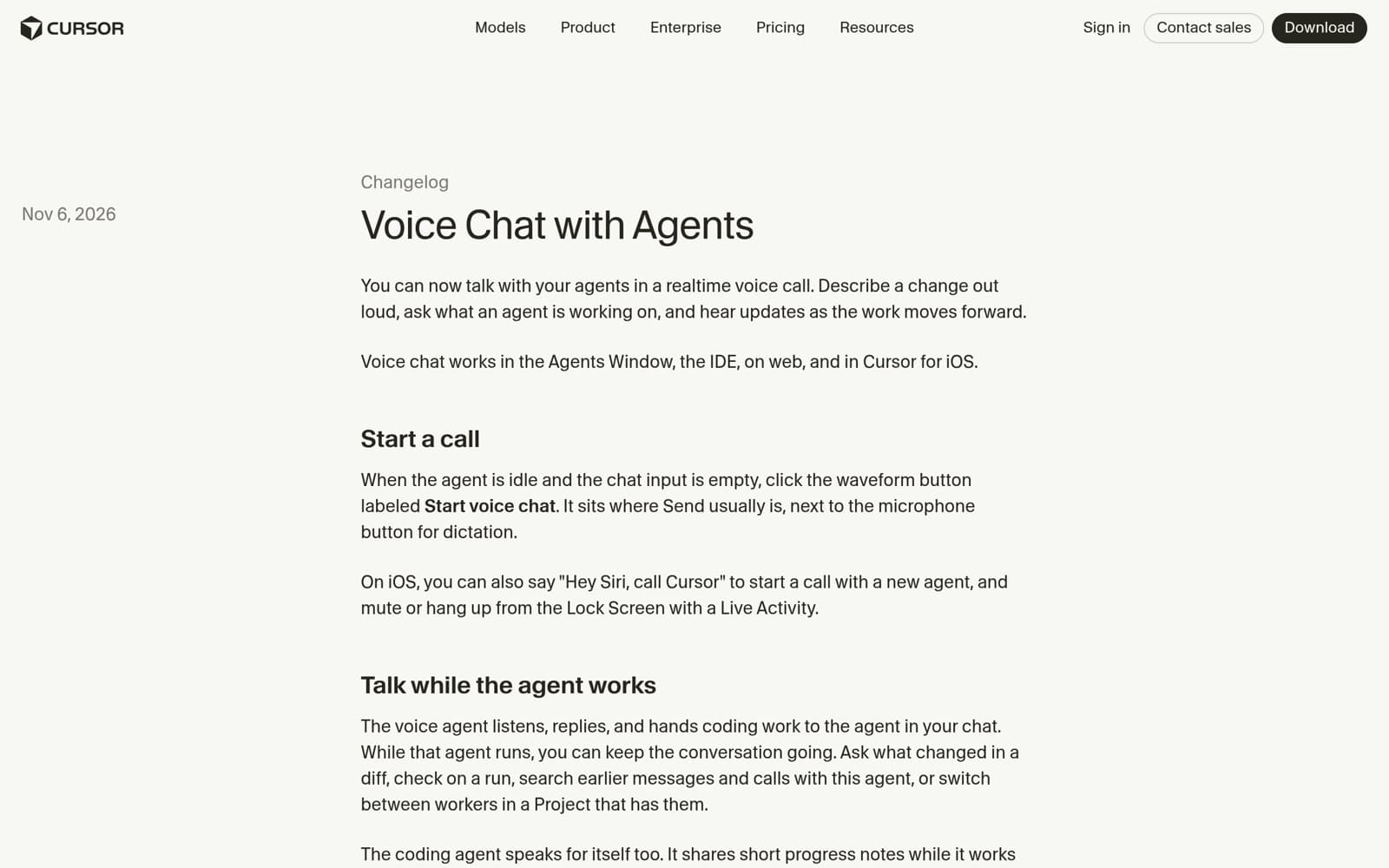
On November 6, 2026, Cursor shipped Voice Chat with Agents: realtime two-way voice calls in the Agents Window, IDE, web, and iOS, powered by Grok Voice while your chosen coding model keeps writing the code. A day after Live Apps, the IDE moves from typing instructions to speaking them. This article walks through how calls start, what the voice agent can do, the limits, and the open questions.

On November 2, 2026, Anthropic put message threads in public beta on the Claude Platform: send the full conversation once, then only the new messages each turn. Median time to first token falls about 35% on 500K–1M token requests — but token usage, pricing, and rate limits do not change. This article explains how it works and where its limits are.

On November 6, 2026, Meta launched Spaces in the Muse app: describe an idea in one sentence and Muse builds a small tool that keeps itself updated from your connected apps. This article separates the official claims from the four open questions — sharing, data boundaries, the complexity ceiling, and availability — and what it means for indie developers.