Pele: A Zero-Dependency Mermaid-to-SVG Renderer Up to 500x Faster, Themed With CSS Variables
Pele, an open-source Mermaid-to-SVG renderer built for Obsidian, hit Hacker News with 460 points: zero dependencies, a 230 kB gzipped bundle, and self-reported render times of 0.05–0.3 ms. Its elegant trick is CSS-variable theming — recolor without re-rendering. All performance figures are self-reported and unverified; this piece explains the trade-offs behind them.

Around October 16, an open-source project called Pele hit Hacker News with 460 points and 41 comments. It does one focused thing: render Mermaid syntax directly to SVG. Its site, pele.run, leads with an aggressive comparison table — 230 kB gzipped (about one-sixth of Mermaid.js's 1.6 MB), 0.05 to 0.3 ms render times ("up to 500x faster"), zero direct dependencies (versus Mermaid.js's 23). The caveat up front: every number is self-reported by the project, the site states no test conditions, and this article did not independently verify them. But 460 HN points say one thing clearly: a lot of people were already fed up with how heavy Mermaid.js is.
Pele was "developed for Obsidian to render diagrams quickly and match your theme." Its author is kepano (Obsidian CEO Steph Ango), and the repo lives at github.com/obsidianmd/pele. The name comes from Pele, the Hawaiian goddess of volcanoes and fire. Usage is two lines:
npm install pele
import { render } from 'pele'; const { svg } = render(`flowchart LR A[Mermaid text] --> B[SVG]`);
Hand it Mermaid text via render(), get back SVG to insert into the page. The project claims support for every diagram type built into Mermaid 12.1.0.
The Comparison Table: Read the Numbers, Then Read Them Properly
| Pele | Mermaid.js | |
|---|---|---|
| Bundle size (gzip) | 230 kB | 1.6 MB |
| Render time | 0.05–0.3 ms | 6–82 ms |
| Direct dependencies | 0 | 23 |
| Small screens | Adapts the layout | Scales the diagram |
| Theming | CSS variables | Theme configuration |
(All figures quoted from pele.run; self-reported, not independently verified.)
How should you read "500x"? Do the arithmetic first: 0.05–0.3 ms against 6–82 ms gives a multiple anywhere from 20x to 1600x depending on which ends of the ranges you pick — "up to 500x" is the most marketable choice. Voices in the HN thread and in secondary coverage flagged the same thing: the site never says what diagrams were tested, on what hardware, or how. As the yougonews write-up cautiously put it, "the website's comparison alone does not establish how Pele performs across different devices, diagram types or production workloads." The right way to read numbers like these is as an order-of-magnitude signal, not lab precision — even discounted by half, a tens-to-hundreds multiple still says the two implementations are not in the same weight class.
Why It's Fast: Trade-offs Beat Optimization
The real reason Pele is fast is not that it does the same thing better — it made the thing smaller. kepano explained the design trade-off himself in the HN comments: "I designed Pele to only follow its syntax not its layout."
That sentence deserves unpacking. Mermaid.js is heavy in two places: first, it carries a whole family of layout engines — Mermaid 12.1 ships with three of them; second, it depends on the browser's layout engine for text measurement (e.g. SVGGraphicsElement.getBBox()), which is why mermaid-cli (mmdc) needs to drag along an entire Chromium instance to render one diagram. HN user bilibali's complaint is representative: his static-site build script swaps Mermaid code blocks in markdown for pre-rendered SVGs, and "it is very heavy for this purpose (needs an entire chromium instance for the rendering)." Pele's trade: implement only the Mermaid syntax parser, do its own lightweight layout, emit SVG directly, no browser environment required. Syntax-compatible, layout homegrown — that is the shared origin of both the "zero dependencies" and the "0.05 ms" numbers.
Architecturally, Pele's subtractions are thorough. Mermaid.js's pipeline is roughly: parse syntax → layout engine arranges → browser DOM measures text → generate SVG. Every step pays for generality: three layout engines to support, browser APIs for text measurement, and a good share of those 23 direct dependencies exist to serve these capabilities. Pele compresses the pipeline to: parse syntax → own lightweight layout → concatenate SVG strings directly. No DOM, no Chromium, not even a browser — pure computation. That is why 0.05 ms is physically plausible: per-render cost drops from "browser layout" magnitude to "string concatenation" magnitude. The price, of course, is that layout quality is capped by the homegrown engine — no more free-riding on the upstream layout-engine ecosystem.
One easily skipped row in the table is "small screens": Pele "adapts the layout," Mermaid.js "scales the diagram." On a phone the difference is visceral — scaling shrinks the whole diagram proportionally until the text is unreadable; adaptive layout re-flows nodes and edges so the diagram stays legible at narrow widths. For a notes app like Obsidian, where mobile is a first-class surface, that is not polish; it is the difference between diagrams being usable on a phone or not. Pele can only promise adaptive layout because it owns the layout engine — you re-flow only what you control.
Migration cost is the other practical question. 9dev migrated a docs site off "a combination of mermaid, panzoom, and some minor workarounds to get integrated styling and dark theme work right": "Pele not only takes care of all of that, but also manages a nicer layout!" bilibali swapped it into a static-site build script on the spot and "to my pleasant surprise I actually liked the ones Pele renders better than mermaidjs." There is healthy skepticism too: nkmnz asked for the systematic differences between the two layouts to be pointed out. That rigor is the right instinct — layout is subjective, a rewritten renderer inevitably changes layout style, and running your three most-used diagrams through the site's Compare mode beats staring at "500x."
Of course trade-offs have costs. HN user lukeify's complaint: "Anytime I try mermaid for anything more complex than a toy diagram I always end up absolutely frustrated by the arcane and topologically poor layout." kepano's answer: the site has a Compare mode to judge for yourself. Automatic layout is famously hard (tptacek in the thread: "Graph layout is a famously hard problem!"), and Pele claims no breakthrough there — just its own implementation. Some users reported preferring Pele's layouts; others want features like visual diffing of diagrams. Those are the real-world echoes of a trade-off.

CSS-Variable Theming: Why It's an Elegant Design
Pele's second design worth discussing is theming. Instead of Mermaid-style theme configuration objects, it uses CSS variables — --pele-bg, --pele-fg, --pele-line, and friends — for colors and fonts. Switching themes means changing a few variable values; colors apply instantly, with no re-render.
Why is that elegant? Because it decouples "content" from "presentation" at the browser's native layer. The traditional approach: theme change → re-run the whole render pipeline → produce a new SVG. Pele's approach: render once into SVG that references CSS variables; a theme change is just a CSS-level repaint, handled by the browser. For high-frequency operations like dark/light mode toggles, the difference is "one render" versus "zero renders." HN user haburka's sigh felt real: "Theming mermaid and using it server side is such a nightmare." And 9dev, after migrating a docs site: "Pele not only takes care of all of that, but also manages a nicer layout!"
For Obsidian the feature is close to mandatory: a notes app's theme switches at the user's whim, and diagrams must follow. With CSS variables, diagram theming becomes a natural extension of the app theme rather than a second configuration system to keep in sync.
Built for Obsidian: The Shape of a Concrete Use Case
"Developed for Obsidian to render diagrams quickly and match your theme" carries more information than it seems. Obsidian is a notes app where Mermaid diagrams are a high-frequency operation: every note open renders, every theme switch must propagate to diagrams, and it has to be fast on both desktop and mobile. Mermaid.js's three pain points in that setting map exactly onto Pele's three selling points: bundle size (a notes app cannot carry 1.6 MB for diagrams), render speed (first paint when opening a note), and theme sync (dark mode is table stakes for notes users).
There is also a security layer. Someone in the HN thread quoted kepano's tweet: the latest Mermaid "has a questionable safety record (see CVEs)," which forced Obsidian 1.13 to add a new toggle and warning for Mermaid diagrams. A diagram renderer executes code from users' notes — possibly pasted from the web — and that is where the XSS surface hides. A zero-dependency, self-written parser is at least easier to audit than a "23 dependencies plus a browser layout engine" stack. That is not to say Pele has passed a security audit (it makes no such claim) — only that the "built for a notes app" positioning inherently demands auditability alongside size, speed, and theming.
The thread's maintenance signs also show a live project: user kinduff reported the playground's Mermaid preview was broken, and kepano replied the same day, "Thanks! Investigating..." An author still fixing bugs three days after launch is a more useful signal for anyone deciding whether to bet a build pipeline on it than "500x" is.
Voices From the HN Thread: Enthusiasm, With Caveats
A 460-point thread carries a lot of signal. The cautious camp went straight for the numbers: no test conditions on the site, so discount "up to 500x." The engineering camp cared about the capability itself — browser-free rendering. nickmain asked whether the official Mermaid library still requires a full browser environment to lay out SVG, because if so, Pele is "great news for embedding Mermaid rendering in other places." People have already put it into static-site build pipelines (bilibali swapped it in on the spot), and someone forked a similar Go implementation (go-mermaid) for terminal and WASM embedding.
One comment speaks directly to vibe coding readers, from dbg31415: "Tools like this are so amazing because they allow Claude to edit and draw and save to a single markdown file. So practical! Version control friendly." That line locates tools like Pele in the agent era: agents output text (Mermaid syntax), text goes into version control, and rendering is deterministic, lightweight, and CI-runnable. Mermaid.js's Chromium-weighted heft is genuine friction on the "agent writes docs → CI renders diagrams" path.
There is a subplot in the background: the Mermaid project itself is pivoting toward mermaid.ai, and kepano's quoted tweet says it is "losing its original vision," with the new version's safety record (CVEs) forcing Obsidian to add warning toggles. Pele's arrival is half technical rewrite, half a vote on the upstream's direction.
Takeaways for Vibe Coding Readers
Pele is a small project that makes a big point: renderers are worth rewriting too. When the heaviest link in a toolchain (23 dependencies, 1.6 MB, drags Chromium) gets replaced by a 230 kB zero-dependency direct-to-SVG emitter, what improves is not just load speed but the space of possible workflows — static-site builds, CI doc pipelines, agent-generated diagrams all move from "works but heavy" to "casually usable."
When should you use it, and when not? The honest guidance: if you want "Mermaid syntax to viewable SVG, fast" — especially in browserless environments like build scripts, docs sites, notes plugins, and CI pipelines — Pele is close to the lightest option available right now. But if you depend on pixel-level fidelity with official Mermaid layouts, or use experimental syntax beyond Mermaid 12.1.0, run your own diagrams through the site's Compare mode (https://pele.run/playground) first — "syntax yes, layout no" means the same Mermaid source can draw differently on each side, and that is a design trade-off, not a bug. In the thread, Ancapistani switched for a single layout detail (subgraphs keeping their own direction); others stayed purely for dark mode. The more specific your reason for choosing, the less "500x" can mislead you.
Read its numbers with a discount (self-reported, conditions unstated); use its design with its trade-offs in mind (syntax-compatible, layout-independent). And if you generate static charts with matplotlib (like this site's publishing pipeline does), Pele represents the other road: the declarative "text → SVG" diagram path. In an era when agents increasingly emit Mermaid directly, that road deserves a bookmark.
Project site: https://pele.run/ · GitHub: https://github.com/obsidianmd/pele · HN thread: https://news.ycombinator.com/item?id=50132193 (posted circa October 16, 2026, 460 points, 41 comments, submitted by dchest).
Comments (0)
Sources
Related articles

On Oct 15, GitHub's VP of Developer Relations Martin Woodward named 'ambient intelligence' as the next developer interface: modality captures intent, the harness plans and acts, the control plane lets developers inspect, redirect and approve. The Logitech MX Keypad — 18 months in the making — puts Copilot sessions on physical keys. We unpack the three layers, the open engineering questions, and why a physical key is really attention routing.
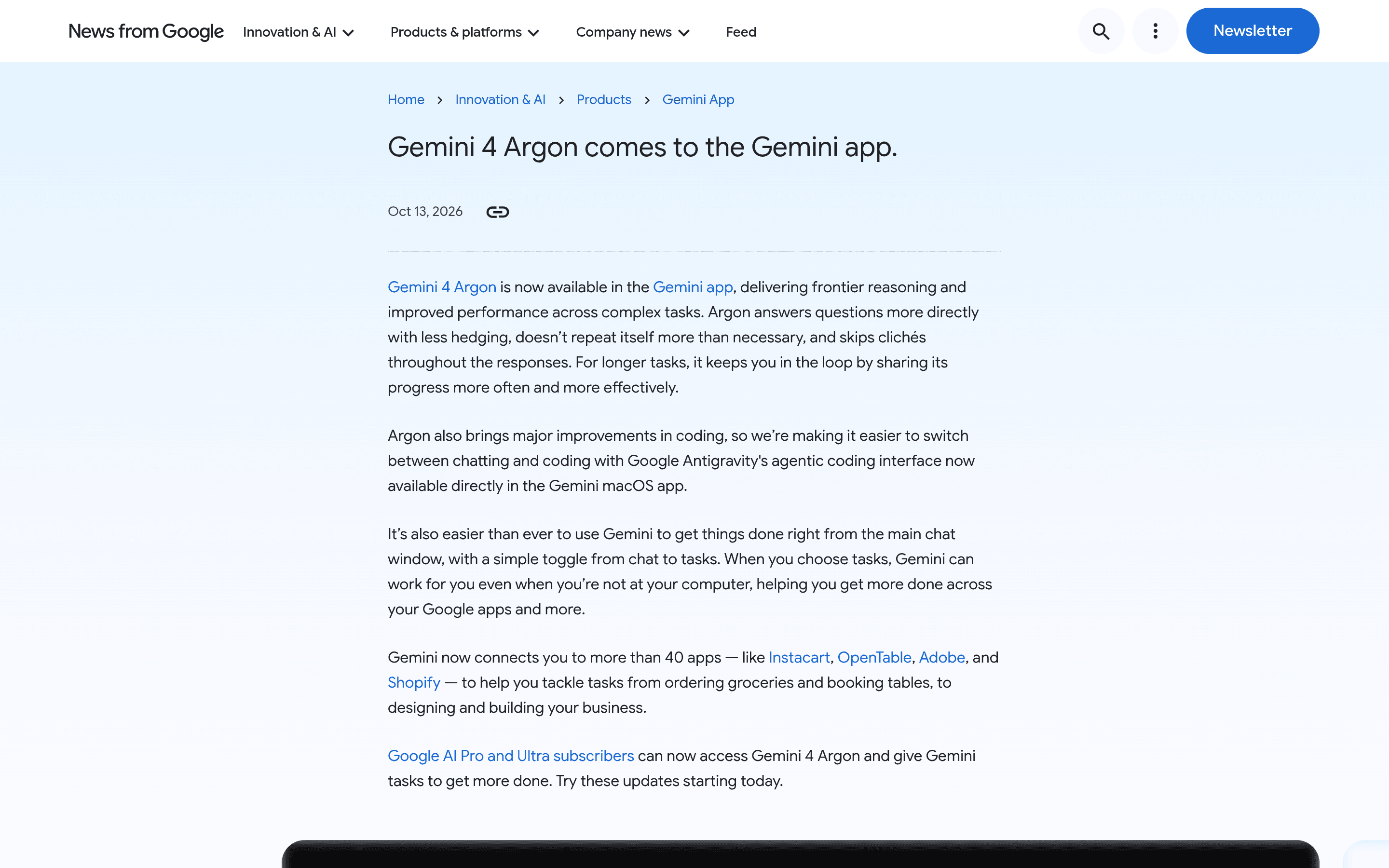
Google has embedded the full Antigravity experience into the Gemini Mac app via a Liquid Glass pill button, alongside the Gemini 4 Argon rollout. Gemini 4 Argon reaches AI Pro and above, but Antigravity access reportedly requires Ultra — the coding agent as top-tier moat, colliding with Cursor's IDE-orchestration route.
CVE-2026-111322 (Oct 15): Archon's /api/* control API ships with no authentication and binds to 0.0.0.0 by default — CVSS 9.8. Anyone on your network can message your coding agent and have it run arbitrary host commands with bypassPermissions. No patch as of Oct 16. We explain the bug, why agent tools keep failing at secure-by-default, and a three-step self-check.