A Daily Cadence for Solo Dev + AI: Plan in the Morning, Check at Noon, Review at Night
After pairing with AI, the bottleneck shifts from "how fast you code" to "how fast you decide." This guide gives you a copy-paste daily rhythm: 15 minutes of morning planning (1 goal + 3 verifiable tasks), a noon checkpoint (judge against acceptance criteria, not code), and an evening review plus a "context handoff note." Rhythm is the real secret to not getting burned as a solo developer with AI.
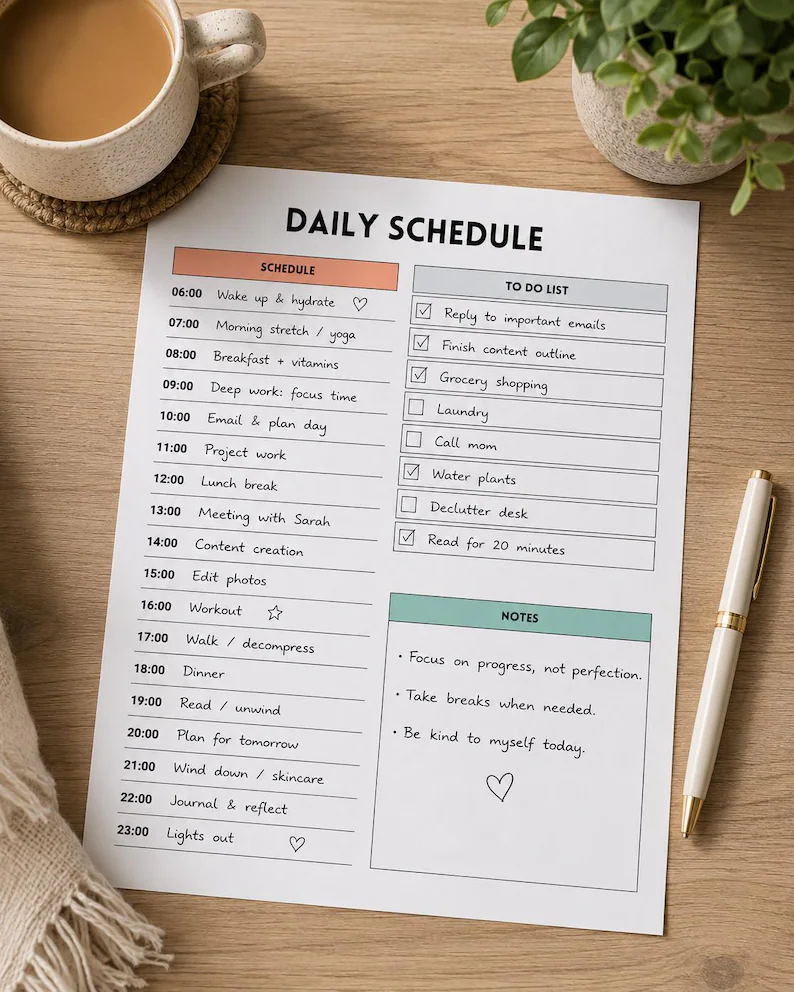
The bottleneck moved: from typing speed to decision speed
After pairing with AI for a while, you'll hit a counterintuitive truth: writing code is no longer the bottleneck — your decision speed is. The AI can produce three days of output in a morning, but "is this approach right," "which first," "when is this bug fixed enough" — those decisions are yours alone. Without rhythm, the AI's output drowns you: five tasks opened in the morning, three wrong directions discovered in the afternoon, an evening spent cleaning up after the AI.
The fix isn't working harder; it's a fixed daily cadence. Weld decision points into the schedule so the AI's output gets accepted at fixed checkpoints instead of consuming your attention all day. I've used this rhythm for a long time — steal it wholesale.
Morning, 15 minutes: 1 goal + 3 verifiable tasks
Before touching code, spend 15 minutes writing today's battle plan. The format is rigid: one one-sentence goal ("today, users can complete the full register-to-checkout flow") + no more than 3 verifiable tasks (each must be describable in one sentence as "how I'll know it's done").
The key rule: task descriptions state acceptance criteria, never implementation plans. "Cache sessions in Redis" is a plan; "users stay logged in after page refresh" is acceptance. Let the AI decide plans — that's what it's best at; you own the criteria — that's non-transferable. Paste the plan to the AI, have it restate today's plan, and start only once aligned.
Noon checkpoint: judge acceptance criteria, not code
Take a mandatory 20-minute checkpoint at noon with one rule: check off acceptance criteria one by one; don't read code line by line. Standardize the AI's report format too: one sentence per task (done / not done / blocked where) + acceptance evidence (test screenshots, test output, demo links).
This habit kills the solo developer's biggest invisible killer: the slow boil of "good enough." Without checkpoints, morning holes explode in the afternoon; with them, a wrong direction costs at most half a day. Remember: you're the QA inspector, not the code reviewer — your time goes to judging "is it right," not "how was it written."
Evening, 10 minutes: review + write the "context handoff note"
Two things before shutdown. First, review three questions: which decision today was right (repeat it), which was wrong (where exactly), where did the AI waste the most tokens (how to avoid it tomorrow). Write it down, max five lines — this is your personal "AI collaboration playbook," worth more than any tutorial.
Second, write a "context handoff note" for tomorrow's you (and the AI): where things stand, which branch, which tests still fail, what to do first tomorrow. The AI's context window will clear and your memory will blur; this note is the key to being battle-ready in five minutes the next morning. Keep it at the project root as TODAY.md — tomorrow's first message is simply "read TODAY.md and continue."
Friday afternoon: pay down debt, open no new fronts
Reserve half a day weekly (I use Friday afternoon) for one thing: debt repayment, no new features. Have the AI: delete dead code and commented blocks from the week, fill in missing tests, update stale README sections, archive TODAY.md entries into a weekly note. Technical debt not cleaned on Friday collects triple interest on Monday.
One uncomfortable truth to close: many ask "which AI coding tool is best" but never "is my working rhythm right." The gap between tools is 10%; the gap between "having rhythm" and "not having rhythm" is 10x. AI amplifies your output — and your chaos. Rhythm first, tools second. Take this morning-noon-evening-plus-Friday frame and run with it.
Related articles

AI-written code has a default bias: cramming all logic into a single HTTP request. Sending emails, calling big models, bulk imports — users stare at a spinner for 30 seconds, then hit a 500 timeout. This guide covers when vibe projects must push work to the background, how to pick a queue (Inngest / Trigger.dev / BullMQ / pg-boss), idempotency and retries, and a task template for getting agents to wire it up right.
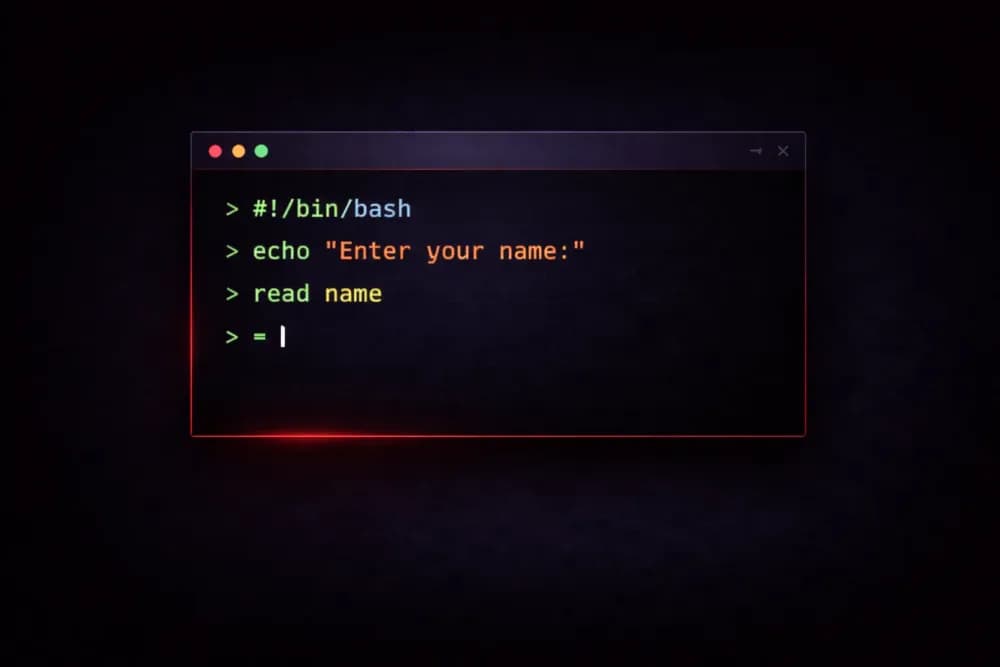
Mitchell Hashimoto published OSC 7501, the "Program Status Protocol": any program can report via a terminal escape sequence whether it is idle, working, blocked, or done — and why. The motivation: people running N coding agents today can only "read the screen and guess." He wants to turn guessing into knowing. Ghostty already implements it, with a dozen-line PoC for Claude Code and Codex.

Stack Overflow published its 16th annual developer survey on October 6: 30,000+ respondents across 169 countries. 66% use coding assistants, 26.2% already run automated agent workflows; but trust has shifted — nearly half only trust AI when they can verify its work, and just 6.6% would entrust it with important decisions; 30% say workplace AI use is left to individual discretion. The official snapshot of vibe coding penetration in 2026.