Don't Ship on Prayers: Feature Flags and Emergency Kill-Switches for Vibe Projects
Feature flags decouple deploy from release: code ships first, features turn on later. Four flag types and a selection matrix, a one-table minimal implementation, the fallback iron rule (new features fail-closed, kill-switches freeze), flag-rot governance, and how flags pair with canary releases.
This article is about one thing only: feature flags — controlling features after launch with switches instead of prayers. Boundaries first:
- vs "Don't Ship It All at Once: Canary Releases": that one is about traffic-splitting progressive rollout (10%→50%→100%); this one is about switch-style control — who gets the feature by user, tenant, or percentage, with one-click kill. Different mechanism; no traffic splitting or rollback here.
- vs "Your First Pipeline as a Solo Dev": that one is "how to ship"; this one is "how to govern after shipping" — flags are runtime governance post-release.
- vs the incident runbook guide: killing via flag is move #1 in the runbook; this article expands the flag system itself, not the incident process.
One-line definition: a feature flag is an if in your code, except the condition isn't hardcoded — it's read from outside at runtime. Deploy and release decouple: code ships first, features turn on later; when things break you don't roll back, you flip the switch.
Three real problems flags solve
Match the scenarios before the implementation. Flags aren't a silver bullet; they solve exactly three problems:
Problem 1: new features you're afraid to turn on for everyone. Your AI built a new feature in two days; it runs fine in staging, and production has 100k users. Full rollout? Heart rate up. Flags let you open it to 5% of users, watch for two days, then expand to 50%, 100%. Note the difference from canary releases: canary is the traffic dimension (the same person may or may not hit it next time); flags are the identity dimension (this user has it, consistently).
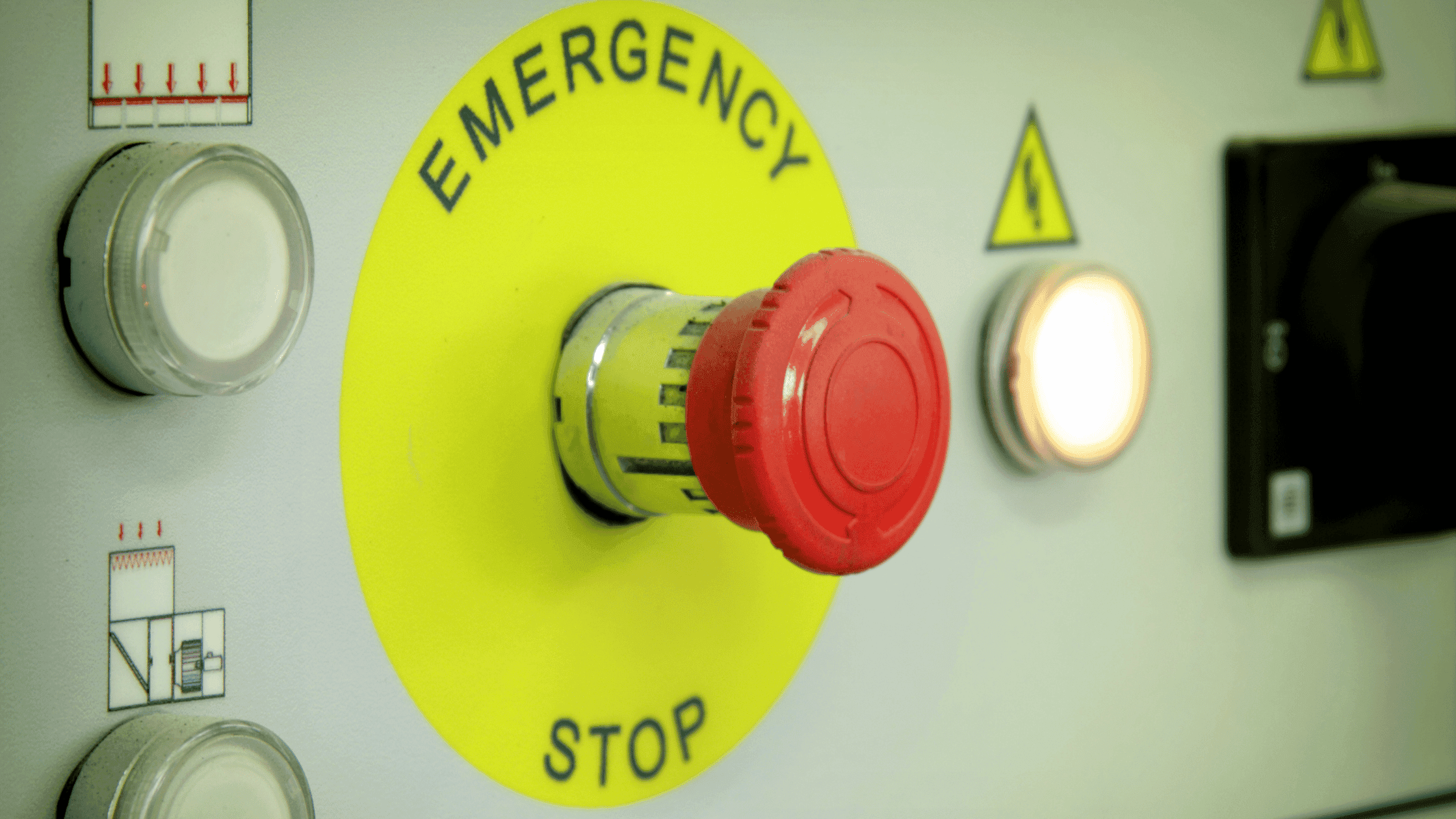
Problem 2: incidents needing second-level hemostasis. 3 AM, the new feature is hammering the database. A rollback means redeploying — 10 minutes minimum; flipping a flag means changing one config line — seconds. The flag is your big red button, and it should be line #1 of the incident runbook.
Problem 3: paid features gated by plan. Free tier gets no AI summary, Pro does. The traditional way hardcodes if (plan === 'pro') — every plan tweak needs a code change and a deploy. With flags, plan rules become runtime config; ops (or you) click twice in the admin panel. A natural partner to paywall design: the paywall decides "what price," flags decide "who gets it."
Four flag types and the selection matrix
Not all flags look alike. By control dimension, four kinds:
| Type | How it opens | Typical scenario | Solo-dev advice |
|---|---|---|---|
| Boolean flag | Global on/off | Feature master switch, incident kill | Must-have, simplest |
| Percentage rollout | 10%→50%→100% of users | Gradual feature opening | Only past 10k users |
| Identity targeting | Named users/tenants/email domains | Beta, key accounts first | Build when you have B2B customers |
| Plan gating | Reads the user's subscription | Paid feature control | Build when you have a paywall |
The selection logic is in the decision chart at the end; in one line: start with boolean flags, add types as incidents teach you. No incidents yet? Skip percentage rollout. No B2B customers? Skip tenant targeting. The flag system itself rots (see section 5) — more types, faster rot.
Minimal implementation: start with one DB table
A solo team doesn't need LaunchDarkly. Version one is a single database table:
-- feature_flags table
CREATE TABLE feature_flags (
  key         TEXT PRIMARY KEY,       -- 'new_checkout'
  enabled     BOOLEAN NOT NULL DEFAULT FALSE,
  rollout_pct INTEGER NOT NULL DEFAULT 0,     -- 0-100
  targets     JSONB NOT NULL DEFAULT '[]',    -- ["user:123", "tenant:acme"]
  updated_at  TIMESTAMPTZ NOT NULL DEFAULT now(),
  updated_by  TEXT NOT NULL,                  -- who changed it, for audit
  expires_at  TIMESTAMPTZ                     -- expiry, anti-rot
);

-- read (with local cache, see below)
-- SELECT enabled, rollout_pct, targets FROM feature_flags WHERE key = 'new_checkout';
Three points on the read path:
- Cache: flags are read hot (possibly every request) — don't hit the DB each time. Cache in memory for 30–60s with active invalidation on change. Note the tension with "second-level kill": during an incident you want immediate effect, so the kill path must be "write DB + synchronously clear cache," not waiting for natural expiry.
- Fallback: reading the flag itself can fail (DB failover, cache stampede). Default on or off on failure? That's the next section's topic — spoiler: decide by blast radius, no silver bullet.
- Audit: the
updated_bycolumn isn't decoration. Who turned off which flag when is the single most important log line in a postmortem.
When you outgrow this, consider Unleash (self-hosted, open source) or LaunchDarkly (SaaS). Migration is cheap because the interface is already abstracted: business code only calls flags.isEnabled('new_checkout', user) — whether a DB table or a third-party service sits behind it, the business never notices.
Make AI-generated code flag-first by default
Vibe coders have a bespoke pain: you ask the agent for a new feature and it hardcodes everything — if (user.plan === 'pro') flows freely from the model and every change needs a deploy. One prompt constraint fixes it at the root:
## Feature flag convention (read before every new feature)
1. Every user-visible new feature MUST be wrapped in flags.isEnabled('exp_yyyymmdd_name', user). No hardcoded conditions.
2. Flag key naming: exp_ + date + feature name; fill expires_at at creation (default 30 days out).
3. Read-failure fallback: new features default off; kill-switches use last-known value (never blanket return false).
Drop this into the project's AGENTS.md or every session's context. The effect: every line of new-feature code the agent generates is born flaggable, gradual-rollout-able, and killable in seconds. You stop hunting "hardcoded spots" in review because the constraint is front-loaded. That's turning flags from an "ops habit" into a "code convention" — and conventions are the only thing that scales against AI-generated code.
The fallback iron rule: on read failure, default on or off?
This is the detail AI-generated flag code most often misses — and the line between a non-event and a disaster. Scenario: your flag service hiccups (DB failover, cache stampede) and isEnabled() throws or times out. What now?
| Flag type | Default on failure | Why |
|---|---|---|
| New-feature experience flag | Off (fail-closed) | Better users don't see the feature than half-baked logic running wild in a degraded state |
| Incident kill-switch (e.g., degradation flag) | Freeze at last known state | Flipping a kill-switch mid-incident causes second-order damage; use the locally cached last value |
| Paid gating flag | Off (fail-closed) | Fail-open gives free users paid features with no audit trail afterward |
| Ops/debug flag (e.g., verbose logging) | Off | A debug flag flipping on during failure can fill disks or leak sensitive logs |
Note the second row's special case: a kill-switch's fallback is "freeze," neither on nor off. Implementation: always keep the last successfully read value in local memory and use it on read failure. AI-generated flag code is almost always catch { return false; } one-size-fits-all — for a kill-switch, that blanket cut reopens the wound being stitched. When you see a catch block on flag reads in review, ask "what does this default to" — it blocks a whole class of incidents.
Flag rot governance: mandatory review 30 days after launch
A flag system's worst enemy isn't failure — it's forgetting. Every flag launches "temporary"; three months later the codebase holds 40 ifs nobody dares delete. That's flag rot. Three countermeasures:
- Naming convention:
exp_202610_checkout_v2beatsnew_stuffby a mile. Date + purpose in the name means you still know what it does in three months. - Expiry:
expires_atis required at creation (see the schema above). After expiry, CI fails loudly and forces a decision: delete the flag (feature fully rolled out — remove theif), or renew (with a written reason). - 30-day review: a recurring calendar event to walk the flag list monthly. The test is simple: when was this flag last touched? Untouched for 60+ days means it's either fully rolled out (delete) or useless (delete).
Deleting a flag needs care too: first confirm it's currently "fully on," then remove the if branch in code (keep the on-side), ship and verify, and only then delete the DB row. Never reverse the order — deleting the DB row first triggers the read-failure fallback, and if that fallback is "off," you've just caused an incident.
Pairing with canary releases: flags answer "who," canary answers "how much"
The two get conflated constantly, but they're orthogonal:
| Feature flags | Canary releases | |
|---|---|---|
| Control dimension | Identity (who) | Traffic (how much) |
| Typical action | Open for Pro users / kill a broken feature | Ship the new version to 10% of traffic |
| Rollback speed | Seconds (config change) | Minutes (traffic shift) |
| Applies at | Feature level | Version level |
The field combo: on a major release, canary the new version to 10% of traffic while keeping aggressive features default-off behind flags; after clean observation, flip flags first (feature-level ramp), then expand canary (traffic-level ramp). Two independent safety nets, each with its own rollback path. The mnemonic: flags answer "who can use it," canary answers "how much traffic."
Solo launch checklist
Check before shipping — don't launch missing any:
- ☐ Every flag has
expires_atand a dated name - ☐ Read-failure fallback decided per flag per the table above (kill-switches use "freeze" especially)
- ☐ The kill path is "write DB + synchronously clear cache," verified to take effect in seconds
- ☐ The
updated_byaudit field is actually read (at least findable in postmortems) - ☐ A recurring monthly flag-review calendar event exists
- ☐ Business code only calls
flags.isEnabled(), never the DB table directly (so Unleash/LaunchDarkly can replace it later)
Feature flags are the kind of thing that feels redundant on quiet days and life-saving on bad ones. Their cost is one table and a little discipline; their payoff is sleep at 3 AM. Don't ship on prayers — ship on switches.
Comments (0)
Related articles

A prompt is a suggestion, not a constraint. Four defensive layers for reliable AI structured output: native structured outputs (OpenAI vs Anthropic, verified against docs), zod validation with the strict/passthrough tradeoff, repair retries that feed raw errors back, and degraded fallbacks chosen by cost.

A user's 2,000 words must survive crashes, dead networks, and accidental tab closes. Three defensive layers — debounced input, localStorage safety net, versioned server persistence — plus optimistic-locking conflict UX (keep both, let the user choose), offline replay, and draft lifecycle.
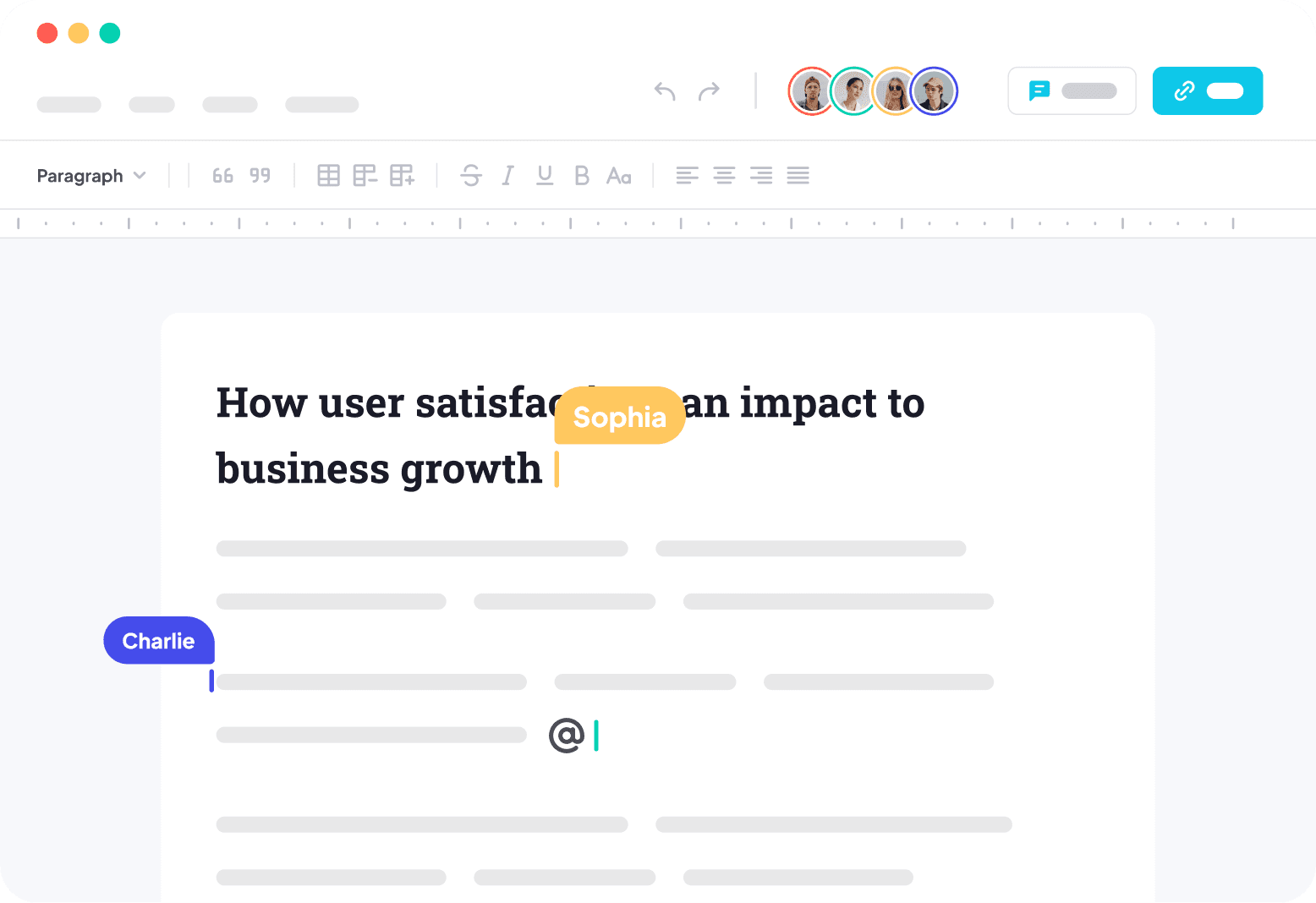
Two people editing the same line is a consistency problem, not a realtime problem — naive WebSocket JSON broadcast dies at three users. Scoped against the site's realtime-features and offline-sync guides, then deep: OT vs CRDT with a decision table (conclusion first: solo teams pick Yjs), the Y.Doc/Awareness/Provider trio (30-line client, 40-line authenticated server), room-level ACL plus snapshot backstops, production pitfalls, and a 5-item launch checklist.