Stop Shipping Garbled Invoices: PDF & Report Export for Vibe Projects
Invoices turning into tofu on the customer's screen? This guide shows you how to pair Puppeteer Page.pdf for CJK layout with pdf-lib for merging and stamping — covering font subsetting, cross-page tables, headers and page numbers, chunked large-file generation, and sandbox hardening.
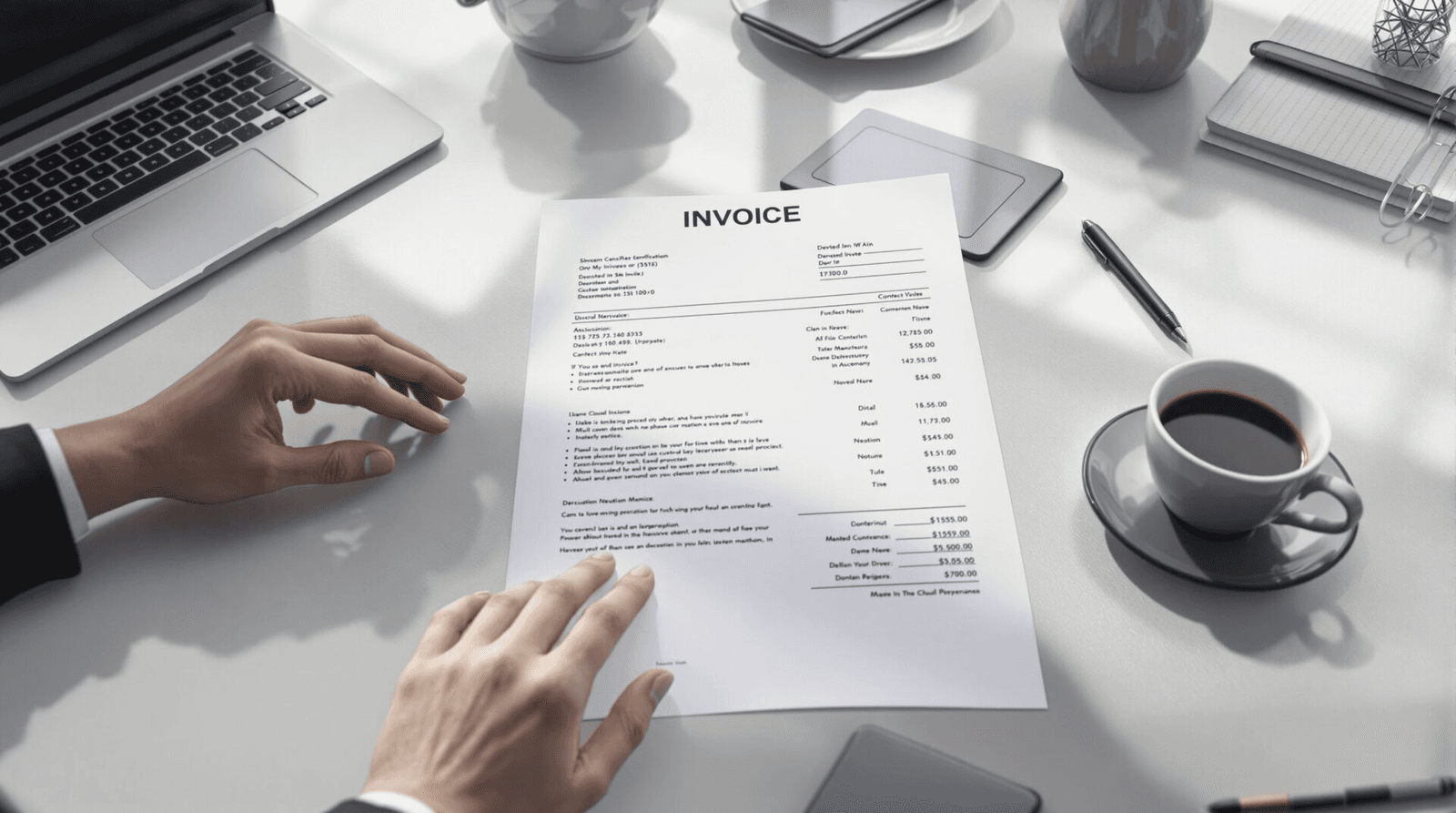
Scope note — read this first so you land in the right guide. This series has three sibling guides with clear boundaries: the Data Import/Export Guide covers data exchange — CSV/Excel import and export for moving data between systems; the File Storage & CDN Guide covers store and deliver — object storage, signed URLs, and CDN acceleration. This guide covers only "generation": how your server turns business data into a well-typeset, CJK-safe PDF (invoice, contract, report) that you can hand to a customer. The handoff points between the three are spelled out in the final section.
Why PDF export is a "delivery essential" for vibe projects
Vibe projects most often blow up at the exact moment something is handed to a customer for the first time. The invoice page that looked perfect in your browser turns into tofu boxes when printed, tables get sliced mid-row, page numbers vanish — and trust evaporates on the spot. PDF is the standard "finished deliverable" format precisely because it is what-you-see-is-what-you-get, readable offline, and hard to tamper with: the layout is frozen inside the file and doesn't shift across devices.
For vibe developers, PDF export carries extra weight: it's the wall between you and the "weekend-hack feel". A system that reliably produces professional invoices reads as serious engineering to customers. This guide shows you how to build that wall, using the two mainstream technical routes:
- Puppeteer Page.pdf (HTML → PDF): renders your HTML template to PDF with headless Chrome. Layout power equals browser layout power — the PDF looks exactly like your CSS says. Official API:
Page.pdf(). - pdf-lib (programmatic drawing / post-processing): a pure-JS library that creates, modifies, and merges PDFs in Node: fill forms, stamp, add page numbers, combine files, write metadata.
One-line rule: Puppeteer for layout, pdf-lib for paperwork. Most production systems mix both — render first, post-process after. The chart below lays out the decision logic:
 Figure 1: Decision comparison — Puppeteer for layout fidelity, pdf-lib for programmatic post-processing; most production systems mix both.
Hands-on 1: turning an HTML invoice into PDF with Puppeteer
The official signature of page.pdf(options) is pdf(options?: PDFOptions): Promise<Uint8Array>, rendering with the print CSS media type by default (call page.emulateMediaType('screen') first if you want screen styles). It returns bytes; pass path to also write to disk.
Minimal runnable example
import puppeteer from 'puppeteer';

const browser = await puppeteer.launch({
  headless: true,
  args: [
    '--no-sandbox',            // required for root in containers / cloud
    '--disable-setuid-sandbox',
    '--disable-dev-shm-usage', // /dev/shm is too small; use /tmp instead
    '--font-render-hinting=none',
  ],
});

try {
  const page = await browser.newPage();
  await page.setContent(html, { waitUntil: 'networkidle0' });
  // A top cause of CJK tofu: printing before fonts finish loading
  await page.evaluateHandle('document.fonts.ready');

  const pdfBytes = await page.pdf({
    format: 'A4',
    printBackground: true,   // needed for background colors / striped tables
    displayHeaderFooter: true,
    headerTemplate: '<span></span>', // empty reserves no header space
    footerTemplate: `
      <div style="width:100%;font-size:9px;color:#666;
           display:flex;justify-content:space-between;
           padding:0 40px;">
        <span>ACME Corp · Statement</span>
        <span><span class="pageNumber"></span> / <span class="totalPages"></span></span>
      </div>`,
    margin: { top: '60px', bottom: '60px', left: '40px', right: '40px' },
    timeout: 30_000,
  });
  // pdfBytes is a Uint8Array: res.send(Buffer.from(pdfBytes)) directly,
  // or write to disk and continue to the upload pipeline (see section 7)
} finally {
  await browser.close();
}
Key points, each verified against the official docs:
formatdefaults toletter— pass'A4'explicitly for invoices outside the US. It takes priority overwidth/height; a CSS@page { size: ... }only wins whenpreferCSSPageSize: true.- Header/footer templates support exactly five injectable classes:
date,title,url,pageNumber,totalPages. Page numbers can only be done here — the body HTML never knows which page it's on. - Printing "optimizes" colors by default (ink-saving mode); add
-webkit-print-color-adjust: exactin CSS when brand colors must survive. waitForFontsdefaults to true and waits fordocument.fonts.ready; the manual evaluate in the example is belt and suspenders.
CJK typesetting: fonts, line breaking, subsetting
CJK garbling has exactly three root causes — check them in this order and you'll save an afternoon:
- No CJK font on the server. Headless Chrome can't conjure glyphs. Install
fonts-noto-cjkin your Docker image (apt-get install fonts-noto-cjkon Debian/Ubuntu), or ship a woff2 referenced via@font-facein the template. - Printing before fonts load. See
document.fonts.ready+waitForFontsabove. - Viewer lacks the font and it wasn't embedded. Chromium embeds used glyphs when printing, which is usually fine — but if you relied on a system font "lookalike", another machine may fall back to tofu. Safest: only use web fonts declared with
@font-face.
/* Invoice template font & pagination CSS (applies under print media) */
@font-face {
  font-family: 'Noto Sans SC';
  src: url('file:///app/assets/fonts/NotoSansSC-Regular.woff2') format('woff2');
  font-display: block;
}
body { font-family: 'Noto Sans SC', sans-serif; }

/* CJK line breaking: allow breaks between CJK chars, keep Latin words intact */
.bill-table td { overflow-wrap: anywhere; word-break: normal; }

/* The three-piece table pagination kit */
thead { display: table-header-group; }  /* repeat header on every page */
tfoot { display: table-footer-group; }  /* repeat footer (totals) on every page */
tr { page-break-inside: avoid; }        /* never slice a row */

/* keep the "totals" block glued to the table tail */
.summary { page-break-inside: avoid; }
On font subsetting: a full Noto Sans SC is 10+ MB, and embedding it whole bloats every invoice. Chromium only embeds the glyphs actually used when page.pdf() runs (automatic subsetting), so the Puppeteer route mostly takes care of itself. One caveat: if your @font-face points at a 20 MB ttc, renderer startup gets slow. Production tip: pre-slice a 2–3 MB woff2 at build time with pyftsubset (common Hanzi + digits + currency symbols) and reference only that.
Headers, footers, and page numbers — the right way
The classic beginner mistake is hand-writing "Page X" in the body HTML and discovering total pages can never be right. Iron rule: headers/footers only via displayHeaderFooter + templates; the body never touches page numbers. Two more gotchas:
- The template must be one self-contained HTML string — Puppeteer won't load external CSS for it, so all styles go inline.
- Header/footer height is governed by
margin.top / margin.bottom: overflowing template content gets clipped, not expanded. Set margins first, then write the template.
A complete invoice template skeleton
Putting the CSS and footer template together, a minimal usable Chinese invoice HTML looks like this. Three details to note: lang="zh-CN" makes line breaking follow CJK rules; the amount column uses tabular numerals; user input in the notes is escaped server-side before interpolation.
<!DOCTYPE html>
<html lang="zh-CN">
<head><meta charset="utf-8">
<style>
  @font-face { font-family:'Noto Sans SC';
    src:url('file:///app/assets/fonts/NotoSansSC-Regular.woff2') format('woff2'); }
  @font-face { font-family:'Noto Sans SC'; font-weight:700;
    src:url('file:///app/assets/fonts/NotoSansSC-Bold.woff2') format('woff2'); }
  body { font-family:'Noto Sans SC',sans-serif; color:#1a1a1a; }
  .amount { font-variant-numeric: tabular-nums; text-align:right; }
  thead { display:table-header-group; }
  tr { page-break-inside:avoid; }
</style></head>
<body>
  <h1>Statement</h1>
  <p>No. INV-202610-088 · Issued 2026-10-17</p>
  <p>Customer: Stardust Technologies Ltd.</p>
  <table class="bill-table">
    <thead><tr><th>Item</th><th>Qty</th><th>Unit</th><th>Amount</th></tr></thead>
    <tbody>
      <tr><td>Cloud render hours</td><td class="amount">320</td>
          <td class="amount">¥ 12.50</td><td class="amount">¥ 4,000.00</td></tr>
    </tbody>
    <tfoot><tr><td colspan="3">Total</td><td class="amount">¥ 128,400.00</td></tr></tfoot>
  </table>
  <div class="summary">Note: payment due within 15 days; overdue subject to 0.05% daily surcharge.</div>
</body></html>
Hands-on 2: post-processing with pdf-lib (merge / stamp / metadata)
Puppeteer makes it beautiful; pdf-lib makes it official. Its stated purpose is creating and modifying PDFs: PDFDocument.create() for new files, PDFDocument.load(bytes) for existing ones, save() to serialize back to Uint8Array. The three snippets below cover the invoice scenarios you'll actually hit; every signature checked against the official README.
Merging: cover + line items + terms into one document
import { PDFDocument } from 'pdf-lib';

async function mergePdfs(buffers /* Uint8Array[] */) {
  const out = await PDFDocument.create();
  for (const bytes of buffers) {
    const src = await PDFDocument.load(bytes);
    // copyPages(pdf, indices): copy pages from the source into this document
    const pages = await out.copyPages(src, src.getPageIndices());
    pages.forEach((p) => out.addPage(p));
  }
  out.setTitle('October 2026 Statement');
  out.setAuthor('ACME Corp billing system');
  out.setSubject('Monthly statement');
  return out.save(); // Promise<Uint8Array>
}
setTitle / setAuthor / setSubject aren't decoration: they're what customers see in file previews and what archival search indexes. Vibe projects chronically skip them — professionalism leaks out through exactly these details.
Stamping: an "APPROVED" watermark on every page
import { PDFDocument, rgb, degrees, StandardFonts } from 'pdf-lib';

async function stamp(pdfBytes, text = 'APPROVED') {
  const doc = await PDFDocument.load(pdfBytes);
  // Note: StandardFonts are Latin-only; for CJK stamp text see the next section
  const font = await doc.embedFont(StandardFonts.HelveticaBold);
  for (const page of doc.getPages()) {
    const { width, height } = page.getSize();
    page.drawText(text, {
      x: width - 140, y: 90,
      size: 28, font,
      color: rgb(0.8, 0.15, 0.15),
      rotate: degrees(-18),
      opacity: 0.55,
    });
    page.drawRectangle({
      x: width - 160, y: 70, width: 120, height: 44,
      borderColor: rgb(0.8, 0.15, 0.15), borderWidth: 2, opacity: 0.55,
    });
  }
  return doc.save();
}
CJK form filling: embedding a custom font is mandatory
The biggest pdf-lib gotcha for CJK: the 14 StandardFonts don't know a single Hanzi — drawText('张三') throws or garbles. The fix is embedding a TTF/OTF and registering fontkit for subsetting (otherwise a full CJK font explodes file size):
import { PDFDocument } from 'pdf-lib';
import * as fontkit from '@napi-rs/fontkit';
import fs from 'node:fs';

const doc = await PDFDocument.create();
doc.registerFontkit(fontkit); // without this, embedFont(CJK ttf) fails
const fontBytes = fs.readFileSync('./assets/NotoSansSC-Regular.ttf');
const cnFont = await doc.embedFont(fontBytes /* auto-subset: only used glyphs packed */);

const page = doc.addPage([595.28, 841.89]); // A4 in points
page.drawText('Customer: Stardust Technologies Ltd.', {
  x: 50, y: 780, size: 14, font: cnFont,
});
// right-align using native text measurement
const amount = '¥ 128,400.00';
const w = cnFont.widthOfTextAtSize(amount, 14);
page.drawText(amount, { x: 545.28 - 50 - w, y: 740, size: 14, font: cnFont });
const bytes = await doc.save();
registerFontkit + embedFont auto-subsetting is documented in the official README's "Font Subsetting" section: only used glyphs are packed, so a single-page all-Chinese invoice is typically tens of KB.
Filling forms and flattening: turning a template PDF into an official file
Many companies' contracts and application forms are designed PDF templates with AcroForm fields; the vibe project's job is filling them programmatically. The CJK-critical line: call updateAppearances after filling to refresh field appearances, or readers will show blanks; then flatten() before sending to the customer so fields become uneditable page content:
import { PDFDocument } from 'pdf-lib';
import * as fontkit from '@napi-rs/fontkit';
import fs from 'node:fs';

const doc = await PDFDocument.load(fs.readFileSync('./assets/contract-template.pdf'));
doc.registerFontkit(fontkit);
const cnFont = await doc.embedFont(fs.readFileSync('./assets/NotoSansSC-Regular.ttf'));

const form = doc.getForm();
form.getTextField('customerName').setText('Stardust Technologies Ltd.');
form.getTextField('amount').setText('¥ 128,400.00');
form.updateAppearances(cnFont); // redraw all field appearances with the CJK font — the critical step
form.flatten();                // flatten: fields become static, uneditable content
const bytes = await doc.save();
 Figure 2: The server-side PDF pipeline — the first four stages are this guide's "generation"; the green stage is the storage guide's "store and deliver".
Why must it be server-side? Addressing window.print() first
Almost every vibe developer asks: "Why not just call window.print() and let users save the PDF themselves?" That works — for demos. Production has four reasons to go server-side:
- Consistency is out of your control. You can't dictate the user's browser, installed fonts, or print-dialog margins. The same invoice comes out A4 for customer A and Letter for customer B, each drifting slightly — and the support cost is yours.
- No programmatic post-processing. Frontend printing never gives you the file bytes, so stamping, merging, metadata, and object-storage upload are all impossible — yet those are exactly what separates an "official document" from a "webpage printout".
- Audit and retention. Invoices and contracts require the system to keep "the exact copy that was sent". Server-side generation means automatic archiving; frontend printing means the server never knows what went out — no evidence when disputes arise.
- Large files kill the tab. Rendering and printing a multi-hundred-page report in the user's browser means screaming fans at best, a crashed tab at worst. Move the heavy work to a server-side queue; the frontend just polls progress.
So the division is clear: window.print() stays as a convenience for "the user wants to keep a copy"; any PDF sent to customers, archived, or stamped goes through the server-side pipeline. That's why this guide covers server-side only.
Large files: stream generation to avoid memory blowups
Everything above assumes "the whole PDF is assembled in memory, then returned". With 50k line items and a 300-page PDF, two things explode:
- Chromium renderer memory: a 300-page DOM routinely eats 2–4 GB in headless Chrome — the OOM killer ends the party.
- Node process memory: the
Uint8Arrayfrompage.pdf()plus repeated copies during pdf-lib merging can peak at 3–5× the file size.
The standard engineering answer is chunked rendering + streaming to disk:
// Strategy: render per-customer/per-month chunks in parallel,
// spill to temp files, merge with pdf-lib at the end
import { PDFDocument } from 'pdf-lib';
import fs from 'node:fs/promises';

async function buildHugeReport(chunks) {
  const tmpFiles = [];
  const pool = new WorkerPool(2); // 2 concurrent Chromiums; tune to memory
  try {
    for (const chunk of chunks) {
      const file = `/tmp/report-${chunk.id}.pdf`;
      await pool.run(renderChunkPdf, chunk, {
        path: file,          // page.pdf path option: write straight to disk,
                             // never passing through Node memory
        format: 'A4',
        printBackground: true,
        displayHeaderFooter: true,
        footerTemplate: footerWithPageOffset(chunk.pageOffset),
        // continuous page numbers: each chunk knows its start page
        // and hard-codes "Page N of M" in the template
      });
      tmpFiles.push(file);
    }
    const out = await PDFDocument.create();
    for (const f of tmpFiles) {
      const src = await PDFDocument.load(await fs.readFile(f));
      (await out.copyPages(src, src.getPageIndices()))
        .forEach((p) => out.addPage(p));
    }
    const final = await out.save();
    await fs.writeFile('/tmp/report-final.pdf', final);
    return '/tmp/report-final.pdf';
  } finally {
    await pool.close();
    await Promise.allSettled(tmpFiles.map((f) => fs.unlink(f)));
  }
}
Notes:
page.pdf({ path })makes Chromium write directly to disk — the official memory optimization. For large files always passpath; never shuttle a giantUint8Arraythrough memory.- Chunking breaks "total pages": precompute each chunk's
pageOffset(estimate, or do a fast count-only render first) and hard-code "Page N of M" in the footer template. - This belongs in a job queue (BullMQ / pg-boss), never in a synchronous HTTP request. Push the download link to the customer via in-app message or email when done.
Sandboxing: headless Chrome is not free to run
Puppeteer launches a full Chromium, and template HTML can contain user input (customer names, item notes). That makes your PDF renderer a "renders untrusted HTML" service — the security baseline must be high:
- Resource limits: set container memory limits; add
--disable-dev-shm-usage(default 64 MB /dev/shm crashes big pages). Budget 512 MB–1 GB per instance — don't blindly spawn 10 browsers. - Timeout circuit breakers:
page.pdf({ timeout: 30_000 })plus an outerAbortSignal.timeout(). One stuck job must not jam the whole queue. - Template injection: escape every interpolation (
<>&), keep the template engine's auto-escaping on, optionally run DOMPurify before render. Whoever controls HTML can make requests from your network (SSRF) — constrain Chromium's network withpage.setRequestInterception(true)and abort everything off-allowlist. - File-protocol hygiene: when templates reference local fonts via
file://, make sure no sensitive files are reachable from Chromium's working directory; safest is base64-inlining fonts into@font-faceand never touching the file protocol.
Cost math: what does one PDF render actually cost?
Vibe projects are often funded by indie developers watching the server bill, so let's do the math. One long-lived headless Chromium instance (2 vCPU / 4 GB container) costs tens of dollars a month; real costs appear under concurrency:
- Memory is the pricing anchor. One instance comfortably renders 2–3 medium invoices concurrently; beyond that, add instances or queue. Size your containers from this concurrency number, not from peak request counts.
- Deduplication is the cheapest optimization. When a customer clicks "export" repeatedly, key the cache on "template version + data fingerprint" and return the previous file on hit — Chromium never even starts. Invoices are ideal for this: unchanged data means an unchanged file.
- Serverless means cold starts. Stuffing Puppeteer into Lambda/cloud functions drags a 120 MB+ Chrome binary with multi-second cold starts, and function timeout caps (usually 15 minutes) constrain huge jobs. Rule of thumb: serverless for small files and bursty traffic; long-lived containers + queues for steady batch statements.
- Font subsetting saves money too. Shrinking files from 20 MB to 200 KB cuts object-storage and egress fees by two orders of magnitude — and they open faster.
Handoff: after generation — "store" and "deliver" (linking the storage guide)
PDF generation is only the first half of the pipeline; the second half belongs to the File Storage & CDN Guide. Here's the handoff contract, no more:
- The generator uploads the final PDF to object storage (S3 / R2 / OSS), keyed like
invoices/{yyyy-mm}/{customerId}/{invoiceId}.pdf; - Customers get a time-boxed signed URL (e.g. 15-minute expiry), never a direct link — invoice-class files never live in a public bucket;
- High-traffic static attachments ride the CDN cache, but per-customer invoice URLs carry identity parameters and must bypass CDN caching to prevent cross-customer leaks;
- Upload and the "generation complete" status update happen in the same transaction/message — no ghost invoices where the file landed but the order state didn't.
In reverse, that guide's "multipart upload for large files" section consumes exactly the temp files this guide's chunking produces — the two meet at /tmp/report-*.pdf.
CJK typesetting deep water: five invisible traps
After fonts are sorted, five more traps remain — no errors, but customers will feel the unprofessionalism:
- Font fallback chain written backwards.
font-family: 'Noto Sans SC', 'Inter', sans-serifforces Latin digits through the CJK font's Latin glyphs — wide and ugly. Correct order is Latin first:'Inter', 'Noto Sans SC', sans-serif; the browser falls back per character, digits in Inter, Hanzi in Noto. - Punctuation at line starts. CJK typesetting has kinsoku rules: periods, commas, and closing quotes must not start a line. Use
line-break: strictso the browser honors them; and use corner brackets 「」 for Chinese quotes, not ASCII "" — details make the texture. - Misaligned number columns. Invoice amount columns must be right-aligned with aligned decimals: the trick is
font-variant-numeric: tabular-nums. Keep the ¥ sign consistently half-width; don't mix in the full-width ¥. - Faux bold looks blurry. CJK fonts usually ship only Regular/Bold files;
font-weight: 600triggers synthesized bold (stroke-thickened outlines) that prints fuzzy. Declare the real Bold file with@font-face font-weight: 700as in the template above, so<strong>gets a true weight. - Baseline fights in mixed text. Hanzi and Latin on one line sit on different baselines and appear to jump. Start with
line-height: 1.6; for short labels like headers and amounts, vertically center with flex instead of relying on the default baseline.
Garble troubleshooting manual: seven steps in order
When a customer screenshots tofu boxes, don't guess at configs — bisect in this order; each step eliminates one class of root cause:
- Check what fonts are actually embedded. Open the PDF in Chrome and inspect document properties for the font list (or Adobe Reader's File > Properties > Fonts). If the CJK font shows "not embedded", the problem is on the generation side; if embedded yet garbled, the font file itself is suspect.
- Check server fonts.
fc-list | grep -i "noto\|cjk"— no output, no glyphs. "Fine on my Mac, tofu in Docker" is the most frequent crime scene: macOS ships PingFang, containers ship nothing. - Check font load timing. Temporarily add
<script>document.fonts.ready.then(() => document.title = 'fonts-ok')</script>to the template and verifypage.title()readsfonts-okafter generation. - Check the
@font-facepath. Doesfile:///app/assets/...really exist in the container, with the right permissions? Switching to base64-inlined fonts instantly tells you whether it's a path problem. - Check escaping.
&in the PDF means double-escaping; literal<table>text means no escaping. Compare against the template engine's raw output. - Check print media queries. Some CSS frameworks'
@media printkills all backgrounds and swaps fonts. Screenshot afterpage.emulateMediaType('print')and confirm it matches the screen version. - Minimal repro. A single-word test page ("hello world" in Chinese) distinguishes "environment problem" from "template problem" in ten seconds.
FAQ: five questions you'll definitely hear
Q: Fine on my local Mac, tofu in Docker? A: macOS ships PingFang/Hiragino; containers ship nothing. Step 2 of the manual,fc-list, settles it. The cure: apt-get install fonts-noto-cjk at build time or ship woff2 with the template.
Q: One invoice PDF is 20 MB — how to slim it?
A: Three usual suspects — a fully embedded ttc font, uncompressed PNG screenshots, Chromium's default image quality. Subset fonts (covered twice in this guide) and pre-compress template images to JPEG 80% at build time; that usually lands under 200 KB.
Q: Header/footer Chinese also garbled?
A: Header/footer templates are standalone mini-documents that don't inherit the body's @font-face. All styles inline; declare the font in the template again.
Q: Chromium OOMs under concurrency — how to throttle?
A: Don't launch a browser per request. Keep one long-lived browser, isolate jobs with browser.createBrowserContext() (or a page pool), and hard-cap queue concurrency to your memory budget — overflow queues, never hard-spawns.
Q: Customer says "the file won't open"?
A: First rule out truncated transfer (compare size vs Content-Length); then rule out experimental encryption flags; finally ask them to try another reader — some legacy printer drivers only accept PDF 1.4, and page.pdf() defaults to a newer version. Re-saving through pdf-lib to downgrade fixes it.
Pre-launch checklist
- ☐ CJK fonts installed on the server, or a
@font-facewoff2 shipped with the template; spot-check Chinese in staging PDFs - ☐
document.fonts.ready/waitForFontsenforced — not just "works on my machine" - ☐ Headers/footers via the
displayHeaderFootertemplate; margins reserve enough height - ☐ Long tables: repeating
thead, unsplittabletr, tested across pages with 200+ rows - ☐ pdf-lib CJK flows register fontkit and embed subsetted fonts; metadata (title/author) written
- ☐ Large files go chunked +
pathto disk + async queue — never generated synchronously in a request thread - ☐ Chromium has memory caps, timeout breakers, request interception; all template interpolations escaped
- ☐ Invoice URLs are short-lived signed links, excluded from CDN cache and search indexing (
X-Robots-Tag: noindex)
One-line summary
Keeping garbled invoices away from customers comes down to three things: sort fonts before rendering (CJK font + wait for load + subsetting), browser for layout, pdf-lib for paperwork (page-number templates, merge/stamp, metadata), and chunk to disk for big files, sandbox the renderer like production. Nail those and your vibe project reads as a serious system. For how the finished file is stored and securely delivered, continue to the File Storage & CDN Guide; for bulk CSV/Excel import and export, see the Data Import/Export Guide.
Comments (0)
Related articles
Feature flags decouple deploy from release: code ships first, features turn on later. Four flag types and a selection matrix, a one-table minimal implementation, the fallback iron rule (new features fail-closed, kill-switches freeze), flag-rot governance, and how flags pair with canary releases.

A prompt is a suggestion, not a constraint. Four defensive layers for reliable AI structured output: native structured outputs (OpenAI vs Anthropic, verified against docs), zod validation with the strict/passthrough tradeoff, repair retries that feed raw errors back, and degraded fallbacks chosen by cost.
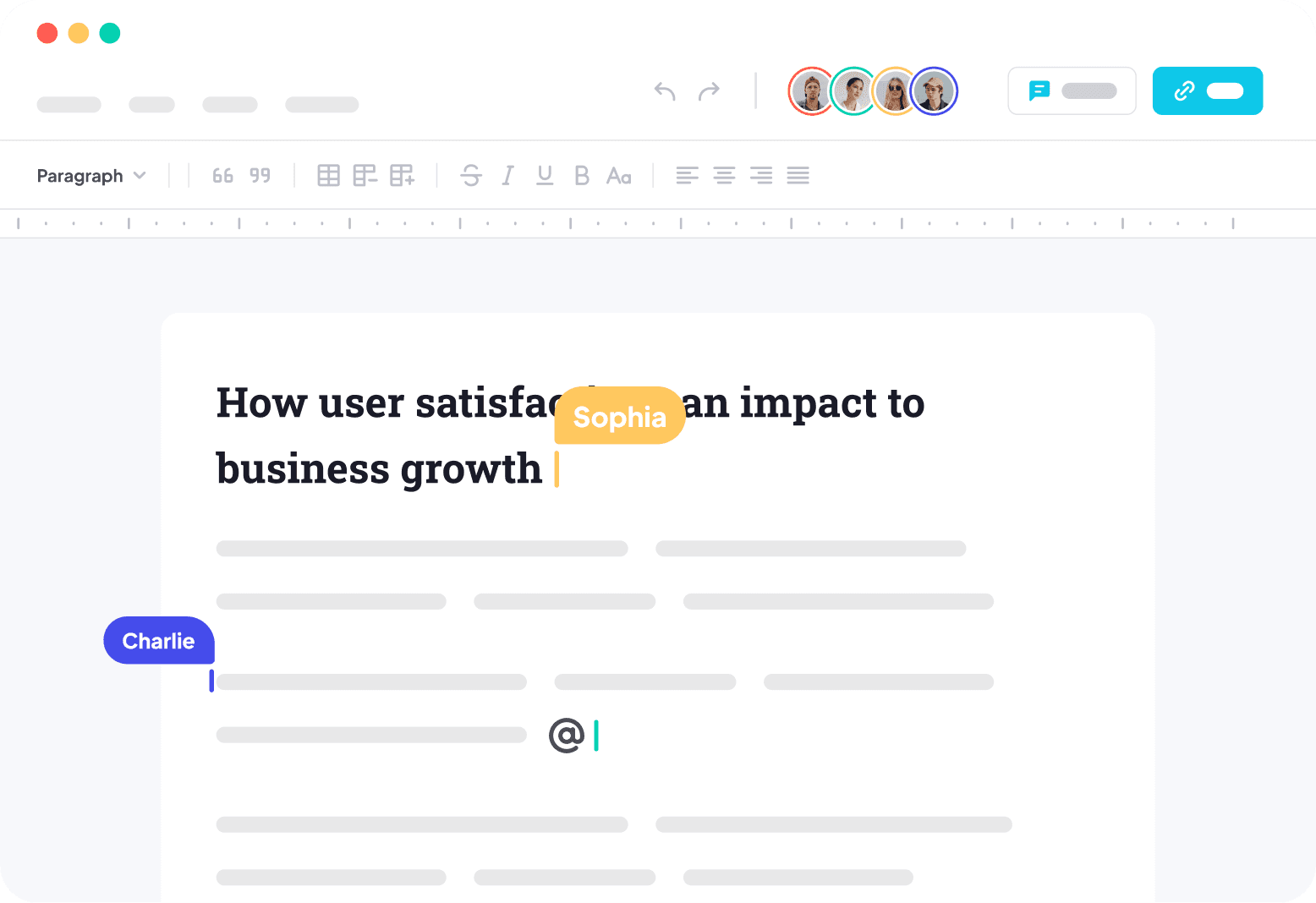
Two people editing the same line is a consistency problem, not a realtime problem — naive WebSocket JSON broadcast dies at three users. Scoped against the site's realtime-features and offline-sync guides, then deep: OT vs CRDT with a decision table (conclusion first: solo teams pick Yjs), the Y.Doc/Awareness/Provider trio (30-line client, 40-line authenticated server), room-level ACL plus snapshot backstops, production pitfalls, and a 5-item launch checklist.