A Live Link for Every PR: Preview Deployments Playbook for Vibe Projects
Every PR deserves a live link. This guide shows how to give each branch its own preview environment: frontend previews on Vercel/Netlify/Cloudflare Pages, backend previews on Railway/Render/Fly, per-PR database branches, isolated env vars, PR-comment bots, cost control and auto-cleanup. Includes a launch checklist and a clear boundary with canary releases.
After AI started writing your code, have you had this conversation: "The new feature is done, take a look." — "How?" — "Pull the branch and run it locally." — "…never mind, just merge it."
That's daily life for a vibe project without preview environments: code ships fast, verification runs on trust. Worse: every time you want a friend's opinion, a client's sign-off, or a look at the real thing on your phone, you have to go through the heart-stopping "merge → deploy to production → discover the bug → roll back" sequence.
Preview deployments solve exactly this: every branch/PR automatically gets a complete environment with its own URL — during code review, you open the link and see it, click it, test it. This guide covers frontend previews, backend previews, database branching, environment isolation, and cost control, making "one link per PR" your project's default.
Build the intuition first: a preview is not staging
People confuse preview with staging. Staging is one long-lived production-like environment where all pending code queues up; a preview is one disposable environment per PR, incinerated when used. PR #42 and PR #43 each get their own link, isolated from each other; when the PR merges or closes, the environment self-destructs.
That distinction defines the usage: staging answers "do all these changes work together," preview answers "what does this change actually look like." For vibe coders the latter matters far more — AI can spit out 10 PRs a day, you can't pull each one down locally, but you can spend 30 seconds opening each link.
Frontend previews: zero config on Vercel / Netlify / Cloudflare Pages
Frontend is where previews are most mature — essentially zero configuration:
- Vercel: connect your GitHub repo and every PR automatically gets a
*.vercel.apppreview link, posted as a comment on the PR. Environment variables can be scoped per environment (Production / Preview / Development) — give Preview its own set. - Netlify / Cloudflare Pages: same Deploy Previews mechanism; Cloudflare Pages is generous with free quotas for personal projects.
- Password protection: preview links are public by default — anyone with the URL can view. If your PR contains unreleased features, turn on Deployment Protection (Vercel) or an access policy and put the preview behind a password. Don't let "unreleased feature" become "public URL."
Field tip: make the preview link part of your PR template. Add a "Preview link:" line to the template and have your AI agent fill it in on every PR. The first review action changes from "read the diff" to "open the link" — plenty of UI problems are invisible in diffs.
Backend previews: per-PR services on Railway / Render / Fly
Frontend previews solve half the problem — what about your changed API? The major PaaS platforms support per-branch deploys:
- Railway / Render: with PR auto-deploy enabled, each PR spins up its own service instance with its own domain. Changed an endpoint? Point the frontend preview at it and integration-test directly.
- Fly.io: combine
fly deploywith GitHub Actions — each PR deploys to its own app (named e.g.myapp-pr-42), auto-destroyed when the PR closes.
One key decision here: should backend previews touch real data? Answer: yes — but branched data. Read on.
The hardest part: database branching
Databases are where preview environments most often blow up. Three classic wrong moves: ① all previews share the production database — one PR's migration scrambles prod data; ② all previews share one staging database — PRs pollute each other; ③ no database at all — half the preview's features are broken.
The right move is database branching: each PR gets its own copy of the data:
- Neon: Postgres branching is its signature feature —
neon branchesper PR, second-level copy-on-write, free tier sufficient for personal projects. In GitHub Actions: create the branch when the PR opens, delete it when it closes — fully automatable. - Supabase: has branching too, but note it sits on paid tiers — do the math for a free personal project.
- The budget option: without branchable databases, create a dedicated schema per PR (
pr_42) in a shared Postgres, running migrations into your own schema. Weaker isolation than true branches, but zero cost and zero new dependencies — plenty for a side project.
One iron rule: a preview environment's database connection string must never point at production. Encode it in CI — have your agent add an assertion in the deploy script that fails the build if the connection string contains prod. Interception beats willpower.
Environment variable isolation: previews use their own keys
Each preview is a complete environment, so it needs its own third-party credentials:
- Payments go through Stripe test mode keys — never put live keys in a preview; test payments hitting real charges is a nightmare you don't want.
- Use separate keys or sub-accounts for AI model APIs, so token usage is attributable per PR and preview debugging traffic doesn't pollute production usage stats.
- OAuth callback URLs: every preview domain needs whitelisting in your GitHub/Google OAuth app, or use a wildcard test app.
Management tip: use a .env.preview template plus CI-injected secrets, not hardcoded preview keys in the repo. Vercel / Railway environment-scoped variables exist precisely for this.
The PR comment bot: make the links come to you
A preview nobody opens is a wasted preview. The standard move is having CI comment on the PR automatically:
# GitHub Actions snippet: comment preview links when a PR opens
- name: Comment preview URLs
  uses: actions/github-script@v7
  with:
    script: |
      github.rest.issues.createComment({
        issue_number: context.issue.number,
        owner: context.repo.owner,
        repo: context.repo.repo,
        body: `🔍 Preview ready:\n- Frontend: https://myapp-pr-${context.issue.number}.vercel.app\n- API: https://myapp-pr-${context.issue.number}.fly.dev`
      })
Vercel / Netlify / Railway do this out of the box; for DIY setups like Fly, use the snippet above. Advanced move: include an AI-generated one-line summary of what the PR changed in the comment — have your agent generate a changelog line in CI, so reviewers know what to look at before opening the link.
Cost control and auto-cleanup: don't let previews become zombie bills
Previews are "incinerate when used" — anything that doesn't burn becomes money. Three control points:
- Auto-destroy: Vercel / Netlify previews clean up with the PR; DIY resources (Fly apps, Neon branches, dedicated schemas) need a cleanup job on CI's
on: pull_request closedevent. This is the single line AI agents most often forget in the whole guide — check it in review. - Concurrency caps: cap simultaneous previews (say, max 5) and recycle the oldest beyond that. Neon branch counts and Fly machine counts have free tiers; beyond them, metering starts.
- Weekly patrols: run a script weekly listing preview resources untouched for 7+ days, delete after manual confirmation. Automation always has escapees; human patrol is the last net.
Drawing the boundary: preview is not canary releasing
This site previously published "Don't ship new versions in one go: canary releases and rollbacks for vibe projects" — readers may ask: are previews and canary the same thing? No. The line is clean:
- Preview: before merge — a verification environment for developers, reviewers, and clients. The traffic is people, not users; the goal is finding problems.
- Canary: after merge — a release strategy rolling out to production proportionally. The traffic is real users; the goal is containing blast radius.
In one line: preview answers "is this change correct," canary answers "is this change stable in production." Do both — they solve two sequential stages of the pipeline. Previews catch the obvious mistakes; canaries contain the subtle ones.
Launch checklist: tick every box before shipping
- □ Every PR auto-generates a frontend preview link (Vercel/Netlify/Pages)
- □ Preview links are password-protected (when unreleased features are involved)
- □ Every PR gets an isolated backend service instance (Railway/Render/Fly)
- □ Databases branched per PR / isolated schemas; connection strings never point at production (with a CI assertion)
- □ Independent Preview env vars: Stripe test keys, dedicated AI API keys, OAuth callback whitelists
- □ PRs auto-comment with frontend + backend preview links
- □ All preview resources auto-destroy on PR close (CI closed event)
- □ Preview concurrency caps set; weekly patrol for zombie resources older than 7 days
Why this guide is worth doing properly: the faster AI writes code, the more "verification" becomes the bottleneck. You can have your agent spit out 10 PRs a day, but your eyes can only review one at a time. Previews are, at their core, about downgrading verification from the heavy action of "pull the branch and run it locally" to the light action of "open the link for 30 seconds." As generation cost approaches zero, verification cost determines your iteration speed — and one link per PR is the infrastructure that drives verification cost to the floor.
Comments (0)
Related articles
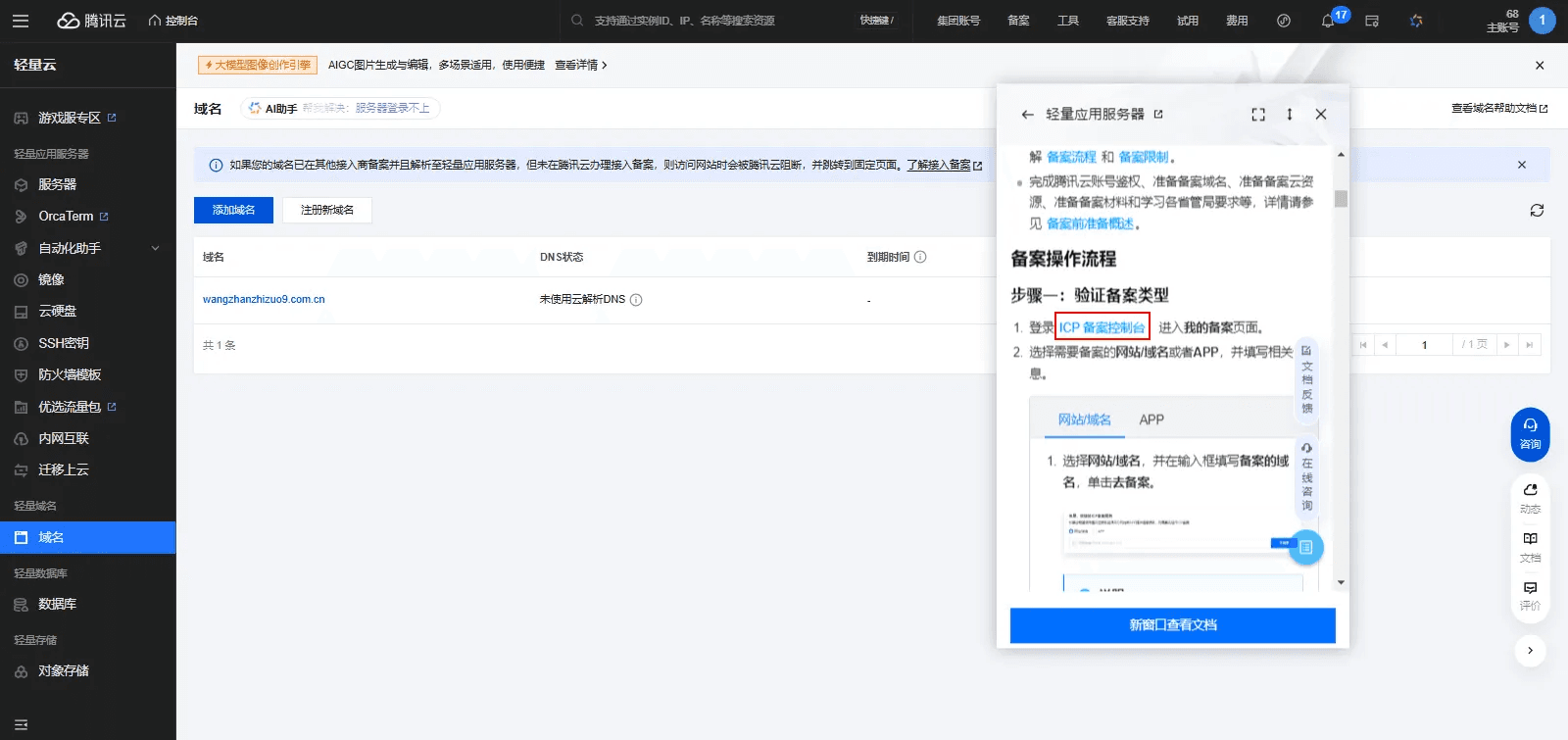
Servers in mainland China, domestic payments, mini-program listing — everything needs filing. This is the three-gate map for Chinese indie developers: ICP filing, PSB filing, and App filing — trigger self-checks, materials checklists, top rejection reasons with fixes, the individual vs enterprise red lines, and the real cost of 'launch first, file later'.
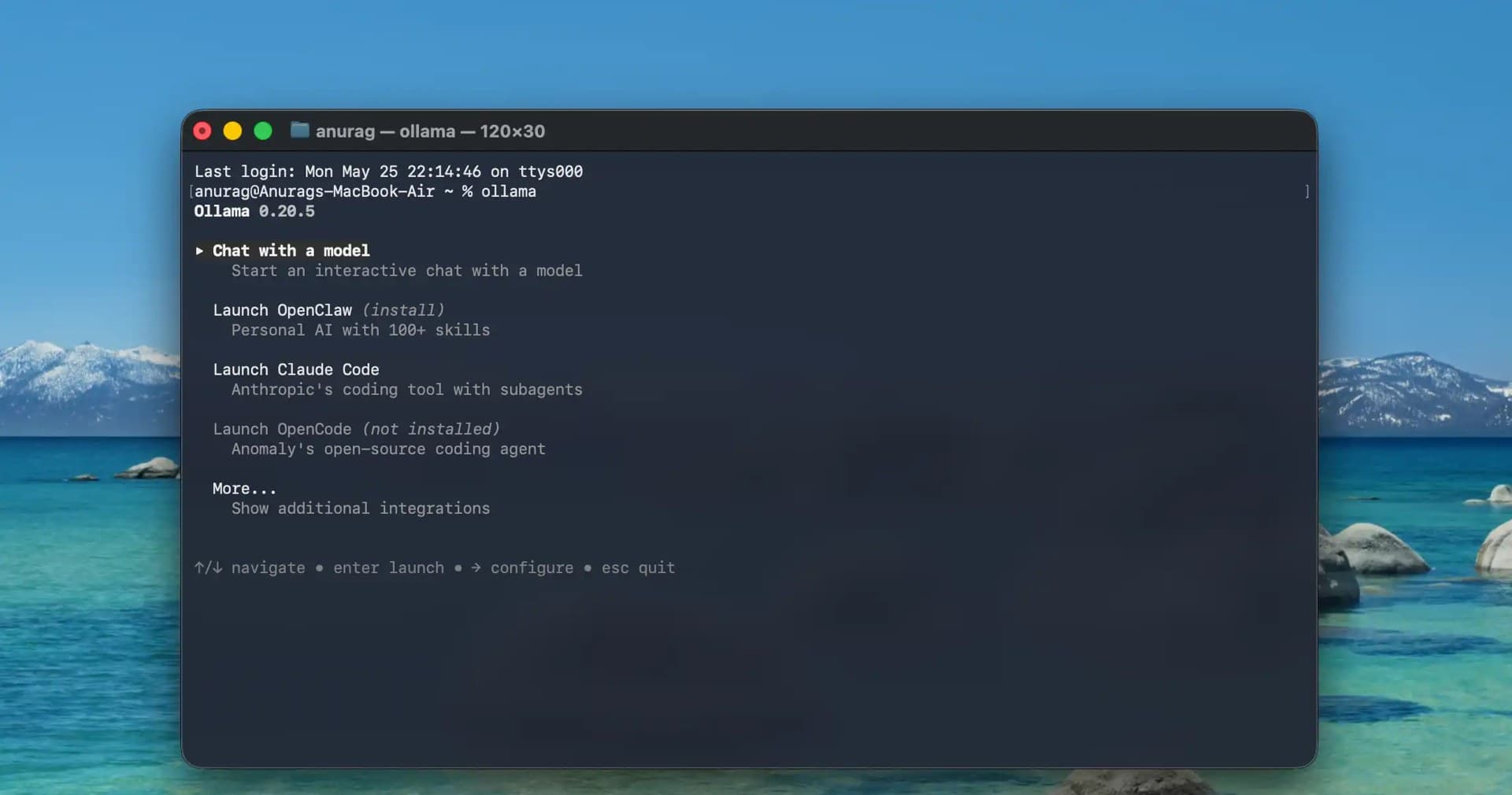
The cheapest GPU is your user's GPU. This guide shows indie teams how to push suitable inference workloads to the browser and edge — WebGPU, transformers.js, WebLLM, llama.cpp, Ollama, Apple MLX compared; 1B–8B quantized models mapped to tasks; an edge-first degradation chain with drop-in fallback code; packaging "data never leaves the device" as a selling point; hard limits on load size, memory and heat; and a two-week pilot SOP. Cloud stays only as the safety net.

For solo teams, a native app is not a starting point but a growth tax — only worth paying in front of validated demand. This guide argues why the AI era favors web-first, lists the five exceptions that truly require native, and gives you a three-dimensional scoring matrix, a 2026 PWA capability map, four data triggers for going native, three migration paths, a weekly maintenance-tax comparison, and a 10-question decision template for a conclusion in 30 minutes.