Stop Paying the Cloud 'AI Tax': A Hands-On Guide to Self-Hosting Your Vibe Project (Coolify/Dokku)
Monthly bill over $50, a need for persistent processes, data you want to own — when these signals appear, it is time to move your vibe project from Vercel to your own VPS. A 7-step SOP for solo teams, 6 pitfalls to dodge, a real cost-crossover breakdown, and a 30-minute rollback plan.
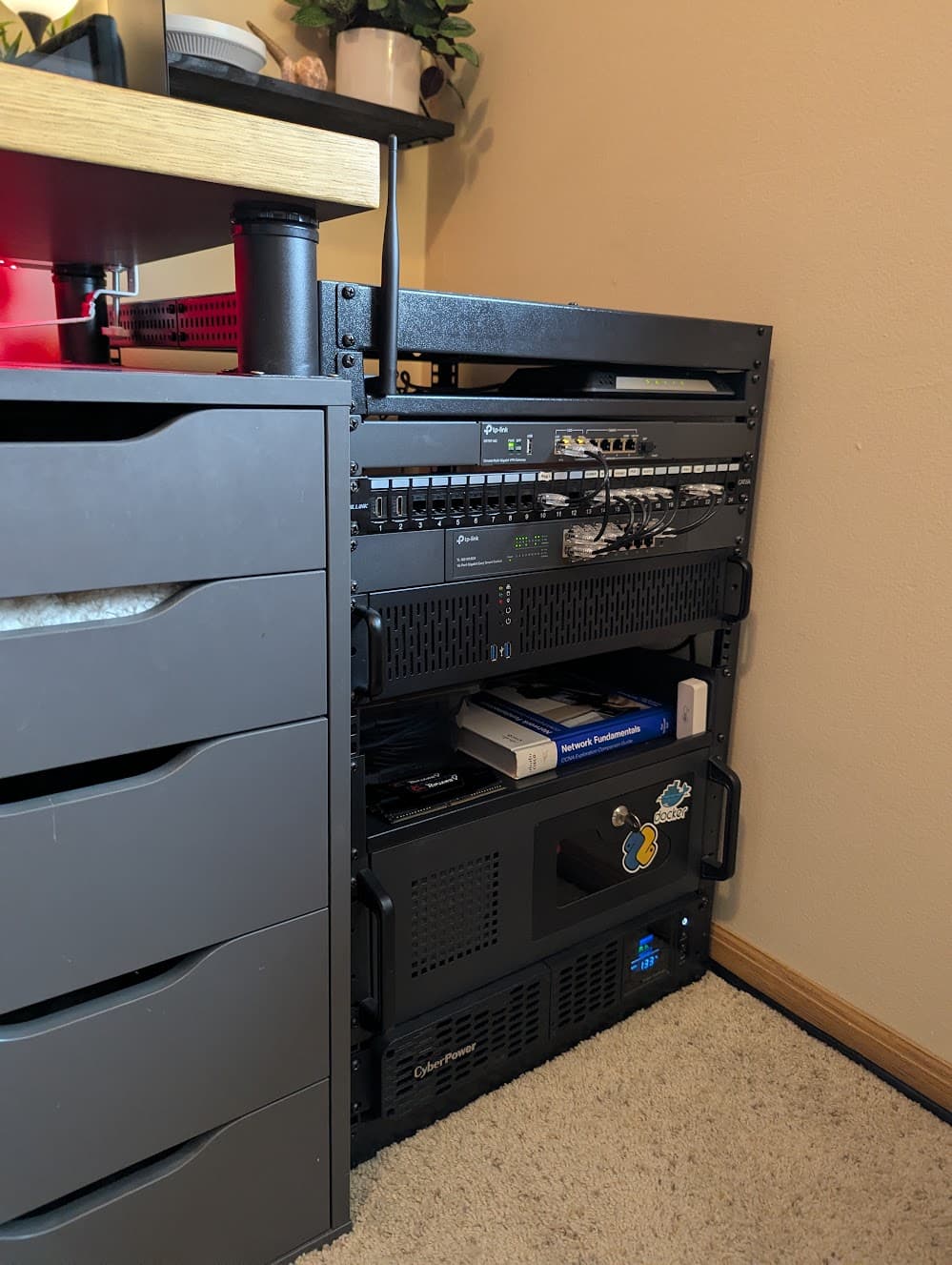
Scope first: this guide is about "where to escape to and how" — not "whether to escape"
Cloud hosting bills have a gentle cruelty: they creep up a little each month, and by the time you notice, you have paid thousands of dollars a year. For vibe-coded projects the problem is sharper — AI features mean persistent processes, WebSocket connections, and background jobs, exactly the workload shapes that serverless per-unit pricing punishes most.
When should you seriously consider moving? Three signals. One is worth doing the math; two means it is time to act:
- Signal 1: the monthly bill passes $50. This is not a made-up number — a decent VPS (2 vCPU / 4 GB RAM) costs around €5/month (about $5.5). At $50 you are paying nearly a 10x premium for "convenience."
- Signal 2: you need things cloud hosting is bad at. Persistent worker processes, long-lived WebSocket connections, cron jobs, local file caches, exotic ports — serverless platforms either do not support them or charge absurdly.
- Signal 3: you want to own your data. User data and business databases in your own hands — reassuring for compliance and for peace of mind. Money cannot buy that reason.
A real solo-team bill breakdown: Vercel Pro starts at $20/user/month, and with the traffic and function execution time AI features bring, a vibe project with a few hundred daily users routinely lands at $60–150/month. The same load on a VPS: a €5/month machine plus negligible bandwidth fees — enough saved in a year to buy a very nice monitor. This guide walks that road: a 7-step SOP you can complete in an afternoon.
Four approaches compared: pick the right tool before you start
Self-hosting is not "hand-rolling a bare server" or nothing. From lowest to highest operational burden, four mainstream approaches:
- Coolify (recommended for beginners): open-source "self-hosted Heroku/Vercel." Deploy from a Git repo in a few clicks in a web UI, with automatic HTTPS, one-click databases, and environment variable management. For solo teams that want off the cloud bill fast without learning ops.
- Dokku (for minimalists): "the smallest PaaS" — deployment is essentially
git push, with plugins for databases. Tiny footprint; even a 1 vCPU / 1 GB box runs it. For simple projects where you just wantgit pushto ship. - CapRover: similar positioning to Coolify — web UI plus a one-click app marketplace with many prebuilt services. For people who also want surrounding services (monitoring, dashboards) with minimal fuss.
- Bare VPS with Docker Compose: maximum freedom, everything in your own compose files. For those who already know ops, or whose load is too unusual for a panel.
The one-line decision: for your first self-hosting rodeo, just pick Coolify. By 2026 it is mature enough in completeness, docs, and community; once you understand every link of the chain, consider switching to lighter Dokku or freer hand-rolling. One boundary note: this guide covers the "where and how" of landing; if you are still wrestling with "why escape and when," read our escape-strategy piece vendor-lockin-escape-plan-guide first — that one handles the decision, this one handles the doing.
The 7-step landing SOP: move your project onto a VPS in one afternoon
 Figure 1: The 7-step SOP for moving from cloud hosting to a VPS (Coolify)
Step 1: Pick a VPS — start at 2 vCPU / 4 GB RAM
Spec guidance: 2 vCPUs and 4 GB RAM minimum — the comfortable floor for Coolify + one Node app + Postgres + Redis. No vendor rankings here; pick an established provider with low latency to your users and real IPv4, around €5/month. Choose the region closest to your users, and turn on snapshot backups (even paid) — your ultimate undo button. After provisioning: create a non-root user, set up SSH key login, disable password login.
Step 2: Install Coolify — a one-liner
Coolify ships an official one-click install script; run it on a clean Ubuntu box and you get a web panel. Then three things: change the default port or put access control in front, set up the firewall (details below), and enable backups of the panel itself. Remember: the panel is itself an app — if it dies, your ability to deploy dies with it, so the panel's availability comes first.
Step 3: Attach a domain, get automatic HTTPS
Add an A record pointing at the VPS public IP, bind the domain to your app in Coolify, and Let's Encrypt certificates issue and renew automatically. The pitfall gets its own section later — failed certificate renewal is one of the most common 3 a.m. pages in self-hosting. Before renewal, confirm port 80 is reachable and DNS has not been touched.
Step 4: One-click deploy from Git
Create an app in Coolify, connect your GitHub/GitLab repo, pick the branch, fill in the build config (for Node projects usually npm ci && npm run build), and deploy. Watch the logs on the first deploy: out-of-memory build failures are the most common cause (fixes in the pitfalls section). Once it succeeds, every push auto-redeploys — you get back the "push to ship" feeling of the Vercel era.
Step 5: Environment variables and secrets management
Iron rule: secrets never enter the code repo. AI projects collect keys fast (model API keys, database connection strings, third-party webhook secrets) — all go into Coolify's environment variable management. Keep separate sets for production and preview; when rotating a key, add the new one first, verify, then delete the old. Use .env locally and commit .env.example (key names only, no values) so future-you is not lost.
Step 6: Postgres / Redis in one click
Do not stuff the database inside the app container. Use Coolify's database feature to spin up Postgres and Redis with one click, volumes mounted to host directories. The app connects over the private network (e.g. postgres:5432), never the public internet. Plant your first backup here: the day the database goes up is the day automatic backups get configured — not "next week." The pitfalls section explains why.
Step 7: Backup strategy and monitoring — last but most important
Backups follow the 3-2-1 rule: 3 copies, 2 media types, 1 offsite. For a solo team that means: VPS snapshots (fast same-datacenter recovery) + daily automated database dumps to object storage (offsite) + a manual copy to a local drive each month. Monitoring needs at minimum uptime monitoring + alerting (you must know before your users do — plenty of free options), plus disk/memory watermark alerts — a self-hosted box will not call for help on its own.
The 6 pitfalls vibe coders hit most
Each of these has happened more than once, ranked by "scar tissue index":
- Pitfall 1: builds OOM. Next.js-style builds are memory-hungry; on a 2C4G box also running databases, the build getting OOM-killed is routine. Fixes: add swap for builds, build off-peak (when nobody is using the box at 3 a.m.), or just go 4C8G — memory is the most worthwhile money you will spend.
- Pitfall 2: disk filled by logs and images. Docker image layers pile up, app logs grow unbounded, and one morning the disk is full and the box is down. Fixes: enable automatic image pruning in the panel, rotate app logs with logrotate or ship them to an external log service, alert at 80% disk usage.
- Pitfall 3: certificate renewal failure. Let's Encrypt renews every 90 days; at renewal time, port 80 blocked, a changed DNS record, or an edited firewall rule each kill the renewal — then your HTTPS expires some deep night. Fixes: health-check before renewal, and alert on "certificate expires in < 14 days."
- Pitfall 4: no database backup. The thing the SOP emphasized twice is still the most common incident: a reinstall, disk failure, or dropped table reveals the backup job has been failing for three months. Fixes: monitor the backup job itself — only "backup succeeded" counts — and do a restore drill quarterly.
- Pitfall 5: single point of failure nobody notices. In the cloud era, downtime was the vendor's pager duty; in self-hosting it is yours. Uptime monitoring + phone/SMS alerting is the floor — email-only alerts go unread at 3 a.m.
- Pitfall 6: wide-open security groups. Database and panel ports exposed to the public internet get found by scanners within hours. Fixes: security group opens only 22 (IP-restricted), 80, 443; databases and panels listen on the private network only; SSH must be key-only. Do this on day one of the move, not "when you get around to it."
The money math: where the crossover sits
 Figure 2: Vercel vs self-hosted VPS — monthly cost as traffic grows, with a clear crossover point
Concrete math (common 2026 prices, illustrative): Vercel Pro at $20/user/month base, overage bandwidth around $0.40/GB; a self-hosted VPS around €5/month fixed with negligible bandwidth cost. Plot the curves and the crossover is crisp: for tiny personal projects Vercel is actually cheaper ($20 buys peace of mind); but once AI features push traffic up — image generation, streaming output, file uploads — past tens of GB a month, self-hosting's cost advantage opens up exponentially.
The crossover formula, in one sentence: when the cloud bill exceeds "VPS rent × 5" for three straight months, move. The ×5 discounts your ops time — do not count only the machine, count the hours you spend on ops each month. By this formula, a $50/month cloud bill against a €5 VPS is exactly where Signal 1 in section one came from.
There is also a "hidden tax" to count: in the AI era, vibe project bills often hide "build minutes" and "function execution duration." The faster AI generates code and the more you iterate, the faster build minutes burn — you are paying tax on "vibing hard." After self-hosting, build minutes and execution time are fixed machine costs, and the psychological burden drops to zero. That is the real reason many people never go back.
Rollback plan: back on cloud hosting in 30 minutes
The worst migration outcome is not "moved and did not like it" — it is "moved, had a production incident, and could not get back." So write the rollback SOP before you touch anything:
- DNS is your master switch. During migration, temporarily drop DNS TTL to 300 seconds (5 minutes). If things break, change one A record back to Vercel and it propagates globally in minutes. Raise TTL again after a stable week.
- Dual-write the database, or at minimum keep an export. Take a full dump before migration day; if the business cannot pause, dual-write for a week before cutting read traffic over.
- Do not delete the cloud-hosted project in a hurry. Keep the old deployment for at least a month with environment variables documented — it is your hot standby.
- Rehearse once. Pick a quiet hour and actually walk through "change DNS → point back → confirm recovery," timing it. Only then will you know whether 30 minutes is enough when it really breaks.
When should you move back? Three signals: the team passes five people and nobody wants to touch ops; compliance demands certifications like SOC2 (DIY costs far more than cloud); the business hits hypergrowth with traffic doubling weekly — then "elasticity" matters more than "cheap." Moving is not a religion, it is arithmetic; if the math stops working, move back without shame.
Boundaries and next steps
This guide only answers "where to escape to and how to land." For the decision layer — why escape, when, and how to negotiate better cloud pricing — see our escape-strategy companion vendor-lockin-escape-plan-guide; the two are siblings and do not repeat each other. Suggested next step: take an unimportant side project through all 7 steps first, timing yourself; once it runs smoothly, move the flagship. Happy moving, and may your bills be boring.
Comments (0)
Related articles

Deploying to xxx.vercel.app is just squatting. This hands-on guide walks the full chain: buying a domain, DNS resolution, the Cloudflare launch path, HTTPS/HSTS, and the SPF/DKIM/DMARC email trio — because your domain is the only asset you truly own.
Your users' credits are not a balance column — they're a journal. This guide builds a double-entry credits ledger for AI SaaS: immutable journal schema you can copy, idempotent deduction with row locks, two-phase pre-auth/settle for unpredictable token usage, refund and expiry write-backs, a three-way daily reconciliation, negative-balance circuit breakers, and an anti-abuse checklist.
Five must-answer items from the enterprise security questionnaire; OIDC vs SAML decision table with a SAML trigger formula; a copy-pasteable Prisma schema for the org-team-member model; SP-initiated login, JIT provisioning, domain claim, instant revocation; SCIM trade-offs, a 12-item go-live checklist with questionnaire answers; SSO pricing strategy.