Don't Write Code Yet — Write the README First
Throw a one-line prompt at an AI coder, come back two hours later to 40 files and a login page you never asked for? The problem isn't the AI — it's that you never defined what "done" looks like. This guide teaches README-driven development: write an agent-friendly README before coding — positioning, quickstart, architecture map, env vars, non-goals — then let the AI build. With a four-step workflow, three anti-patterns, and a pre-flight checklist.

One-Line Prompts End in Train Wrecks
Picture this: it's Saturday morning and you get an urge to build a small tool — one that transcribes your favorite podcasts and auto-generates shownotes. You open your AI coding tool and type: "Build me a podcast transcription tool that generates shownotes." Then you go make coffee.
When you come back, the agent has churned out 40+ files: a frontend framework, user login, a paid subscription page, dark-mode toggle... You stare at the screen thinking: when did I ever ask for login? Worse, the actual transcription pipeline is buried three directories deep and doesn't even run. You ask it to "fix it," and it adds 20 more files. That's the standard ending of "one-line kickoff": the vaguer the requirements, the more room the agent has to improvise.
The problem isn't the AI — it's your input. A one-line prompt is a wish, not a spec. The agent is an extremely diligent intern who never questions you: you say "build a tool," and its idea of a "tool" may include a user system, an admin backend, and a deployment pipeline. It won't ask "do you want login?" It just decides for you.
A README is the exact opposite: it's one document written for two readers — "future you" and "the AI, right now." Why do I call it the best requirements doc of the vibe coding era? Three reasons:
- Humans can read it. Markdown has zero learning curve. Three months from now, you'll follow the "5-minute quickstart," run the commands, and immediately know whether this project still works and how.
- AI can read it. Training corpora are stuffed with Markdown docs. Headings, lists, and code blocks are exactly the structures models parse best — an order of magnitude more precise than your spoken description, and far easier to find than requirements scattered across chat history.
- Git gives it versioning for free. Requirements changed? Edit the README, commit, and the diff spells it out: "v0.2 dropped login." Docs and code live in the same repo, so you'll never again face the tragedy of "requirements in a Notion doc, code on GitHub, and the two don't match."
Bottom line: writing the README first means defining what "done" looks like before anyone writes code. Once the blueprint is fixed, the construction crew (the agent) can't freelance.
What an Agent-Friendly README Looks Like
Don't let the words "requirements document" scare you. An agent-friendly README isn't an essay — it's a fill-in-the-blanks skeleton: five sections, 20 minutes to write. I'll demonstrate with a fictional project — PodMemo, a small tool that transcribes podcasts and auto-generates shownotes (entirely made up, for illustration).
Part 1: One-line positioning + who it's for
The first three lines must answer: what is this, who is it for, and what pain does it kill? Once the agent reads them, it has the project's North Star, and every later decision has something to measure against.
PodMemo: turns any podcast RSS feed into a transcript and auto-generates timestamped shownotes.
For: people who listen to 5+ hours of podcasts a week and want to review key points fast.
Does not solve: real-time meeting transcription — that's a different product.
Part 2: 5-minute quickstart
This is the most important section of the whole README. Every command must be copy-paste runnable — no "configure it yourself" or "see the docs for details." Remember: the agent will validate its own output against these commands. Any command you can't run by hand, the agent can't run either.
git clone https://github.com/you/podmemo.git
cd podmemo
cp .env.example .env  # fill in your OPENAI_API_KEY
pip install -r requirements.txt
python -m podmemo --feed https://example.com/feed.xml --out ./notes/
Note that last line: give a real, runnable example, not --feed <your-podcast-link> and done. The agent will use your example as a smoke test, and placeholders test nothing.
Part 3: Architecture map
Draw a directory tree with a one-line responsibility for each directory. This is the agent's city map — when it later edits code or adds features, it knows which file to visit instead of piling all logic into one main.py.
podmemo/
├── fetcher/     # fetch RSS, download audio
├── transcriber/  # call transcription API, emit timestamped text
├── notes/        # generate shownotes: summary, chapters, quotes
└── cli.py        # CLI entry point, the only public interface
Don't underestimate this little tree. It pre-answers the three questions agents love to guess wrong: how many layers? Where does a new feature go? What's the public interface?
Part 4: Command and environment variable reference
List every command and env var. What agents fear most is tacit knowledge — the stuff that lives only in your head and was never written down. Write it all down, no exceptions:
python -m podmemo --feed URL— transcribe one podcast feed, output to./notes/python -m podmemo --feed URL --lang zh— set transcription language; auto-detect by defaultOPENAI_API_KEY— required; used for transcription and summarization, exits with an error if missingNOTE_STYLE— optional,brief(default, bullet style) ordetailed(long form)
Part 5: Non-goals
This is the single most important section for stopping the AI from gold-plating. State explicitly what this project does not do, and the agent loses its excuse to improvise. Ask yourself: if the agent were to add features on its own initiative, what would it most likely add? Put all of that under "won't do":
- No user accounts — a local tool, no cloud sync
- No web UI — the command line is the entire interface
- No real-time transcription — only already-published podcast audio
- No video platforms — RSS and direct audio links only
See the difference? A traditional README is "decoration after the code is done." This README is "the blueprint before construction starts." Hand it to an agent and there's nothing to guess — only things to execute. Guessing is where train wrecks begin; executing is where shipping begins.
The Four-Step Workflow: From Skeleton to Two-Way Sync
With the skeleton in hand, here's the workflow. This is the exact order I actually use, and every step has a trap — I'll flag them upfront:
Step 1: Write the skeleton. 20 minutes, no more. Create an empty README.md and treat the five sections above as fill-in-the-blanks. Leave blank whatever you can't fill in — a blank is itself information: it means you haven't thought it through yet. Don't let the agent touch anything you haven't thought through. Can't finish in 20 minutes? The idea isn't ripe yet; go for a walk.
Step 2: Run every command yourself. Each command in the "5-minute quickstart" must pass through your own hands. This is your promise to the agent: every line on the blueprint exists in reality. What you can't run, the agent definitely can't run; what you can run becomes a verifiable acceptance test. This step is the most boring — and the most valuable.
Step 3: Feed the README to the agent and kick off. The prompt can be minimal, because the requirements already live in the doc. My go-to kickoff line: "Implement this project from scratch per README.md; if the README conflicts with reality during implementation, implement it the sensible way and flag it in the README." The authorization for the agent to update your docs is the crucial part — without it, agents by default won't dare touch your documentation.
Step 4: At every milestone, have the agent sync the README. Say the transcription pipeline works — tell it: "Update the README with the verified commands and the actual directory structure." Documentation as contract, code and docs synced both ways. Three months later the README is still true, not just "a beautiful wish from kickoff day."
Remember the loop: humans set direction (write the README) → AI builds (writes code) → AI writes back (updates the README) → humans verify (run the commands). You always own "deciding what to build"; the AI owns "building it" and "writing it down." Once the division of labor is clear, collaboration gets smooth.
Three Anti-Patterns I've Seen in the Wild
Anti-pattern 1: The README as marketing copy. "PodMemo is a revolutionary, AI-powered, next-generation intelligent tool redefining the podcast experience..." Three lines of adjectives, zero runnable commands. The agent finishes reading and knows only that you're excited — not what to build. The test is simple: delete every adjective; can what's left guide construction? If not, rewrite.
Anti-pattern 2: Write it and abandon it. Carefully written before kickoff, never touched after v0.1 ships. Six months later the README says "English transcription only" while the code has supported bilingual transcription for ages. The README has mutated from blueprint into misdirection — worse than nothing. The fix is step 4: milestone syncs must become habit, not optional.
Anti-pattern 3: The one-shot document. Similar to the last one but sneakier: some treat the README as a launch-day press release, updated exactly once on release day. In README-driven development the README is a living contract — every requirements change edits the README first, then the code. Reverse the order and the whole method breaks. Next time you want a feature, ask yourself first: did I update the README?
When NOT to Use This
To be honest: README-driven development isn't a silver bullet. Two situations where you should skip it:
Exploratory prototypes: you don't know what you're building yet. Say you want to "play around with RAG and see how it feels" — the problem isn't even defined. Writing a README now is putting the cart before the horse. Let the agent spike a quick prototype, play with it for two days, and once you know what problem the thing actually solves, write the README retroactively and promote the prototype. Explore first, then commit.
Throwaway scripts: code destined for the trash. A script that renames 200 photos, runs once, and gets deleted. Writing a five-section README for that is a waste of life. One-line prompt, run it, delete it — that's fine, no shame in it.
The rule of thumb is simple: will this code still exist in three months? If yes, write the README; if no, don't. Docs are written for the future — don't erect monuments for disposable things.
Pre-Flight Checklist
Before every kickoff, go through this checklist. Missing an item? Go back and fill it in — no wishful thinking:
- The one-line positioning is written; a stranger can tell what this is
- "Who it's for" is specific, not a vague "everyone"
- Every quickstart command has been run by my own hands
- The commands include one real, runnable example — not a placeholder
- The architecture map is drawn, each directory with a one-line responsibility
- All env vars are listed, required vs. optional clearly marked
- Non-goals has at least 3 "won't do" items
- No weasel words like "configure it yourself" or "see the docs" anywhere
- The kickoff prompt authorizes the agent to update the README
- The first milestone is defined, along with a plan to have the agent update docs when it's done
Next time a vibe coding idea strikes, don't rush to open your AI coding tool. Create a README.md first and spend 20 minutes writing down what "done" looks like. You'll discover that thinking it through is the hardest part of the work — and it's the one part the AI can't do for you. With the blueprint drawn, let the agent build, and the odds of a train wreck drop by an order of magnitude. Try it once; you won't go back.
Related articles
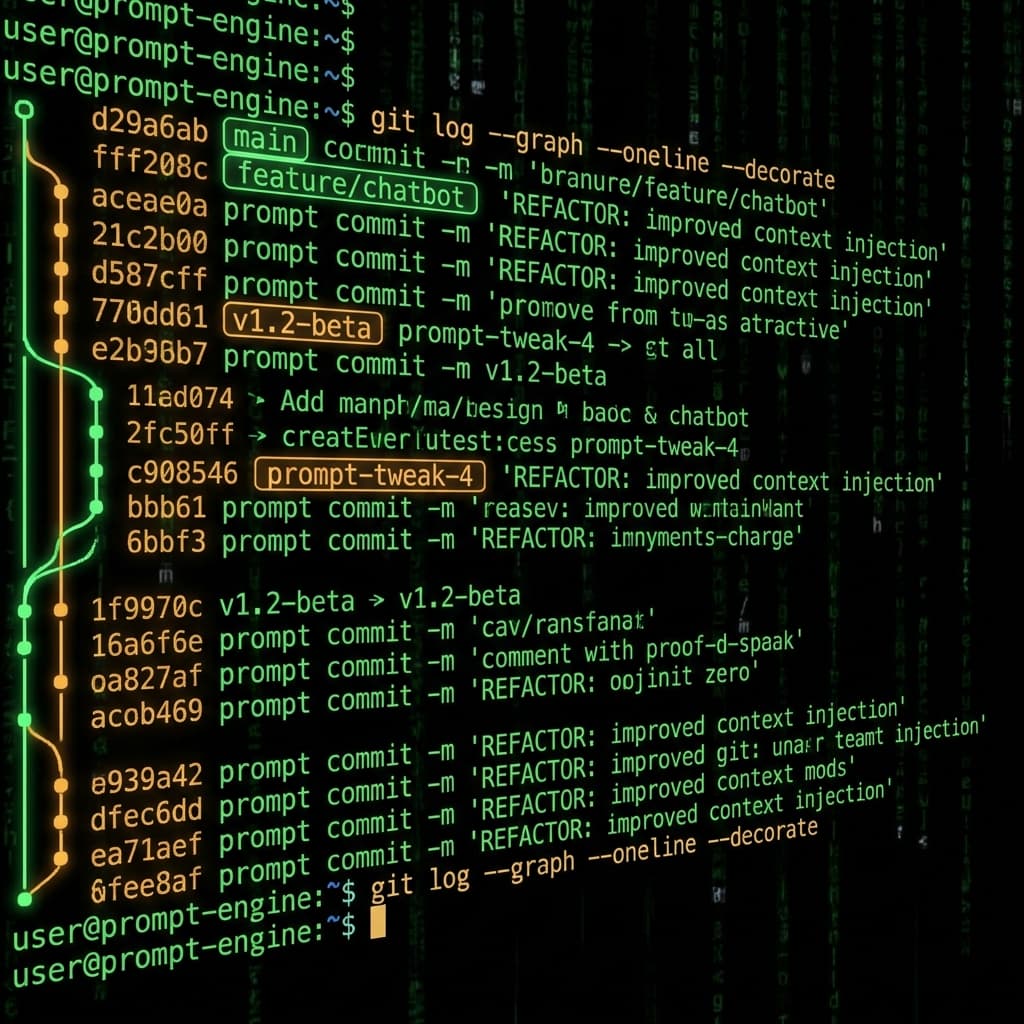
Prompts in vibe projects live in code strings, admin text boxes, and docs — changed live, version unknown when things break. This guide shows how to treat prompts like code: a prompts/ layout, YAML frontmatter, semantic versioning, PR reviews, canary rollouts with one-click rollback, plus an evals baseline — and a real war story: one added sentence cost 12 points of classification accuracy.
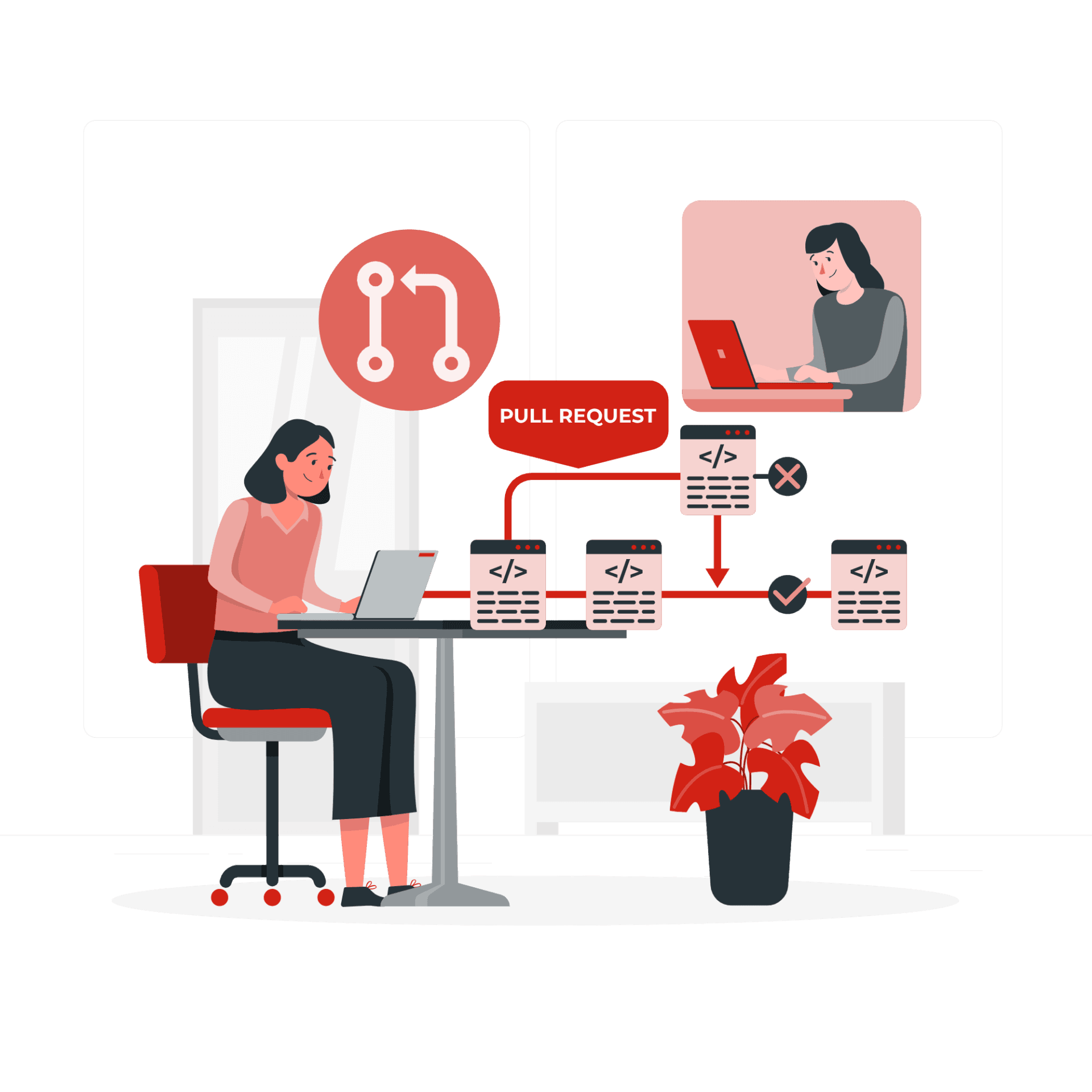
The faster AI writes code, the more review matters. Four layers: diffs for logic (boundaries, errors, concurrency — plus auth, payments, SQL, encryption, secrets), runtime for behavior (type checks, lint, security scans go green first), AI for first-pass screening (a second model reviews, humans read only flagged parts), humans for the final call (AI never clicks merge). Includes commit norms, PR template, branch protection, rollback plans.

Getting signups is only the start — users churn by day 3 and you have no horn to call them back. This guide covers notification systems for vibe projects: channel selection, email with Resend from day one, SPF/DKIM/DMARC done right, when SMS is worth the money, frequency caps and unsubscribe, retries and dead letters, plus a launch acceptance checklist.