Beyond Product Updates: Email Marketing From 0 to 1,000 Subscribers for Vibe Projects
An email list is the only traffic asset an indie developer truly owns. This guide takes you from 0 to 1,000 subscribers: three capture placements and 5 high-converting lead-magnet formats, a complete 5-email welcome sequence script, a sustainable biweekly newsletter model, Resend/Loops/ConvertKit/Buttondown picks, SPF/DKIM/DMARC setup with a 4-week warmup plan, health benchmarks and minimal A/B testing, three essential automations, and the levers from 1,000 to 10,000.

Indie developers share a common traffic anxiety: every launch, every new feature means finding your users all over again. Post on X and you're at the mercy of the algorithm; launch on Product Hunt and you need luck and timing; SEO takes three months to show anything. Every bit of attention you earn is parked on someone else's platform.
An email list is the one exception. It's an asset you actually own: the list is in your hands, you reach out whenever you want, no platform's mood to worry about. Real-world numbers show email converts circles around social media — with the same 1,000 followers, an X post might get single-digit clicks while a decent email brings dozens or hundreds. That's not mysticism, it's channel logic: social media is "walking by," email is "knocking on the door."
But most vibe projects' emails come in exactly two flavors: product-update blasts (nobody reads them) and abandoned-cart saves (too late). This guide is about proactive marketing — the full playbook from 0 to 1,000 subscribers, with zero overlap with the "transactional email infrastructure" topic.
1. Why Your Email List Is an Asset: Owned Channel vs. Platform Traffic ROI
One calculation makes it obvious. Spend the same 10 hours on acquisition two ways: write 5 X posts with a combined lifespan of about 72 hours before they sink; or write 2 emails to 500 subscribers, each with a 48-hour open window — and the list is still there next month to mail again. Platform traffic is rented; an email list is bought — the difference is compounding.
The more grounded comparison: the three most common indie acquisition paths are SEO (slow, 3–6 months to show results), social media (fast but unstable — one viral hit doesn't bring repeat purchases), and paid ads (expensive — SaaS CAC easily runs into tens of dollars). An email list's marginal cost is near zero: one more email costs 30 more minutes of writing. My advice: treat the email list as the "reservoir" for all traffic — whatever comes from SEO, social, or Product Hunt, capture what you can into the list instead of letting visitors read and leave.
Set a realistic goal: 1,000 real subscribers first. 1,000 subscribers × 40% open rate × 5% click rate = 20 qualified clicks per email — enough to cold-start every launch of a small product. That number is within reach; no virality required.
2. Capture Points: Three Placement Spots and 5 High-Converting Lead Magnets
There are exactly three places to collect emails — don't get greedy:
- Landing page: put an email field next to the hero CTA — "get beta access / free template," pick one. Real-world testing shows a hero email field converts 5–10x better than a footer subscribe box.
- In-app: trigger for free users at highlight moments — right after they finish an export or generate their first report: "send this report template to your inbox." Timing matters 10x more than placement.
- Exit popup: fires when the mouse leaves the viewport, offering the lead magnet. Frequency-cap it: once per 30 days per user, or it's harassment.
A bare "subscribe to our newsletter" converts nobody — you need a hook (lead magnet). The 5 highest-converting formats for indie developers:
- Free templates / Notion templates tied to your product's use case, like an "XX workflow checklist";
- Mini-tools: host a free micro-tool on the landing page (e.g., a palette generator) and offer to "email you the result";
- Email courses: a 5-day series, "learn XX in 5 days," one email a day — which doubles as your welcome sequence;
- Industry benchmark reports: turn your product's anonymized data into a "2026 XX industry benchmark" — converts extremely well in B2B;
- Beta / early-bird access: the most effective hook before launch — "first 100 get a free year."
The pitfall is a lead magnet disconnected from the product. Give away generic productivity templates and you'll attract template collectors with a 0% conversion rate. The hook must attract the same people as your paid product — "people who can use the template can also use my product." That logic chain must hold.
3. Double Opt-In: On or Off
Double opt-in means after entering their email, the user must click a confirmation link in their inbox to complete the subscription. On or off — a three-way tradeoff:
- Deliverability: with double opt-in your list is clean, ESPs give your sending domain a high reputation score, and long-term inbox placement is better;
- List quality: with it off, subscriber counts inflate 20–30%, but the list is polluted with typos and disposable addresses — hard bounces hurt your reputation instead;
- GDPR compliance: if your audience is mostly EU, double opt-in is the lowest-effort compliance evidence — the confirmation record directly proves "the user explicitly consented."
My advice: on by default. Trade 20% fewer subscriber numbers for real open rates and a clean list. The only exception is in-app capture — the user already signed up and logged in; making them click another confirmation link is pointless, so single opt-in is fine there. The confirmation email itself deserves good copy too: don't use a dry "please confirm your subscription" subject line — "one step left: your [lead magnet name] is waiting" can double confirmation rates.
4. The 5-Email Welcome Sequence: A Full Script From Day 0 to Day 14
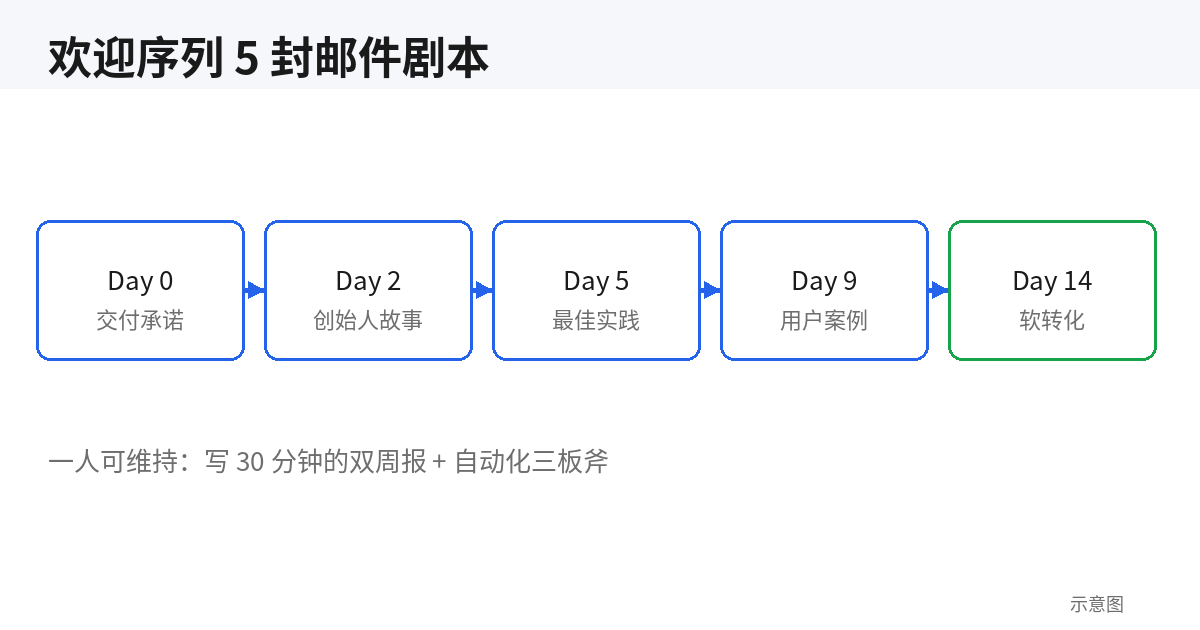
The welcome sequence is the highest-ROI automation you'll build: new subscribers' open rates in the first 14 days are double those of older subscribers, and these 5 emails decide whether they see you as "a useful subscription" or "just another blast." Here's the script, with subject lines and skeletons for each:
- Day 0 · Deliver the promise: subject "your [lead magnet] is here + one small ask." Skeleton: the download link → one sentence on who you are → one small ask ("reply and tell me your biggest blocker right now" — replies seed future engagement).
- Day 2 · Founder story: subject "why I built this (and the time I almost quit)." Skeleton: one concrete struggle → the turning point → where things stand. Skip the success-story tropes; write the specific hard part — "those three weeks with zero signups" beats "persistence wins" 100 to 1.
- Day 5 · Best practices: subject "90% of people do [X] wrong." Skeleton: one counterintuitive take → 3 actionable tips → a soft product mention. This email establishes that you know your stuff.
- Day 9 · Case study: subject "how [user] doubled [metric] in 2 weeks." Skeleton: user background → which features they used → concrete numbers. No seed users yet? Write up your own dogfooding — real is all that matters.
- Day 14 · Soft conversion: subject "14 days in — how's your progress?" Skeleton: recap the previous 4 emails' key points → an exclusive offer ("subscriber-only 20% off, this week only") → a clear CTA. Note the "soft" — don't write it like a hard sell.
The full Day 0 template, ready to copy:
Subject: Your "Indie Dev Launch Checklist" is here + one small ask

Hi,

The checklist is here: [download link]. I'd suggest printing it
and taping it next to your monitor.

I'm [your name], the indie developer behind [product]. I made this
checklist because I personally shipped three launches in a row
without a rollback plan, and the comment section educated me.

One small ask: reply to this email and tell me in one sentence
where your current product is stuck. I read every reply.

[Your name]
Field-tested finding: adding the "reply ask" to the Day 0 email lifts subsequent emails' inbox placement noticeably — mailbox providers treat "the user replied" as a strong trust signal. That's free deliverability optimization; don't waste it.
5. The Biweekly Newsletter: A Content Rhythm One Person Can Sustain
A weekly newsletter is written to impress yourself; biweekly is the maximum sustainable rhythm for a one-person team. The model is simple: one email every two weeks, fixed sections, 30 minutes of writing, hit send. Three fixed sections:
- What I shipped this week (build-in-public highlights): 3 bullet points with numbers — "cut export time from 8s to 1.2s" and the like;
- One field lesson: a pitfall you hit or a trick you learned this week, one point explained in 300–500 words;
- Good stuff I found: 3 links with one-line commentary — this is filler, but readers secretly love it most.
The idea-pool method: keep an "email ideas" list in your phone's notes app; when you see something good or hit a wall, jot one line in 10 seconds. Before each issue, pull 3 from the pool — you'll never sit there wondering "what do I write about." The production SOP is "write for 30 minutes": set a Pomodoro timer, ship when it rings, no polishing. Biweekly readers want a sense of a living human, not magazine quality — sending a week late beats sending a bad issue, and going dark for a month beats sending a week late.
The pitfall is "product updates only." Three straight "we shipped XX feature" issues and open rates slide below 10%. Remember the ratio: value content to product updates at 4:1 — four emails that give, one that talks about yourself.
6. Tool Picks: Resend vs. Loops vs. ConvertKit vs. Buttondown for Solo Founders
I've used all four. One-line verdicts:
- Resend: best developer experience, clean API, transactional and marketing email in one stack. The free tier covers the early stage. Weakness: marketing automation is thin — complex welcome sequences need hand-rolled orchestration. For: technical indie devs who want one API for everything.
- Loops: built for SaaS, with genuinely good visual automation workflows — trial conversion and churn win-back work out of the box. Pricing climbs in subscriber tiers and stings at scale. For: people who want automation running with minimal code.
- ConvertKit (now Kit): the veteran of the creator space, mature landing-page and form builders, solid deliverability reputation. The priciest of the four, with features somewhat redundant for pure SaaS. For: content creators who also sell a product.
- Buttondown: radically simple, cheap usage-based pricing, Markdown-native email that developers love. Basic automation, sparse analytics. For: the budget-sensitive, low-volume "I just need something that sends."
My advice: start with Resend or Buttondown, and move to Loops when you pass ~2,000 subscribers and automation gets complex. Migration cost is mostly re-doing domain verification and warmup — don't agonize over "the right pick" at 200 subscribers; start sending. On Chinese inbox delivery, none of the four is specially optimized for QQ/163/126 — Chinese mailbox providers have strict spam policies regardless, so it comes down to the domain setup in section 7. Don't expect a tool switch to fix deliverability.
7. Sending Domain and Deliverability: The SPF/DKIM/DMARC Trio and a 4-Week Warmup
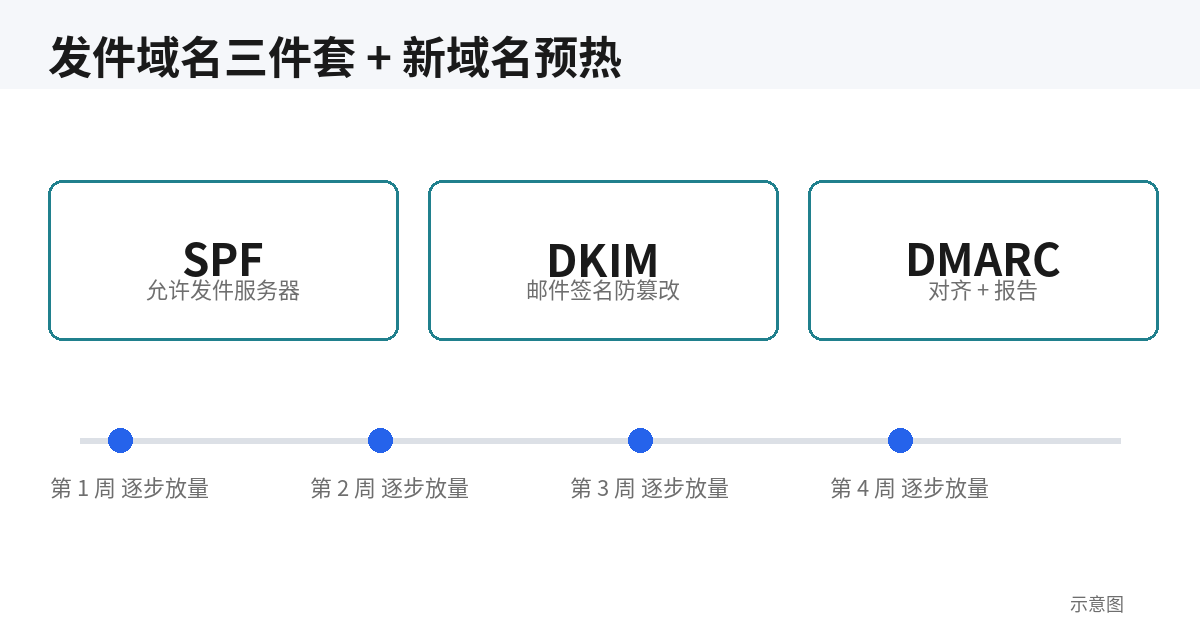
Sending marketing email from a free Gmail/Outlook address guarantees the spam folder. From day one, send from your own domain — a subdomain like news.yourdomain.com, never the root domain, so a burned reputation can't affect your main site's mail. The trio setup:
[DNS record examples — verify against current official docs; copy exact values from your ESP dashboard]
# SPF: declares which servers may send on your behalf
TXT  news  "v=spf1 include:amazonses.com ~all"

# DKIM: your ESP generates a selector; paste the public key here
TXT  resend._domainkey.news  "v=DKIM1; k=rsa; p=MIGfMA0GCSq... (public key from ESP)"

# DMARC: start with p=none to observe, then tighten to quarantine/reject
TXT  _dmarc.news  "v=DMARC1; p=none; rua=mailto:dmarc@yourdomain.com"
Don't start DMARC at p=reject — run p=none for two weeks, read the reports landing in the rua mailbox, confirm no legitimate mail is being blocked, then tighten. That's the most common self-inflicted wound for beginners.
The 4-week warmup plan for a new domain (don't skip it — skipping is flying naked):
- Week 1: only mail your most engaged users (people who opened recently), ≤50/day;
- Week 2: scale to 200/day, start the welcome sequence;
- Week 3: 500/day, add the biweekly newsletter;
- Week 4: full volume. Watch bounce rates daily — if hard bounces exceed 2%, stop and investigate immediately.
The pitfall is buying lists. One blast to 5,000 purchased addresses and your complaint rate explodes, your domain reputation zeroes out, and all that warmup was for nothing. Lists can only be built by hand — that's iron law.
8. Key Metrics, Minimal A/B Testing, and the Three Essential Automations
Healthy benchmarks (observed ranges for small B2B SaaS lists): open rate 35–50% (below 25% means the list is dirty or the subject lines are bad), click rate 2–5% (of delivered), unsubscribe rate <0.5% (a single issue above 1% deserves a post-mortem). Don't benchmark against industry aggregates — benchmark against your own history; a downward trend means act.
Minimal A/B test design: test one variable at a time, at least 200 recipients per variant (with a tiny list, skip testing — noise drowns signal), judge after a 4-hour window on open rate, then roll out the winner. Test in this priority order: subject line > send time > CTA copy > email length. Keep a swipe file of 20 subject-line templates in rotation instead of inventing from scratch each time.
Three essential automation workflows (visual builders in Loops/ConvertKit; with Resend, a cron job calling the API):
[Automation 1: trial started 7 days ago, never converted]
Trigger: trial_started is 7 days old AND no paid subscription
Actions: Day 7 -> "trial expiring + 3 features you haven't tried"
         Day 10 -> "case study: how a team like yours uses it"
         Day 13 -> "final 48 hours + 20%-off code"

[Automation 2: feature launch]
Trigger: feature_shipped event
Actions: only mail the segment that used the related feature — never blast everyone
         Subject template: "[Product] shipped the [feature] you voted for"

[Automation 3: 30-day churn win-back]
Trigger: 30 days of no logins AND was once a paying user
Actions: "we changed these 3 things — come take a look?" + one-click comeback offer
Note the segmentation in automation 2: blasting feature emails to the full list is an open-rate killer. Mail only the relevant users — open rates can differ 2x, and it makes you look like you "get" them.
9. Unsubscribe/Complaint Handling and Three Levers From 1,000 to 10,000
Unsubscribes aren't the enemy — a missing unsubscribe button is. Gmail and Apple Mail now effectively require one-click unsubscribe for marketing mail, so set the List-Unsubscribe headers:
List-Unsubscribe: <https://yourdomain.com/unsubscribe?token=xxx>
List-Unsubscribe-Post: List-Unsubscribe=One-Click
Users who can unsubscribe in one click don't hit "report spam" — 10 minutes of configuration buys you a lower complaint rate. Emergency procedure when complaints exceed 0.1%: stop all marketing sends immediately → audit the last 3 issues' subject lines and audiences (odds are you mailed a purchased list or dormant users) → scrub everyone with no opens in 90 days → re-warm the domain. Complaint rate is the direct trigger for ESP bans; don't shrug it off.
From 1,000 to 10,000, three levers in ROI order:
- Content SEO flywheel: expand your best-performing newsletter issues into long-form blog posts, each ending with a lead magnet. One ranking article is a 24/7 collector that never sleeps;
- Cross-promo: find newsletters with overlapping audiences and similar size, and recommend each other. "I recommend you to my 800, you recommend me to your 900" — zero cost, high conversion, because the trust is borrowed;
- Small paid tests: run $100 tests on X/Reddit ads, compute your cost per subscriber, and only scale when it's under 1/10 of your user lifetime value (LTV). Don't start by burning real money — indie ad accounts have no experimentation budget.
One honest closing line: email lists are slow work — the first 200 subscribers might take two months. But when subscriber #1,001 arrives, you'll realize you finally hold user reach that depends on no platform at all — a kind of security every indie developer understands.
Related articles
Your product isn't bad — it's just unclear. A hands-on playbook for vibe coders: the 5-second headline rule with 6 before/after pairs, a one-job-per-screen page architecture, solo-founder social proof tactics, CTA and form field optimization, plus an AI copy review checklist.
Vibe coding made building easy and getting noticed hard; community and open source are the few fair arenas where time trades for traffic. This tactical manual covers venue picks, 5 seed-user sources for the 0-20 cold start, a daily 15-minute ops SOP for 0-100, the README-as-landing-page formula, GitHub trending mechanics and launch timing, issue-driven marketing, build-in-public rhythms, crisis playbooks, 5 health metrics, and the path from community to revenue.
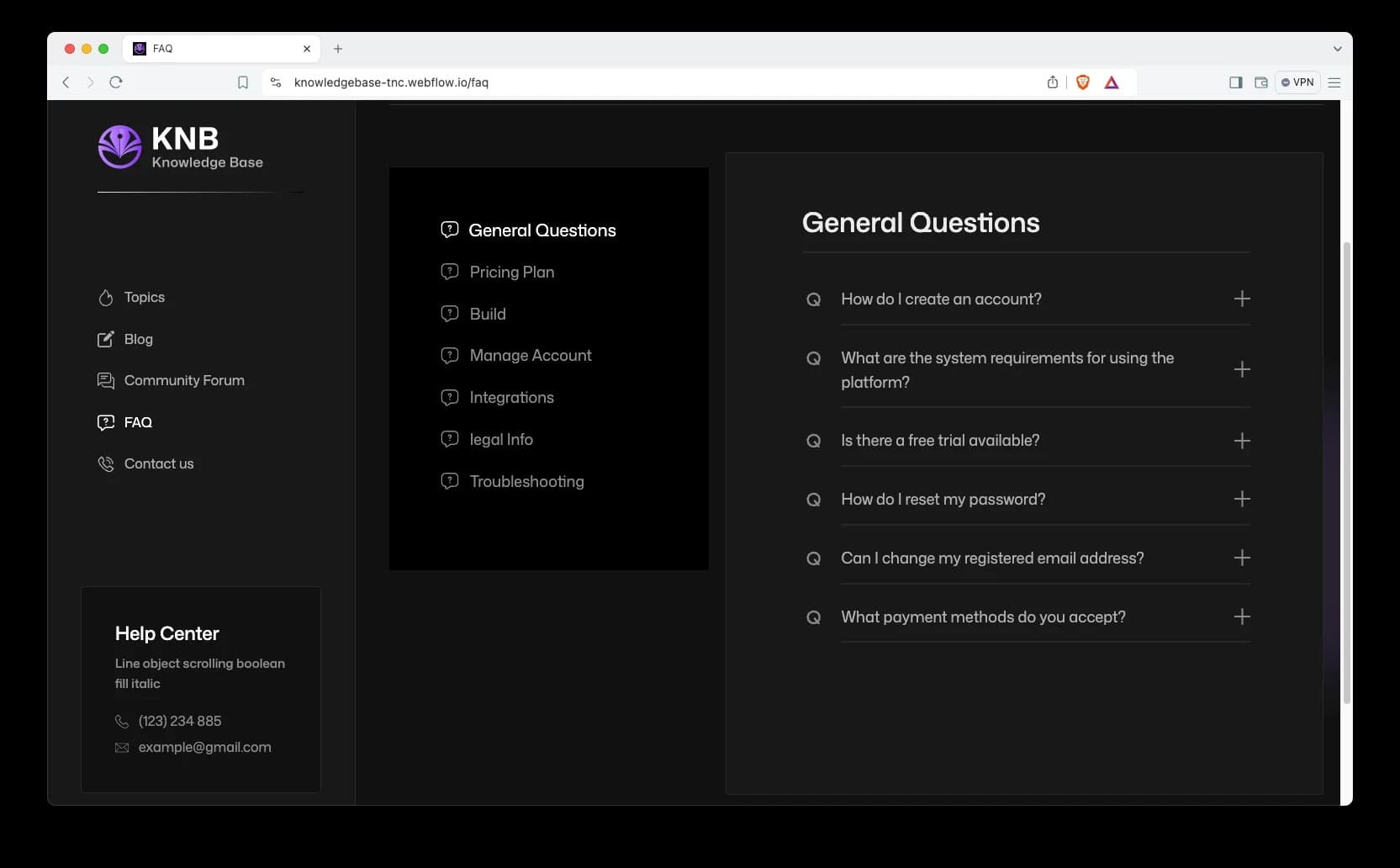
Great UX can't answer policy questions, error-message searches, or pre-purchase trust checks. This guide gives solo developers a shippable help-center methodology: a four-quadrant matrix for what to document, a 6-category IA template, writing skeletons for 6 article types, a three-stage AI-drafting workflow from your codebase, a minimal docs-as-code setup for one person, a release-tied doc-debt checklist, and a monthly 1-hour maintenance SOP.