Vibe Coding Security Checklist: 6 Rules Learned from the Moltbook Leak
AI coding tools optimize for “make it run”, not “make it secure” — the Moltbook leak of 1.5M tokens is the proof. This guide gives six rules: RLS, secret management, auth self-testing, input validation, dependency review, and a launch checklist, to close the most common holes before you ship.
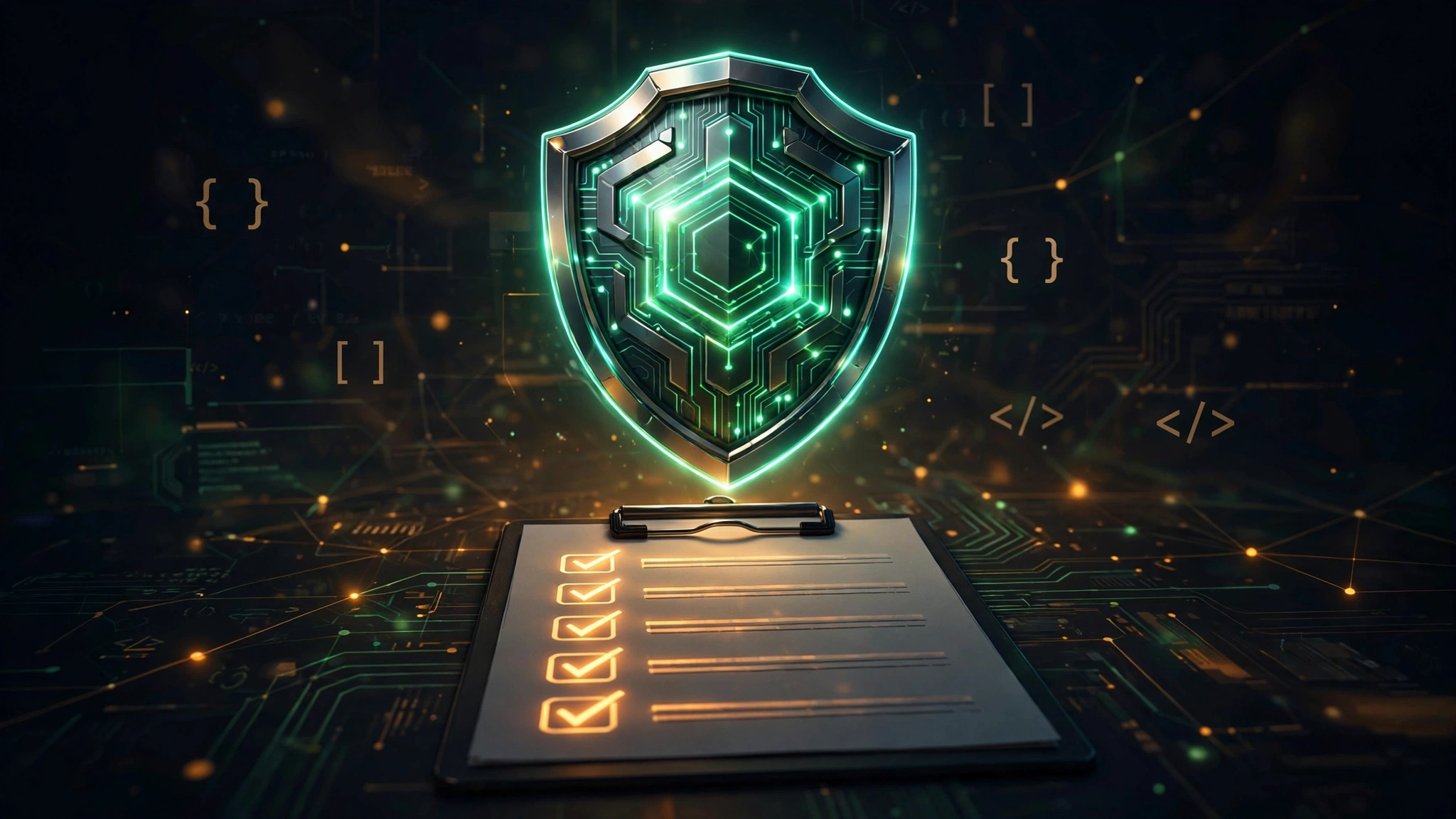
Why is vibe coding especially prone to security issues?
AI coding tools optimize for “make it run”, not “make it secure”. They skip every step that “doesn't affect running”: RLS, secret management, input validation. And vibe coders are often building a complete product for the first time — they don't even know what to check. The Moltbook leak of 1.5M tokens is the textbook case: features shipped at lightning speed, the security door wide open.
Rule 1: Always enable RLS on Supabase
This is the direct lesson from the Moltbook incident. Whenever you use Supabase (or another BaaS), the first thing after creating a table is to enable Row Level Security — deny everything by default, then allowlist as needed. Before launch, run all queries with the anon key to confirm nothing leaks.
Rule 2: Secrets never enter the repo
AI-generated code often contains hardcoded API keys. The iron rule: all secrets go in .env, .env goes in .gitignore; before committing, grep for sk-, api_key and similar; use the platform's secret management (e.g. Vercel Environment Variables).
Rule 3: Test auth logic yourself, three times
AI-written login/auth code “looks like it works”, but edge cases are often wrong. Test it yourself: access protected pages while logged out, user A accessing user B's data, behavior after token expiry. Three times is not too many.
Rule 4: Never trust user input
Forms, URL params, file uploads — validate everything server-side. AI often does frontend-only validation (or none at all), and bypassing the frontend takes an attacker a single curl command.
Rule 5: Glance at a dependency before installing
AI may hallucinate package names or pull in long-abandoned versions when recommending dependencies. Before installing, take a look: weekly downloads, last update time, any security warnings in the issue tracker.
Rule 6: Run the checklist before launch
Ten minutes before shipping, go down the list and check:
RLS enabled
Secrets in environment variables
Auth tested three times
Server-side input validation
No known vulnerabilities in dependencies
Error messages don't leak stack traces
Related articles
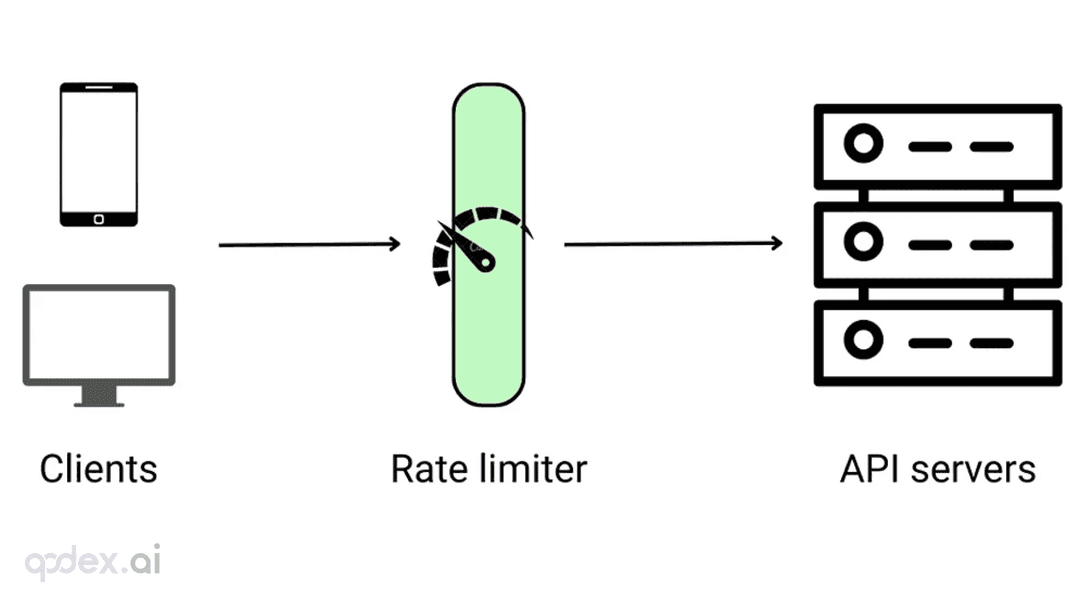
Every public endpoint will be called beyond your expectations some night. This guide builds a one-person-team rate-limiting system: algorithm choice (sliding window vs token bucket), four-layer defense, AI-endpoint money-burning protection, quota design, 429 response conventions, false-positive triage, and a launch checklist.
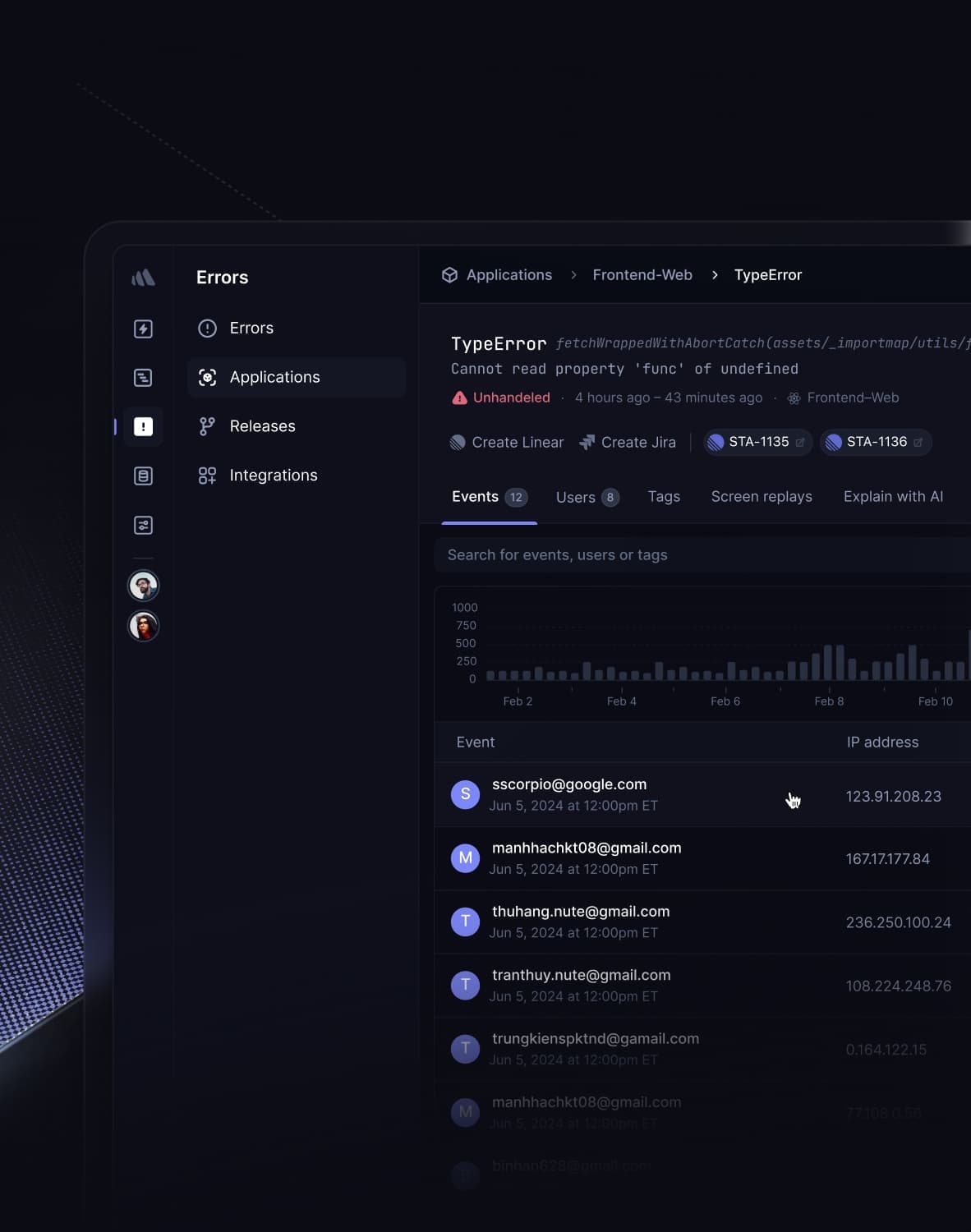
Every vibe project has the same darkly comic moment: your site goes white-screen and a friend tells you before your monitoring does. This guide builds a one-person-team error monitoring system: a 5-minute Sentry loop, error boundaries, report context design, backend structured logging, AI-call-specific protection, alert tiers, and a launch checklist.

Every vibe project eventually needs scheduled jobs: daily syncs, expired-order cleanup, billing reconciliation, scheduled reports. AI's first version is usually setInterval — fine for dev, fatal in production. This guide maps four scheduling options, cron expressions and timezone traps, idempotency, distributed locks against overlap, failure retries and alerting, run-log observability, and cron endpoint auth — plus a launch checklist.