The Product's Second Homepage: Building a Docs Site in Practice for Vibe Projects
AI can slap together a page that looks like docs, but information architecture, versioning, search, and staying in sync with code are what make a docs site usable. This guide gives solo teams the full route: the README/help-center/docs-site decision table, a verified four-way tool comparison (Fumadocs/Starlight/Docusaurus/Mintlify), the four-block IA with two reader paths, snapshot versioning, DocSearch vs local search, OpenAPI-driven API reference, and a 10-item launch checklist.
Scope note: This guide is about how to build a docs site for humans, with a clear division of labor from three related guides: vibe-project-help-center-knowledge-base-guide (help center knowledge base) covers "help-center content operations" — this guide covers "the technical build of the docs site." Operations vs. infrastructure. docs-written-for-ai-agents (writing docs for AI) covers "how to write docs for AI to read" — this guide covers "how to build a docs site for humans." Opposite audiences. vibe-project-changelog-release-communication-guide (changelog) covers "the celebratory communication of releases" — this guide's Section 4 covers "docs traveling with versions." Release comms vs. docs versioning.
API products, open-source projects, advancing SaaS — sooner or later they all need a docs site. AI can slap together a "looks like docs" page overnight: left nav, right content, dark-mode toggle, all present. Then you discover: new users don't know which article to read first; v2.0 shipped but the docs still describe v1.5 parameters; searching "auth" returns 0 results — because search only matched titles; an API field changed and nobody remembered the docs. A docs site is the product's second homepage: the marketing site makes people care, the docs site makes people succeed. AI can slap together pages but can't produce a "usable docs site" — information architecture, versioning, search, and staying in sync with code are four non-negotiables. This guide gives solo teams the hands-on route: whether to build a standalone site, how to pick among four tools, how to lay out the IA, how versions travel, how search works, how docs stay synced with code, how the feedback loop runs, and what to check before launch.
1. Standalone Docs Site or Not: The Three Readers and Their Jobs
Don't pick a tool yet. Many vibe projects have — or should have — three things: README, help center, docs site, and no idea which to build. Decide by reader:
- README: reader is "the passing developer," scene is the GitHub repo page. Answers three questions: what is this, run it in 30 seconds, where to read more. One page; past ~200 lines it should be split.
- Help center: reader is "the user with a problem," scene is "I forgot my password." Content-ops oriented: FAQs, troubleshooting, billing — written for non-technical users, owned by support and ops.
- Docs site: reader is "the developer integrating your product," scene is "I need to call your API / configure your SDK." Engineering-infrastructure oriented: quickstart, concepts, guides, API reference — owned by engineering.
Decision table:
- Pure tool/content product, no API, no complex config → README + help center is enough. Don't build a docs site.
- Has an API or SDK, or 20+ config options → build the standalone docs site. The help center keeps serving end users; different readers, don't force-merge them.
- Open source → README as the facade, docs site as the depth. After stars grow, "the three questions asked repeatedly in issues" become the docs site's first batch of content.
One line: when your README starts saying "see … for detailed config" with nowhere to point, it's time for a docs site.
2. Picking the Tool: Four Options Against the Solo-Team Lens
Four candidates: Fumadocs, Starlight, Docusaurus, Mintlify. Verified 2026-10-16 from public sources — the facts that made it into this guide, then the decision:
- Fumadocs: MIT, free, self-hosted, Next.js-native (App Router), built-in full-text search (Orama) and OpenAPI rendering, composable in "content → core → UI" layers. Public records show explosive 2026 growth (one third-party April-2026 source cites ~150K weekly downloads and notes v0's docs run on it — treat the magnitude as reference only). Fit: teams already on Next.js.
- Starlight: Astro's official docs theme, MIT, free, self-hosted, Pagefind search and i18n built in, dark mode and accessibility out of the box. Fit: teams wanting a proper docs site with minimal configuration; the Astro base plays nice with non-React components (Vue/Svelte) too.
- Docusaurus: from Meta, MIT, free, self-hosted, the largest ecosystem (plugins, themes, Chinese-language community resources), versioned docs as a first-class citizen. Fit: API products needing versioning, deep customization, long-term maintenance; seamless for React stacks.
- Mintlify: hosted SaaS (no servers to run), MDX docs with automatic GitHub deploys, OpenAPI-generated API reference as its strength. Has a free hobby tier; paid-plan pricing varies across third-party 2026 sources ($150/mo, $300/mo cited in different places) — check the official site. Fit: teams wanting to be live today with zero ops; the price is a customization ceiling and recurring cost.
The honest word on Chinese support: all four have i18n capability, but "has i18n" ≠ "Chinese out of the box" — a Chinese site still needs per-tool i18n configuration: routes, translated UI strings, and search tokenization (use a CJK-capable search setup, see Section 5). Don't be swayed by "Chinese supported" marketing; check whether the i18n docs include a complete Chinese-site example.
Solo-team decision rules:
- Already on Next.js → Fumadocs (unified stack, lowest maintenance).
- Want a respectable site fastest, minimal config → Starlight.
- API product, long-term versioning, deep customization → Docusaurus.
- Must be live today, zero ops → Mintlify (model the paid tier's long-run cost first).
Don't waver after picking: a docs site's migration cost isn't the tool, it's the dozens of articles already written in its format.
3. Information Architecture: Four Blocks, Two Reader Paths
The classic IA mistake is "flat by feature module": 40 docs lined up by backend module name. New users see "Auth Service, Billing Service, Notification Service" — they only want to know "can I get running in 5 minutes," and your nav is lecturing them on system architecture.
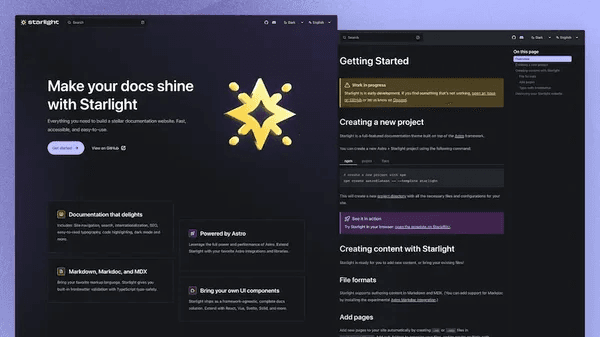
 Screenshot of a documentation website homepage built with Starlight: nav, search, and content sections
The proven four-block split (diagram above):
- Quickstart: first working example in 5 minutes. The homepage's prime slot and the highest-converting page. The bar: copy three commands, see output. If you can't write a "5-minute version," your onboarding path itself is broken — fix the product before writing docs.
- Concepts: mental models. "How Project, Key, and Quota relate." Readers asking "how does it work," short articles, many diagrams.
- Guides: scenario-based how-tos. "Implementing usage-based billing," "wiring up webhooks." Organized by user tasks, not your code modules.
- API reference: per-endpoint parameter tables. Auto-generated from OpenAPI/TSDoc (Section 6); humans write only the "watch outs" and examples.
Two reader paths: a 60-second self-triage on the homepage — "I'm new" into quickstart, "I'm here to look something up" straight to search/API reference. Acceptance bar: the newbie path must reach the first working example within 3 clicks, or the IA has failed. Walk it yourself and you'll know.
4. Versioned Docs: How Docs Travel With Releases
"Docs lagging code" is the docs site's chronic illness, and the cause is always "the release process has no docs step." Two versioning strategies:
- Snapshots (recommended for solo teams): snapshot the docs at each release (
/docs/v2.2,/docs/v2.3), latest as default, old versions read-only. That's Docusaurus versioning's model. Cost: one extra "take a snapshot" step per release — write it into the release checklist, same level as updating the CHANGELOG. - Branches: docs live in the same repo and branch as code; the v2.3 branch's docs are inherently v2.3's. Fits docs-as-code teams but demands a disciplined release process, or branches multiply into chaos.
Three mechanisms against doc rot:
- The release checklist has a docs item. Three questions before shipping: "API params changed → API reference updated → do the quickstart examples still run?"
- Code samples in docs run in CI. The quickstart's three commands genuinely execute in CI. A red build on broken samples is the only hard guarantee docs won't rot.
- Every page stamps its "last verified version." Footer small print — "verified against v2.3.1" — tells readers at a glance whether the page is trustworthy, and pressures you into periodic review.
5. Search in Practice: DocSearch Eligibility vs. Local Search
A docs site without good search is barely a docs site. Two routes:
Route A: Algolia DocSearch (free, gated)
Verified 2026-10-16 against DocSearch's official docs (docsearch.algolia.com): the free plan targets public technical documentation and technical blogs; applications go through automated validation in the Algolia dashboard, and domain ownership must be verified within 7 days of approval, with manual review (1–2 business days) when automation can't decide. Note the rejection conditions: not-yet-live or non-technical content gets turned down. A vibe project's docs site generally passes on "live + technical docs" — but applying on launch day risks rejection for "thin content". Bank 20+ articles first; approval odds are far better.
Route B: local search (zero gate, instant)
Starlight ships Pagefind, Fumadocs ships Orama, Docusaurus has @easyops-cn/docusaurus-search-local as a purely client-side option. Local search wins on zero applications, offline availability, and working deploy previews; the cost is the index shipping inside the bundle — watch bundle size past a thousand pages. The pragmatic solo-team route: ship with built-in local search, apply for DocSearch after 50+ articles. The routes aren't exclusive; many sites run local search as the base with DocSearch taking over as progressive enhancement.
The no-results fallback
Whichever route, the no-results page must do three things: ① suggest "did you mean" near-matches (typo tolerance in local search, synonyms in DocSearch); ② offer a "ask on GitHub" entry (turning failed searches into content requests — feeds Section 7); ③ log no-result queries — the best source of docs topics there is. Review monthly.
6. Staying in Sync With Code: Generating API Reference From OpenAPI/TSDoc
Hand-writing API reference is a dead end: the interface changes, the docs are forgotten. The correct posture is docs generated from code; humans write only what machines can't:
- REST APIs: backends export an OpenAPI spec (official plugins exist for NestJS, FastAPI, and other mainstream frameworks); the docs site renders parameter tables, request examples, and response schemas from the spec. Mintlify and Fumadocs both render OpenAPI strongly (Section 2).
- SDKs/function libraries: write TSDoc/JSDoc comments; tools like TypeDoc extract API pages. The rule: comments cover "why it's designed this way + one runnable example"; parameter types come from the type definitions — humans write only what can't be inferred.
- The machine-readable layer: reuse the site's
agent-friendly-api-designthinking — llms.txt and structured API descriptions serve human readers and the AI agents reading your docs alike. One OpenAPI spec feeding both the docs renderer and AI is two wins for one artifact.
Harden the flow: add a "spec-change detection" step in CI — if the OpenAPI file changed without a docs redeploy, the pipeline goes yellow. Move "docs in sync with code" from "by discipline" to "by pipeline."
7. The Feedback Loop: Turning Docs Into an Acquisition Funnel
Put "Was this page helpful? 👍 / 👎" at the bottom of every article. Don't underestimate the widget — it's the docs site's most important telemetry:
- 👎 expands into a follow-up: "What wasn't clear? (multi-select: steps didn't run / missing example / outdated / too verbose) + comment box." The option design decides whether you get actionable feedback or emotional noise.
- One-click "file an issue on GitHub": prefilled title (including the page path) and template, driving feedback friction to near zero. Tag docs issues separately from code issues for triage.
- Lightweight RICE scheduling: following
vibe-project-user-feedback-loop-guide's method — rank by "👎 count × page traffic," fix the top 5 monthly. Docs optimization gets an ROI formula for the first time instead of "when there's time."
Advanced play: turn frequently-👎'd pages into "newcomer tasks" — "rewrite this page so a newcomer runs it in 5 minutes" is a perfect community-contribution on-ramp, and the start of the docs site becoming an acquisition funnel: half the people who file issues become your users.
8. Launch Checklist: 10 Items
- 1. 60-second triage works: a real human reaches quickstart's first working example within 3 clicks.
- 2. SEO basics: unique title/description per page, sitemap, canonicals. ~40% of docs traffic comes from search; have it on day one.
- 3. Search works: three core queries (product name + "auth" + "billing") all return results; the no-results page offers suggestions + an issue entry.
- 4. Dark mode: code blocks readable in dark (contrast), no flash on toggle (avoid FOUC — read localStorage before rendering).
- 5. Mobile code blocks scroll horizontally: check on a real device: blocks scroll sideways without breaking layout; line numbers don't cover code.
- 6. 404 fallback: a custom 404 with a search box + "you might want" links, not the server default. Plenty of old backlinks point at docs; 404 UX directly affects reputation.
- 7. Version switcher: old snapshots reachable, latest default, old versions noindexed — don't let users find v1.5 docs while calling the v2.3 API.
- 8. Feedback widget: 👍/👎 + GitHub issue entry on every page; 👎 data lands on your board.
- 9. Samples actually run: quickstart's commands genuinely executed in CI; the release checklist includes the docs item.
- 10. Performance budget: it's a static site — no excuse to be slow. Lighthouse performance 90+, first paint < 2s on 4G. If over, check whether a whole UI library got bundled into every page.
After launch, run a monthly "docs physical": top-5 👎 pages, top-10 no-result queries, 3 highest-bounce articles — fix, then re-measure next month. Docs sites improve by iteration like products do. The second homepage has exactly one KPI: the conversion rate from "sees the docs" to "runs the first example." Watch it; everything else is means.
Comments (0)
Related articles
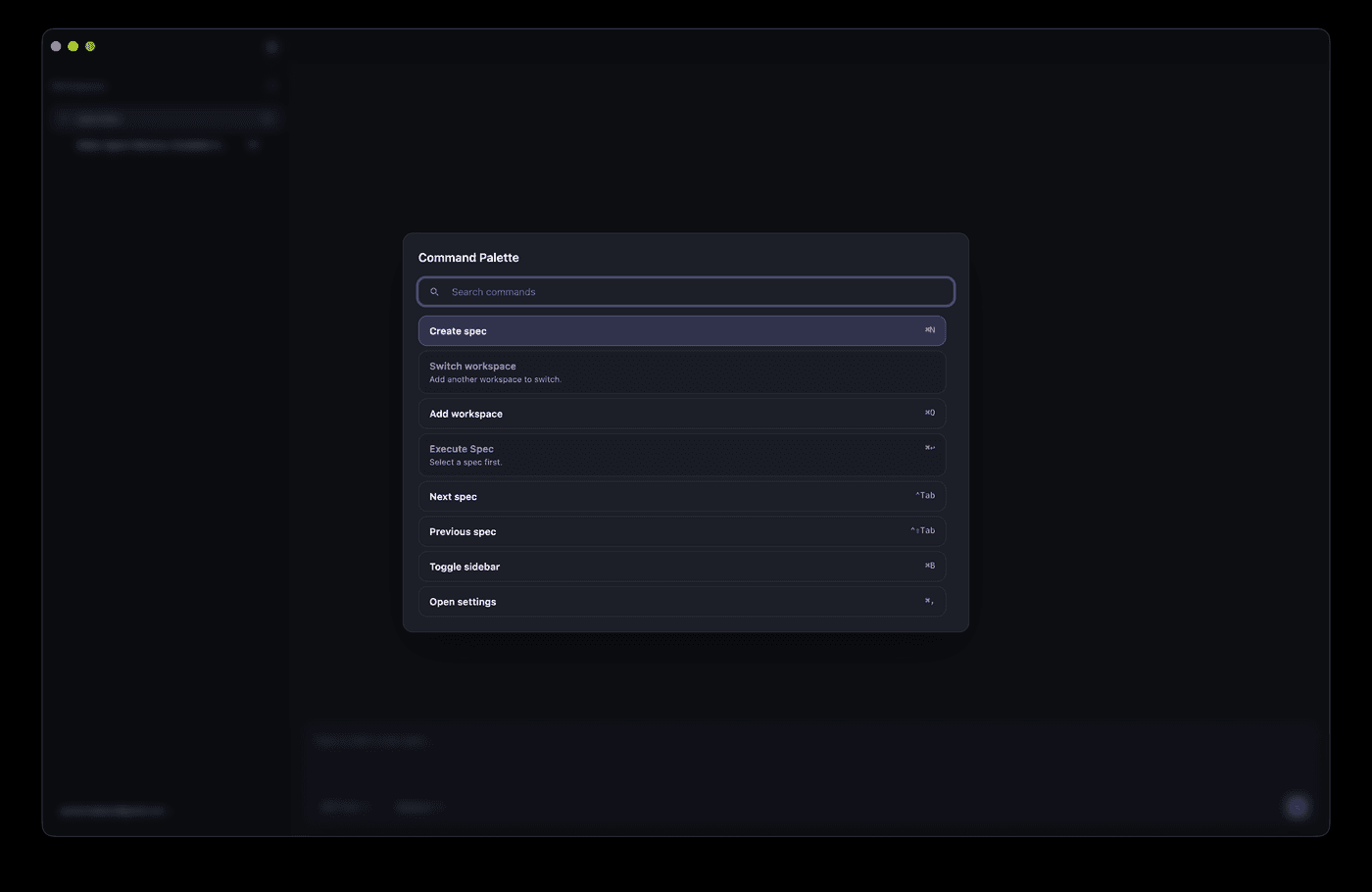
AI can ship a Cmd+K palette in half an hour, but match ranking, shortcut conflicts, IME flicker, and mobile degradation are where it breaks. This hands-on guide gives solo teams the full route: a command registry data model, a five-stage fuzzy scoring pipeline, a global shortcut system with conflict detection, the complete keyboard accessibility loop, mobile entry degradation, permission-linked commands, and a 10-item launch checklist.
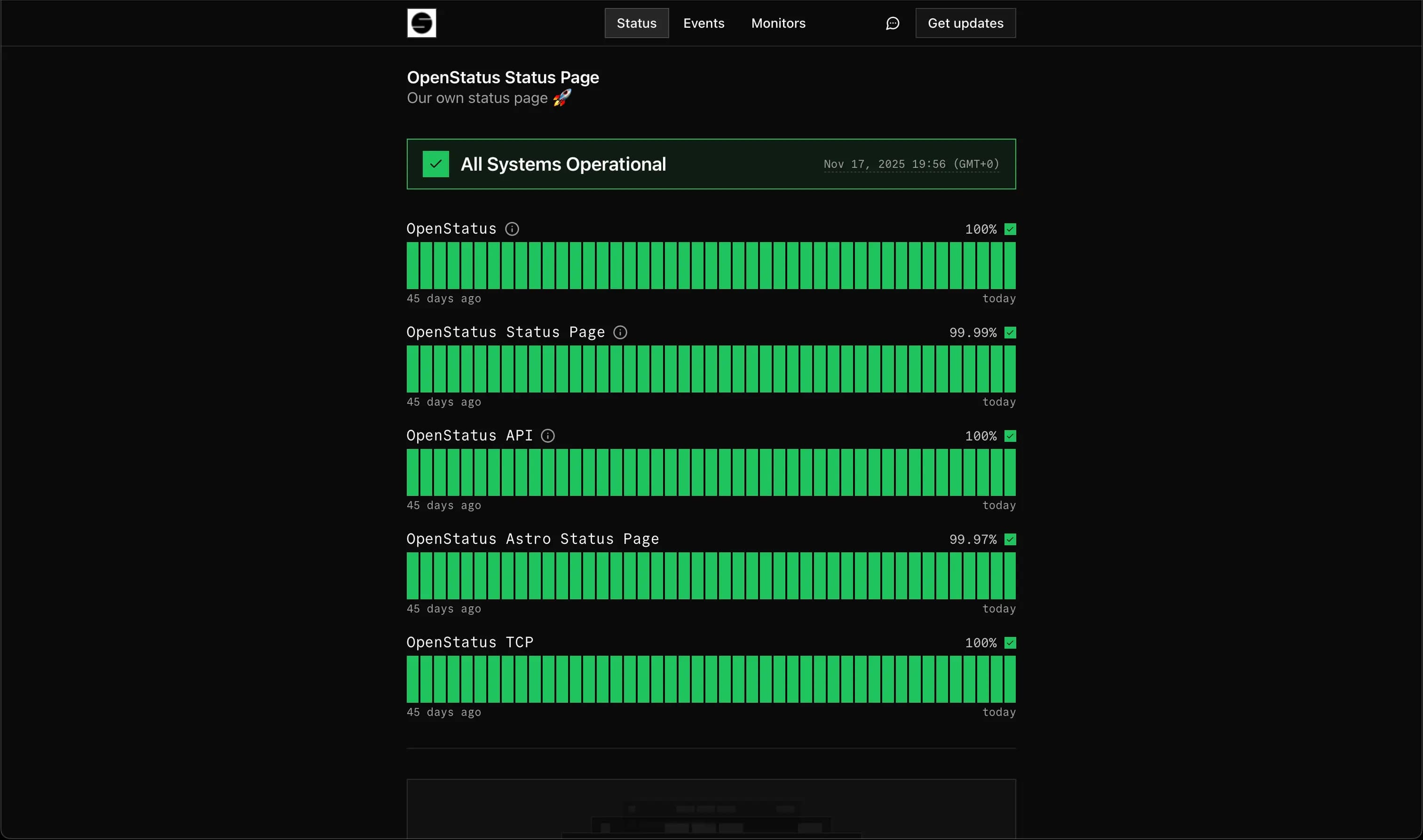
The incident Runbook teaches you to fight the fire; this guide teaches you to face your users: status page information architecture, four-status decision lines, lightweight picks across Better Stack / UptimeRobot / Upptime, auto-flipping status from monitoring, a three-part incident announcement template, subscription notifications and public postmortem granularity — plus a full-chain “pretend you're down” drill checklist.
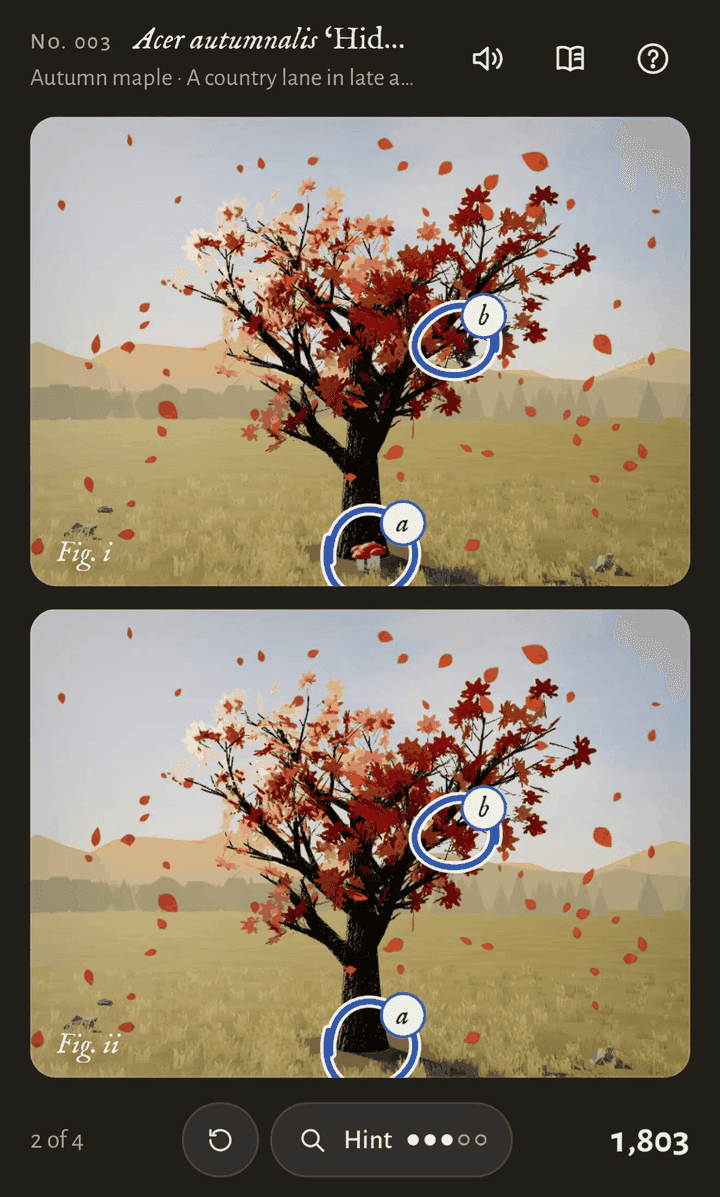
On October 14, Simon Willison sent one prompt to Claude Opus 5.5 Max from the iPhone Claude app's chat mode; 3 hours 7 minutes of single-pass reasoning later, out came a playable cozy spot-the-difference game with music, animation, and achievements. His verdict: telling the model to "make sure it is fun" works "uncomfortably well".