Stop Leaking PII in Your Logs: Log Redaction and PII Governance for Vibe Projects
User emails and login tokens sitting in your console.log? This guide gives solo teams a complete log-redaction playbook shippable in a day: a four-tier PII classification table, copy-paste TypeScript redaction trio, minimal console.log-to-pino migration, request-logging middleware templates, Sentry beforeSend config, tiered retention and cost math — plus 8 real-world pitfalls.

Setting boundaries: where this guide sits
Before we start, a quick map of how this guide relates to two already-published guides on this site, so nothing gets confused. Our published Data Subject Request (DSR) Response Guide is the legal-process piece: the SOP a solo team follows when a user exercises their deletion or access rights — timelines, verification steps, evidence to keep. Our published RBAC Permissions Guide has a section on audit logs, but that section only answers two questions — what to record and who may read it — from an access-control perspective. This guide is the engineering piece: it answers what belongs inside your logs — which fields must never hit disk, how to write the redaction code, how to migrate to structured logging, how long to keep logs, and how to control the cloud bill. The three are orthogonal and complementary: DSR tells you "what to do when a user asks for deletion," RBAC tells you "who is allowed to read logs," and this guide tells you "what your logs should and shouldn't contain."
The target reader is specific: your project is full of console.log, user emails and login tokens are being shipped verbatim into Sentry and cloud logging, and you vaguely sense a compliance risk but don't know where to start. This guide gives you a complete playbook a solo team can land in a day: a classification table, redaction code, migration steps, middleware templates, retention policy, cost math, and 8 real-world pitfalls.
1. Start with the incidents: four real leak patterns
No theory yet — here are four leak patterns that keep recurring in vibe-coded projects. Search your own Sentry / cloud-logging console right now; you'll probably hit at least one.
Pattern 1: tokens in URL query strings, fully recorded by access logs
Magic-link login, OAuth callbacks, password-reset links — the token lives in a query parameter: /auth/callback?token=eyJhbGciOi…. And most request-logging middleware records the full URL verbatim. Result: anyone who can read the logs can take that token and log in as the user. The token's effective lifetime in your logs equals your log retention period — typically 30 days, far longer than the token's own 15-minute TTL.
Pattern 2: error stack traces carrying the entire request body into Sentry
A form-submission endpoint throws a 500, and the Sentry issue contains the complete request.data: name, phone number, national ID — all of it. Sentry's context collection is "helpful" by default, and AI-generated error handling never filters it. Worse, Sentry's AI features may then process your users' PII a second time.
Pattern 3: AI prompt logs containing raw user input
To debug an AI feature, you log the user's raw input: "prompt length 1200, content: …". Users paste contracts, medical records, and pay stubs into your AI support widget — all landing in your log system. Prompt logging is a new leak surface unique to vibe projects; traditional redaction schemes don't cover it at all.
Pattern 4: third-party SDKs logging on the sly
Analytics, crash-reporting, and support SDKs dump device info and user identifiers to the console in debug builds, and you forgot to turn it off before shipping. Your redaction layer governs your own code — not the code inside node_modules.
Why vibe projects are the hardest-hit
Three very "vibe" reasons: first, AI-generated code loves sprinkling console.log("user:", user) debug statements that nobody reviews line-by-line before shipping; second, solo teams optimize for speed, so "ship first" logging never gets cleaned up; third, logs have no schema constraints unlike databases — anything can go in, so everything leaks. There is only one fix: make redaction a stage in the pipeline, not a matter of human discipline.
2. A four-tier PII classification: classify first, redact second
The biggest redaction mistake is one-size-fits-all: either log everything (streaking) or log nothing (useless logs). The right move is to classify first. Note the criterion is not the field name but combined identifiability — a bare userId means little, but userId + timestamp + IP can identify a person, which promotes it to a quasi-identifier.
 Figure 2: Four-tier PII classification × handling matrix. L3 direct identifiers must never hit disk; L2 quasi-identifiers are masked; L1 behavioral data is hashed; L0 public data is logged as-is.
The four tiers in detail. L3 — direct identifiers: national ID numbers, bank card numbers, passwords, all kinds of tokens, biometrics. Handling: never persist — not redacted, simply not allowed in any log. Retention: none. Leak risk: critical. L2 — quasi-identifiers: email, phone number, real name. Weak identifiers alone, identifying in combination. Handling: masked output (e.g. 138****5678), and never in the same log line as behavioral data. Retention: 30 days, encrypted at rest. Risk: high. L1 — behavioral data: userId (hashed), page paths, device models, feature clicks. Handling: hash, then aggregate. Retention: 30 days. Risk: medium. L0 — public data: version numbers, environment tags, error codes, route templates (note: the template /users/:id, not the full path with a real id). Logged as-is. Retention: 90 days. Risk: low.
Practical tip: print this table and stick it next to your monitor, or commit it as docs/logging-policy.md. Every future "can I log this field?" debate gets resolved in 10 seconds by table lookup instead of reinventing the standard each time.
3. The redaction trio: copy-paste-ready TypeScript
Don't rely on a single redaction layer. The trio covers three surfaces: a regex blacklist for bare PII in free text (safety net), a field-name blacklist for sensitive keys in structured objects (the workhorse), and a deep redact function that applies both recursively to any nested object. The code below was actually executed under Node 24 for this article — drop it into your lib/redact.ts.
Piece 1: regex blacklist (string-level safety net)
const REDACTION_PATTERNS = [
  { name: "email",  re: /[a-zA-Z0-9._%+-]+@[a-zA-Z0-9.-]+\.[a-zA-Z]{2,}/g, mask: "[EMAIL]" },
  { name: "phone",  re: /(?<!\d)1[3-9]\d{9}(?!\d)/g,                 mask: "[PHONE]" },
  { name: "idcard", re: /(?<!\d)\d{17}[\dXx](?!\d)/g,                mask: "[ID]" },
  { name: "card",   re: /(?<!\d)(?:\d[ -]?){13,19}(?!\d)/g,          mask: "[CARD]" },
];

function redactString(s: string): string {
  let out = s;
  for (const p of REDACTION_PATTERNS) out = out.replace(p.re, p.mask);
  return out;
}
// redactString("user lee@example.com, phone 13812345678")
// → "user [EMAIL], phone [PHONE]"
Two details matter: phone and ID patterns use lookarounds (?<!\d) / (?!\d) so long numeric order numbers like 202610150001 are verified not to be mangled; the bank-card pattern is the broadest and most false-positive-prone, so it stays a safety net, never the primary mechanism.
Pieces 2 + 3: field-name blacklist and deep redact (the workhorse)
const SENSITIVE_KEYS = new Set([
  "password", "passwd", "secret", "token", "accesstoken",
  "refreshtoken", "apikey", "api_key", "authorization",
  "cookie", "set-cookie", "ssn", "idcard", "bankcard",
]);

function redactDeep(value: unknown, seen = new WeakSet()): unknown {
  if (typeof value === "string") return redactString(value);
  if (value === null || typeof value !== "object") return value;
  if (seen.has(value)) return "[Circular]"; // circular refs don't blow the stack
  seen.add(value);
  if (Array.isArray(value)) return value.map((v) => redactDeep(v, seen));
  const out: Record<string, unknown> = {};
  for (const [k, v] of Object.entries(value)) {
    const norm = k.toLowerCase().replace(/[_-]/g, "");
    out[k] = SENSITIVE_KEYS.has(norm) ? "[REDACTED]" : redactDeep(v, seen);
  }
  return out;
}

// Log only a hash of the user id: correlatable, not reversible
import { createHash } from "crypto";
function hashUserId(userId: string | number, salt: string): string {
  return createHash("sha256").update(`${salt}:${userId}`).digest("hex").slice(0, 16);
}
Key names are normalized (lowercased, underscores/hyphens stripped), so api_key, API-KEY, and accessToken all match. Verified by execution: emails, phones, passwords, and tokens nested inside objects are all replaced correctly, and circular references return [Circular] instead of throwing. Make redactDeep the single funnel for every log write and you have your "redaction layer."
One key convention: redaction happens in-process, before logs hit disk — not as an afterthought in the cloud console. Post-hoc field masking can't touch 30 days of already-leaked history, nor the direct-to-third-party SDK channel. The pipeline diagram below shows where the redaction layer sits in the whole chain.
 Figure 1: The log redaction pipeline. Logs must pass through the in-process redaction layer before TLS transport to tiered storage and third-party services; unredacted logs must never flow downstream directly.
4. From console.log to pino: a minimal three-step migration
Structured logging is the precondition for redaction: as long as you're writing unstructured console.log("user " + user.email + " ordered"), regex is your only defense and it will eventually miss. Migrating to pino (or winston) takes three steps and one afternoon.
Step 1: one shared logger with redaction built in
// lib/logger.ts
import pino from "pino";
import { redactDeep, hashUserId } from "./redact";

const SENSITIVE_PATHS = [
  "password", "token", "*.password", "*.token",
  "req.headers.authorization", "req.body.password",
];

export const logger = pino({
  level: process.env.LOG_LEVEL ?? "info",
  redact: { paths: SENSITIVE_PATHS, censor: "[REDACTED]" },
  serializers: {
    // pino's built-in err serializer keeps message/stack only —
    // never the whole context object
    err: pino.stdSerializers.err,
  },
});

// Single funnel: redactDeep first, then write
export function logInfo(obj: object, msg: string) {
  logger.info(redactDeep(obj), msg);
}
Pino's built-in redact.paths is the second lock: even if someone bypasses logInfo and calls logger.info directly, path-matched fields still get censored. Defense in depth — one lock in your hands (redactDeep), one in the library (pino redact).
Step 2: field conventions (write them down even if the team is just you)
Four conventions, committed to docs/logging-policy.md: (1) user identity is logged only as userHash (the hashUserId output) — never a plaintext email or phone; (2) request logs record method + route template + status code + duration, never the full URL or whole body; (3) error logs record err.message + err.stack (pino-serialized), with context limited to allowlisted fields; (4) AI calls record promptHash + promptLength + tokensUsed + model, never the raw prompt.
Step 3: kill bare console.log
Add "no-console": "error" to ESLint and migrate the existing code to logInfo in one global pass. On serverless / Vercel, note that pino writes to stdout by default — use pino.transport to batch-ship to cloud logging so every request doesn't open a new connection. After migration, your logs change from "a pile of strings" into "a pile of queryable, redactable JSON" — every later retention, cost-control, and compliance move builds on this step.
5. Request-logging middleware: treat query, body, and headers separately
Request logs are the highest-risk surface because one request bundles all three leak vectors: query (tokens), headers (authorization, cookies), body (form PII). The template's core idea: three surfaces, three rules — don't try to cover everything with one redactDeep.
Express middleware template
// middleware/requestLog.ts
import { redactDeep, hashUserId } from "../lib/redact";
import { logInfo } from "../lib/logger";

// These query params are always dropped: log the name, never the value
const QUERY_BLACKLIST = new Set(["token", "code", "state", "password", "email", "phone"]);

function sanitizeQuery(query: Record<string, unknown>) {
  const out: Record<string, string> = {};
  for (const k of Object.keys(query)) {
    out[k] = QUERY_BLACKLIST.has(k.toLowerCase()) ? "[REDACTED]" : "[PRESENT]";
  }
  return out;
}

export function requestLogger(req, res, next) {
  const start = Date.now();
  res.on("finish", () => {
    logInfo(
      {
        method: req.method,
        route: req.route?.path ?? req.path, // route template, no real ids
        status: res.statusCode,
        ms: Date.now() - start,
        query: sanitizeQuery(req.query),
        // headers: allowlist only — everything else is never logged
        headers: { "user-agent": req.headers["user-agent"], "x-request-id": req.headers["x-request-id"] },
        userHash: req.user ? hashUserId(req.user.id, process.env.LOG_SALT!) : undefined,
        // body is not logged by default; allowlist fields only when debugging
        body: req.body ? redactDeep(pick(req.body, ["action", "itemId"])) : undefined,
      },
      "http request"
    );
  });
  next();
}
Three deliberate decisions in this code: blacklisted query params are logged as "present" without values — preserving the debugging signal ("this request carried a token param") without leaking content; headers use an allowlist rather than a blacklist, because headers hide things in too many ways (cookies, x-api-key, custom headers) for any blacklist to stay complete; body is not logged by default, and when needed only via pick of the fields required for the investigation.
Next.js App Router version
App Router has no Express-style req.route.path, so maintain your own route table for template matching — or simpler, wrap each route handler in withLogging(handler, { route: "/api/orders/[id]" }) and pass the template as an argument. Don't log business data in middleware.ts (Edge Runtime): the Edge Runtime has no Node crypto, so hashUserId won't run there — method + path + status is enough at the edge, and the heavy redaction stays in the Node runtime.
6. The third-party side: Sentry, cloud logging, AI calls
In-process redaction governs your own logs — not the data that flows straight into third-party SDKs. These three need separate handling.
Sentry: beforeSend is the last gate
// sentry.client.config.ts
import * as Sentry from "@sentry/nextjs";
import { redactDeep, hashUserId } from "./lib/redact";

Sentry.init({
  dsn: process.env.SENTRY_DSN,
  beforeSend(event) {
    // 1. user identity: hash only
    if (event.user) {
      event.user = {
        id: event.user.id ? hashUserId(event.user.id, process.env.LOG_SALT!) : undefined,
      };
    }
    // 2. redact the whole request payload; strip query params from the URL
    if (event.request) {
      event.request.data = redactDeep(event.request.data);
      event.request.url = event.request.url?.split("?")[0];
      delete event.request.headers?.cookie;
      delete event.request.cookies;
    }
    // 3. breadcrumbs may contain console output — pass them through too
    event.breadcrumbs = event.breadcrumbs?.map((b) => ({
      ...b,
      data: redactDeep(b.data),
    }));
    return event;
  },
});
Pay special attention to event.request.url?.split("?")[0]: Sentry records the full URL by default, and if the token in the query string isn't stripped, all your earlier work is wasted. Also enable server-side data scrubbing in your Sentry project settings for a second lock.
Cloud logging: field masking and log exclusions
Every cloud log service supports dropping or masking fields before ingestion (GCP calls it Log Exclusions; CloudWatch and SLS have equivalents). The standard recipe: create an exclusion rule that drops paths like jsonPayload.password and jsonPayload.token; for high-volume access logs, ingest only error-level entries and send info-level to cheap cold storage. Treat this as a supplement — in-process redaction is the primary control, because post-hoc masking can't reach 30 days of already-stored history or the direct SDK channel.
AI call logs: hash and length only for prompts
import { createHash } from "crypto";
import { logInfo } from "./lib/logger";

export async function callLLM(prompt: string, opts: { model: string }) {
  const t0 = Date.now();
  const promptHash = createHash("sha256").update(prompt).digest("hex").slice(0, 16);
  try {
    const res = await llm.chat(prompt, opts);
    logInfo(
      { model: opts.model, promptHash, promptLength: prompt.length,
        tokensUsed: res.usage.totalTokens, ms: Date.now() - t0 },
      "llm call ok"
    );
    return res;
  } catch (err) {
    // error logs don't carry the raw prompt either — the hash still correlates
    logInfo({ model: opts.model, promptHash, err: String(err) }, "llm call failed");
    throw err;
  }
}
The prompt hash's value is correlatability: when a user reports "that last answer was wrong," you locate the model, token count, and latency in the logs via the promptHash of their request — without ever storing the raw text. It's the standard tradeoff between "debuggable" and "no PII stored."
7. Tiered retention: longer is not better
Many solo teams keep logs "forever" simply because that's the cloud default. It's both a compliance risk (GDPR's storage-limitation principle) and a cost sinkhole. Set retention per log tier as follows:
Retention table: debug logs — 7 days — for debugging current bugs, then deleted; access logs — 30 days — the workhorse for traffic analysis and incident triage; error logs (including archived Sentry issues) — 90 days — incident retrospectives need a longer window; audit logs (logins, permission changes, data exports) — 1 year — for compliance and security forensics. Note audit logs record only "who did what, when" — no business PII.
A policy is only real if code enforces it. Two common implementations:
Option A: database TTL indexes (logs in MongoDB / Postgres)
// MongoDB: different TTL indexes per log tier
db.access_logs.createIndex({ createdAt: 1 }, { expireAfterSeconds: 30 * 86400 });
db.debug_logs.createIndex({ createdAt: 1 }, { expireAfterSeconds: 7 * 86400 });
db.audit_logs.createIndex({ createdAt: 1 }, { expireAfterSeconds: 365 * 86400 });
Option B: cleanup cron (log files / object storage)
// scripts/log-retention.ts — runs daily
import { logInfo } from "../lib/logger";

const RETENTION_DAYS: Record<string, number> = {
  debug: 7, access: 30, error: 90, audit: 365,
};

async function enforceRetention() {
  for (const [kind, days] of Object.entries(RETENTION_DAYS)) {
    const cutoff = new Date(Date.now() - days * 86400_000);
    const deleted = await deleteLogsBefore(kind, cutoff);
    // the cleanup itself gets an audit entry: how much, when
    logInfo({ kind, days, deletedCount: deleted }, "log retention enforced");
  }
}
Two reminders: the cleanup cron needs its own monitoring (a silently failing cron means a dead policy); and retention periods in cloud logging must be configured explicitly in the console or Terraform — never rely on "default," which is usually "forever."
8. The cost math: log volume is the silent cloud-bill killer
With redaction and retention handled, one reality remains: money. The cost formula is simple: daily cost = daily volume (GB) × price (per GB·month) ÷ 30. The classic solo-team blowups: debug logging left on in production, access logs recording full bodies, AI call logs storing raw prompts — combined, several GB a day is easy. Two controls: sampling and tiered storage.
Sampling: sample everything except errors
// lib/sampled-log.ts
function shouldSample(level: string): boolean {
  if (level === "error" || level === "fatal") return true; // errors: 100%
  if (level === "warn") return Math.random() < 0.1;         // warn: 10%
  if (process.env.NODE_ENV === "production") {
    return Math.random() < 0.01;                           // prod info: 1%
  }
  return true; // development: everything
}

export function logSampled(level: "info" | "warn" | "error", obj: object, msg: string) {
  if (!shouldSample(level)) return;
  logInfo({ ...obj, sampled: true }, msg);
}
The iron rule of sampling: only sample normal logs — error logs are always 100%. The most common pitfall is sampling errors at 1% too, then discovering during an incident that the one critical error line was the one not sampled. Keep the rate configurable via environment variable, never hardcoded, so you can crank it to 100% while reproducing an incident. Pair sampling with tiered storage: move access logs older than 30 days to cold object storage, keeping only errors and audit logs hot and queryable — another order of magnitude off the bill.
9. Connecting to the DSR guide: what happens to logs when a user asks for deletion
This is the most-asked question, and the seam between this guide and our published DSR guide. When a user exercises their deletion right and asks you to delete their personal data — do the emails, phone numbers, and behavioral records sitting in your logs get deleted? Four cases:
First, logs already redacted per this guide need no deletion. They contain only userHash and masked fields — not directly identifying anyone — so they're out of deletion scope. That's the direct compliance payoff of doing redaction: zero log-side work when a DSR arrives. Second, the hash-mapping table must be deleted. If you keep a userId → userHash mapping for correlation analysis, it must go with the DSR — once the mapping is gone, the hashes in your logs become fully anonymous. Third, let retention expire the rest. Access logs at 30 days, debug at 7 — automatic expiry is itself GDPR's storage-limitation principle in action, and your DSR response can state plainly that "log data is automatically purged within X days." Fourth, audit logs are exempt. Login and data-export records may be kept longer (1 year) for security forensics — which is exactly why section 7 insists audit logs never carry business PII in the first place. For DSR response timelines, identity verification, and evidence retention, see our published Data Subject Request (DSR) Response Guide — the complete legal-process SOP that this guide intentionally doesn't repeat.
10. Eight pitfalls, paid for in real money
Pitfall 1: redaction regexes mauling innocent fields
A bank-card pattern masks every 16-digit order number, leaving support unable to look up orders. Fix: run every regex over 7 days of real logs before shipping, measuring hit rate vs. false-positive rate; keep broad patterns like card numbers as a safety net only, with the field-name blacklist as the primary.
Pitfall 2: logging complete JWTs
console.log("token:", token) — a JWT payload is base64-decodable, with email and userId sitting in it in plaintext. Fix: [REDACTED] for all token-like fields; log only the first 8 characters as a fingerprint for correlation.
Pitfall 3: redaction only in production, staging running naked
Staging often connects to production data for integration testing, with real PII flowing into its logs. Fix: the redaction layer doesn't vary by environment — it's always on. What varies is log level and sample rate.
Pitfall 4: third-party SDKs logging behind your back
An analytics SDK dumps device identifiers and user emails in debug builds; your redactDeep can't reach inside node_modules. Fix: capture one full log output from a test build before shipping and review it line by line; turn off verbose/debug modes in third-party SDKs.
Pitfall 5: plaintext userId sharing a log line with behavioral data
{ userId: 42, email: "a@b.com", page: "/checkout" } — one line is a full quasi-identifier combo meal. Fix: hash userIds; never let L2 fields share a line with behavioral data.
Pitfall 6: error logs getting sampled away
Sampling info and error together at 1% to save money, then the one critical error line during an incident is the one not sampled. Fix: the iron rule — error/fatal always 100%, sampling only for info/warn.
Pitfall 7: redacting the body but forgetting query and headers
The body is spotless while ?token=xxx in the query string and cookie in the headers go to disk verbatim. Fix: use the section-5 middleware template — three surfaces, three rules, configured once.
Pitfall 8: a retention policy that lives only in docs
The policy sits in docs/ while the cleanup script silently failed on day one from a permissions issue; logs pile up for two years. Fix: every cleanup run writes an audit entry plus a failure alert; monthly, spot-check the oldest entry per log tier to confirm retention is actually enforced.
Closing: five things you can do today
Don't let this sit in your bookmarks. Two hours today, in order: (1) grep for console.log lines containing user, token, or email, and convert them all to redacted structured logging; (2) copy this guide's redact.ts into your project as the single funnel for all log writes; (3) add beforeSend to Sentry — strip query strings from URLs, keep only hashed user ids; (4) in your cloud-logging console, set debug retention to 7 days and access to 30 days; (5) set one rule for the team (even a team of one): every new field entering a log first gets checked against the section-2 classification table. Log redaction isn't a one-time project — it's a reflex you build every time you write log, and reflexes are trained with classification tables and code templates.
Comments (0)
Related articles
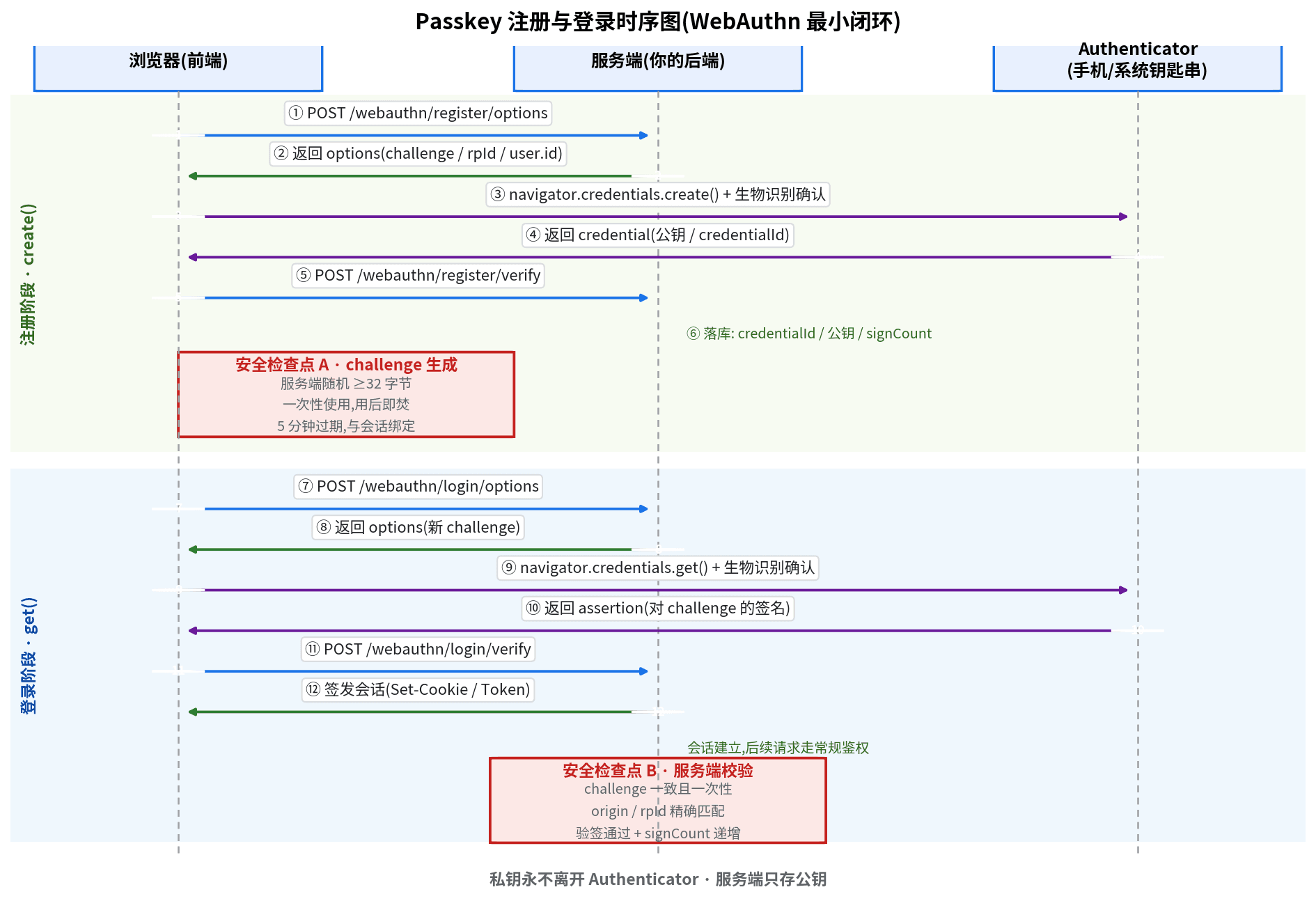
SMS codes burn money per message and still get intercepted. Passkey (WebAuthn) replaces SMS with device-side private-key signatures: the 7-step minimal loop, 5 security red lines, plus multi-device management, a loss-recovery playbook, and an 8-item launch checklist — zeroing out both login cost and entire attack classes.
AI wrote your package.json, but it will not merge Dependabot's 47th PR at 3 a.m. This solo-maintainer SOP covers lockfile discipline, tiered upgrade decisions, Dependabot/Renovate automation, major-upgrade review, CI verification matrices, CVE fix SLAs, a 5-minute rollback procedure, and quarterly health reviews — plus 8 hard-won pitfalls.
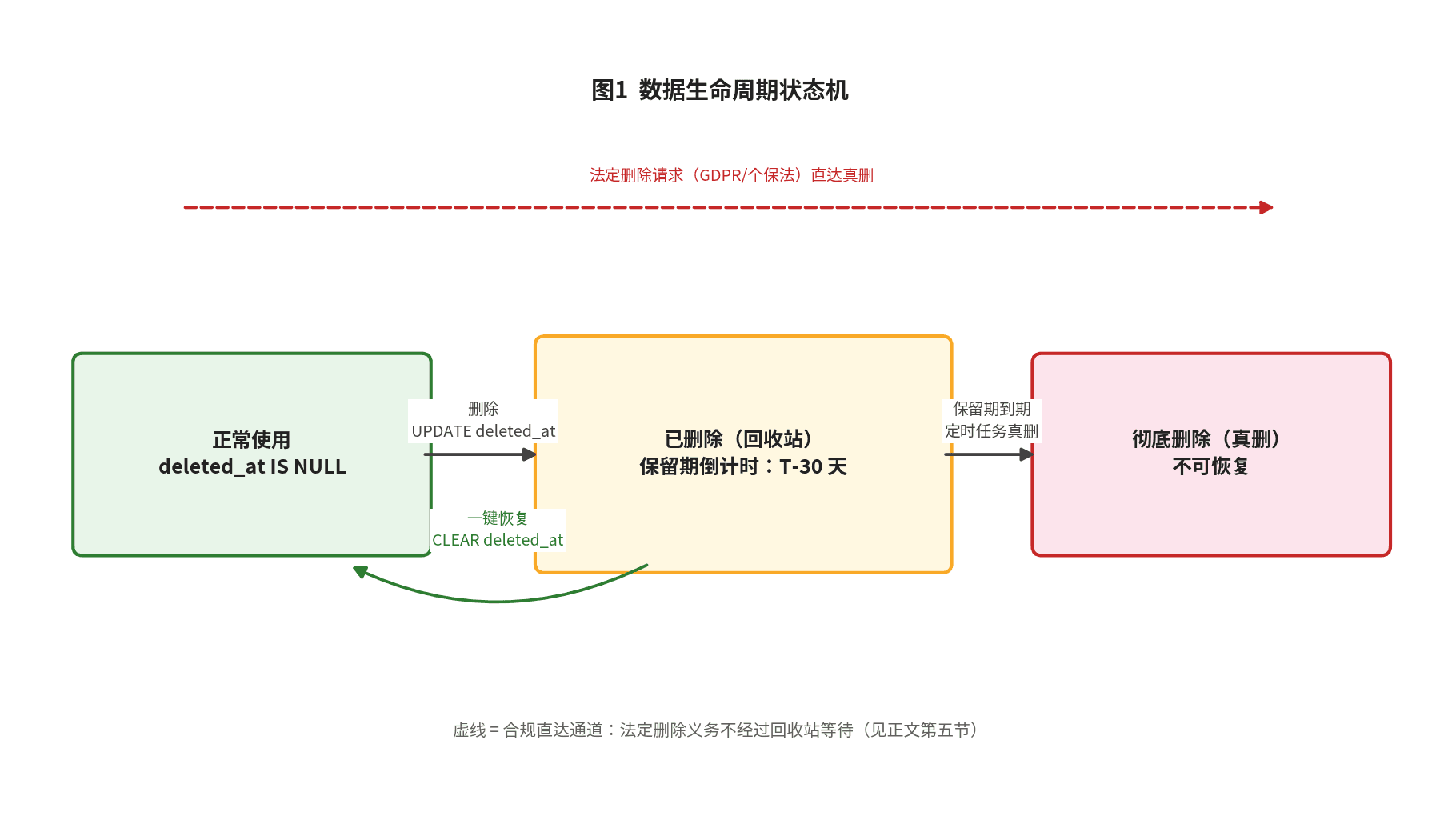
Backups are the last line of defense; the trash bin is the first. This hands-on guide covers the three delete semantics, deleted_at data modeling, partial unique indexes, Prisma query-layer guards, tiered trash-bin retention, GDPR/PIPL erasure reconciliation, and an 8-item launch checklist.