Serverless Is Not Free Money: A Cost-Optimization Field Guide for Vibe Projects
AI deploys your vibe project to serverless by default — then the bill arrives with an extra zero. This guide breaks down how Vercel, Cloudflare Workers and AWS Lambda actually bill, gives you a computable crossover formula for when serverless costs more than a VPS, exposes the five architecture traps AI-generated code falls into (WebSockets, local state, cron-as-worker, fat bundles, egress fees), and a six-step optimization checklist to run before you ever migrate.
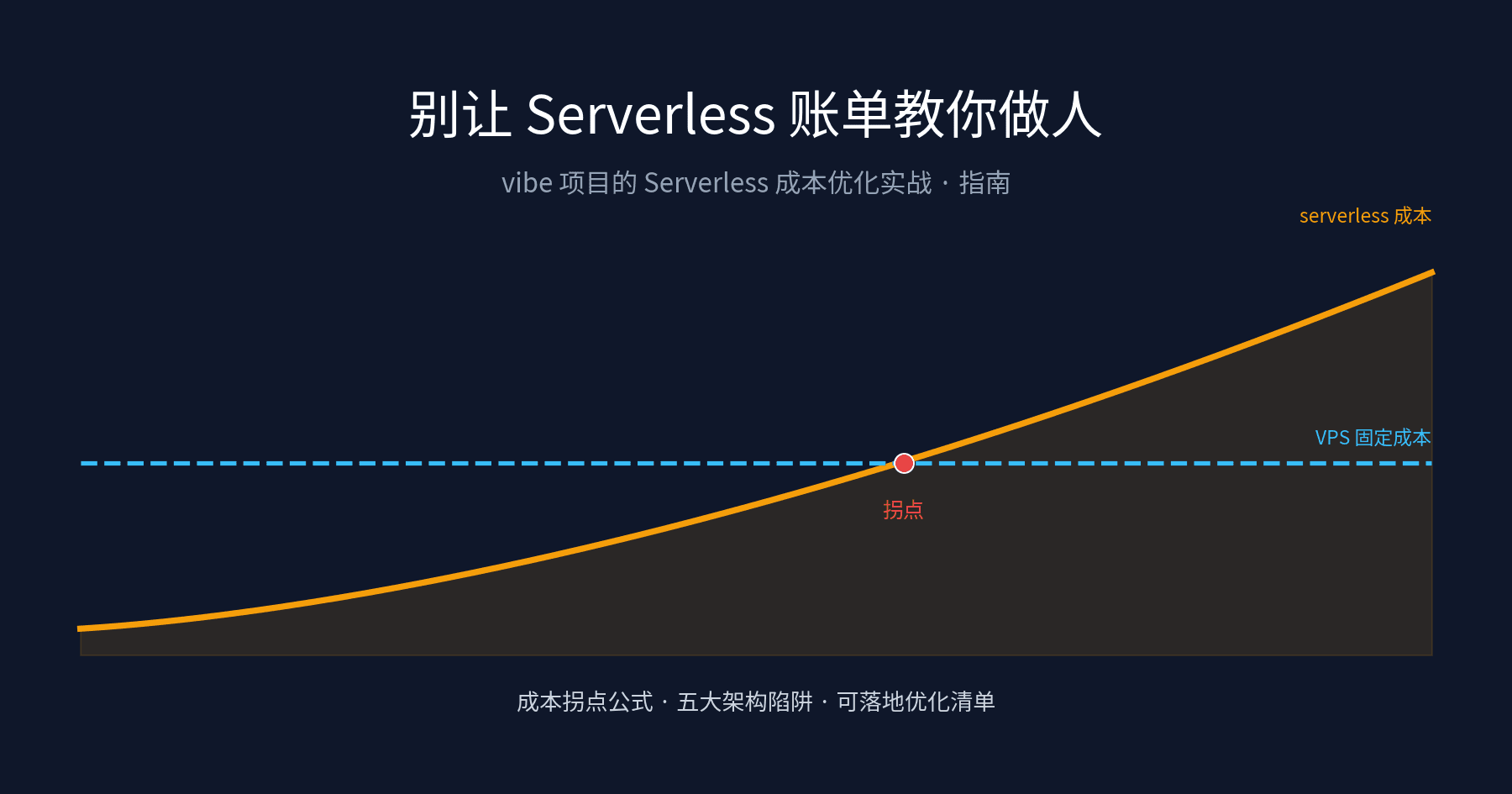
You asked an AI to build a project, it clicked deploy — and it probably landed on Vercel, Cloudflare Workers, or AWS Lambda. That is the standard 2026 vibe-coding opening: one-click launch, zero ops, free tier covering you. The honeymoon usually lasts until the first real users arrive, or the first agent starts running tasks 24/7. Then the bill shows up, often with one more zero than you expected.
That is not serverless's fault. Serverless is a fine tool, but it is a tool that bills by the stopwatch — and AI happens to be excellent at writing code that "looks like it runs, and burns money while running": cold starts on every request, one function call per agent loop iteration, state piled up in memory, cron jobs scanning entire tables every minute. This article is not about "how to self-host" — that is the job of our companion guide "Stop Paying the AI Tax: Self-Hosting Your Vibe Project with Coolify/Dokku", which walks you through migrating to your own server in 7 steps. This article answers the question that comes before it: should your project stay on serverless at all? Where is the crossover point? And before that point arrives, how do you make serverless cheap? The two guides are a pair: this one is the decision, that one is the execution.
Cover: serverless cost curve crossing the flat VPS cost line at the migration crossover point" alt="Serverless cost optimization guide cover: billing curve and cost crossover point" />The takeaway up front: serverless is a "getting-started tax", not a "success tax". It is cheapest when you start and most expensive when you grow — the trick is knowing where the crossover sits.1. Know What You Are Paying For: The Three Billing Models
Many people treat serverless as "pay per traffic". That is the first misconception. None of the three major platforms bills purely on traffic — they all bill invocations × compute, and each defines "compute" differently. If you do not understand the billing model, every optimization after this is guesswork.
Vercel (Fluid compute model). The Pro plan starts at about $20/month and includes a $20 usage credit; once the credit is exhausted, on-demand billing kicks in. Inside the allowance: 1M CDN requests/month, 100GB bandwidth/month, 4 hours of Fluid Active CPU/month, 360 GB-hours of provisioned memory/month, and 1M function invocations/month. The key concept is Active CPU: you are billed only for time the CPU is actually working; I/O wait time (waiting on a database, waiting on an AI API) is billed at a lower rate — a 20–30% saving for I/O-heavy workloads. Overage unit prices beyond the allowance (repeatedly cited from official docs by community price trackers and cross-checked at writing time: roughly $0.60 per million function invocations, roughly $0.128 per hour of Active CPU, roughly $0.15/GB of bandwidth — verify against the latest official pricing page). Two lifesavers: new teams get a default $200 on-demand budget with alerts, and you can configure projects to auto-pause at 100%; there is also a Flat Rate CDN add-on that gives high-traffic teams a fixed monthly fee.
Cloudflare Workers (per-request + CPU time). The cleanest model of the three: the paid plan starts at $5/month and includes 10M requests/month plus 30M CPU milliseconds; overages are $0.30 per million requests and $0.02 per million CPU milliseconds. Two details matter: first, it meters CPU time, not wall-clock time — waiting on I/O is free (free plan caps at 10ms CPU per invocation; paid defaults to 30 seconds, max 5 minutes). Second, egress is completely free, the biggest difference from the AWS world. A WebSocket connection counts as 1 request (only the initial Upgrade handshake); subsequent messages are not billed. Cloudflare's own worked example: 15M requests/month at 7ms average CPU costs $5 + $1.50 (requests) + $1.50 (CPU) = $8/month.
AWS Lambda (per-request + GB-seconds). The most expensive and most flexible yardstick: $0.20 per million requests (first 1M/month free), compute at $0.0000166667 per GB-second (first 400,000 GB-seconds/month free). Note that Lambda bills wall-clock time × memory — if your function waits 30 seconds for an LLM response, those 30 seconds are billed at full memory. Official example: 3M requests/month, 120ms average, 1536MB memory = $2.73/month. Cheap, right? But do not forget AWS egress: the first 100GB/month is free, then $0.09/GB all the way to 10TB — for image, video, or download sites, that line item is often bigger than all compute combined. And Lambda inside a VPC needs a NAT gateway for internet access (about $0.045/hour + $0.045/GB), which is frequently the largest line item for low-traffic projects.
Three sentences to remember: Vercel sells "peace of mind + ecosystem" at the highest unit prices; Cloudflare sells "cheap requests + free bandwidth", ideal for high-frequency small requests; Lambda sells "AWS ecosystem + elasticity", but wall-clock billing and egress are its two hidden traps. Your AI most likely defaulted to Vercel — because it is smoothest with Next.js, not because it is cheapest.
2. The Crossover Formula: When Serverless Costs More Than a VPS
This is the most useful section of the article. The formula first, three worked examples, then a decision rule you can copy straight into your README.
The formula. Monthly serverless cost ≈ base subscription + max(0, monthly requests − free request allowance) × per-request price + max(0, monthly compute − free compute allowance) × per-compute-unit price + egress fees. A 2 vCPU / 4GB VPS (Hetzner CX23 class, about €5/month with 20TB of traffic; DigitalOcean and Vultr entry tiers run $4–6/month — check each vendor's latest pricing) is a fixed cost: idle or maxed out, same price. The crossover is where those two lines intersect.
Cover: serverless cost curve crossing the flat VPS cost line at the migration crossover point" alt="Monthly cost crossover curves: three serverless platforms vs a VPS, cost vs monthly requests" />Figure 1: Cost curves modeled from official unit prices (I/O-heavy API scenario; modeling assumptions in evidence.md). The VPS is a flat line, serverless platforms are slopes — the intersection is your migration alarm. Note Lambda looks cheap here because this scenario excludes its wall-clock waiting trap and egress; see Section 3.Worked example 1: personal blog/portfolio. 50K visits/month, mostly static. Vercel's Hobby free tier or Cloudflare at $5/month handles it; a VPS also costs €5/month plus your ops time. Verdict: serverless wins, do not overthink it. At this scale, "self-hosting saves money" is bad math — your time is worth more than €5.
Worked example 2: a SaaS gaining traction. 10M API requests/month, 50ms Active CPU each. Rough model: Cloudflare ≈ $5 + $0 + CPU ≈ $8–10/month; Vercel ≈ $20 subscription + invocation and CPU overages ≈ $40+/month; Lambda (256MB, 200ms wall-clock) ≈ $1.80 requests + ≈$1.70 compute ≈ $3.50/month plus bandwidth. A single €5/month VPS handles the same load comfortably. Verdict: Cloudflare and Lambda are still cheap at this scale; Vercel starts looking expensive — not because of compute, but the $20/month base subscription and higher per-invocation price.
Worked example 3: an always-on agent. This is the vibe coder's danger zone: an agent calls a function every 5 minutes, each call waits 20 seconds on an LLM — 8,640 calls × 20s = 48 wall-clock hours a month. On Lambda at 1GB: 48×3600×1GB = 172,800 GB-seconds, still inside the 400K free tier? Wait — that free tier is shared account-wide, and one agent already eats 172K of it; three agents in parallel blow past it. Overage at $0.0000166667/GB-second looks tiny until you multiply it by 24/7 waiting. Verdict: any workload that spends its life waiting on external responses quietly multiplies your wait time into the wall-clock/active billing meter.
The decision rule (copy this). When your monthly serverless bill exceeds 1.5× the monthly rent of an equivalent VPS for two consecutive months, start a migration evaluation. The 1.5× is a buffer for "my own ops time" — do not trade your weekends to save $10/month. When evaluation time comes, read the companion guide "Self-Hosting Field Guide"; its 7-step SOP and rollback plan were written for exactly this moment. Conversely, as long as the bill stays under VPS rent, stay on serverless without guilt — spend the saved ops time on features. That is the whole point of vibe coding.
3. Five Serverless Architecture Traps (AI's Favorites)
The five traps below share one root cause: AI-generated code is written as if a server is always on, and serverless is precisely not that. The boilerplate from Cursor, v0, and Claude Code hits these traps at an alarming rate. One by one.
Cover: serverless cost curve crossing the flat VPS cost line at the migration crossover point" alt="Five serverless traps vs correct patterns, side-by-side comparison diagram" />Figure 2: The five traps × the correct patterns. The whole idea in one sentence: move "state" and "long waits" out of your functions.Trap 1: long-lived connections and WebSockets. The chat room, realtime collaboration, or game lobby the AI generated for you is almost certainly WebSocket-based. On Lambda that is a disaster: one hour of held connection = one hour of wall-clock × memory billing, and 1,000 online users = 1,000 concurrently billed instances. Vercel functions also have max-duration caps (seconds on Hobby, up to 800s on Pro) — long connections simply do not survive. The right pattern: Cloudflare Workers are far friendlier to WebSockets — one connection counts as 1 request, messages are free, and Durable Objects handle stateful coordination; or split the realtime part onto a small always-on VPS/self-hosted service while HTTP stays serverless. That is called a hybrid architecture, not "migrate everything".
Trap 2: keeping state locally. AI-written code is full of const cache = new Map(), files written to /tmp, sessions held in memory. Serverless instances get recycled at any time and requests land on random instances: local cache hit rates are approximately astrology, and /tmp is not guaranteed across invocations. The more expensive variant: someone "fixes" this by rebuilding connections and re-querying the database on every request — state solved, compute burned. The right pattern: externalize all state — KV via Cloudflare KV or Upstash Redis, sessions via signed cookies or external stores, files via object storage (R2/S3). The litmus test: anything a function restart would lose is not allowed to live inside the function.
Trap 3: using cron jobs as resident workers. Each cron trigger is one (or more) function invocation, and the AI-generated "scan the whole table every minute, then decide" job bills you twice: per invocation × compute per run. Cloudflare's official example: an hourly report job at 3 minutes of CPU each costs $6.99/month — looks cheap because it is infrequent; change it to every minute at 30 seconds each and it is 43,200 runs × 30 CPU-seconds a month. Straight to the moon. The right pattern: keep low-frequency light jobs on cron; move high-frequency heavy jobs to a resident worker (a systemd service or container on a VPS, fixed cost); or go incremental first — process only new rows instead of scanning the whole table.
Trap 4: fat dependency bundles and the cold-start tax. AI loves npm install-ing the entire universe: a simple API route drags in 200MB of dependencies (puppeteer, sharp, the whole AWS SDK). Lambda cold starts bill "init time × memory", so fat bundles burn double (slow init × the large memory you configured to run fast). Vercel and Workers have a cold-start latency tax too — your users feel it first. The right pattern: slim dependencies (import on demand, lighter libraries: native APIs over dayjs, lazy-load sharp), Lambda Layers + SnapStart, and check your Node bundle size — anything over 50MB deserves surgery.
Trap 5: egress fees — the stealthiest line item. The number worth underlining in this whole article: AWS egress is free for the first 100GB/month, then $0.09/GB. An AI-generated image site, podcast host, or clip tool serving 10GB a day hits 300GB/month, and bandwidth alone is (300−100)×$0.09 = $18/month — possibly more than all your compute combined. Cloudflare charges $0 for egress, its real killer feature; Vercel Pro includes 1TB/month of bandwidth inside the allowance, overages beyond. The right pattern: bandwidth-heavy apps belong on platforms with free or generous egress; serve images/video through a dedicated CDN or R2 (Cloudflare R2 egress is free); add cache headers to large files so every request does not hit origin.
4. The Actionable Optimization Checklist: Save First, Migrate Later
Do not rush to migrate when the bill arrives. Walk this checklist first — most vibe projects can cut 30–70% here, and only what remains is a real crossover.
1. Edge caching first: make requests never reach your functions. The highest-ROI move there is. On Vercel, cache hits do not count as function invocations (though they count as CDN requests); on Cloudflare, static-asset requests are free and unlimited. AI-generated pages default to fully dynamic rendering — convert stable pages to ISR/static generation, and a single revalidate = 3600 can kill 80% of your function calls. The diagnostic: if "function invocations" on your bill dwarfs "unique visitors", cacheable requests are burning compute money.
2. Batch and merge calls. The agent-scenario killer: a loop calling a function 100 times at 50ms each. Turn it into one call handling a batch — invocations drop from 100 to 1, and you pay the cold start once. Lambda's $0.20/million requests looks cheap, but 100× the call volume is real money on Cloudflare ($0.30/million) and Vercel ($0.60/million).
3. Database connections: serverless's invisible killer. Every function instance opens a direct Postgres connection; a traffic spike means thousands of connections hammering the database, and then you are forced onto a bigger database instance — a cost booked under "database" that makes serverless look cheap by misattribution. The fix is mandatory connection pooling: Hyperdrive on Cloudflare, Supavisor (transaction mode) on Supabase, PgBouncer self-hosted. The AI-generated new Client() on every request is the first thing to rewrite.
4. Provisioned concurrency: only buy it if you are genuinely always busy. Cold starts hurting? Lambda's provisioned concurrency keeps instances warm and waiting — but idle instances still bill, and the free tier does not cover it. Rule of thumb: it only pays off above ~60% sustained instance utilization; below that, accept cold starts or add warming. Do not let an AI suggestion of "enable provisioned concurrency for better UX" spend your money to save it effort.
5. Spending guardrails first; reviewing the bill afterward is luck. Vercel gives new teams a default $200 on-demand budget and can auto-pause projects at 100% — go turn it on. Use AWS Budgets + billing alarms, and Cloudflare's Workers usage dashboard with alerts. Stories of scraper-driven blowups and recursive-call infernos happen every month. Guardrails cost zero; incidents cost four figures.
6. Recompute the crossover quarterly. Spend 15 minutes every quarter plugging the last three months of bills into the Section 2 formula. Two consecutive months above 1.5× VPS rent triggers a migration evaluation — the evaluation and execution live in "Self-Hosting Field Guide". Remember: you migrate to save money, not to tinker; if the bill has not crossed over, migrating is a loss.
5. Closing: Treat Serverless as a "Getting-Started Tax"
A closing opinion. The vibe-coding community has two extreme camps: "serverless is an IQ tax, self-host everything" versus "it's 2026, who still manages servers". Both are wrong.
Serverless's real price is this: you trade higher unit prices for zero starting cost and zero ops. When your project earns nothing and has double-digit users, a €5 VPS plus two hours of your ops time costs more than $5 of Workers — your time is the expensive part. When monthly requests pass ten million, agents run 24/7, and bandwidth hits terabytes, the serverless slope will cross the VPS flat line. That is math, not opinion.
So the right posture is not either/or, it is staged: start on serverless (fast) → optimize with this checklist (cheap) → grow while watching the bill (mind the crossover) → migrate at the crossover (the companion guide shows you how). AI got your "starting" down to 10 minutes; your job is just to keep "growing" from turning into "burning". The bill is the most honest architecture review you will ever get — read it monthly; it beats any AI advice.
All unit prices were verified against official pricing pages at writing time (2026-10-16). Cloud vendors reprice regularly — confirm on the latest official pricing page before acting. Modeling assumptions and the verification log are in the accompanying evidence.md.
Comments (0)
Related articles

Avatars in ./uploads blew up in week one? This guide covers presigned-URL direct uploads, three storage policies for public/private/image-variant files, zero-egress selection with R2, orphan cleanup, environment isolation, and migration — with a launch checklist.
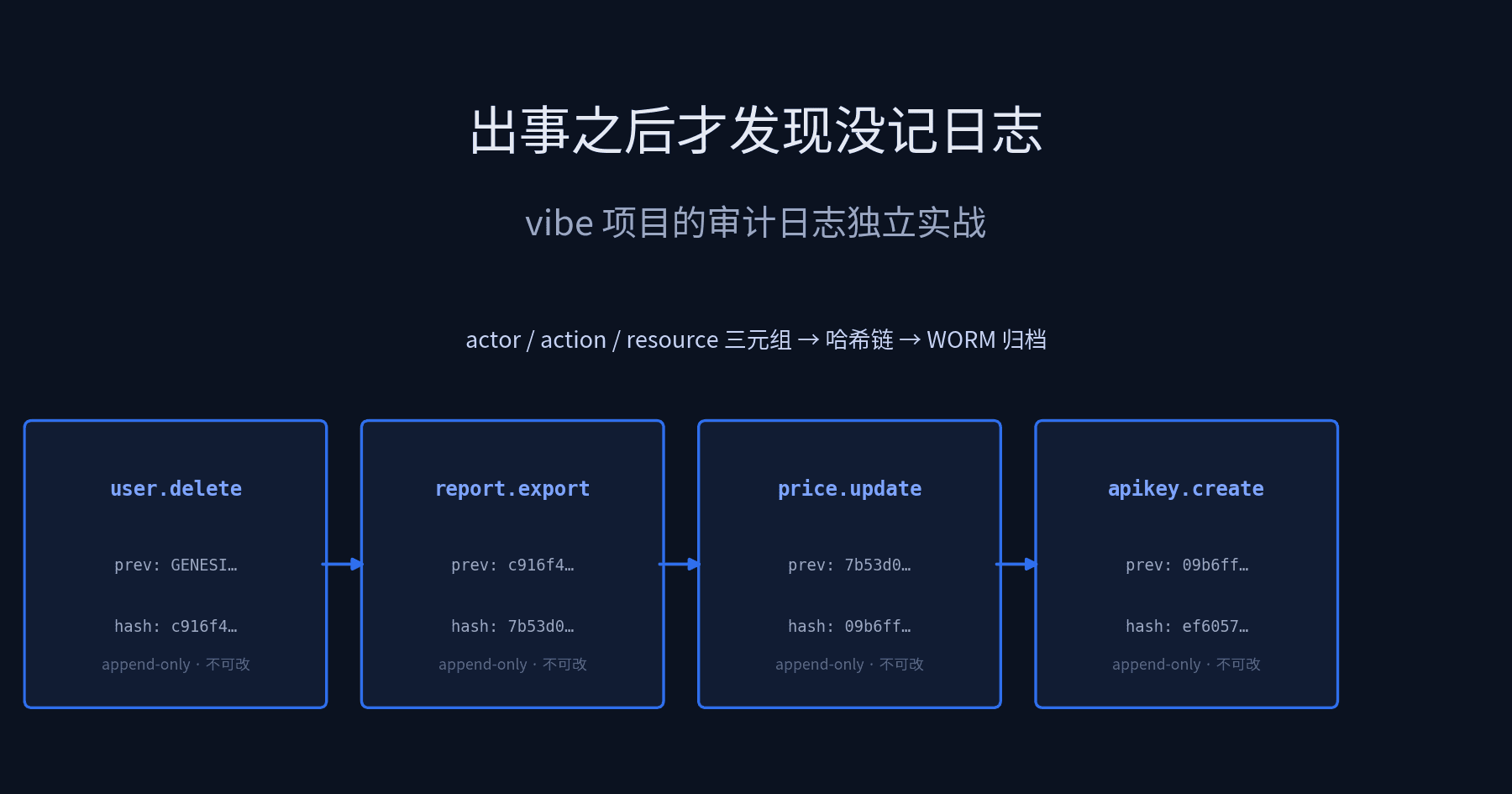
Audit logs are not business logs or ops logs. This standalone guide covers the actor/action/resource data model, hash-chain plus WORM immutable storage, three forensic query patterns (who deleted data, who exported reports, who changed prices), the deletion-right vs. audit-retention legal balance, and a minimal one-afternoon implementation for solo teams — with runnable code.

Your API p99 went from 300ms to 3s after launch — the database is the culprit eight times out of ten. This guide gives you a closed-loop playbook: find the real offender with pg_stat_statements, read EXPLAIN in five minutes, pick B-tree/GIN/BRIN/partial/covering indexes by query shape, dodge the 6 classic slow-query traps in AI-generated code, and ship with CREATE INDEX CONCURRENTLY. A 15-minute weekly checklist included.