Stop Fetching Everything at Once: Data Tables for Vibe Projects, in Practice
AI-generated tables are written for demo-sized data: full fetches that freeze the page, fake pagination, frontend sorting that silently misorders. This guide covers the interaction engineering of one table — offset vs. cursor pagination, sort whitelists, URL-synced filters, column preferences in JSONB, cross-page bulk selection, virtual scrolling test methods, and a 12-item launch checklist.
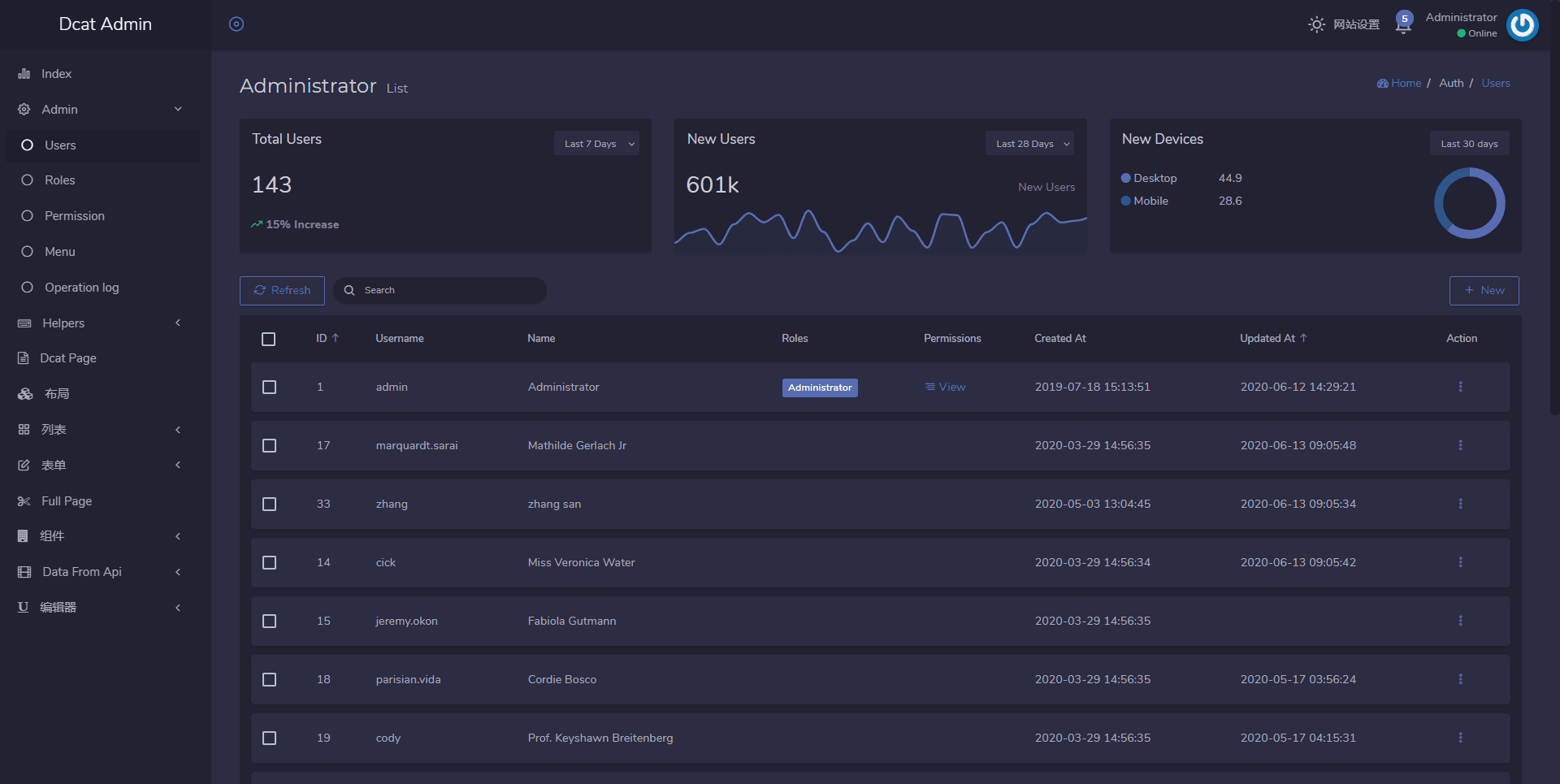
This piece is about the interaction engineering of data lists, with a clear division of labor against two other pieces on this site: vibe-project-admin-panel-guide (Admin Panel) covers "how to build the admin infrastructure" (routing, auth, audit logs) — this piece covers "how to build the table inside that admin" (pagination, sorting, filtering, column customization, bulk actions). Infrastructure vs. table, interlinked: https://vibefix.work/zh/explore/vibe-project-admin-panel-guide. And vibe-project-search-guide (Site Search) covers "full-text search" — Section 3 of this piece covers "in-table filtering and sorting." Searching the whole site vs. filtering one table, interlinked: https://vibefix.work/zh/explore/vibe-project-search-guide.
You have probably lived through this scene: you ask an AI to add an "orders list" page to your vibe project, the code runs, the demo data has 50 rows, the table looks beautiful, the sort icons animate, the pagination buttons are all there. You are satisfied, you ship. Three months later the real data grows to 8,000 rows, users open the page to a 4-second white screen, scrolling feels like a slideshow, and after clicking "sort by amount" and flipping to page 3, the amounts are out of order. You go back to the code and discover the AI's pagination was decorative. This is not because your prompt was bad — it is a systematic blind spot in AI-generated table code: the AI writes code sized for demo data, and real data is always two orders of magnitude larger than demo data.
This piece fills that gap. It is about exactly one thing — a table: how data gets out of the database, how pagination works, how sorting and filtering work, how users customize columns, how bulk actions work, and how to render large datasets. All landing details, no concepts.
1. The three chronic diseases: learn to spot the landmines AI buried for you
Before changing anything, learn to recognize these three diseases at a glance. They appear in nearly every AI-generated table codebase; the only difference is how long it takes for them to detonate.
Disease one: fetching everything at once. The most common shape is a backend findMany() that pulls the whole table, and a frontend data.map(...) that renders it all. With 50 demo rows, everything is fine; past a few thousand rows, the API response balloons to several megabytes, the frontend creates thousands of DOM nodes in one shot, the main thread chokes on layout computation, and the page locks up. The diagnosis is simple: open the Network panel and look at the list endpoint's response size — anything over 500KB means you are hit. Or open Chrome's task manager: if opening the list page adds hundreds of megabytes of memory, you are hit.
Disease two: deep browsing with fake pagination. Some AIs will give you pagination buttons, but the backend still returns everything on every request, and the frontend slices the page with slice((page-1)*20, page*20). Page 1 loads fast, page 50 gets slower and slower — because every page re-downloads the entire dataset. A subtler variant: the pagination buttons exist, but there is no total page count and no "jump to page N" — users can only click "next" one page at a time, paging through thousands of rows until the end of time.
Disease three: sorting done on the frontend, misalignment served to users. This is the most insidious one. The backend paginates by creation time and returns 20 rows; the frontend takes those 20 and sorts them by "amount." On page 3 the user sees "these 20 rows sorted by amount descending," but globally, page 2's largest amount may exceed page 3's smallest — sorting holds only inside a small window and is wrong globally. Users will not say "your sort algorithm is wrong"; they will say "your data is garbage," and trust evaporates. Memorize one iron rule: sorting, pagination, and filtering must complete inside the database in a single query; the frontend only renders. Every section below is an elaboration of this rule.
2. Pagination models: offset vs. cursor, a pick-one-of-three decision table
There are exactly two serious ways to paginate. No third one. Picking wrong does not cost you "a bit of speed" — it makes certain features impossible to build at all.
Offset pagination (LIMIT 20 OFFSET 40): the simplest to implement, and it natively supports "jump to page N" plus a total page count. Two costs: first, the database must scan and discard all preceding rows before taking your 20 — the deeper the page, the slower it gets, and past a few hundred pages the lag is palpable. Second, when data changes in real time (orders keep coming in), a user who sits on page 5 for a while and then clicks next will see newly inserted rows push everything down, causing skipped reads (some row can never be reached) or duplicates (some row appears twice).
Cursor pagination (also called keyset pagination): no page numbers — the next page is located by an anchor, "the last row of the previous page":
-- offset: to reach row 10001, the first 10000 rows are scanned then discarded
SELECT * FROM orders ORDER BY created_at DESC, id DESC LIMIT 20 OFFSET 10000;

-- cursor: jump straight to the anchor, equally fast at any depth
SELECT * FROM orders
WHERE (created_at, id) < ('2026-10-01 12:00:00', 88412)
ORDER BY created_at DESC, id DESC LIMIT 20;
Cursor's costs: no "jump to page 37" (without an anchor you cannot get there), and total page counts are hard (a COUNT(*) on a huge table is itself slow). Also, the anchor must be unique: if you anchor on created_at alone, multiple orders created in the same second will squeeze each other out — you must combine it with id as a composite anchor. That is the one line AI most often forgets.
 Offset vs. cursor: cost trends on deep pages and consistency differences under live inserts (illustrative — measure against your own database)
The decision rests on three dimensions:
| Dimension | Offset pagination | Cursor pagination |
|---|---|---|
| Deep-page performance on large datasets | × Slower the deeper you go; scan-and-discard cost grows linearly | ✓ Anchor lookup; page depth does not affect speed |
| "Jump to page N" requirement | ✓ Natively supported — total pages and jump-to-page inputs work directly | × Not supported — only sequential prev/next browsing |
| Skipped/duplicated rows from live inserts | × New rows shift everything, causing skips or duplicates | ✓ Anchor stays put; inserts do not disturb browsed pages |
The landing advice: offset for admin panels, cursor for user-facing live lists. Admin tables (orders, users) are relatively static, and ops people need determinism like "jump to page 58" and "231 pages total." User-facing live feeds (message streams, activity streams) keep receiving inserts — only cursor guarantees no skipped rows. Running both pagination models in one project is completely normal. Choose per page, not per "technical taste."
3. Sorting and filtering: a whitelist for column names, the URL for state
 The complete data flow of one table: the URL is the frontend's single source of truth; pagination, sorting and filtering all complete inside the database
Sorting has two pitfalls — one is a security hole, the other a logic hole. The security hole first.
Column names cannot be parameterized — this is the classic SQL injection entry point. AI loves generating code like this:
// × Dangerous: user input lands directly in orderBy's key
const rows = await prisma.order.findMany({
  orderBy: { [req.query.sort]: req.query.dir },  // sort = any string
  skip: (page - 1) * 20, take: 20,
});
ORMs like Prisma parameterize values, but column names (object keys) are baked into the SQL structure. A user passing sort=password will at best trigger an error that leaks field names, at worst help exfiltrate data combined with other vulnerabilities. The correct approach is a sortable-column whitelist: the frontend only ever sends business keys, the backend translates them into real column names through a mapping table, and anything not in the table is rejected:
// ✓ Whitelist mapping: user input only does a table lookup, never enters SQL
const SORTABLE = {
  created: "created_at",
  amount: "total_amount",
  status: "status",
} as const;

const column = SORTABLE[req.query.sort];
if (!column) return res.status(400).json({ error: "Unsupported sort column" });

const rows = await prisma.order.findMany({
  orderBy: { [column]: req.query.dir === "asc" ? "asc" : "desc" },
  skip: (page - 1) * 20, take: 20,
});
Note the mapping table has a second benefit: it decouples the frontend column id (created) from the database column name (created_at) — future schema changes do not touch the frontend. Filter field names get the same whitelist treatment.
The logic hole: sorting must happen inside the database, in the same SQL as pagination. With TanStack Table, if you enable manualPagination (server-side pagination), you must also enable manualSorting and manualFiltering — the three manuals are a package deal. Enable pagination alone and TanStack will apply its built-in getSortedRowModel to the current page's 20 rows on the frontend, perfectly reproducing disease three from Section 1. This pit hides inside "everything looks fine": the sort icons animate, the current page is genuinely sorted, and only comparing across pages reveals the global order is wrong.
Sync filter state to the URL. A table's current state (page, sort, filters) belongs in URL query parameters: /orders?page=3&sort=-amount&status=paid. Three direct payoffs: links are shareable (support pastes "this page of data" to ops and they see the same page); browser back-button works (drill into a detail page and come back, filter state intact); some public list pages even pick up SEO. On the implementation side with TanStack Query, fold the URL params into the queryKey — page changes trigger requests automatically, cache automatically, and back-navigation hits the cache without refetching. One detail AI always forgets: reset the page to 1 when filters change — otherwise users stay on page 8 after filtering, see an empty page, and assume something broke.
One boundary to draw: this section covers structured in-table filtering (status dropdowns, date ranges, amount brackets). Fuzzy full-text search across fields (typing "zhang" and finding every related order, user, and note) is a different beast — it belongs to our site search piece. Do not hand-roll a full-table LIKE scan "search box" in this section.
4. Column customization: let users decide which columns they see
Sooner or later, users will ask: "Can I hide the 'notes' column? Can 'refund amount' move to the front?" Do not hard-code a column set per user. The standard approach: persist preferences, not layout code.
Preferences live in a JSONB column on the users table, grouped per table:
-- users table gains a table_prefs JSONB column, shaped roughly like:
{
  "orders": {
    "columns": [
      { "id": "created",   "visible": true },
      { "id": "customer",  "visible": true },
      { "id": "amount",    "visible": true },
      { "id": "remark",    "visible": false },
      { "id": "refunded",  "visible": true }
    ],
    "pageSize": 50
  },
  "products": { "columns": [ ... ] }
}
Three rendering conventions, all mandatory:
First, column ids must be stable. Use business keys (created, amount), never array indices. Otherwise the next time you insert a column in the middle, every existing user's preferences misalign. As a bonus, these ids are the same keys as the sort whitelist from Section 3 — one set serves both.
Second, default column config always comes from code. When a user has no preferences (new user) or their preferences lack a column (you shipped a new one), fill in from the coded defaults. The merge rule: preference order and visibility win; unseen columns append at the end in default order. New columns never disturb existing users.
Third, the server only stores preferences — nothing more. How a column renders (bold amounts, status badges) belongs to the frontend column definitions; the backend stores and returns the JSONB verbatim. Give preferences their own PATCH /me/table-prefs endpoint; do not tangle it with business endpoints.
On the frontend with TanStack Table, these preferences plug directly into the columnVisibility and columnOrder states, debounced ~500ms before writing back to the server. For drag-to-reorder columns, use a library like @dnd-kit wired to onColumnOrderChange — never hand-roll column dragging. Hand-rolled drag-and-drop on table columns is a bug farm.
5. Bulk actions: cross-page selection, double confirmation, async progress
Bulk actions are the watershed where a table stops being "a display" and becomes a productivity tool — and the place where AI-generated code fails most often, because it involves state coordination across pages.
Keep selection state across pages. AI's default is to store selected row ids in the current page component's state — the user flips to page 2, flips back, and the selection is gone. The correct approach lifts selection state out of the page (into a global store outside the URL) as a Set<rowId>. But storing ids is not enough; there is a second mode: "select all N rows matching the filters." When a user ticks the header checkbox, they expect all 3,000 filtered rows selected, not the 20 on screen. In that case the frontend stores no ids at all — just a marker { mode: "all", filters: {...} } — and the bulk endpoint re-derives the id set on the backend using the exact same filter conditions. Note "exact same": frontend and backend must share one filter-to-SQL logic, or the user sees set A while the operation hits set B — the most dangerous inconsistency in bulk operations.
Double-confirm destructive actions. Deletes, bans, refunds — anything irreversible — must not execute the moment "bulk delete" is clicked. The confirmation dialog should show a freshly computed impact count from the backend (Will delete 1,284 orders. This cannot be undone.) so the user confirms a number, not a button. That COUNT request and the real bulk request use the same filter conditions, for the same reason as above.
Turn bulk jobs async, with progress feedback. Dozens of rows can run synchronously; hundreds or thousands must go async: the frontend submits and receives a jobId, the backend enqueues the work, and the frontend shows a progress bar via polling or SSE (640 / 1284 processed). Three details: first, attach an idempotency key (a UUID) to the submit button to survive double-clicks; second, report a definite end state (X succeeded, Y failed, failures downloadable as a list) — never just "done"; third, show a "refresh" nudge on the table while the job runs, because the backend is mutating data and the frontend cache is already stale.
6. Rendering large datasets: virtual scrolling vs. pagination — a test method, not a number
Many articles tell you "use virtual scrolling past 10,000 rows." Do not trust absolute numbers like that. The threshold depends on your row complexity (five plain-text cells per row vs. a row with avatars, badges, and action buttons are completely different animals), your users' devices, and your framework version. What you get instead is a test method you can run in 15 minutes to find your own line in your own project:
Step one, generate data. Script four tiers into your test database: 1k, 5k, 20k, 50k rows, with content as close to real as possible (not pure lorem ipsum — include your actual cell components).
Step two, measure three metrics at each tier: ① time to interactive on first paint (Lighthouse, or Network plus main-thread idle); ② scroll frame rate (Chrome DevTools → Performance, record 5 seconds of scrolling, check dropped-frame ratio); ③ memory (Chrome's task manager, before vs. after opening the table).
Step three, decide on interaction needs. The numbers are inputs; the real decision variable is how users will use the table:
| User need | Virtual scrolling | Pagination |
|---|---|---|
| Scan all data at a glance, scroll fast to locate | ✓ Continuous scroll, no breakpoints | × Page flips break the browsing flow |
| Ctrl+F across the full dataset | ✓ (with server-side search highlighting) | × Only the current page is searchable |
| Share "page 7" with a colleague / browser back-button | × Scroll position is hard to share or restore | ✓ The URL is the state |
| Public pages needing SEO | × Crawlers never see scroll-loaded content | ✓ Each page is its own URL |
| Auditing / reconciliation (must be sure you "saw everything") | × Scrolling invites misses | ✓ Page numbers are progress |
As a rule of experience, plain tables under a few thousand rows usually render without anyone noticing, and virtualization deserves serious consideration past ten thousand — but that is experience, not a promise. Run the three-step method above against your own table to verify. On the tech side, the TanStack ecosystem pairs with @tanstack/react-virtual (same author as Table, consistent API style). Note that virtual scrolling is a natural partner for cursor pagination from Section 2 (both are "keep moving forward" models), while it fights offset pagination's "jump around" model.
7. The three-state kit: empty results, loading skeletons, error retries
A table's completeness is 30% normal state, 70% the three abnormal states. AI-generated code typically ships only the normal state — the other three are yours to add.
Empty results come in two flavors. Flavor one is "genuinely no data" (a freshly registered user, an empty orders table): do not just print "No data" — offer a guide, "No orders yet — create your first one," with a creation button. An empty state is a conversion entry point, not a dead end. Flavor two is "filters too strict, filtered down to nothing": always offer one-click "clear filters" so users who filtered themselves into a corner can get back out. And the boundary with our search piece: that one covers "keyword found nothing, now what" (try other words, loosen criteria); this one covers "structured filters returned empty" — different scenarios, different copy.
Loading gets skeleton screens, not fullscreen spinners. A table's loading state should be gray row-block shimmer with the header still visible — users instantly read it as "the table is on its way." When switching pages, sorts, or filters, use TanStack Query's keepPreviousData (or placeholderData in newer versions): keep the old data on screen with a thin loading bar on top, instead of flashing the whole table white and back. A flashing table makes users feel "every click reloads everything" — three times slower in perception.
Errors get retries, not 500s. When the list endpoint fails, the table area should speak human: "Couldn't load data — possibly a network issue," with a "Retry" button. Retry calls refetch directly; never make users refresh the whole page. And test the retry path during development: kill the backend, click once, and check that empty, skeleton, and error states all behave. These three states never trigger in demos — and always trigger on launch day.
8. The solo-team landing checklist: stack choice + 12 acceptance items
Stack choice first, verified against official sites and community records on 2026-10-17 (see verification notes at the end):
TanStack Table is the default answer for vibe projects. It is headless: it owns sorting, pagination, filtering, selection, and column visibility state, and owns zero pixels — styling is 100% yours, shadcn/Tailwind drop right in. But pick the version deliberately — there are two active major lines right now: v8 (latest 8.21.3) is the battle-tested stable line; tutorials, examples, and AI training corpora are all v8-shaped (useReactTable + getCoreRowModel). v9 went stable in August 2026 as a genuine API rewrite (useReactTable renamed to useTable, features registered via tableFeatures()), and the community already has cases of accidental v9 upgrades white-screening apps that then got pinned back to v8. For a solo team starting a new project today, go v8: AI generates correct v8 code at a much higher hit rate, and it will likely write v9's new API from stale memory. v8 is fully compatible with React 19 (supports React 16.8 through 19) — verified against community test records.
AG Grid is the alternative, not the default. Official React 19 support landed in 34.3 (October 2025); the 2026 major line is v35/v36. Its strength is enterprise-grade heavy scenarios: pivoting, Excel export, cell editing, server-side row models — all out of the box. The price is bundle size, a heavier API, and commercial licensing for advanced features. The rule is simple: reach for it when your table requirements include "pivoting" or "Excel-grade editing." Otherwise TanStack Table is lighter and freer.
Three frontend-backend conventions (echoing Section 3): pagination params ?page=&pageSize= or cursor params — pick one; sorting ?sort=-amount (minus means descending); filters ?status=paid&from=2026-10-01. Write the conventions into a 20-line doc, pin it in the repo README, let each side read its own half.
Finally, the 12-item acceptance checklist. Check every box before launch — one failure blocks release:
- List endpoint response ≤ 200KB (measured in the Network panel, not estimated)
- Page 50 loads in the same order of magnitude as page 1 (for offset schemes, switch to cursor here — or accept and document it)
- After sorting by amount, flip through 5 consecutive pages: globally ordered (spot-check the two rows at each page boundary)
- An illegal sort column (e.g.
?sort=password) gets a 400 from the backend and never reaches SQL - Changing filters resets the page to 1 automatically
- Copy the current page URL into a new tab: the identical table state appears
- Toggle column visibility/order, refresh: preferences persist (JSONB round-trip)
- Add a new column: existing users' preferences do not misalign (column-id stability test)
- Select 3 rows on page 1, visit page 2, come back: selection intact
- "Select all 1,284 rows" bulk delete: the confirmation dialog's count matches what actually executes
- Go offline (DevTools offline) and open the list: a readable error state with a retry button, not a white screen
- Empty filter results offer "clear filters"; a genuinely empty table offers "create your first one"
Related reading: Admin Panel for Vibe Projects (the infrastructure this table hangs inside); Site Search for Vibe Projects (what the table cannot filter, full-text search handles).
In one sentence: AI writes table code sized for demo data, while your real data is always two orders of magnitude larger. Hold the iron rule — sorting, pagination, and filtering complete inside the database in one query; column names go through a whitelist; state lives in the URL — run the 12 acceptance items once, and the table will survive real data.
Comments (0)
Related articles
Two people editing the same line is a consistency problem, not a realtime problem — naive WebSocket JSON broadcast dies at three users. Scoped against the site's realtime-features and offline-sync guides, then deep: OT vs CRDT with a decision table (conclusion first: solo teams pick Yjs), the Y.Doc/Awareness/Provider trio (30-line client, 40-line authenticated server), room-level ACL plus snapshot backstops, production pitfalls, and a 5-item launch checklist.

AI-built sites either ship no OG image or render Chinese as tofu blocks. This guide wires up the satori pipeline end to end: JSX template to SVG to PNG, CJK font subsetting from megabytes to kilobytes, per-slug edge caching, and a fallback image on failure — a weekend build.
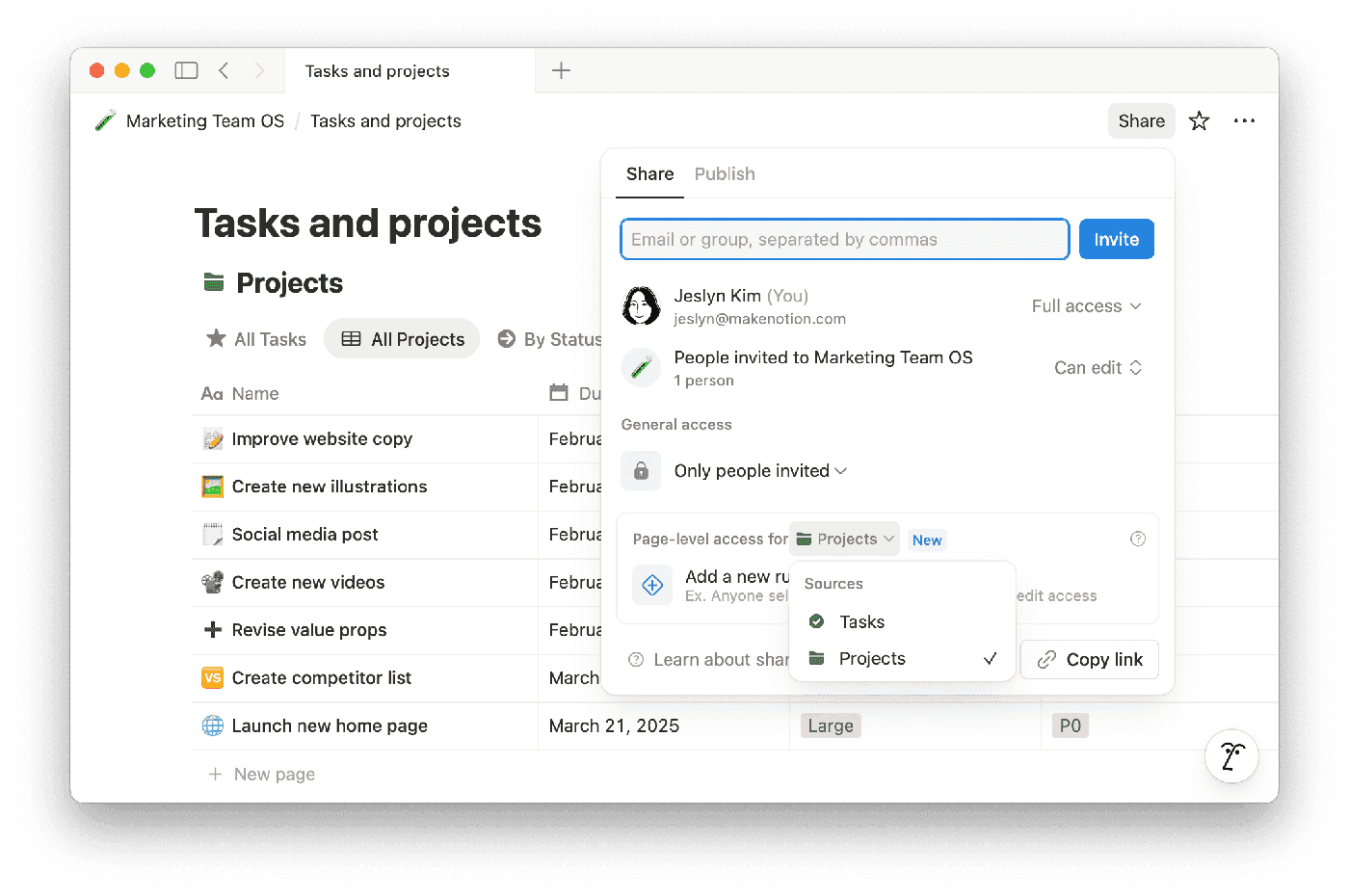
Copy-link sharing is SaaS’s cheapest growth loop — and the feature AI code most often ships naked. Three failures dissected (enumerable IDs, no expiry, dirty revocation), then the full fix: unguessable shr_ tokens, three-tier view/comment/edit permissions on three Postgres tables, a runnable expiry + usage-cap middleware, revoke/rotation with cache invalidation, anti-enumeration defenses, and consumption-side og tags. Closes with a solo-team weekend plan and a 10-item launch checklist.